
Description
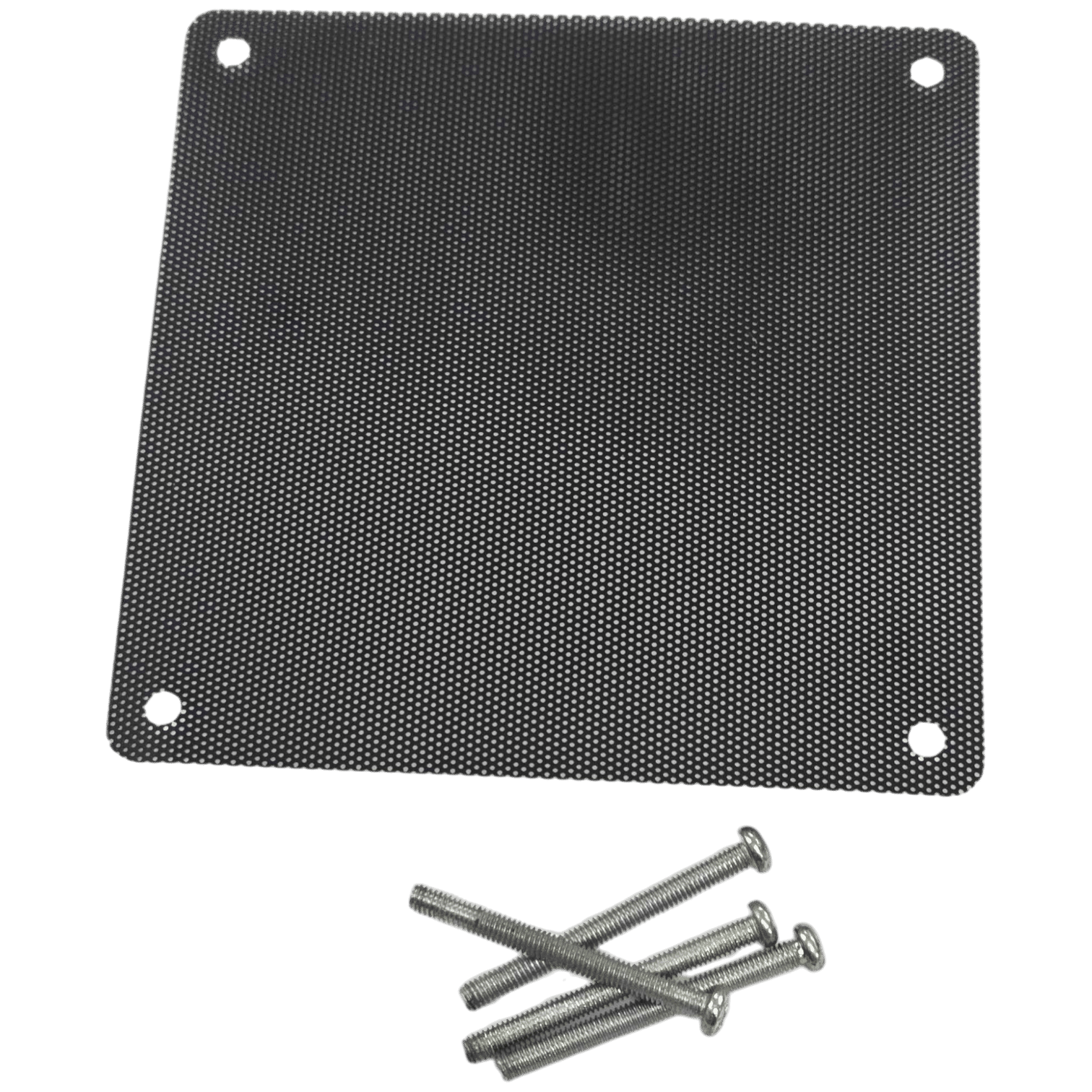
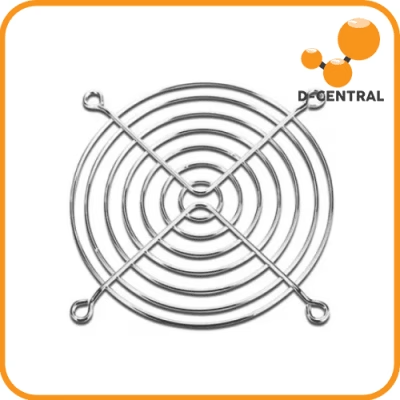
Protect your ASIC miners from dust buildup with this set of 4 screw-in air filters designed for Antminer cooling fans. These filters mount directly into the fan screw holes, creating a secure and stable installation for continuous mining operation.
Dust accumulation is one of the most common causes of reduced airflow, overheating, and long-term damage to hashboards and fans. Installing intake filters helps keep airborne particles from entering the miner while maintaining cleaner airflow through the system.
These filters are designed for standard 120mm Antminer fan layouts and are compatible with many Bitmain models used in mining farms and home mining setups.
Because the filter mesh adds resistance to airflow, these filters are best used with high-RPM fans that generate strong air pressure, such as stock Antminer cooling fans. High-speed fans are able to maintain proper airflow through the filter mesh while still reducing dust intake.
Lower-pressure or silent fans may experience reduced airflow when used with these filters, as the mesh will still block some air if the fan does not produce enough pressure.
The filter mesh can be cleaned and reused, making this a simple and effective long-term maintenance solution for ASIC miners operating in dusty environments.
Key Features
• Set of 4 Antminer air filters
• Screw-in mounting using fan screw holes
• Designed for high-RPM mining fans with strong airflow
• Compatible with standard 120mm Antminer fan mounts
• Washable and reusable filter mesh
• Helps reduce dust intake and protect mining hardware
Compatible Miners
These filters fit most Antminer units using standard 120mm cooling fans, including:
• Antminer S9
• Antminer S17 / S17 Pro
• Antminer S19 / S19 Pro / S19j / S19 XP
• Antminer S21 series
• Antminer L3+
• Antminer L7
What’s Included
• 4 × Antminer screw-in air filters
• 4 × mounting screws
One set is designed to protect both intake fans of one ASIC miner.
Installation
Installation takes only a few minutes:
-
Place the filter over the fan intake.
-
Align the mounting holes with the fan screw holes.
-
Secure using the included screws.
Maintenance
Filters can be cleaned and reused using:
• Compressed air
• Water rinse (allow to fully dry before reinstalling)
• Vacuum cleaning
Cleaning every 2–4 weeks is recommended in dusty environments.
How often should I clean the filter?
Check monthly. In dusty environments (garages, basements, near pets), clean every 2–4 weeks. In clean environments, every 1–2 months. Gently hand wash with warm water and let air dry completely before re-installing.
Does it restrict airflow?
Minimally. The fine mesh blocks particles while allowing adequate airflow. You may see a 1–2°C temperature increase — far better than the 10–20°C spikes caused by dust-clogged heatsinks. Clean the filter regularly for optimal airflow.
Do I need one filter or two per miner?
Install one filter on the intake (cool air) side of your miner. That is where dust enters. Most miners with dual fans on each side need two filters for the intake side. Models like the S9 with one fan per side need one filter on the intake side.
Avis
Il n’y a pas encore d’avis.