Description
Why the Bitaxe — The Open Source Bitcoin Miner Built for Solo Mining
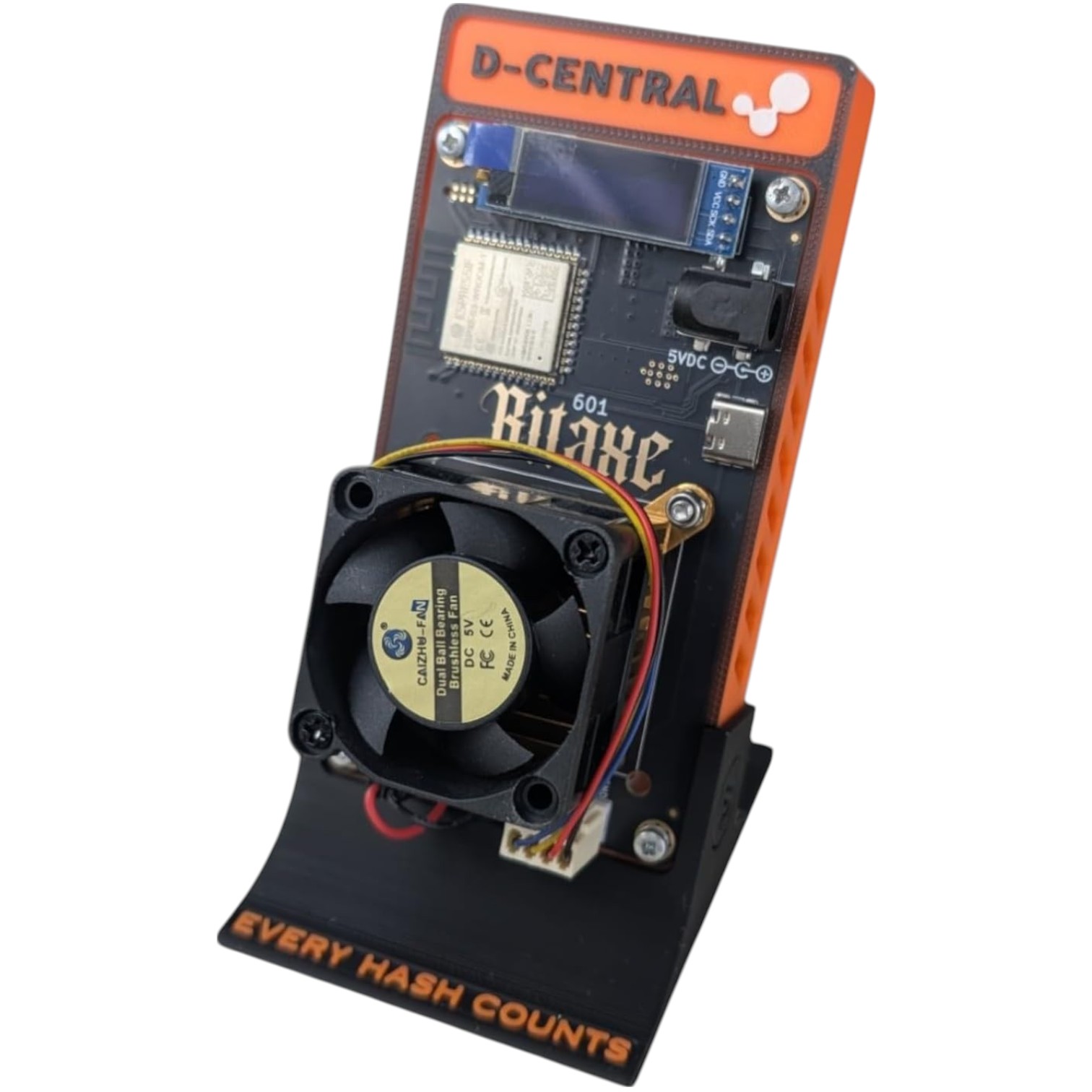
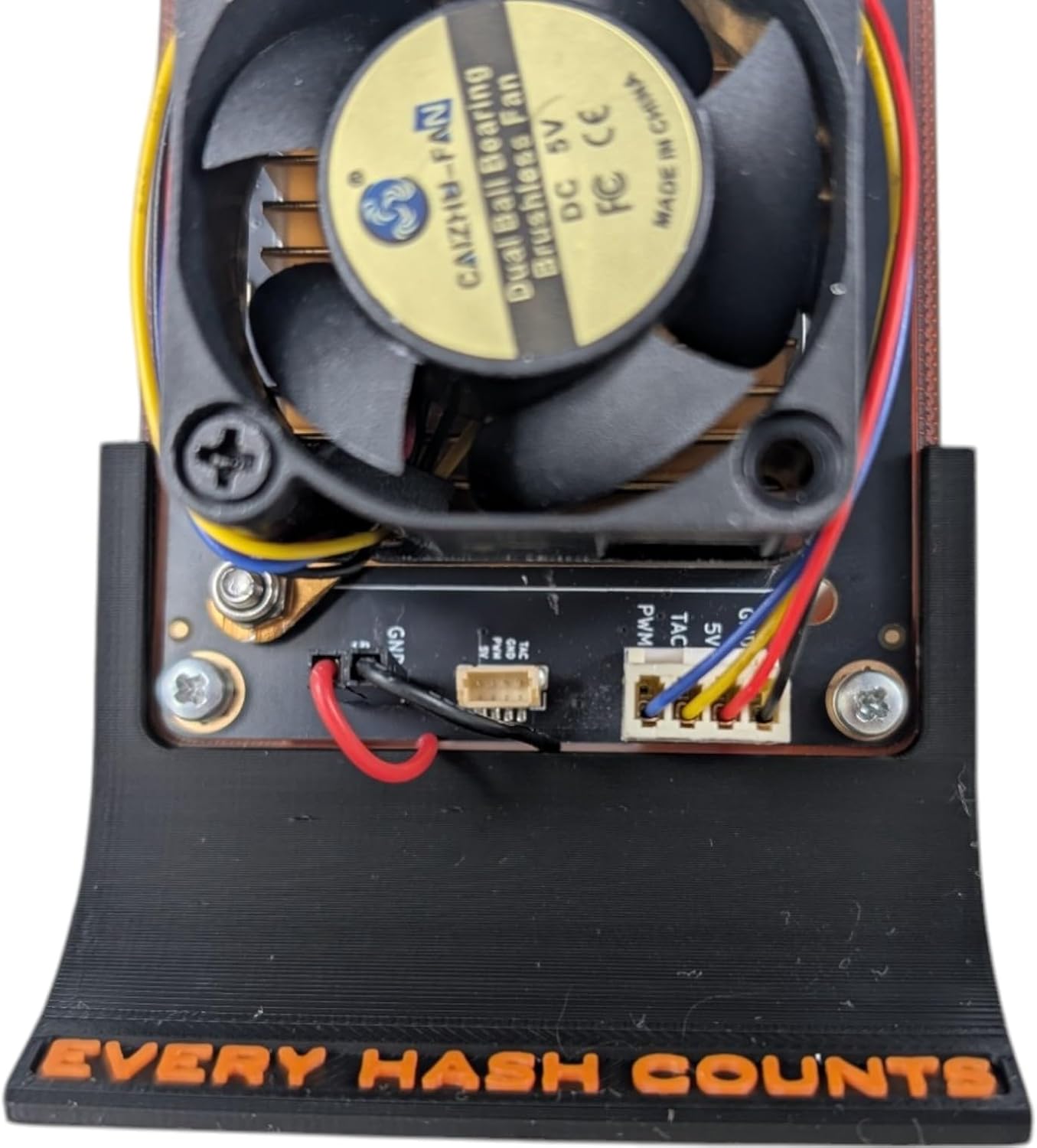
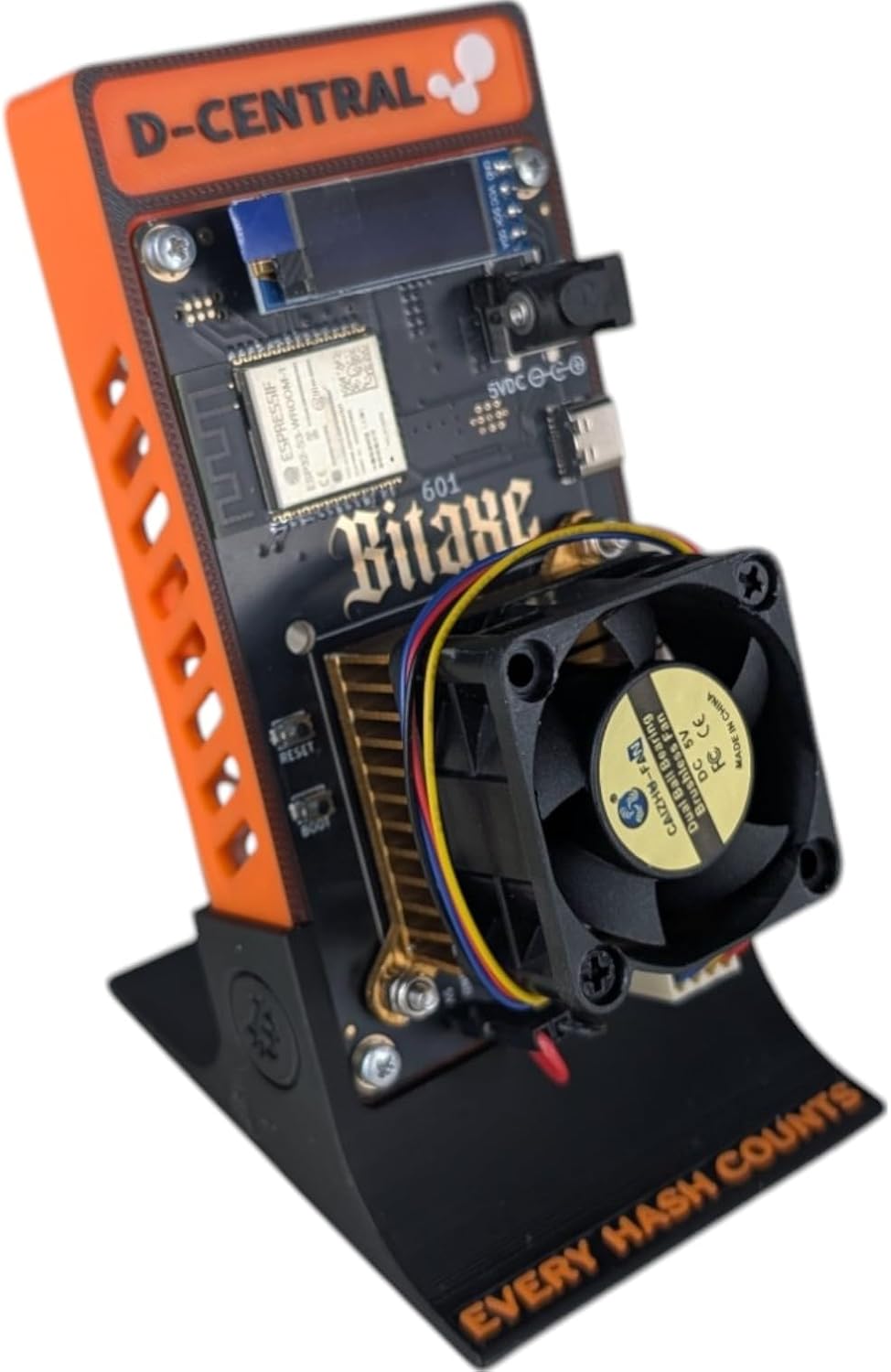
The Bitaxe is the most popular open-source Bitcoin miner on the market — a single-chip solo bitcoin miner that puts real ASIC hashpower on your desk for under $200 CAD. Whether you choose the Supra or Gamma, you are running the same silicon that powers industrial Antminer fleets, hacked down for home miners by D-Central Technologies, a pioneer in the Bitaxe ecosystem
since the early days of the OSMU movement.
- True Solo Mining, No Middlemen — Run your own ASIC miner pointed at the Bitcoin network. No pool politics, no custodial risk. If your Bitaxe finds a block, the entire 3.125 BTC reward goes straight to your wallet. Bitaxe devices have confirmed multiple solo block finds, with combined payouts exceeding $1 million USD.
- 100% Open-Source Hardware — Every schematic, every line of firmware, fully public under the MIT License. You own the hardware and the code. Audit it, modify it, improve it. This is Bitcoin mining the way it should be.
- Plug-and-Play in Under 5 Minutes — Connect power, join WiFi, enter your wallet address. AxeOS handles the rest. No Linux terminal, no command line, no mining pool accounts required.
- Silent Desktop Operation — At 35-40 dB, the Bitaxe is quieter than your laptop. Run it 24/7 on your desk, shelf, or nightstand without anyone noticing. Designed for home miners, not data centers.
- Two Generations of ASIC Power — Choose between the Supra (BM1368, 625-775 GH/s) for an efficient entry point, or the Gamma (BM1370, 1.0-1.2 TH/s) for maximum hashrate from a single chip. Both use the same silicon that powers industrial Antminer fleets — hacked down for your desktop.
- Backed by Canada’s Bitcoin Mining Hackers — D-Central Technologies has been in the Bitcoin mining industry since 2016. We created the original Bitaxe Mesh Stand, developed custom heatsinks, and our ASIC repair team has serviced 2,500+ mining machines. When you buy a Bitaxe from D-Central, you are buying from builders who live and breathe this technology.
Technical Specifications
| Specification |
Bitaxe Supra (400 Series) |
Bitaxe Gamma (600 Series) |
| ASIC Chip |
BM1368 (Bitmain) |
BM1370 (Bitmain) |
| Process Node |
5nm (Antminer S19k Pro era) |
3nm (Antminer S21 era) |
| Hashrate (Stock) |
625 – 775 GH/s |
1.0 – 1.2 TH/s |
| Efficiency |
~17 J/TH |
~15 J/TH |
| Power Consumption |
~12W |
~21W |
| Power Input |
5V barrel jack (5V/6A PSU required) |
5V barrel jack (5V/6A PSU required) |
| Connectivity |
2.4 GHz WiFi (802.11 b/g/n) |
2.4 GHz WiFi (802.11 b/g/n) |
| Firmware |
AxeOS (pre-installed) |
AxeOS (pre-installed) |
| Display |
OLED status screen |
OLED status screen |
| Noise Level |
~35-40 dB (near-silent) |
~35-40 dB (near-silent) |
| Operating Temperature |
40 – 65°C (safe range) |
40 – 65°C (safe range) |
| Dimensions |
20 x 20 x 10 cm |
20 x 20 x 10 cm |
| Weight |
680g |
680g |
| Monthly Electricity Cost |
~$1.30 CAD (at $0.07/kWh) |
~$2.30 CAD (at $0.07/kWh) |
| License |
MIT (fully open-source) |
MIT (fully open-source) |
Important: The Bitaxe connects via 2.4 GHz WiFi only. It will not connect to 5 GHz-only networks. If your router broadcasts a combined 2.4/5 GHz SSID, make sure 2.4 GHz is enabled, or create a dedicated 2.4 GHz network for your miner.
Available Models: Supra and Gamma
Both models share the same form factor, case options, and cooling ecosystem. The difference is under the hood — the ASIC chip generation.
Bitaxe Supra (400 Series) — BM1368
Built around the BM1368 chip from Bitmain’s 5nm process node (the same generation that powers the Antminer S19k Pro). The Supra delivers 625-775 GH/s at approximately 12W — an efficient starting point for solo mining. Lower power draw means lower heat and quieter operation, making it ideal for spaces where every watt matters.
Bitaxe Gamma (600 Series) — BM1370
The flagship single-chip Bitaxe. The BM1370 comes from Bitmain’s latest 3nm process node (the silicon behind the Antminer S21). It pushes 1.0-1.2 TH/s at just 21W with industry-leading 15 J/TH efficiency. If you want maximum hashrate from a single open-source ASIC chip, the Gamma is the clear choice. With overclocking and upgraded cooling, the Gamma can push well beyond 1.2 TH/s.
Cooling Options
Every Bitaxe ships with cooling included. Choose the tier that matches your goals:
| Cooling Tier |
Best For |
Details |
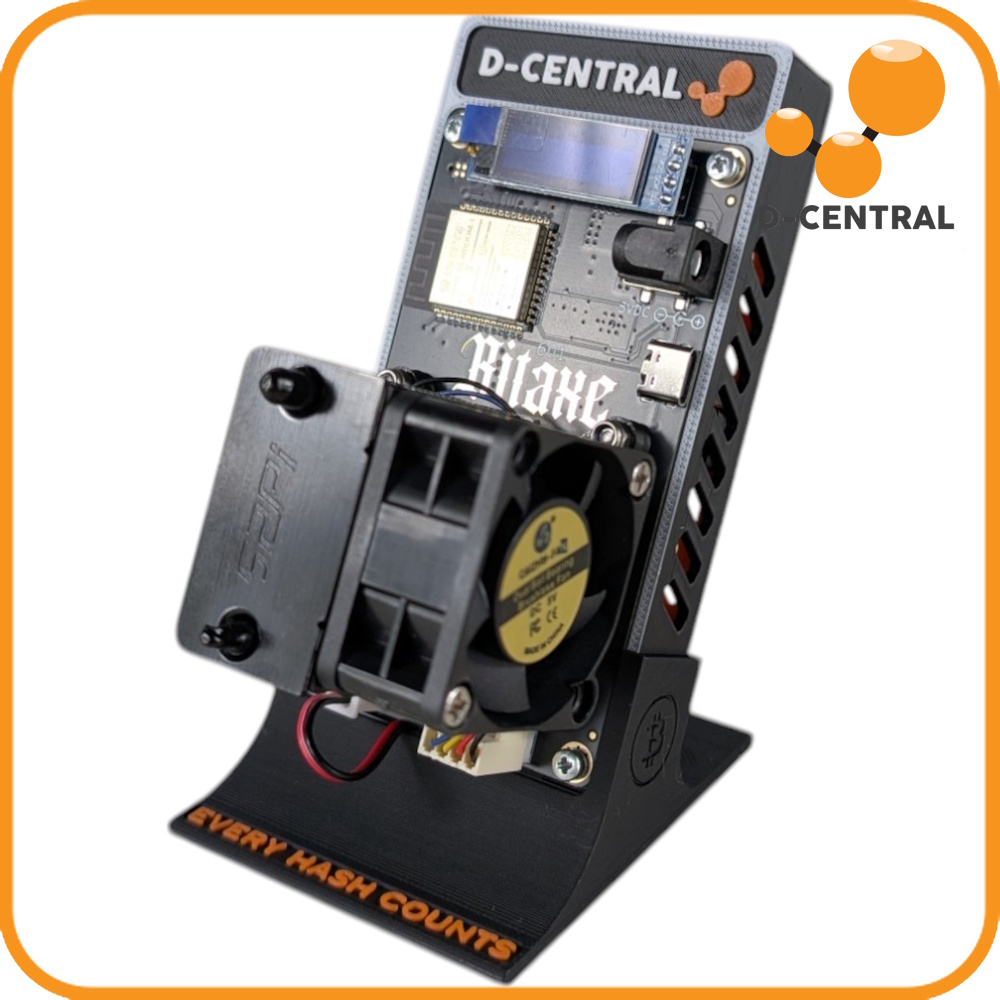
| Basic Cooling |
Stock hashrate, quiet operation |
Standard heatsink and fan. Ships immediately. |
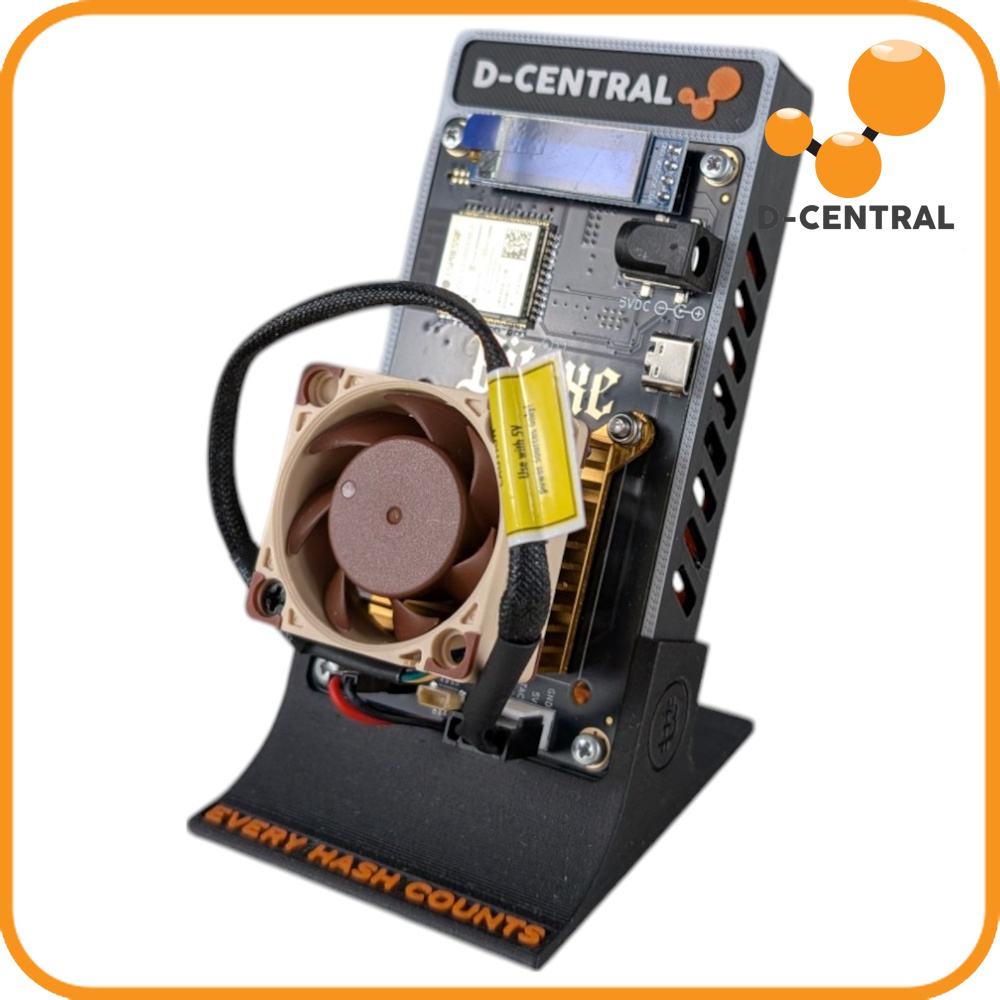
| Noctua Cooling |
Ultra-quiet 24/7 operation |
Premium Noctua fan — whisper-quiet with excellent airflow. |
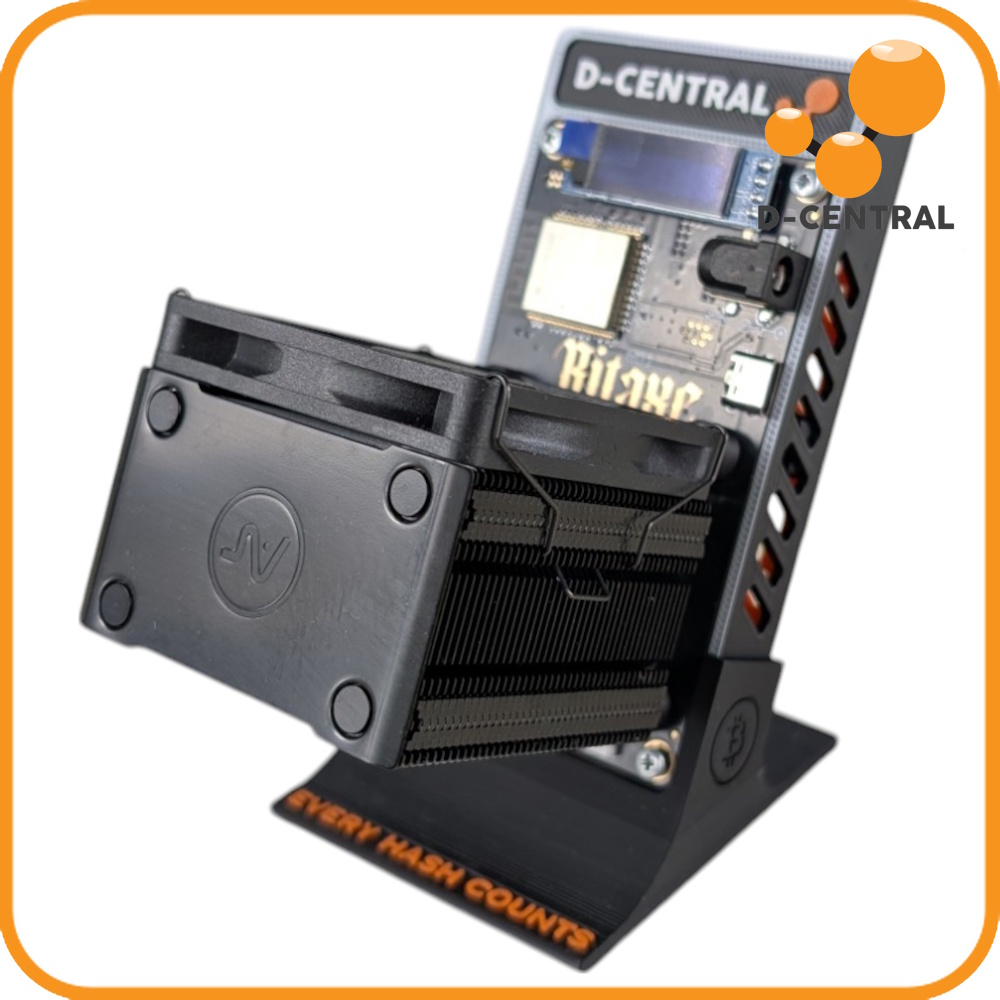
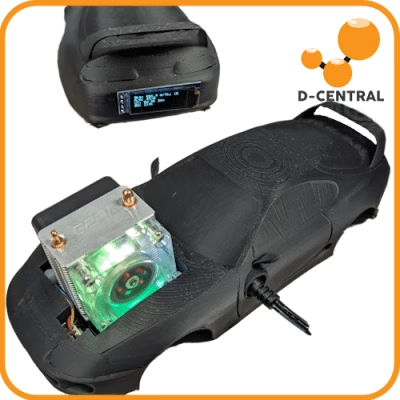
| Ice Cooler Tower |
Moderate overclocking |
Tower heatsink for maximum heat dissipation. Great thermal headroom. |
| Argon THRML Cooler |
Aggressive overclocking |
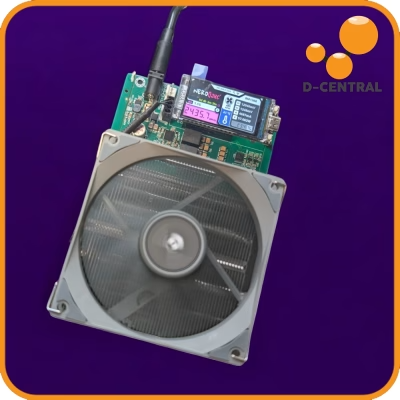
Overclocking-focused cooler. Pushes the Supra to 900+ GH/s. Ships within ~1 month. |
What’s in the Box
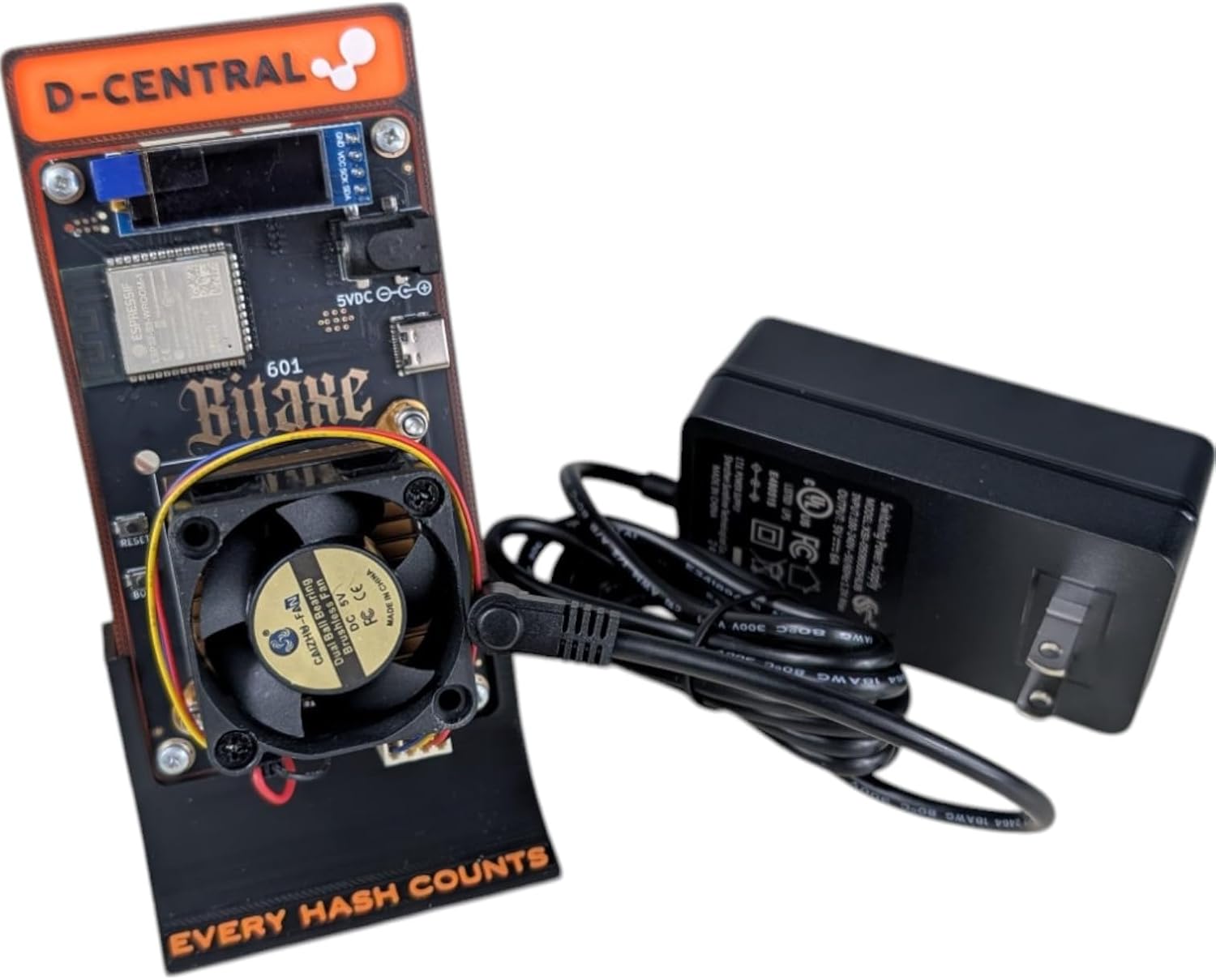
- Fully assembled Bitaxe (Supra or Gamma — your selection)
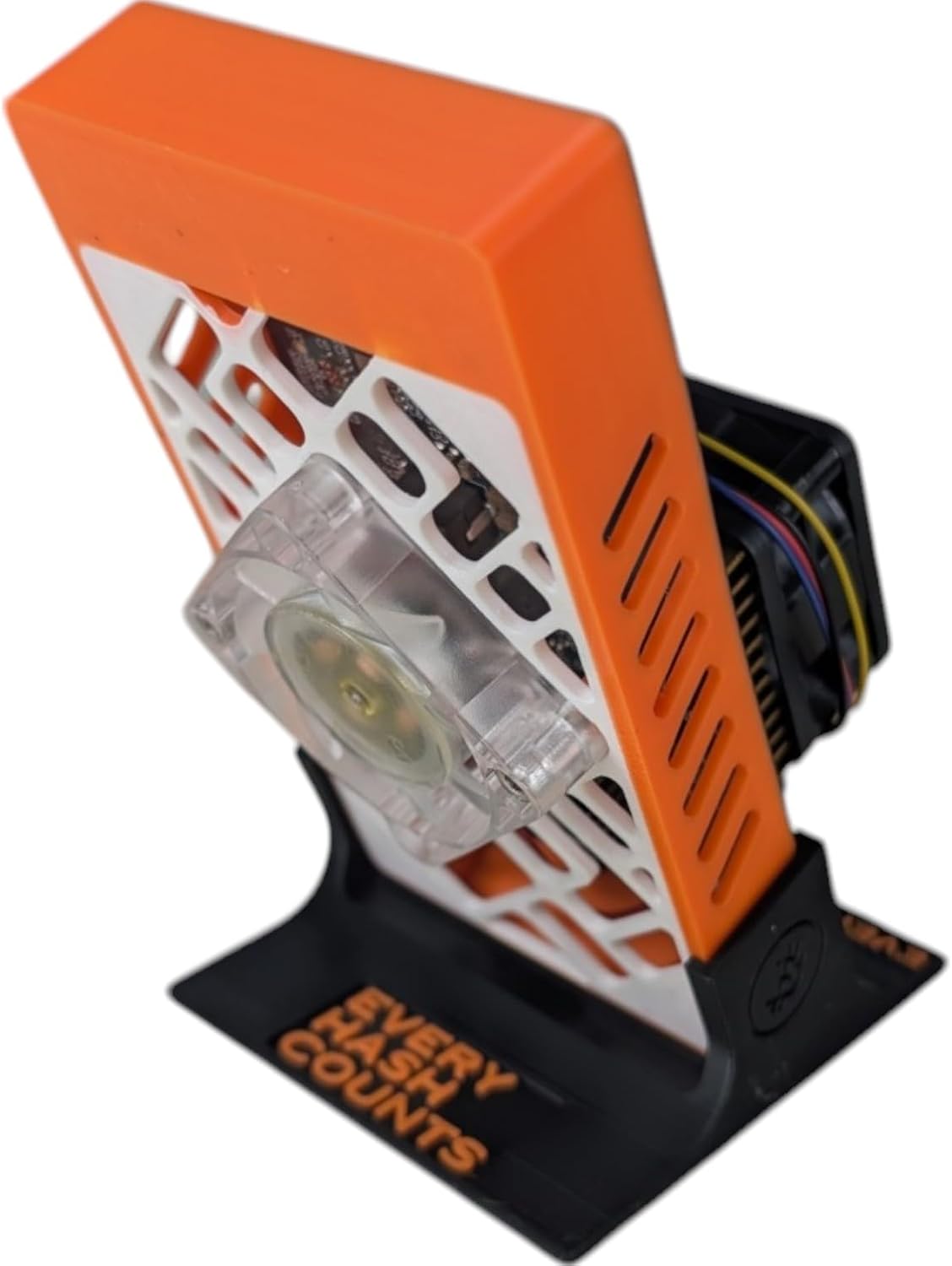
- Standing case in your chosen color
- Cooling solution (tier selected at checkout)
- AxeOS firmware pre-installed, ready to mine
- 5V/6A power supply (if selected)
Available case colors: Black, Orange, Red, Green, Blue, Galaxy (5 variants), Pink, Spiderman, Fossil
Quick Setup
- Connect Power — Plug in your 5V/6A power supply. The Bitaxe boots up and creates a WiFi hotspot named « Bitaxe_XXXX. »
- Join the Hotspot — On your phone or computer, connect to the Bitaxe WiFi network. A setup portal opens automatically in your browser.
- Enter Your Details — Type your home WiFi name and password, your Bitcoin wallet address (bc1q… recommended), and your mining pool (solo.ckpool.org for solo mining). Save and restart.
- Start Hashing — The Bitaxe connects to your WiFi, reaches out to the mining pool, and begins hashing. Check the OLED display or open AxeOS in your browser (the Bitaxe’s IP address) to monitor hashrate, temperature, and shares. You are mining Bitcoin.
Total setup time: under 5 minutes. No command line. No mining pool account. No technical background required.
The OSMU Lineup — Find Your Miner
D-Central carries the complete Open Source Miners United ecosystem — from your first educational device to serious multi-chip solo miners. Here is the full upgrade path:
| Miner |
Price (CAD) |
Hashrate |
Power |
Best For |
| NerdMiner |
$49.99 |
~78 kH/s |
~1W (USB) |
Education, desk display, entry point |
| NerdNOS |
$139.99 |
80–130 GH/s |
7–8W (USB-C) |
USB-powered ASIC desk miner |
| NerdAxe |
$189.99 |
~500 GH/s |
~12W |
NerdMiner upgrade with real ASIC chip |
| Bitaxe |
$189.99 |
625 GH – 1.2 TH/s |
12–21W |
The solo mining standard |
| Modern Minibit |
$229.99 |
~2 TH/s |
~21W+ |
Pre-overclocked Bitaxe Gamma |
| Bitaxe Hex |
$499.99 |
3+ TH/s |
~90W |
6-chip powerhouse for serious solo mining |
| NerdQAxe |
Clearance |
1.7–2.4 TH/s |
~55W |
Original quad-chip pioneer (end of life) |
| NerdQAxe+ |
From $299.99 |
2.4–2.5 TH/s |
50–55W |
Quietest quad-chip miner (<25 dBA) |
| Bitaxe GT |
From $299.99 |
2.15 TH/s |
35–43W |
Dual-chip Bitaxe, best efficiency (~18 J/TH) |
| NerdQAxe++ |
TBD |
6 TH/s |
~100W |
Most popular multi-chip miner (Block #920,440 winner) |
| NerdOctaxe Gamma |
TBD |
9.6–12 TH/s |
160–200W |
Most powerful OSMU miner (8 chips) |
All prices in CAD. D-Central is the only retailer that carries every step of this upgrade path. Start where you are. Grow when you are ready.
Explore the full lineup at the Bitaxe Hub.
Your Next Step — Accessories and Upgrades
Want more hashrate without the DIY? The
Modern Minibit Gamma ($229.99) takes the same BM1370 chip and pushes it to nearly 2 TH/s with D-Central’s proprietary thermal engineering. Or go multi-chip with the
Bitaxe Hex ($499.99) for 3+ TH/s on a single board.
Complete your Bitaxe setup with the
Bitaxe Mesh Stand (D-Central original), a
5V/6A PSU, the
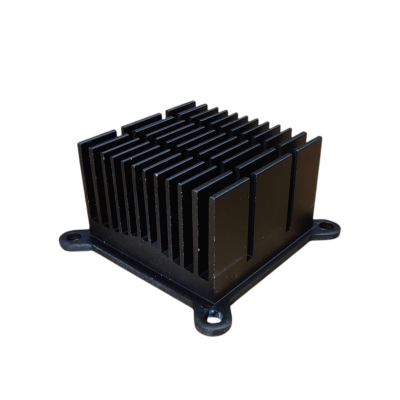
Premium Bitaxe Heatsink, and a
Noctua Socket for whisper-quiet cooling. Need it repaired? D-Central’s
ASIC repair team has fixed 2,500+ miners — we support what we sell.
Frequently Asked Questions
How much does a Bitaxe earn per day?
In pool mining mode, a Bitaxe Gamma earns approximately $0.04-$0.05 CAD/day in BTC before electricity. But most Bitaxe owners solo mine — meaning you earn nothing day-to-day unless your miner finds a full block, which pays the entire 3.125 BTC block reward. At current prices, that is over $300,000 CAD. The Bitaxe is a lottery miner: the ticket costs about $2-4/month in electricity.
What are the chances of finding a Bitcoin block?
A Bitaxe Gamma at 1.2 TH/s has roughly a 1-in-3.5-million chance per day of finding a block against the current network. That translates to approximately 0.01% probability over a full year. Despite these long odds, Bitaxe devices have confirmed multiple solo block finds, with combined payouts exceeding $1 million USD. Every hash has an equal, independent chance — and every hash strengthens the decentralization of the Bitcoin network.
What power supply does the Bitaxe need?
Both the Supra and Gamma require a 5V power supply with a 2.1/5.5mm barrel connector. A 5V/6A (30W) PSU is recommended for stock operation. For overclocking, use a 5V/8A (40W+) PSU. Never use a 12V power supply on a Bitaxe — it will destroy the hardware instantly. D-Central sells compatible power supplies for both North American and European plugs.
Bitaxe Gamma vs Supra — which should I buy?
The Gamma (BM1370, 1.0-1.2 TH/s, 15 J/TH) is the best all-around choice with the highest hashrate and best efficiency from a single chip. The Supra (BM1368, 625-775 GH/s, 17 J/TH) draws less power and runs cooler — great if you want lower electricity costs or plan to run multiple units. For new solo miners, the Gamma is the clear recommendation.
Can I overclock my Bitaxe?
Yes. AxeOS supports overclocking through the web interface. A Bitaxe Gamma can be pushed from stock 1.2 TH/s to 1.5-2+ TH/s by increasing the ASIC frequency and core voltage. Requirements: upgraded cooling (Ice Cooler Tower or Argon THRML), a robust 5V/8A PSU, and temperature monitoring (keep below 75°C). Increase frequency in 25 MHz steps, waiting 15-20 minutes between changes for stability. Or skip the DIY and get the Modern Minibit Gamma — pre-overclocked and ready to mine at nearly 2 TH/s.
Which mining pool should I use?
For solo mining (recommended for Bitaxe), the two main options are Solo CKPool (solo.ckpool.org) — 2% fee, robust infrastructure, 14+ confirmed block finds — and Public Pool (web.public-pool.io) — fee-free and self-hostable. For pool mining with predictable small payouts, Ocean and Braiins are solid choices. Solo mining is the primary use case for the Bitaxe — every hash counts.
How do I update AxeOS firmware?
Open your Bitaxe’s AxeOS web interface in a browser (type the device’s IP address into the address bar). Go to Settings, scroll to « Latest Releases, » and upload the new firmware file. The update takes about 60 seconds. Always use official firmware from the AxeOS GitHub releases page. If your web interface is unreachable, use the Bitaxe Web Flasher to factory-reset and reflash.
Is the Bitaxe worth it?
If you are looking for daily profit, the Bitaxe is not the right tool. But if you understand it as a lottery ticket that costs $2-4/month in electricity with a chance at 3.125 BTC, a way to support Bitcoin decentralization by running your own miner, a hands-on tool for learning how mining works, and a beautifully engineered piece of open-source hardware — then absolutely. Multiple solo miners have won full blocks worth $250,000+ USD with devices exactly like this one.
My Bitaxe is showing 0 hashrate — what do I do?
Common fixes: (1) Confirm your WiFi is 2.4 GHz — the Bitaxe does not connect to 5 GHz networks. (2) Move closer to your router if signal is weak. (3) Check that your mining pool URL and port are entered correctly in AxeOS. (4) Try a different USB/power supply — underpowered PSUs cause instability. (5) Restart the Bitaxe and your router. If the issue persists, reflash the firmware using the Bitaxe Web Flasher. Still stuck? D-Central’s repair team is here to help.
Why buy from D-Central?
D-Central is a pioneer in the Bitaxe ecosystem — not a reseller who jumped on a trend. We created the original Bitaxe Mesh Stand, developed custom heatsinks for both the Bitaxe and Bitaxe Hex, and have been building in this space since the beginning. Every unit is tested in our Canadian facility. We carry the complete OSMU lineup with accessories, cooling upgrades, and power supplies. And if anything goes wrong, our ASIC repair team has serviced 2,500+ mining machines since 2016. Hardware. Accessories. Repair. Support. One shop — d-central.tech.
How much electricity does a Bitaxe use per month?
A Bitaxe Supra draws about 12W and costs roughly $1.30 CAD/month at $0.07/kWh. A Bitaxe Gamma draws about 21W and costs roughly $2.30 CAD/month. Even overclocked, the Bitaxe is one of the cheapest Bitcoin miners to operate — your monthly electricity bill is less than a cup of coffee.
Can I buy a Bitaxe in Canada?
Yes. D-Central Technologies ships from Laval, Quebec. You get Canadian pricing in CAD, fast domestic shipping, and bilingual support in English and French. We are a Canadian company that has been in the Bitcoin mining industry since 2016 — not a reseller importing from overseas. Visit our shop to order.
What if my Bitaxe breaks — can it be repaired?
Yes. D-Central operates one of North America’s leading ASIC repair facilities in Laval, Quebec. Our technicians service Antminers, Whatsminers, and Avalons at the component level — a Bitaxe is well within our capabilities. This lifecycle support is something no other Bitaxe retailer can match: buy it, run it, and if anything goes wrong, the same company that sold it can fix it.
Supporting Open-Source Mining
$5 from every Bitaxe sale goes directly to
Open Source Miners United (OSMU) — the community that designs, builds, and maintains the Bitaxe and every open-source miner in this lineup. The Bitaxe is released under the
MIT License: free to build, free to modify, free to improve.
When you run a Bitaxe, you are not just mining Bitcoin. You are adding hashrate that no corporation controls. You are proving that individuals can participate in securing the hardest monetary network ever built. You are part of a global movement to decentralize every layer of Bitcoin mining.
Every hash counts.
Built on open-source principles. This is a community-driven product with active firmware development and regular updates. Minor cosmetic variations between units are normal for open-source hardware. Join a global community of builders and miners pushing the boundaries of decentralized mining at the Bitaxe Hub.
★ New: Read our Complete Bitaxe Setup Guide — covers every model from unboxing to optimized solo mining.
Setup Instructions
Step 1: Unbox and Inspect
Unbox your Bitaxe Max (1397), Ultra (1366), or Supra (1368) and ensure all components are present and undamaged.
Components include:
- Bitaxe device (Max, Ultra, or Supra)
- 5V power supply (optional)
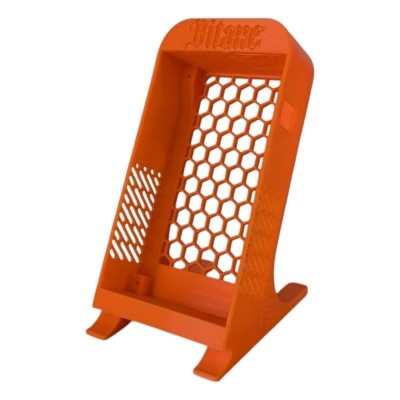
- Standing case for the device
Step 2: Place the Device in the Standing Case
Insert your Bitaxe device into the included beautiful standing case.
Step 3: Connect Power Supply
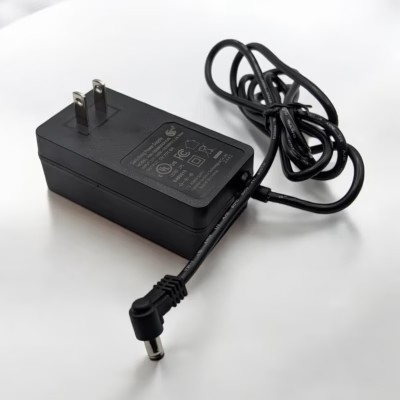
Plug the Bitaxe device into the included 5V power supply. Important: Do not use a non-approved power supply, as it will permanently damage the device.
Step 4: Initial Power-Up
Power on your Bitaxe device. It will attempt to connect to a default network, which it will not find.
Step 5: Connect to Bitaxe WiFi Access Point
Use a WiFi-capable device (such as a phone or laptop) to search for the new WiFi Access Point named Bitaxe_XXXX. Connect to the Bitaxe SSID.
Step 6: Access AxeOS Web Portal
After connecting, you should be automatically prompted or redirected to the AxeOS web portal. If not automatically redirected:
Step 7: Configure WiFi Settings
In the AxeOS web portal, click on the ‘Settings’ button. Enter the WiFi SSID and password for your local WiFi network. Note: Bitaxe devices are not compatible with 5GHz WiFi; they only work with 2.4GHz WiFi. Double-check the WiFi SSID and password before entering to prevent manual recovery later.
Step 8: Update Mining Pool Settings
In the AxeOS web portal: Update the pool URL, port, and user to your preferred mining pool. Recommended pools:
- ckpool
- publicpool
- D-Central’s Solo Pool
Step 9: Save and Restart
Click Save, then click Restart to apply the changes.
Step 10: Start Mining
If everything is configured correctly, your Bitaxe device will start mining.

Maxwell Lee (client confirmé) –
Amazing quality, very happy with this purchase.
Offgrid (client confirmé) –
Awesome Bitcoin Miner.
Have it running on my 100 watt Solar Panel and Jackery 240.
Earning about 50 Satoshi a day on Braiins Pool.
Video : https://blurt.blog/bitaxe/@offgridlife/6wwpru-solar-mining-with-the-bitaxe-supra
imnodjproductions (client confirmé) –
Great little miners.
Have 3 units in my mini farm: 1 Ultra and 2 Supra’s and plan to buy more.
Amazing little gadgets that together mine at least 1.6TH/s earning about 170 satoshi daily on Braiins pool. Everyone should own at least one.
Doing my part to secure the Bitcoin blockchain.
gui-leblanc (client confirmé) –
Got my first two of three and got to say they work great. One I replaced the plastic clips holding the heatsink with tiny nuts and bolts. Replaced the stock fan with 40x40x20mm noctua fans and they run great! I have a hard time getting decent uptime because I keep changing settings, but they ran for 4 days no issue last weekend, hashing away at 1.2Th/s each.
Part of the fun is modding it to make it run better and faster, adding heatsinks, better paste, cooler, fans, power etc.
If you love tinkering, overclocking and miss mining from the old GPU days, this is a nice project to play with.
And there is always that slim chance of finding a BTC block, or BCH if you want to go down that route!