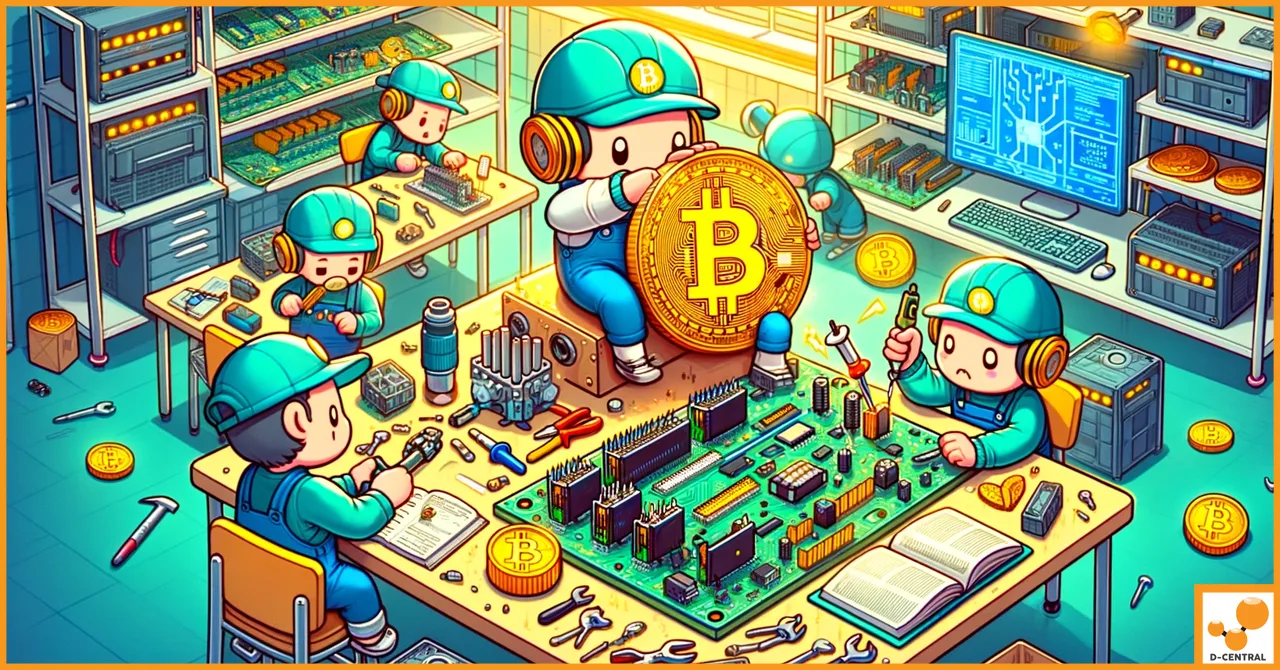
Your ASIC miner is a precision instrument engineered for one purpose: converting electricity into SHA-256 hashes that secure the Bitcoin network. When that instrument goes down, every hour of downtime is lost hashrate — lost contribution to network decentralization, lost sats. Whether you are running a single Antminer S9 as a Bitcoin space heater in your garage or managing a rack of S21s in a dedicated room, understanding how to diagnose, maintain, and repair your mining hardware is not optional. It is a core competency of sovereign Bitcoin mining.
At D-Central Technologies, we have been repairing ASIC miners since 2016 — long before most repair shops even knew what a hashboard was. With over thousands of miners repaired across every major manufacturer, our technicians have developed a body of knowledge that we believe every home miner should have access to. This guide distills years of bench time into actionable repair and maintenance knowledge, written by the people who actually do the work.
The Bitcoin network hashrate now exceeds 800 EH/s, with mining difficulty pushing above 110 trillion. The machines that produce these numbers are marvels of engineering, but they are also electromechanical devices that operate under extreme thermal and electrical stress 24 hours a day, 7 days a week. They will break. The question is whether you will be ready when they do.
Why ASIC Repair Knowledge Matters More Than Ever
The economics of Bitcoin mining in 2026 are unforgiving. The block reward sits at 3.125 BTC following the April 2024 halving, meaning every terahash of computational power matters more than it did before. Downtime is not just an inconvenience — it is a direct reduction in your ability to accumulate sats and contribute to the security of a decentralized network.
For home miners and pleb miners, the math is even more stark. You probably bought your hardware with hard-earned fiat. You probably spent time optimizing your power setup, managing noise, and integrating heat recovery. When a hashboard drops offline or a fan bearing seizes, you have two choices: ship your machine to a repair shop and wait weeks, or understand the machine well enough to fix it yourself.
There is a third dimension that the “just buy a new one” crowd misses entirely: repair is an act of decentralization. When you can maintain your own hardware, you reduce dependency on manufacturers, supply chains, and third-party service providers. You become more sovereign. You become a Bitcoin Mining Hacker — someone who takes institutional-grade technology and bends it to serve individual sovereignty.
Understanding Your ASIC Miner: Anatomy of a Hashing Machine
Before you can repair anything, you need to understand what you are looking at. Every ASIC miner — whether it is a Bitmain Antminer, MicroBT Whatsminer, Canaan Avalon, or Innosilicon unit — shares the same fundamental architecture:
The Control Board
This is the brain. The control board runs the firmware, manages pool connections, monitors temperatures, adjusts fan speeds, and orchestrates the work distribution across hashboards. When your miner’s web interface becomes unresponsive or the machine fails to connect to your mining pool, the control board is usually the first suspect. Common failure modes include corrupted firmware, failed NAND flash chips, damaged Ethernet controllers, and blown voltage regulators.
Hashboards
These are the muscles. Each hashboard contains dozens to hundreds of ASIC chips — the actual silicon that performs SHA-256 computations. A typical Antminer S19 series unit contains three hashboards, each contributing roughly one-third of the machine’s total hashrate. Hashboard failures are the most common and most complex repairs: dead ASIC chips, blown boost converters, cracked solder joints from thermal cycling, and corroded traces from humidity exposure.
Power Supply Unit (PSU)
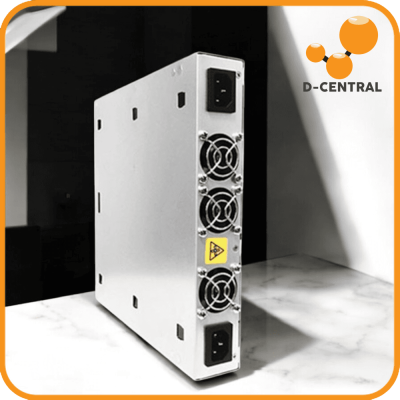
This is the heart. The PSU converts your AC mains power into the precise DC voltages that the control board and hashboards require. Bitmain’s APW series PSUs are workhorses, but they are not invincible. Capacitor degradation, fan failure within the PSU itself, and overloaded rails from running miners above rated specifications are all common failure points.
Cooling System
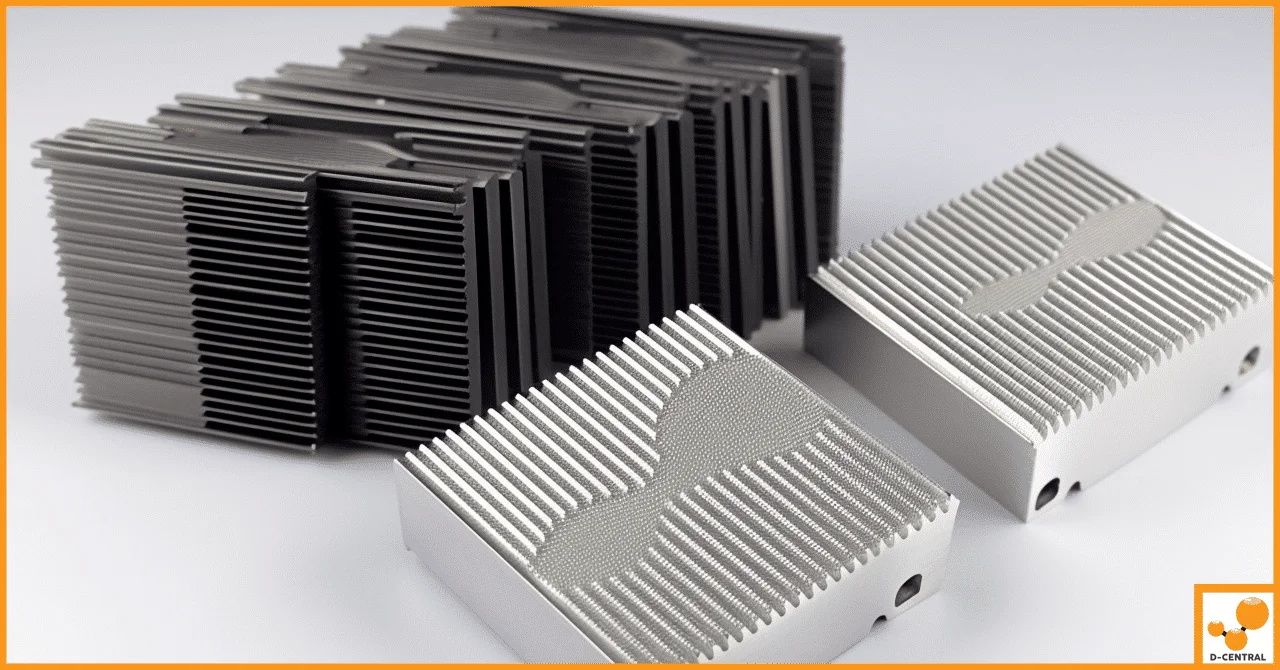
This is the lungs. ASIC miners generate enormous amounts of heat — a single Antminer S19 Pro can dissipate over 3,000 watts of thermal energy. The dual-fan airflow system pushes ambient air across the heatsinks that sit atop the ASIC chips. When fans fail, slow down, or when heatsinks become clogged with dust, chip junction temperatures spike and the firmware either throttles performance or shuts down the machine entirely.
Common ASIC Miner Failures and How to Diagnose Them
After repairing thousands of miners at our facility in Montreal, Quebec, we have cataloged the most frequent failure patterns. Here is what actually breaks and how to identify it.
Hashboard Not Detected
This is the number one repair we see. The miner’s dashboard shows only two of three hashboards, or displays “missing hashboard” errors. Causes range from simple connector issues (the ribbon cable connecting the hashboard to the control board has worked loose from vibration) to complex chip-level failures. Start with the simple stuff: reseat all ribbon cable connections, inspect for bent pins, check for visible damage. If the board still is not detected, you are likely looking at a voltage domain failure that requires bench-level diagnosis.
Reduced Hashrate / High Hardware Errors
Your S19 should be doing 95 TH/s but it is sitting at 60 TH/s with a 5%+ hardware error rate. This typically means one or more ASIC chips on a hashboard have failed or are operating outside specification. The firmware compensates by skipping the bad chips, which reduces total hashrate. Thermal imaging with an infrared camera can quickly identify cold spots (dead chips) or hot spots (chips drawing excessive current and about to fail).
Overheating and Thermal Shutdown
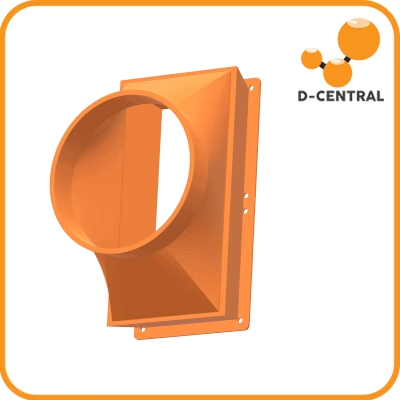
ASIC miners are designed to operate with chip temperatures below 80-85 degrees Celsius, depending on the model. When ambient temperature is too high, airflow is restricted, or heatsink compound has degraded, chip temperatures climb until the firmware triggers a protective shutdown. Before assuming hardware failure, verify your ambient temperature, check that intake and exhaust are not obstructed, and ensure your fans are spinning at full rated RPM. If your miner is also serving as a space heater using a D-Central heater enclosure, verify that the ducting is not creating back-pressure that reduces airflow.
PSU Failure
A dead PSU presents as a completely unresponsive miner — no fans, no lights, no network presence. A degraded PSU is more insidious: it may provide enough power at idle but sag under full load, causing intermittent hashboard dropouts or control board reboots. Testing a PSU requires a multimeter and knowledge of the expected output voltages. For Bitmain APW series units, you should see stable 12V DC output on the main rails. Voltage sag below 11.5V under load indicates failing capacitors or a degraded power stage.
Fan Failure
ASIC miner fans are consumables. They run at 5,000-6,000+ RPM continuously and their bearings eventually wear out. Symptoms include grinding noises, reduced RPM readings in the firmware dashboard, and eventually complete failure triggering a thermal shutdown. Fan replacement is the simplest and most common repair — keep spares on hand.
Firmware Corruption
Corrupted firmware manifests as boot loops, inability to access the web interface, or erratic behavior. This can result from interrupted firmware updates, power surges during write operations, or degraded NAND flash memory on the control board. Most manufacturers provide SD card recovery images that can reflash the control board. For Bitmain units, the process involves writing a recovery image to a microSD card, inserting it into the control board’s slot, and powering on the unit while holding the reset button.
Essential Tools for ASIC Miner Repair
You do not need a $50,000 electronics lab to perform meaningful ASIC repairs. Here is the realistic toolkit that covers 80% of home miner repair scenarios:
- Digital multimeter — For measuring DC voltages on PSU outputs, checking continuity on hashboard traces, and testing individual components. A basic Fluke or equivalent in the $50-100 range is more than adequate.
- Thermal imaging camera — This is the single most powerful diagnostic tool for ASIC repair. A FLIR or Seek Thermal camera attachment for your phone lets you instantly visualize dead chips (cold), failing chips (abnormally hot), and airflow problems. Investment: $200-400.
- Precision screwdriver set — Phillips, hex, and Torx heads for disassembling miner enclosures and hashboard assemblies.
- Compressed air or electric duster — For cleaning heatsinks and fans. Canned air works but an electric duster (DataVac style) pays for itself quickly if you maintain multiple machines.
- Soldering station — A temperature-controlled station (Hakko FX-888D or equivalent) for replacing passive components, reflowing solder joints, and advanced board-level work. Not needed for basic maintenance but essential for anything beyond fan and connector swaps.
- ESD protection — Anti-static wrist strap and mat. ASIC chips are sensitive to electrostatic discharge. Do not skip this.
- Thermal compound — For reapplying heatsink paste during hashboard service. Use quality paste, not the cheapest tube you can find.
Maintenance That Prevents Repairs
The best repair is the one you never have to do. A disciplined maintenance schedule dramatically extends the operational life of your mining hardware and prevents the cascading failures that turn a $20 fan replacement into a $500 hashboard rebuild.
Monthly: Dust and Airflow Inspection
Power down the miner, disconnect it completely, and blow out accumulated dust from the heatsinks, fans, and internal cavities with compressed air. In dusty environments (basements, garages, workshops), this may need to happen every two weeks. Dust acts as an insulating blanket on heatsinks, directly reducing cooling efficiency and driving up chip temperatures.
Quarterly: Connector and Cable Check
Vibration from fans running 24/7 can gradually loosen ribbon cables, power connectors, and Ethernet jacks. Reseat all connections quarterly. Check power cables for discoloration or heat damage at the connectors — a warm connector indicates a high-resistance connection that will eventually fail.
Semi-Annually: Thermal Compound Refresh
The thermal interface material between ASIC chips and their heatsinks degrades over time, especially at sustained high temperatures. A thermal paste refresh every 6-12 months can recover 5-10% of lost performance on aging machines. This is particularly important for older models like the S9 and S17 series that may have been running for years.
Ongoing: Firmware and Monitoring
Keep your firmware updated, but exercise caution — do not flash firmware updates blindly. Read release notes. If your miner is running stable, there is no rush to update. When you do update, ensure you have a stable power source and network connection throughout the process. An interrupted firmware flash can brick a control board.
Monitor your miners remotely using tools like Foreman, Awesome Miner, or even simple scripted checks against the miner’s API. Set alerts for hashrate drops, temperature spikes, and fan speed anomalies. Catching a problem when it is a minor anomaly prevents it from becoming a major failure.
When DIY Ends and Professional Repair Begins
There is no shame in knowing your limits. Some repairs require specialized equipment, extensive experience, or replacement components that are not readily available to individual miners. Here is the realistic boundary:
You can handle: Fan replacements, dust cleaning, connector reseating, firmware recovery, PSU swaps, thermal paste application, and basic multimeter diagnostics.
Send it to a pro for: ASIC chip replacement (requires BGA rework station and preheating), hashboard trace repair (requires microscope soldering), control board component-level repair, voltage domain diagnosis on complex multi-phase power delivery circuits, and any repair where you are unsure of the root cause after basic diagnosis.
D-Central has been providing professional ASIC repair services since 2016, with dedicated repair pages for 38+ specific miner models across Bitmain, MicroBT, Innosilicon, and Canaan lineups. We repair retail miners — the same machines that home miners and pleb miners run. Not just institutional bulk orders. Every machine that comes through our bench gets individual diagnosis, component-level repair when possible, full functional testing, and burn-in before shipping back.
The Home Miner’s Repair Advantage
Here is something the big mining farms do not want you to think about: home miners actually have a structural advantage when it comes to hardware maintenance and repair.
Large-scale operations run thousands of machines. When a unit fails, the economics often favor replacing rather than repairing, because the labor cost of diagnosing and fixing one machine out of thousands does not scale. Failed units pile up in warehouses. Parts get scrapped. Functional hashboards get discarded because it is cheaper to buy new than to pay a technician to troubleshoot.
You, the home miner, have a different equation. You might have one to ten machines. Each one matters. You have the time and motivation to learn your hardware, diagnose problems methodically, and repair what can be repaired. That S9 that a large farm would throw away? You can refurbish it, convert it into a space heater, and put it back to work heating your home while stacking sats. That is the Mining Hacker way.
This is also why D-Central exists. The founder of D-Central saw that the gap between institutional mining infrastructure and individual miner capability was a centralization risk. If only large operations can maintain hardware, then hash rate consolidates. If individual miners can learn, repair, and operate their own equipment, then hash rate stays distributed. Repair knowledge is decentralization knowledge.
Building a Relationship with Your Repair Partner
Even the most capable home miner eventually hits a repair that exceeds their bench skills. When that happens, you want a repair partner who understands your situation — not a faceless service center that treats your machine like a warranty number.
Here is what to look for:
- Specialization in mining hardware. A general electronics repair shop does not have the firmware knowledge, ASIC chip inventory, or testing procedures specific to mining hardware. Choose a shop that lives and breathes miners.
- Transparency in diagnosis. A good repair shop will tell you exactly what they found, what they did, and what it cost. No black-box “we fixed it” invoices.
- Model-specific expertise. Every ASIC miner model has its own quirks, known failure points, and firmware behaviors. Look for a repair provider that publishes model-specific repair information — like D-Central’s 38+ dedicated repair pages covering everything from the Antminer S9 to the latest S21 series.
- Retail miner focus. Some repair shops primarily serve large mining farms and treat small-batch repairs as low priority. Choose a shop that values the pleb miner.
- Canadian operations. For miners in Canada, working with a Canadian repair provider means no cross-border shipping hassles, no customs delays, and no currency conversion headaches.
Extending Hardware Life Through Smart Operation
Repair is reactive. Smart operation is proactive. Here are techniques that experienced miners use to maximize hardware lifespan:
Underclocking and Undervolting
Running your miner below its maximum rated speed dramatically reduces thermal stress, power consumption, and component wear. An S19 Pro downclocked to 80 TH/s from 110 TH/s might consume 30-40% less power while only sacrificing 27% of hashrate. The efficiency (J/TH) improves, the machine runs cooler, and components last years longer. For home miners paying residential electricity rates, this is often the optimal operating point.
Proper Power Infrastructure
ASIC miners are sensitive to power quality. Voltage sags, surges, and brownouts stress PSU components and can cause cascading failures. Dedicate a clean electrical circuit to your mining equipment. Consider a whole-house surge protector. If you are in an area with unreliable grid power, a UPS or line conditioner can prevent the power events that kill PSUs and corrupt firmware.
Environmental Control
Keep intake air temperature as low as practically possible. Every degree Celsius of ambient temperature reduction translates directly to lower chip temperatures. This is where Canadian miners have a natural advantage — cold winters provide free cooling that miners in warmer climates have to engineer and pay for. If you are running miners as space heaters, you are already leveraging this principle by ducting the hot exhaust into your living space while drawing in cooler air from elsewhere.
Inventory Critical Spares
Keep replacement fans, thermal paste, and a backup PSU on hand. These are the components most likely to fail, and having them available means your downtime is measured in hours rather than weeks of waiting for shipment. Browse the D-Central shop for replacement parts, cooling components, and accessories designed for the home miner.
The Bigger Picture: Repair as Resistance
There is a reason we call ourselves Bitcoin Mining Hackers. The word “hack” does not mean break — it means understand deeply, modify, improve, and repurpose. When you open up your ASIC miner, diagnose a fault, replace a component, and put it back into service, you are participating in a tradition that goes back to the earliest days of computing: the tradition of understanding the machines you depend on.
In the context of Bitcoin mining, this matters at a systemic level. The more miners who can maintain their own hardware, the more resilient and decentralized the network becomes. Hash rate that depends on a small number of large operators who outsource all maintenance to a small number of large service providers is concentrated hash rate, regardless of how many machines are involved. Hash rate distributed across thousands of individual miners who understand their equipment — that is genuine decentralization.
D-Central exists to serve this mission. Whether you are buying your first Bitaxe solo miner, setting up an Antminer space heater, or sending in a hashboard for professional repair, you are part of the same movement: taking the tools of Bitcoin network security out of exclusive institutional hands and putting them into yours.
Every hash counts. Every repair extends a machine’s contribution to the network. Every miner who learns to maintain their own hardware makes Bitcoin stronger.
Frequently Asked Questions
What is the most common ASIC miner repair?
Hashboard detection failures are the most frequent repair we see at D-Central. A miner that should report three hashboards only shows one or two. Causes range from loose ribbon cable connections (a free fix) to failed ASIC chips or blown voltage regulators on the hashboard (requiring professional bench-level repair with specialized BGA rework equipment).
How often should I clean my ASIC miner?
Monthly in a clean indoor environment, every two weeks in dusty conditions like garages or basements. Dust accumulation on heatsinks is the leading preventable cause of overheating, thermal throttling, and premature component failure. Power down completely and use compressed air to blow dust out of heatsinks, fans, and internal cavities.
Can I repair an ASIC miner myself?
Many common repairs are absolutely within reach of a home miner: fan replacement, thermal paste refresh, connector reseating, firmware recovery, and PSU swaps. These cover roughly 80% of issues. Component-level hashboard repairs — replacing individual ASIC chips, repairing PCB traces, diagnosing multi-phase power circuits — require specialized equipment (BGA rework stations, microscopes, oscilloscopes) and are best left to a professional repair service like D-Central’s ASIC repair team.
What tools do I need for basic ASIC miner maintenance?
A digital multimeter ($50-100), a thermal imaging camera or phone attachment ($200-400), a precision screwdriver set, compressed air or an electric duster, an ESD wrist strap, and quality thermal compound. This kit covers fan replacement, dust cleaning, thermal paste refresh, basic voltage testing, and thermal diagnostics for hotspot identification.
How do I know if my PSU is failing?
Symptoms include random miner reboots, intermittent hashboard dropouts under full load, complete failure to power on, and abnormal fan noise from within the PSU enclosure. Test with a multimeter: Bitmain APW series PSUs should deliver stable 12V DC on their main output rails. Voltage sagging below 11.5V under load indicates failing capacitors or degraded power stages. Replace promptly — a failing PSU can damage hashboards.
Is underclocking worth it for home miners?
Almost always yes. Reducing clock speed by 20-30% can cut power consumption by 30-40% while only reducing hashrate proportionally less. The efficiency improvement (lower joules per terahash) means lower electricity costs, lower heat output, reduced noise, and dramatically extended component lifespan. For home miners paying residential electricity rates, the sweet spot is usually well below the manufacturer’s maximum rated speed.
Should I update my miner’s firmware immediately when updates are available?
Not necessarily. If your miner is running stable, there is no urgency to update. Read the release notes first. Update only if the new firmware addresses a specific issue you are experiencing or provides a meaningful improvement. When you do update, ensure stable power and network connectivity throughout the process — an interrupted firmware flash can brick the control board, requiring a more involved SD card recovery procedure.
Why choose D-Central for ASIC repairs instead of a general electronics shop?
General electronics repair shops lack the model-specific firmware knowledge, ASIC chip inventory, proprietary diagnostic procedures, and burn-in testing equipment that mining hardware demands. D-Central has specialized exclusively in Bitcoin mining hardware since 2016, maintains 60+ model-specific repair pages, stocks replacement components for all major manufacturers (Bitmain, MicroBT, Innosilicon, Canaan), and focuses on retail miners — not just institutional bulk repairs. We are a Canadian company based in Montreal, Quebec, meaning no cross-border shipping delays for Canadian miners.