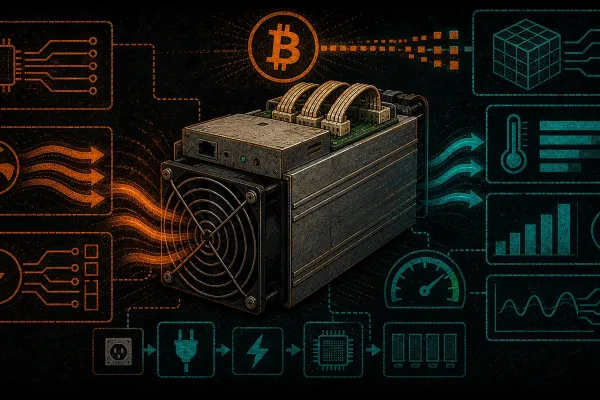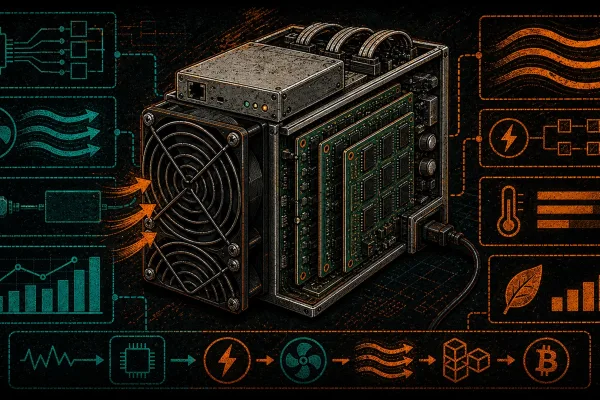
The Antminer S17 series was a watershed moment for Bitcoin mining hardware. Released in 2019, it introduced the BM1397 ASIC chip at 7nm — a generational leap that pushed SHA-256 efficiency into territory that made home mining genuinely viable for the first time. Today, with new-generation machines commanding premium prices and lead times measured in months, refurbished S17 units represent one of the most compelling entry points into Bitcoin mining, especially for home miners looking to decentralize the network one rig at a time.
At D-Central Technologies, we have repaired and refurbished thousands of Antminer 17 Series units since their release. We know every revision, every common failure mode, and every trick to squeeze maximum performance from these machines. This guide distills that hands-on experience into everything you need to know before buying, setting up, and maintaining a refurbished Antminer S17.
Why the Antminer S17 Still Makes Sense
In a world chasing the latest S21 XP, it is worth understanding why the S17 remains relevant. The answer is simple: economics. A refurbished S17 costs a fraction of current-generation hardware while still delivering meaningful hashrate. For home miners who prioritize sovereignty over speculation, the S17 offers a path to contributing real SHA-256 hashpower to the Bitcoin network without a five-figure capital outlay.
The S17 also excels in a role that newer, hotter machines struggle with: Bitcoin space heating. With power consumption between 1,200W and 2,500W depending on the variant and clock speed, the S17 sits in the sweet spot for residential heating applications. Every watt consumed by the miner becomes heat — thermodynamics does not care whether those watts came from a baseboard heater or an ASIC. The difference is that the ASIC pays you back in sats while it warms your home.
Antminer S17 Series: Specifications at a Glance
| Model | Hashrate | Power (W) | Efficiency (J/TH) | ASIC Chip |
|---|---|---|---|---|
| S17 (Standard) | 53 TH/s | 2,520 W | ~47.5 J/TH | BM1397 |
| S17 Pro | 53 TH/s | 2,094 W | ~39.5 J/TH | BM1397 |
| S17+ | 73 TH/s | 2,920 W | ~40 J/TH | BM1397 |
| S17e | 64 TH/s | 2,880 W | ~45 J/TH | BM1397 |
Note: Hashrate and power figures represent typical high-performance mode values. Actual figures depend on firmware, ambient temperature, and individual unit condition. Underclocking can significantly reduce power draw for home mining applications.
What to Look For in a Refurbished S17
Not all refurbished units are created equal. The S17 series had well-documented manufacturing quality issues — particularly with thermal paste application and solder joints on early production runs. A properly refurbished unit should address these problems, not just paper over them. Here is what separates a quality refurbishment from a cosmetic wipe-down:
Hashboard Inspection
The hashboards are where the money is, literally. Each S17 has three hashboards, and every one of them needs to be fully functional for the unit to reach its rated hashrate. A proper refurbishment involves:
- Visual inspection under magnification for cracked solder joints, burnt components, and corrosion
- Thermal paste replacement with quality compound — Bitmain’s factory paste was notoriously inconsistent on the 17 series
- ASIC chip testing to verify every BM1397 is responding and hashing correctly
- Voltage domain verification across all power rails to catch failing VRMs before they take out chips
- Full burn-in test at rated hashrate for a minimum of 24 hours to catch intermittent failures
Fan and Cooling System
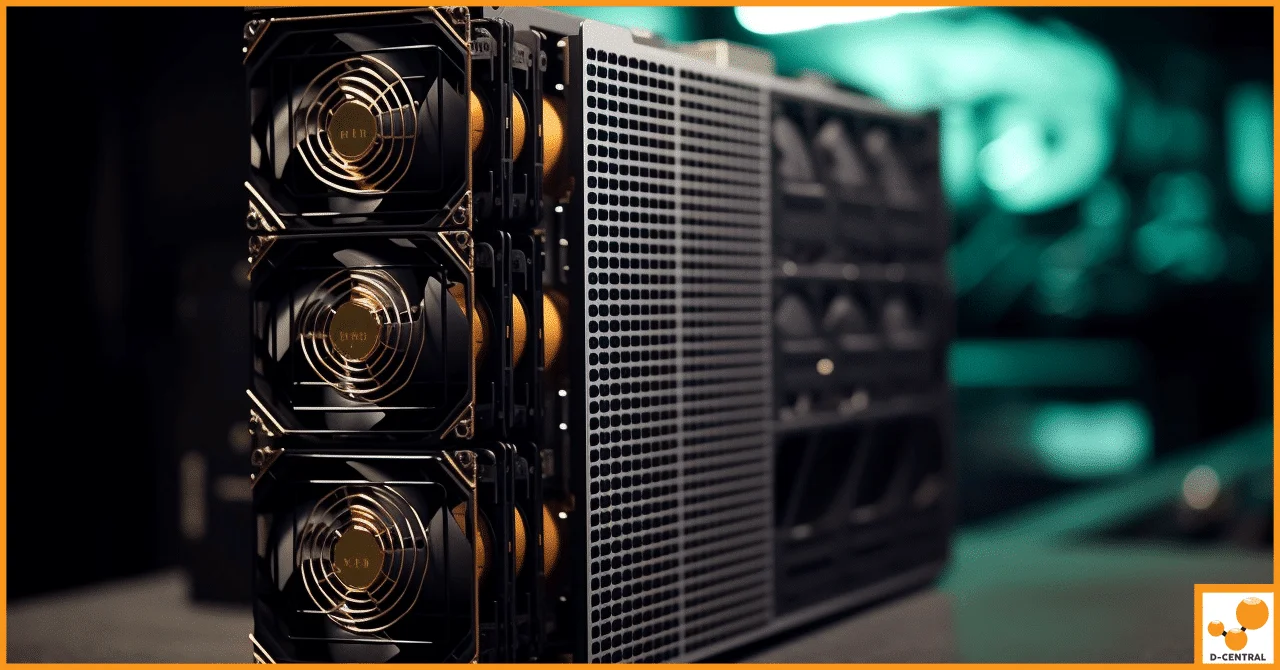
The S17 uses four 120mm high-RPM fans. In refurbished units, these are often the most worn components. Fans with failing bearings will cause overheating, throttling, and premature ASIC failure. Check that the fans spin freely without wobble or grinding noise, and confirm that they ramp correctly under thermal load.
Control Board
The control board is the brain. Verify that the unit boots cleanly, detects all three hashboards, and connects to your network without issues. Flashing the latest compatible firmware during refurbishment is standard practice — if the seller has not done this, question the thoroughness of their process.
Power Supply
The S17 requires an APW9 or APW9+ PSU (or compatible equivalent) rated for the unit’s power draw. Verify that the PSU has been tested under load and that all output rails are within specification. A marginal PSU will cause hashrate instability and can damage hashboards over time.
D-Central’s Refurbishment Standard
When an Antminer S17 comes through our repair facility in Montreal, Quebec, it undergoes a process developed over eight years of ASIC repair work. We do not just clean and relist — we diagnose, repair, re-paste, test, and validate every unit before it ships. Our reconditioning process is documented and transparent because we believe home miners deserve the same quality assurance that institutional operations demand.
Key elements of our refurbishment:
- Complete disassembly and ultrasonic cleaning of hashboards
- Replacement of all thermal interface material with premium compound
- Individual ASIC chip testing and replacement of failed chips where needed
- Firmware update to latest stable release
- Minimum 48-hour burn-in test at rated performance
- Full documentation of test results shipped with every unit
Setting Up Your Refurbished S17 for Home Mining
Home mining with an S17 is fundamentally different from datacenter deployment. You are optimizing for livability, not just maximum hashrate. Here is how to set up your unit for residential use:
Power Requirements
The S17 draws between 1,200W (low power mode) and 2,900W+ (high performance) depending on the variant and firmware settings. For home use, you will need:
| Mode | Power Draw | Circuit Required | Outlet Type |
|---|---|---|---|
| Low Power | ~1,200 W | 15A @ 120V (dedicated) | NEMA 5-15R |
| Normal | ~2,100 W | 20A @ 240V | NEMA 6-20R |
| High Performance | ~2,900 W | 30A @ 240V | NEMA 6-30R or hardwired |
For Canadian home miners, 240V circuits are strongly recommended. Running on 240V halves the amperage draw, reduces electrical losses, and keeps your wiring cooler. If you do not already have a 240V outlet in your desired location, an electrician can typically add one for a few hundred dollars — it is one of the best investments you will make in your mining setup.
Noise Management
Stock S17 fans at full speed produce approximately 75-82 dB — roughly the volume of a vacuum cleaner running continuously. For home use, noise management is non-negotiable. Your options include:
- Underclocking via firmware — tools like BraiinsOS allow you to reduce hashrate and fan speed, dropping noise to 50-60 dB range
- Fan replacement — swapping stock fans for Noctua or other low-RPM fans (at the cost of some cooling capacity)
- Duct shrouds — channeling exhaust through ASIC shrouds and flexible ductwork to another room or outside
- Space heater enclosure — the Antminer S17/T17 Space Heater Case converts your S17 into a contained heating unit that significantly dampens noise while directing warm air where you want it
Heat Recovery
In Canada, where heating season runs six to eight months of the year, a 2,000W miner is not an expense — it is a 2,000W electric heater that happens to mine Bitcoin. D-Central pioneered the space heater concept for exactly this reason. Your S17 can replace a baseboard heater, a space heater, or supplement your central heating, all while stacking sats. Check our Space Heater BTU Calculator to see exactly how much heating capacity your S17 provides.
Firmware: The Software Side of Optimization
Stock Bitmain firmware is functional but limited. For home miners, third-party firmware unlocks critical capabilities:
| Feature | Stock Firmware | BraiinsOS / Custom |
|---|---|---|
| Underclocking | Limited presets | Granular per-chip control |
| Overclocking | Not supported | Adjustable with voltage control |
| Fan Control | Auto only | Manual + auto with custom curves |
| Power Limit | Fixed modes | Watt-level targeting |
| Auto-tuning | No | Per-chip optimization |
| Mining Protocols | Stratum V1 | Stratum V2 support |
BraiinsOS is the gold standard for the S17 series. It allows you to dial in exact power consumption targets, which is invaluable for home miners balancing hashrate against electricity costs and noise. Visit our Antminer Firmware Download Center for firmware resources.
Maintenance: Keeping Your S17 Hashing
A refurbished S17 is not a set-and-forget appliance. Regular maintenance extends its operational life by years. Here is the maintenance schedule we recommend based on our experience repairing thousands of these machines:
Monthly
- Check hashrate consistency — sudden drops indicate failing chips or thermal issues
- Monitor chip temperatures via the miner dashboard — all chips should be within 5-10 degrees C of each other
- Inspect fan speeds and listen for bearing noise
- Verify network connectivity and pool statistics match the miner’s reported hashrate
Every 3-6 Months
- Power down and blow compressed air through the heatsinks and fan assemblies
- Clean or replace fan filters if using shrouds or enclosures
- Check all cable connections for corrosion or looseness
- Review firmware for updates
Annually
- Consider full disassembly, cleaning, and thermal paste replacement — especially if chip temperatures have been climbing
- Test PSU output voltages under load
- Inspect hashboard solder joints visually if comfortable, or send to a professional repair service
Common S17 Failure Modes and How to Diagnose Them
The S17 series has known failure patterns. Understanding them helps you catch problems early and decide whether a repair is worth it:
| Symptom | Likely Cause | Severity | DIY Fix? |
|---|---|---|---|
| Hashboard not detected | Failed data cable, loose connector, or dead hashboard | Medium-High | Check cables first, then professional diagnosis |
| Hashrate 20-30% below rated | Failed ASIC chips, thermal throttling, or bad thermal paste | Medium | Thermal paste yes, chip replacement needs professional tools |
| Frequent reboots / instability | PSU degradation, voltage regulator failure, or control board issue | High | Try different PSU first, then send for repair |
| Overheating with fans at 100% | Dried thermal paste, blocked heatsinks, or ambient temp too high | Medium | Clean heatsinks and re-paste (moderate DIY skill) |
| Error: chain not found | Multiple dead chips in sequence on a hashboard | High | Professional repair required |
If your S17 needs repair, D-Central has dedicated Antminer S17 repair capabilities. We also stock replacement hashboards and BM1397 ASIC chips for those who prefer to handle repairs themselves.
The S17 as a Bitcoin Space Heater
This is where the S17 truly shines for home miners. The concept is straightforward: instead of exhausting heat outdoors or treating it as waste, you channel it into your living space. A 2,000W S17 produces approximately 6,824 BTU/hour of heat — equivalent to a decent portable space heater.
D-Central offers the S17/T17 Space Heater Case, a purpose-built enclosure that transforms your miner into a contained heating appliance. The case reduces noise through acoustic dampening while directing warm exhaust through a controlled outlet. Combined with custom firmware to set a fixed wattage target, you get a Bitcoin-mining heater that produces exactly the amount of heat you need.
For Canadian miners, the math is particularly compelling. When electricity costs $0.06-0.12/kWh (depending on province and rate class), and you are already going to spend that money on heating, the Bitcoin you mine effectively comes at zero marginal cost. Your heating bill stays the same — but now your heater is stacking sats.
Is the S17 Right for You?
The S17 is not for everyone. Here is an honest assessment:
The S17 is a great fit if:
- You want to start mining Bitcoin without a massive capital investment
- You live in a cold climate and want to offset heating costs
- You are comfortable with basic hardware maintenance
- You are mining for sovereignty and sats accumulation, not trying to compete with industrial farms on pure efficiency
- You have a 240V circuit available or are willing to install one
Consider newer hardware if:
- Electricity costs above $0.12/kWh and you are not using the heat
- You need absolute maximum efficiency (J/TH) — current-gen machines like the S21 series are 2-3x more efficient
- You have no tolerance for hardware maintenance or noise management
- You need the machine to run reliably in high ambient temperatures (35 degrees C+)
For those who want to mine Bitcoin but want to start smaller, consider open-source solo miners like the Bitaxe — silent desktop miners that run on a 5V barrel jack power supply and let you take a shot at solo-mining a full 3.125 BTC block reward. Every hash counts.
Where to Buy a Quality Refurbished S17
D-Central Technologies has been repairing and refurbishing ASIC miners since 2016 from our facility in Montreal, Quebec. We are not a faceless reseller — we are Bitcoin Mining Hackers who tear these machines down to the chip level and build them back up. Every refurbished unit we sell comes with documented test results and our commitment to keeping home miners hashing.
Browse our ASIC Miners for current inventory, or contact us directly for availability on specific S17 variants. If your existing S17 needs work, our ASIC repair service handles everything from re-pasting to full hashboard reconstruction.
FAQ
What hashrate should I expect from a refurbished Antminer S17?
A properly refurbished S17 should reach its rated hashrate: 53 TH/s for the S17/S17 Pro, 73 TH/s for the S17+, or 64 TH/s for the S17e. If a unit cannot sustain its rated hashrate during a burn-in test, it should not be sold as fully refurbished. Some sellers market units with one or two functional hashboards at a discount — this is acceptable as long as it is clearly disclosed and priced accordingly.
How long will a refurbished Antminer S17 last?
With proper maintenance — regular cleaning, thermal paste replacement every 12-18 months, and appropriate operating temperatures — a well-refurbished S17 can run for several more years. The BM1397 ASIC chips themselves do not wear out under normal conditions; failures typically stem from thermal stress, power surges, or physical damage. The weakest links are fans and thermal interface materials, both of which are replaceable.
Can I run an Antminer S17 on a standard 120V household outlet?
Only in low power mode, and only on a dedicated 15A or 20A circuit with nothing else on it. At full power, the S17 draws too much current for 120V circuits. We strongly recommend 240V for any sustained mining operation — it is safer, more efficient, and gives you headroom to run at higher clock speeds when conditions are favorable.
What PSU do I need for the Antminer S17?
The Bitmain APW9 or APW9+ is the recommended PSU. It provides the correct voltage rails (12V-14.5V) and enough wattage for full-speed operation. Using an underpowered or incompatible PSU risks hashboard damage and instability. D-Central stocks compatible power supplies — check our shop for current availability.
Is it worth repairing a broken S17 or should I buy a new one?
It depends on the failure. A single failed chip or a thermal paste issue is absolutely worth repairing — the cost is a fraction of a replacement unit. A hashboard with multiple dead voltage domains or physical damage from a power surge may cost more to repair than the hashboard is worth. D-Central offers repair cost estimates so you can make an informed decision before committing.
Can I convert my S17 into a Bitcoin space heater?
Yes. The S17/T17 Space Heater Case from D-Central is specifically designed for this conversion. Combined with duct shrouds and custom firmware for noise and power management, the S17 makes an excellent dual-purpose heater-miner for Canadian winters. Use our BTU Calculator to estimate heating output.
What firmware should I use on a refurbished S17?
For home mining, BraiinsOS is the recommended third-party firmware. It provides granular control over power consumption, fan speeds, and per-chip tuning that stock firmware lacks. For miners who prefer to stay on stock firmware, ensure you are running the latest stable release from Bitmain. Visit our Firmware Download Center for resources.
How noisy is the Antminer S17?
At full speed on stock fans, the S17 produces approximately 75-82 dB — comparable to a loud vacuum cleaner. This is not livable in a bedroom or office. For home use, underclocking with BraiinsOS reduces noise to 50-60 dB, and enclosing the unit in a space heater case with duct shrouds brings it down further. Fan replacement with quieter aftermarket options is another effective strategy.