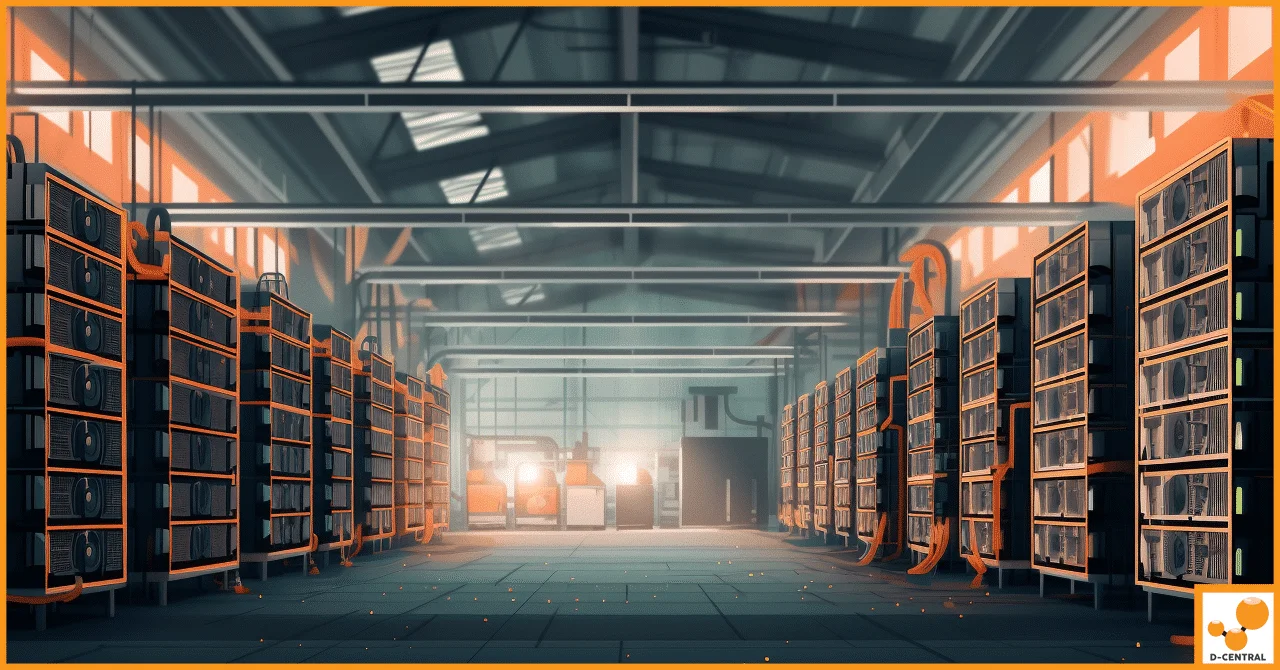
Your ASIC miner is a finely tuned hashing machine — a purpose-built device converting electricity into SHA-256 proof-of-work. And every watt it consumes exits as heat. How you deal with that heat is the single biggest infrastructure decision in mining, and in 2026 there are five real answers on the table: shrouds and ducting, immersion cooling, hydro (factory water-cooled) machines, inline-fan boosted air systems, and the time-honoured “just open a window.” Most guides pretend one of these is right for everyone. This one does not. At D-Central Technologies, we have been solving thermal problems for home miners and small operators from Montreal, Quebec since 2016 — we design and print the D-Central Shroud System, and we repair the hardware that arrives cooked when cooling fails. We sell exactly one of the five approaches below, and this comparison still lays out where each of the other four wins.
The Five Approaches, Defined
1. Shrouds and Ducting (Directed Air)
The miner keeps its stock fans; a shroud captures their output (and optionally their intake) and commits it to round duct. Heat goes where you route it — out a window, into living space in winter, into a trunk shared by several machines. It is passive in the sense that the miner’s own fans do the work, and it is the approach the rest of this site covers in depth.
2. Immersion Cooling
The hashboards are submerged in a tank of non-conductive dielectric fluid. Heat transfers directly from the chips to the liquid, which is pumped through a heat exchanger. Single-phase systems circulate the fluid as a liquid; two-phase systems let it boil off the boards and condense, exploiting the phase change for very high heat transfer. Fans are removed entirely — the machine runs silent apart from pumps — and the fluid’s thermal capacity supports dense packing and aggressive overclocking.
3. Hydro (Factory Water-Cooled Machines)
Machines like the Antminer S19 Hydro and S21 Hydro generation are built water-cooled from the factory: coolant flows through cold plates inside the machine, and you supply the water loop — pumps, manifolds, and a dry cooler or heat exchanger to reject the heat. It is the direction industrial mining has been moving for its densest deployments, and it turns miner heat into plumbing-grade hot water, which is genuinely useful for heat-reuse projects.
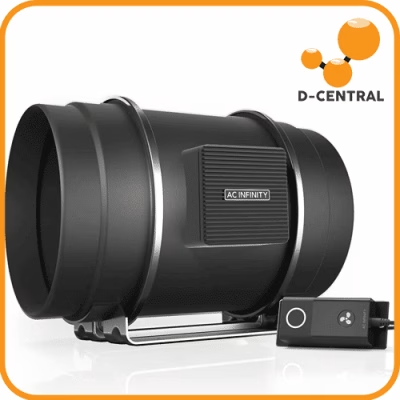
4. Inline-Fan Boosted Air
Directed air with mechanical help: an inline duct fan in the run adds static pressure the miner’s own fans cannot provide, making long runs, filtered intakes, and multi-bend routing viable. Most units add speed controllers or thermostatic control, which lets the duct system respond to conditions. This is not a rival to shrouds — it is the same system with a booster, and the shroud is still the interface between machine and duct.
5. Just Open a Window
Free-air cooling: put the miner in a space with enough natural air exchange and let the room breathe. It gets included in this comparison because it is genuinely the right answer more often than vendors like to admit — and the wrong one more often than forum posts admit.
Cooling Approaches Compared
| Approach | Upfront Cost | Complexity | Serviceability | Noise Character | Natural Scale |
|---|---|---|---|---|---|
| Open window | None | None | Nothing to service | Unmanaged — full fan noise in the space | One small/underclocked machine, mild weather |
| Shrouds + ducting | Low (printed parts + hardware-store duct) | Low — an afternoon with basic tools | Excellent — every part visible, swappable, cleanable | Fan noise contained and routed into duct | One miner to a small rack |
| Inline-fan boosted | Low-to-moderate (adds fan + controls) | Moderate — sizing and placement matter | Excellent — components are all standard HVAC | Adds its own fan note; enables quieter miner fans | Long runs, filtered intakes, a few miners |
| Immersion | High (tank, fluid, pumps, heat exchanger) | High — fluid handling, heat rejection design | Awkward — boards come out dripping; every touch involves fluid | Near-silent at the tank; pump/dry-cooler noise elsewhere | Dense racks, overclocking, farms |
| Hydro machines | High (hydro-model premium + water loop) | High — plumbing, water quality, leak protection | Split — machine internals sealed; the loop is yours to maintain | Very quiet at the machine; heat rejection moves the noise outdoors | Purpose-built deployments, heat-reuse projects, farms |
Costs are deliberately given as bands, not dollars — fluid, tanks, and dry coolers are quoted per-project and change constantly. The ordering, though, is stable: directed air costs less than a tenth of what a proper immersion or hydro deployment does per machine, and that ratio has held for years.
Read the serviceability column twice before deciding, because it is the one new miners underweight. Cooling systems are not installed once and forgotten — fans die, filters clog, fluid degrades, pumps wear. The question is never just “how well does it cool?” but “what does a repair look like at 2 a.m. in February?” With directed air, the answer is a screwdriver and a spare part. With liquid, the answer involves fluid, and everything fluid touches.
The Decision Framework: Match the Approach to Your Scale
One Miner
Directed air, full stop — with the window as a legitimate budget option. A single S9-class machine in a garage in a Canadian winter genuinely can run on free air; if that is you, spend nothing and enjoy it. The moment any of these appear — summer, neighbours, a living space above, a desire to use the heat — move to a shroud and duct. For an S19 or standard S21, that is the dual-120mm to 8-inch shroud and a short duct run; for an S9, the S9 housing wrap; for Whatsminers, the 140mm adapter (full model guidance in the Whatsminer ducting guide); for the dual-140 S21 Pro generation, the S21 Pro shroud. Immersion for one machine is a hobby in itself — a rewarding one, but be clear that you are buying a project, not a cooling upgrade with a payback period.
A Few Miners (2–6)
Still directed air, now engineered rather than improvised: full-panel housing wraps for sealing, trunk-and-branch ducting, and — this is where it earns its place — an inline fan boosting the shared run. Duct sizing starts to matter seriously at this scale; our 6-inch vs 8-inch guide covers the trade-offs. Noise also compounds at this scale. Distance and routing come first, and where more is needed, an in-duct muffler like our tuned-notch silencer helps: an expansion chamber with a quarter-wave side branch, printed in one piece with no lining to shed fibres into the airstream. The physics of what silencers can and cannot do is in the silencer guide.
Immersion begins to be arguable at the top of this range if your goals are silence and overclocking and you accept the fluid-handling lifestyle. Hydro is generally not — the loop infrastructure does not amortize well over a handful of machines unless heat reuse is the actual point of the project (heating a workshop or pool with plumbing-grade hot water is a real use case, and hydro does it better than air).
A Farm (Dozens and Up)
Here the calculus genuinely flips: immersion and hydro exist for a reason at scale. When machines are packed densely in a hashcenter, air itself becomes the bottleneck — moving enough of it costs fan energy, filtration, and acoustic treatment that liquid simply sidesteps. Immersion buys density, silence, overclock headroom, and protection from dust and humidity; hydro buys the same density with factory-supported hardware and hot water that heat-reuse projects can actually sell. The engineering, water treatment, and maintenance staffing that liquid demands are rational line items at farm scale in a way they never are in a basement. Directed air still runs the majority of the world’s hash at farm scale too — hot-aisle containment is shrouds-and-ducting logic industrialized — but nobody should choose it there on a blog’s advice. At that scale you are doing real mechanical engineering, and if that is where you are headed, talk to us about hosting before you pour concrete.
Where 3D-Printed Shrouds Genuinely Win — and Where They Don’t
We print shrouds. Here is where that approach wins, and where it does not.
Where printed parts win:
- Model-specific fit at long-tail scale. Injection molding needs volume; printing does not. That is why the Shroud System can cover S9 wraps, S17/S19 wraps, offset and quick-release mounts, Whatsminer 140mm patterns, and the dual-140 S21 Pro generation — and why coverage keeps growing toward machines like the stacked-fan Avalons (see our Avalon cooling guide). A warehouse of steel tooling cannot chase fan patterns that fast.
- Serviceability. A cracked printed part is a $20–40 replacement, not a system rebuild — and because every design is open source under CC BY-SA 4.0 with free STLs in our 3D models library, you can print the replacement yourself tonight. We state that openly and proudly: the designs outlive us, and you are never captive to our print queue.
- Iteration in the open. Every interface dimension is published and every design is released under CC BY-SA 4.0, so a part can be redrawn the week a new fan pattern appears rather than the quarter after a tooling change. Mounting flanges use slots instead of round holes, so the chassis spread between production runs is absorbed by the mount rather than by the buyer.
Where printed parts don’t win:
- Against liquid, at density. No air accessory competes with immersion or hydro when the problem is packing maximum hash into minimum volume. That is a physics fight air loses.
- Extreme temperature service. Printed polymers have thermal limits. Our parts are engineered for exhaust-air service in the materials we specify, but they are not sheet metal, and a use case that needs metal should use metal.
- When nothing is wrong. If your single machine runs cool and bothers no one through an open window, you do not need us yet. Buy a shroud when the heat, the noise, or the season gives you a reason.
The Bottom Line
Cooling choice is scale choice. One machine: directed air — a shroud, a duct, a window port, done in an afternoon. A few machines: directed air, engineered — wraps, trunks, an inline fan, duct-borne noise treatment. A farm: run the liquid numbers seriously, because immersion and hydro earn their complexity exactly where air runs out of headroom. And whichever lane you are in, prevention beats repair: our ASIC repair bench has seen thousands of thermally neglected machines since 2016, and every one of them cost more to fix than the airflow that would have saved it. Take control of your infrastructure, understand your hardware, and pick the cooling that matches your actual scale — not the one with the most impressive photos.
Is immersion cooling worth it for a home miner?
Usually not on economics alone. For one or a few machines, the tank, fluid, pumps, and heat-exchanger investment far exceeds a complete shroud-and-duct system, and servicing means handling fluid-soaked boards. It becomes worth considering if near-silence and overclocking headroom are goals in themselves and you accept the project overhead — and it becomes genuinely rational at farm density, which is the scale it was designed for.
What is the difference between immersion cooling and hydro cooling?
Immersion submerges standard hashboards in a tank of non-conductive dielectric fluid; the fluid touches the electronics directly. Hydro machines (like Antminer’s Hydro models) are built water-cooled from the factory — ordinary water flows through sealed cold plates inside the machine and never touches the electronics, but you must build and maintain the external water loop: pumps, manifolds, and heat rejection.
When is “just open a window” actually enough?
A single modest or underclocked machine, a space with real natural air exchange, cool outdoor temperatures, and nobody living with the noise — under all four conditions, free air genuinely works, and it costs nothing. It stops being enough when summer arrives, when the heat could be used instead of wasted, when noise reaches living space, or when a second machine shows up. That is the moment to move to ducted airflow.
Do I need an inline duct fan with my shroud?
Not for a short, straight run — the miner’s own fans handle that. An inline fan earns its place when the run gets long, gains multiple bends, passes through a filter, or serves several machines through a shared trunk: it adds the static pressure the stock fans were never designed to provide, and thermostatic models let the duct system respond to conditions automatically.
Will a 3D-printed shroud fit my exact miner?
We design against the common fan patterns — dual 120mm for S19/S21-class, 140mm for Whatsminer, dual 140mm for S21 Pro, housing wraps for S9 and S17/S19 — and we publish our interface dimensions openly. Chassis and duct tolerances vary between production runs, which is why the mounting flanges use slots rather than round holes: the screws land wherever your panel puts them. Every design is open source, so the full geometry is there to inspect.
Which cooling approach is best for reusing miner heat?
At home scale, ducted air is the practical winner: route the exhaust into living space in winter and you displace electric heating directly, with hardware costing tens of dollars. At project scale, hydro is the stronger heat-reuse platform because it produces plumbing-grade hot water that can feed hydronic heating, pools, or district-heat projects. Immersion sits between — its warm fluid loop can be tapped, but it takes engineering.
Whichever approach you land on, the directed-air toolkit lives in the D-Central Shroud System: model-specific shrouds from the S9 to the S21 Pro, full housing wraps, silencers, and the duct fittings to connect it all — every design open source and printed to order in Montreal, Quebec.
Getting the heat and the noise out of the room
Airflow is the part of a home build people solve last and regret first. Work out where the hot air is actually going before you buy anything: measure the fan face, choose a duct size, then match a shroud to the machine. Fitment is dimensioned from published fan spacing, so confirm your own fan size before ordering.