Bitaxe Hub — D-Central Technologies
The Open-Source Mining Authority
Every model. Every guide. Every accessory. The most comprehensive resource for Bitaxe, NerdAxe, NerdQAxe, and the entire open-source mining ecosystem — from the team that built the first Bitaxe accessories. Ships from Canada. Bitcoin accepted.
What is Open-Source Mining?
Open-source mining units (OSMU) are fully open-source Bitcoin ASIC miners. Every schematic, every PCB layout, every line of firmware is public. Anyone can audit it, build it, modify it, improve it. They take the same SHA-256 chips found inside industrial Antminers — the BM1366, BM1370, BM1397 — and put them on compact boards that anyone can run from home. No noise. No industrial power. No permission needed.
Two families dominate the ecosystem. Bitaxe (created by skot9000) delivers clean single-board designs running AxeOS firmware — from the single-chip Gamma to the 6-chip Hex. The NerdAxe family (created by BitMaker) focuses on multi-chip scaling and accessibility — from the tiny NerdMiner lottery miner to the 8-chip NerdOctaxe Gamma pushing 9.6+ TH/s. D-Central stocks every model from both families.
These miners run solo mining by default. You point your hash rate directly at the Bitcoin network, searching for a block on your own. When you find one, the entire block reward (currently 3.125 BTC) goes straight to your wallet. No middlemen. No pool fees. Just you, your miner, and the SHA-256 grind. This is what cypherpunks meant when they said “don’t trust, verify.”
Is it likely you will find a block? Statistically, the odds are long. But solo miners have found blocks with small devices — documented on-chain and celebrated by the community every time. Your miner never stops. It hashes 24/7, every second another chance, running on less power than a light bulb. That is sovereignty in silicon.
These miners connect to your WiFi and start hashing. No special wiring. No 240V. No noise complaints from the neighbours. Plug in and start running Bitcoin — from a 1-watt lottery miner to a 120-watt hashrate beast.
The Full OSMU Lineup
Every open-source miner compared side-by-side. From the NerdMiner lottery ticket to the NerdOctaxe Gamma beast — find the right miner for your setup, your budget, and your hashrate goals.
All models: WiFi connected | Open-source hardware and firmware | Solo mining by default
Featured OSMU Miners
Bitcoin accepted | Canadian warranty | Expert support from D-Central’s ASIC repair team
Choose Your Mining Path
Not sure where to start? Every miner has been in your shoes. Here is the progression most home miners follow — pick the tier that matches your budget and ambition.
Tier 1: Learn and Explore
$30 – $80 | Under 10W
The NerdMiner ($29.99) is a lottery miner — negligible hashrate but it teaches you Bitcoin mining fundamentals and looks great on a desk. The NerdNOS ($69.99) is your first real ASIC chip (BM1397), hashing at 80-130 GH/s from USB-C power. The NerdAxe ($79.99) pushes ~500 GH/s on just 5W. Perfect entry points before committing to serious hardware.
Tier 2: Your First Solo Miner
$180 – $250 | 12-15W
The Bitaxe Gamma ($199.99) is the flagship — a single BM1370 chip pushing ~1.2 TH/s. This is where most solo miners start. The Modern Minibit ($239.99) packs the same chip into a fully enclosed case with premium cooling included — plug and play. The NerdQAxe ($179.99) offers quad-chip ~1.6 TH/s at this price point.
Tier 3: Multi-Chip Power
$250 – $400 | 25-72W
The NerdQAxe+ ($249.99) delivers ~3.2 TH/s from 4 chips at 45W — best efficiency in class. The Bitaxe GT ($279.99) runs dual BM1370 chips at ~2.15 TH/s with the newest silicon. The Bitaxe Hex ($399.99) is the iconic 6-chip Bitaxe — ~3 TH/s from six BM1366 chips. These are serious solo mining machines.
Tier 4: Maximum Hashrate
$350 – $550 | 60-120W
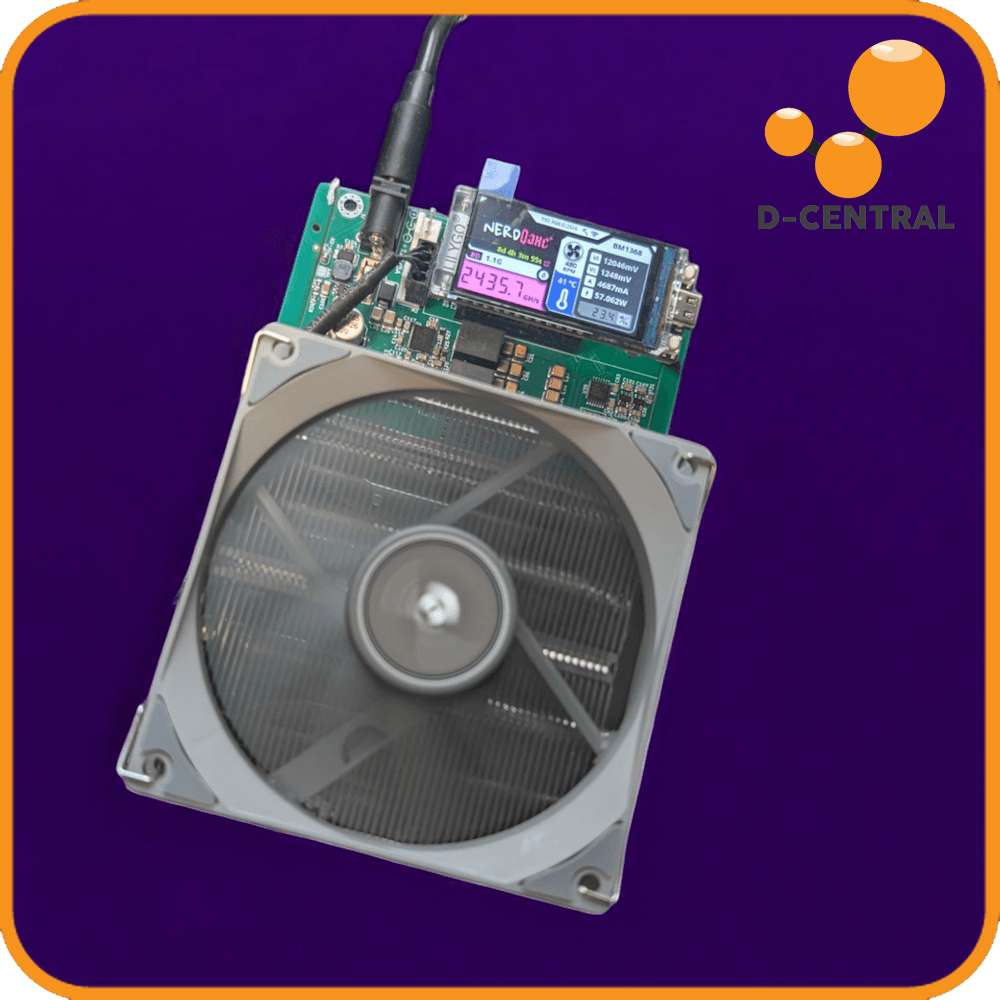
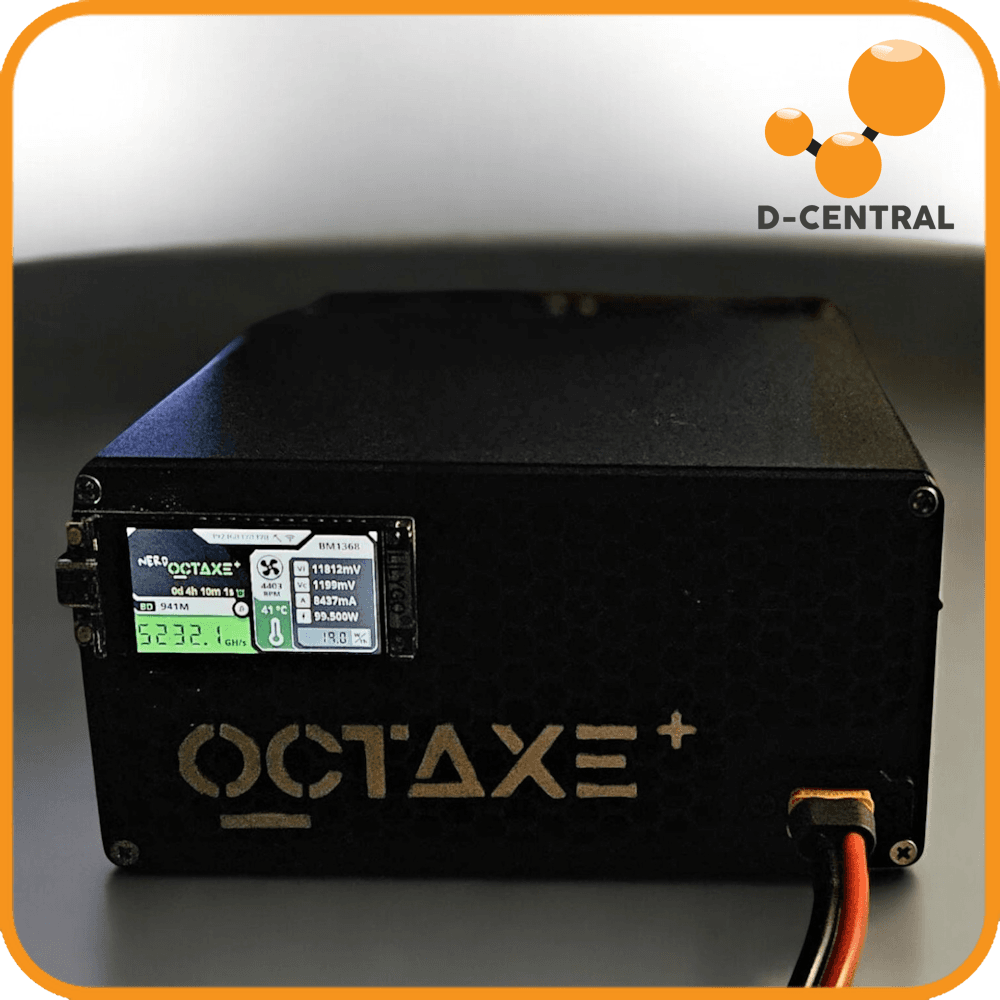
The NerdQAxe++ ($349.99) packs 4 next-gen BM1370 chips for ~6 TH/s at 60W — the sweet spot of power and hashrate. The NerdOctaxe Gamma ($549.99) is the king: 8 BM1370 chips delivering 9.6-12 TH/s. This is the most powerful open-source miner available — period. Your best odds at solo mining a block without running an industrial ASIC.
D-Central: From Day One
D-Central did not jump on the open-source mining bandwagon. We helped build it. We have been providing solutions to pleb miners since 2016 — long before OSMU existed as a category. When the first Bitaxe prototypes were circulating, we were already there — testing, building, and playing a direct role in the initial marketing of the Bitaxe project and OSMU as a whole.
We were the first to release the Bitaxe Gamma to the public and made thermal improvements on it. We created the original Bitaxe Mesh Stand — the first purpose-built accessory for the Bitaxe. Then we engineered custom heatsinks for every variant — from single-chip Premium and Modern heatsinks to the dedicated Hex Heatsink for the 6-chip board. When NerdAxe and NerdQAxe arrived, we built adjustable stands and socket extensions for those too. We delivered dozens of 3D model files for free — with commercial use allowed — giving even our competitors the tools to serve the community. That is how you build an ecosystem.
We were the first to sell a DIY Bitaxe kit and remain one of the few companies offering them. We hosted the first-ever Bitcoin mining workshop using the Bitaxe at the Canadian Bitcoin Conference, putting open-source mining hardware directly in people’s hands. We are the only OSMU manufacturer in Canada. We are not resellers. We are makers.
Today we stock the complete OSMU ecosystem: every Bitaxe variant, every NerdAxe model, 25+ purpose-built accessories, replacement parts, and power solutions. This is what happens when a company full of Bitcoin Mining Hackers decides to support the open-source movement from day one.
The OSMU Accessories Ecosystem
Designed in Canada. Engineered for performance. Built by the team that knows every OSMU board inside and out.
Cooling Solutions
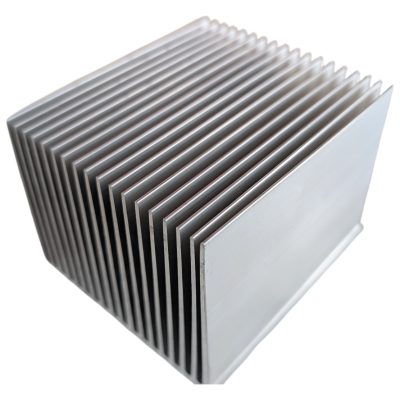
Thermal management is the single biggest performance upgrade for any OSMU miner. For single-chip Bitaxes: choose the Premium Heatsink, Modern Heatsink, or Basic Heatsink. For active cooling: the Ice Tower Cooler and Low-Profile Tower. For the Bitaxe Hex: the Hex Heatsink engineered for all 6 chips. Thermal pad solutions: Argon THRML 60mm and Argon Noctua.
Stands, Cases, and Mounts
The Mesh Standing Case (D-Central original) maximizes airflow for Bitaxe boards. The Modern Stand and Minimalist Stand offer clean desk aesthetics. The Hex Case encloses the 6-chip board with an 80mm fan mount. For NerdAxe: the NerdAxe Stand. For NerdQAxe: the Adjustable Stand. The NerdMiner Case protects your lottery miner. Full kits: Modern Minibit with case and cooling included.
Power Cables and Adapters
Different miners use different power connectors. The XT30 to DC Cable connects your Bitaxe GT or NerdQAxe++ to any 12V barrel-jack power supply. The 6-Pin PCIe to DC Cable repurposes your APW3 PSU for NerdQAxe+ or Bitaxe Hex. The IEC C20 to C13 Cable connects server PSUs to standard outlets. Every cable you need to power every miner in the lineup.
Parts and Replacements
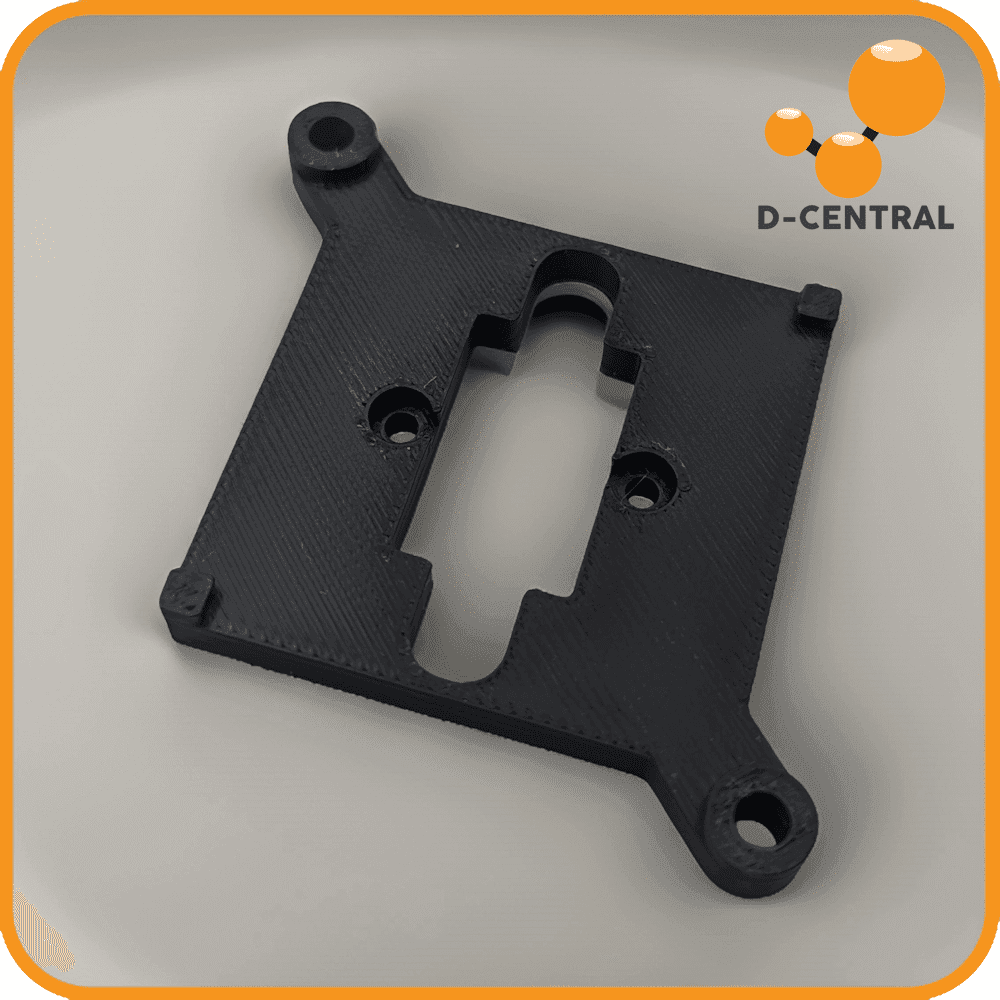
Keep your miners running with genuine replacement parts. OLED Display 3-packs for Bitaxe and NerdQAxe boards. NerdQAxe Socket Extensions for heatsink mounting. BM1366 ASIC chips (BM1366AL and BM1366BS) for repair and custom builds. D-Central’s ASIC repair team uses these same parts daily.
Popular Accessories

Getting Started with OSMU Mining
From unboxing to hashing in under 10 minutes. No command line. No complicated setup. If you can connect to WiFi, you can mine Bitcoin.
Step 1: Power Up
Connect your miner to the correct power source. USB-C models (NerdMiner, NerdNOS, NerdAxe): any USB-C adapter. 5V barrel jack (Bitaxe Gamma, Supra, Ultra, Minibit): 5V 2.1mm barrel adapter with at least 6A — NOT USB-C. 12V barrel jack (NerdQAxe, NerdQAxe+, Hex): 12V DC adapter. XT30 (GT, NerdQAxe++): 12V via XT30 or adapter cable. XT60 (NerdOctaxe): 12V via XT60. Check the comparison table above if unsure.
Step 2: Connect to WiFi
On first boot, your miner creates its own WiFi hotspot. Connect to it from your phone or laptop, and the configuration page opens automatically. Enter your home WiFi credentials and save. Your miner joins your network and gets its own IP address. This works the same way across Bitaxe (AxeOS) and NerdAxe family firmware.
Step 3: Configure Your Pool
Navigate to your miner’s IP address in a browser. In the dashboard, enter your solo mining pool (public-pool.io or solo.ckpool.org are the most popular) and your Bitcoin wallet address. Solo mining means if you find a block, the entire 3.125 BTC reward goes to your wallet. No pool fees. Hit save.
Step 4: Start Mining
Click “Start Mining” in the dashboard. Within seconds you will see your hash rate climbing, share counts ticking up, and temperature readings stabilizing. Your miner is now solo mining Bitcoin. Every hash is a chance at 3.125 BTC. The miner runs 24/7 — set it and forget it.
Step 5: Monitor and Tune
The web dashboard shows real-time stats: hash rate, temperature, fan speed, shares found, and best difficulty share. Bookmark the IP address — check in anytime from any device on your network. Once stable, consider upgrading your cooling with a D-Central heatsink and tweaking frequency settings for more hashrate.
Step 6: Join the Community
The OSMU community is one of the best in Bitcoin. Share your setup on social media, compare best difficulty shares, celebrate solo block wins together, and learn overclocking tips from fellow miners. You are now part of the decentralization movement. Every hash counts.
Overclocking Your OSMU Miner
Want more hash rate? Every OSMU miner has headroom. Here is how the Bitcoin Mining Hackers squeeze out extra performance.
The golden rule of overclocking: stability beats peak numbers. A miner running 1 TH/s 24/7 will find more shares than one crashing at 1.5 TH/s. Target the 45-55C optimal zone, upgrade your cooling with D-Central’s heatsinks, towers, or thermal solutions, and let it run. The right cooling is the difference between stock hashrate and pushing your chips to their limit.
Solo Mining Explained
In pool mining, thousands of miners combine their hash rate and split the rewards proportionally. You get small, regular payouts — but you are always sharing. Solo mining is the opposite. Your miner works alone. If your device finds the valid hash for the next Bitcoin block, you get the entire block reward: 3.125 BTC plus all transaction fees.
The math is simple but humbling. The Bitcoin network produces roughly 750+ exahashes per second. A Bitaxe Gamma does about 1.2 TH/s. That means your odds per second are astronomically small. But unlike a scratch ticket, your miner plays every single second of every single day. It never stops. It never sleeps.
Solo miners have found blocks with small devices. It has happened. It is documented on-chain and celebrated by the community every time. The expected time to find a block varies by device — a Bitaxe Gamma might expect centuries, a NerdOctaxe Gamma reduces that to roughly a decade. Stack multiple miners and the odds compound.
Solo mining is sovereignty, not speculation. Your electricity cost ranges from a few cents to a dollar per day depending on your miner. Your potential upside is 3.125 BTC. And you are participating in something meaningful — directly securing the Bitcoin network and contributing to its decentralization. Every hash counts.
The real question is not “will I find a block?” but “can I afford NOT to be in the game?” A few dollars a month in electricity for an asymmetric bet on the hardest money ever created. That is the OSMU proposition.
OSMU Frequently Asked Questions
More Bitcoin Mining Hardware from D-Central
Bitcoin Space Heaters
Want industrial hash rate and home heating? Our Space Heater editions turn full-size ASIC miners into quiet residential heaters. Mine Bitcoin while warming your home through Canadian winters. The ultimate dual-purpose hardware.
ASIC Repair Service
Got a miner that needs fixing? D-Central operates Canada’s largest ASIC repair center. Hashboard diagnostics, chip replacement, firmware recovery — over 2,500 miners brought back to life. The same team that builds OSMU accessories services industrial hardware daily.
Full Mining Hardware Shop
Browse our complete Bitcoin mining hardware catalog. ASIC miners, OSMU devices, parts, power supplies, cables, and everything a home miner needs. Ships from Canada. Bitcoin accepted.
Ready to Scale Up?
OSMU mining is just the beginning. When you are ready for more hash rate, D-Central has the full stack.
Mining Consulting
Thinking about adding full-size ASICs to your setup? Our mining consultants help you plan the electrical, thermal, and financial side of scaling from OSMU to serious hash rate.
Mining Training
Want to understand mining hardware at a deeper level? Our training programs cover ASIC internals, overclocking, repair basics, and optimization — from Bitaxe workshops to industrial hardware.
Mining Hosting
Love OSMU mining but want industrial hash rate too? Buy a full-size ASIC from our shop and have it hosted at our Quebec facility. Bitaxe on your desk, S21 in our data center. Best of both worlds.
Bitaxe & OSMU Resource Library
Every guide, comparison, and tutorial for the open-source mining ecosystem. Written by D-Central’s hardware team — the same people who built the first Bitaxe accessories and repair every model that comes through our shop.
Bitaxe Setup Guides
- ★ Bitaxe Setup Guide: Complete Guide for Every Model — from unboxing to hashing, all models covered
- Bitaxe Supra Setup Guide — BM1366 solo miner configuration
- Bitaxe Ultra Setup Guide — BM1366 solo miner configuration
- Bitaxe Gamma Setup Guide — BM1370 solo miner configuration
- Bitaxe Hex Setup Guide — 6-chip BM1366 configuration
- Bitaxe GT Setup Guide — Dual BM1370 configuration
- Bitaxe Firmware Update Guide — OTA, Web Flasher, CLI & source builds
Advanced Guides
- The Definitive Bitaxe Overclocking Manual — every model, every setting, maximum hashrate
- The Complete Bitaxe Accessories Guide — power, cooling, cases, stands & more
- Bitaxe Buying Guide — which model is right for you
- ASIC Miner Comparison Tool — compare every major ASIC miner side by side
Troubleshooting
- Bitaxe Troubleshooting Guide — every common issue and how to fix it
Comparisons
- Bitaxe vs NerdAxe — complete open-source solo miner comparison
- Bitaxe Gamma vs Hex — choosing your ideal Bitcoin miner
- Bitaxe Buying Guide — which model is right for you
- ASIC Miner Comparison Tool — compare every major ASIC miner side by side
Bitaxe History
- First Bitaxe Block Win — the historic pleb block mined by a Bitaxe
- Bitaxe Series Detailed — the open-source revolution in Bitcoin mining
NerdAxe Family Setup Guides
- NerdAxe Setup Guide — open-source Bitcoin mining device
- NerdNOS Setup Guide — ESP32-S3 mining device
- NerdQAxe++ Setup Guide — quad-chip mining device
- Nerdminer Setup Guide — entry-level solo mining device
- NerdOctaxe Gamma Setup Guide — 8-chip mining beast
Solo Mining & Pool Guides
- Solo Bitcoin Mining: The Complete Guide to Lottery Mining
- Bitcoin Mining Pool Comparison 2026 — every major pool analyzed