The Remote Hashcenter Problem
Rural stranded-gas pads. Solar arrays on reclaimed land. Hydro sites tucked into valleys no crew wants to drive to twice. These are the locations where Bitcoin mining increasingly happens, because they’re where the cheap stranded energy lives. They’re also the locations where the internet is the single most fragile thing on site. Your hashrate is stable. Your PDUs are holding. Your airflow is fine. But the LTE modem is on a pole with a marginal signal, the satellite dish just iced up, and the microwave backhaul link dropped twenty minutes ago — and you have no idea, because the monitoring dashboard that told you everything was fine is also the monitoring dashboard that needs the internet you no longer have.
Every pleb who has run a remote Hashcenter has hit this. The failure modes are always some flavor of the same problem: you lose visibility and control precisely when you need it most. The grid flickers. A storm rolls in. Something overheats and the fleet starts de-rating. And you’re driving out there blind because the ISP fell over first.
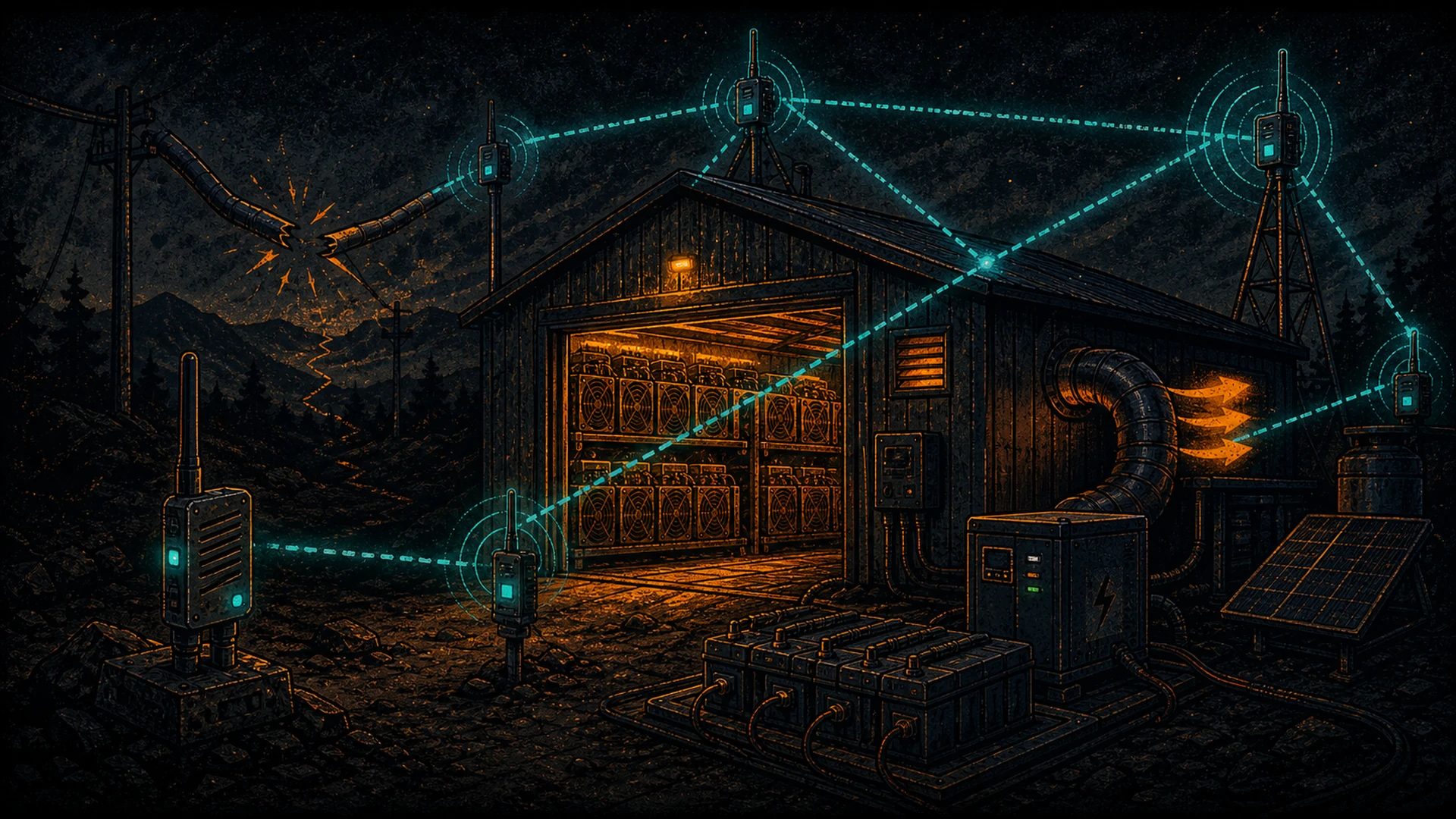
This is the problem a LoRa mesh solves. Not a total replacement for the primary link. A second, permanently-on, low-bandwidth channel that keeps telemetry flowing and lets you send kill commands even when the primary link is gone. It’s cheap, it sips power, it doesn’t require a subscription, and it’s one more layer decentralized between you and your rigs.
What the Mesh Actually Solves
Don’t oversell this. A Meshtastic mesh is not going to stream hash logs at full rate. It’s not going to carry your Grafana dashboard. What it will do — reliably, cheaply, and without an ISP — is:
- Heartbeat and presence. Every 60 seconds the site says “I’m alive, here are three numbers.” If that stops, you know the site is dark before you get an electricity bill that says so.
- Critical alerts. Temperature excursions, door sensors, grid-loss flags, fan alarms, water detection. Tiny payloads. Urgent meaning.
- Rudimentary control-plane. Emergency shutoff commands. Manual breaker signaling to a local controller. “Power down container 2 now.” Minimal keystrokes, high consequence.
- Out-of-band access when the main link is compromised. You don’t want your only path into a compromised site to be the same path the attacker might be watching or controlling.
Crucially, this is augmentation, not replacement. Your normal monitoring, pool connection, payout flows, and dashboard all keep running on the main ISP link. The mesh is the survivor when the main link fails.
Architecture: The Minimum Viable Deployment
Here’s the baseline layout that covers most plebs’ needs.
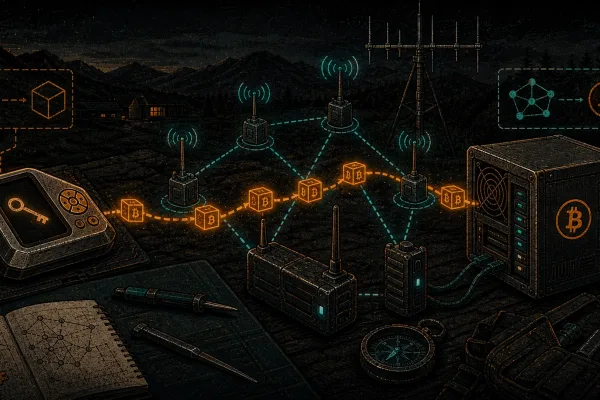
Node 1 — Site Node
At the Hashcenter, mount a Meshtastic node — a Heltec LoRa 32 V3 on a rooftop or the side of a container is the typical starting point. Power it from a small 12V feed off the site’s existing electrical, with a LiPo or LiFePO4 buffer so a grid flicker doesn’t kill the radio. Connect it (over Bluetooth, Wi-Fi, or serial) to a small on-site computer — a Raspberry Pi 5 or a mini-PC is plenty — running a custom script that polls your miners and the facility’s sensors and pushes the headline numbers to the mesh at intervals.
Node 2 — Relay (Optional but Usually Needed)
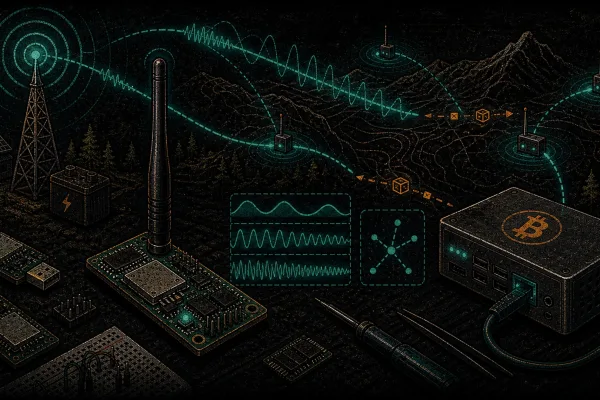
Most remote sites aren’t within direct LoRa range of anywhere useful. A solar-powered relay node on a high point in between — a hilltop, a cell tower you have permission to piggyback on, a grain silo, a friendly neighbor’s rooftop — extends the mesh. A RAK Wireless WisBlock with a small solar panel and an 18650 cell is the canonical relay. One-time cost, essentially zero operating cost. Place one or two of these and you’ve probably closed the gap.
Node 3 — Base Station
At your home base, a Heltec V3 (or a T-Beam if you want GPS/mobile) paired with your phone or wired to your home server. This node receives the site’s telemetry, relays your alerts to your phone via Bluetooth, and — for pleb-scale setups — pushes the data into Home Assistant or Grafana for trending.
Optional — LTE Failover on the Site Node
You can run Meshtastic on a node that also has an LTE modem as a fallback when the mesh has a problem. It’s belt and suspenders: the mesh is your primary out-of-band channel because it’s fully decentralized; an LTE modem is the cheap backup when a relay node fails.
The cost to stand this up end-to-end, excluding the miners and the Hashcenter itself, is typically under $200 in hardware. If that sounds insultingly cheap for an out-of-band control plane, that’s the point.
Use Cases, Spelled Out
Temperature Alerts
Put a DS18B20 or a BME280 in the hot aisle. Your site-node script reads it every 30 seconds. If intake air crosses a threshold — say, 45°C for a fleet that shouldn’t see above 40 — the node fires a short high-priority message over the mesh: SITE1 INTAKE 48C WARN. That message hops to your base station and you get a push notification on your phone wherever you are. You didn’t need the main ISP. You didn’t need a cloud dashboard. You got the alert.
Fan and Airflow Alarms
Modern ASICs report fan RPM. Scrape it. If a hashboard’s fan tach drops to zero, push SITE1 RIG14 FAN2 FAIL into the mesh. Most hashboard failures are fan failures in disguise; catching this in the first minute instead of after thermal damage is the difference between a $50 fan swap and a $400 board replacement. Background reading: /sovereignty/ companion content, our off-grid Bitcoin mining guide, and our mining troubleshooting library.
Grid-Loss and UPS Events
Any decent site has a contactor or a UPS status pin that flips on grid loss. Wire it to a GPIO on your Pi, mesh out SITE1 GRID DOWN, and decide from your phone whether to cut loads, run off battery, or drive out. This pairs with automatic local behaviors (drop non-essential PDUs) that don’t need the mesh — the mesh just tells you what happened.
Emergency Shutoff
Reverse direction. You’re on a vacation and a friend tells you there’s a power event or a fire in the next valley. You pull out your phone, type a short command on the mesh — SITE1 ESTOP — and the site node’s script, which is listening for that authenticated payload, fires a GPIO that opens a contactor and de-energizes the fleet. Minimal bandwidth. High consequence. Authenticate it properly — more on that below.
Site Health Heartbeat
The quietest and arguably most important use case. Once a minute, the site publishes a tiny status packet: temperature, grid state, aggregate hashrate bucket, and a heartbeat counter. Your base station logs it. If it stops for more than five minutes, you get a different alert: SITE1 DARK. That’s how you catch the failure modes that the normal monitoring can’t catch — because the normal monitoring itself just went down.
Practical Hardware
Node: Heltec V3 or RAK WisBlock
For a simple mining-site node, a Heltec LoRa 32 V3 is fine. If you’re planning permanent solar, go RAK WisBlock — it’s lower power and has better enclosures. Both run mainline Meshtastic firmware without drama.
Power: LiFePO4 Over LiPo for Long Term
The boards ship with LiPo chargers. For a relay node that will sit outdoors for years, swap in a LiFePO4 cell (with the right charger circuit) — LiFePO4 tolerates heat and cycling much better than LiPo and is the responsible choice for remote, unmonitored installs.
Antenna: Fiberglass Collinear on a Mast
The single biggest range improvement you will make is elevation and antenna quality. A tuned 5–8 dBi fiberglass collinear on a 3–10m mast on the side of a container or on a ridgeline will massively outperform the stock whip. Match the antenna to your region (915 MHz for US/CA, 868 MHz for EU). For long fixed links between a site and a relay, a Yagi directional antenna aimed correctly pushes range into 20+ km territory on line-of-sight.
Enclosure: NEMA-Rated for Outdoor
Don’t let a $40 board die in a thunderstorm because of a $3 enclosure. A NEMA 4X box, a good cable gland, and a drip loop on the antenna cable cost almost nothing and save the node.
Integration: Meshtastic → MQTT → Everything Else
For plebs who want more than phone notifications, the clean integration path is:
- Your site node pushes Meshtastic messages into your base-station node.
- Your base-station node (or a small companion Pi) runs Meshtastic’s MQTT bridge, which publishes every received message to an MQTT topic on your local broker.
- Home Assistant subscribes to those topics and fires automations: phone push, SMS via a local SIM, Nostr DM, email, whatever.
- Grafana (via Telegraf or a direct MQTT datasource) trends the telemetry for after-the-fact analysis. You’ll want to see the temperature spike that preceded the failure, not just the failure alert.
This same MQTT bridge can push mesh telemetry back into your existing mining-fleet dashboards, so the mesh data shows up alongside your normal pool and rig stats. Useful when the main link comes back and you want to correlate what you saw on the mesh with what the dashboard logged.
Security and OpSec
A Hashcenter has three things worth protecting: the site’s physical location, the control-plane authority (who can issue shutoff commands), and the telemetry confidentiality (anyone who knows your hashrate curve learns a lot about your operation).
- Use a private Meshtastic channel with a strong PSK. Never run site traffic on
LongFast. The default channel is essentially public. - Authenticate control commands. The shutoff message has to carry a signed payload, not just a plaintext string. Meshtastic encrypts at the channel level, which protects you from casual snooping, but someone with the channel key could replay a command. A small HMAC with a rolling counter in the payload is the pleb-grade fix.
- Don’t advertise the site node as “SITE1 HASHCENTER.” Node names are visible on the mesh. Use opaque IDs. Location privacy is cheap and pays off.
- Disable position beaconing on the site node. Meshtastic will happily broadcast a node’s GPS location at an interval by default. Turn it off for your fixed nodes; you know where they are.
- Redundant gateways. If your relay node dies, the mesh should still have a path. Two relays beat one.
- Physical tamper. A Meshtastic node on a pole is a physical object. It can be stolen, opened, or reflashed. For sensitive deployments, use a board with hardware crypto (RAK has options) and accept that anything in a pole-mounted box is sacrificial.
Pairs With BTC Mesh
Once you have a mesh running at a remote site, you have an out-of-band path for Bitcoin over Meshtastic too. Imagine this: your site’s main ISP is down for 72 hours. Your normal mining-payout flow is paused. You need to move funds — maybe to pay a local contractor who showed up to swap a PSU, maybe to settle with a hosted customer who’s calling. With BTC Mesh, you sign the payment on-site, push the PSBT over your mesh to a town-based gateway with an internet connection, and the transaction hits the Bitcoin network. No ISP. No platform. No waiting for the backhaul to come back.
That’s the sovereign stack showing up in a practical ops moment. The comms layer keeps you alive; the money layer lets you pay the crew; the mesh ties them together.
Further Reading
- /sovereignty/ — the full sovereign stack hub.
- The pleb’s sovereign stack manifesto — why every layer matters.
- Meshtastic getting started — flash your first node before you deploy to a Hashcenter.
- LoRa protocol explained — the range physics you’re relying on.
- Bitcoin over Meshtastic — the money-out-of-band companion to this post.
- Hosted mining vs self-mining — the operator context behind remote Hashcenters.
A mining site that can’t talk to you is a mining site you don’t really control. Put a mesh on it. Keep the primary link, but stop depending on it alone. That’s the quiet, practical version of one more layer decentralized — and it pays for itself the first time it saves you a drive.
The sovereign stack: own every layer
Sovereignty is layered: Bitcoin for money, a local LLM for intelligence, mesh for connectivity, Nostr for identity, and your own power. Each piece is one more layer no single actor can switch off.