What Is Meshtastic and Why Plebs Should Care
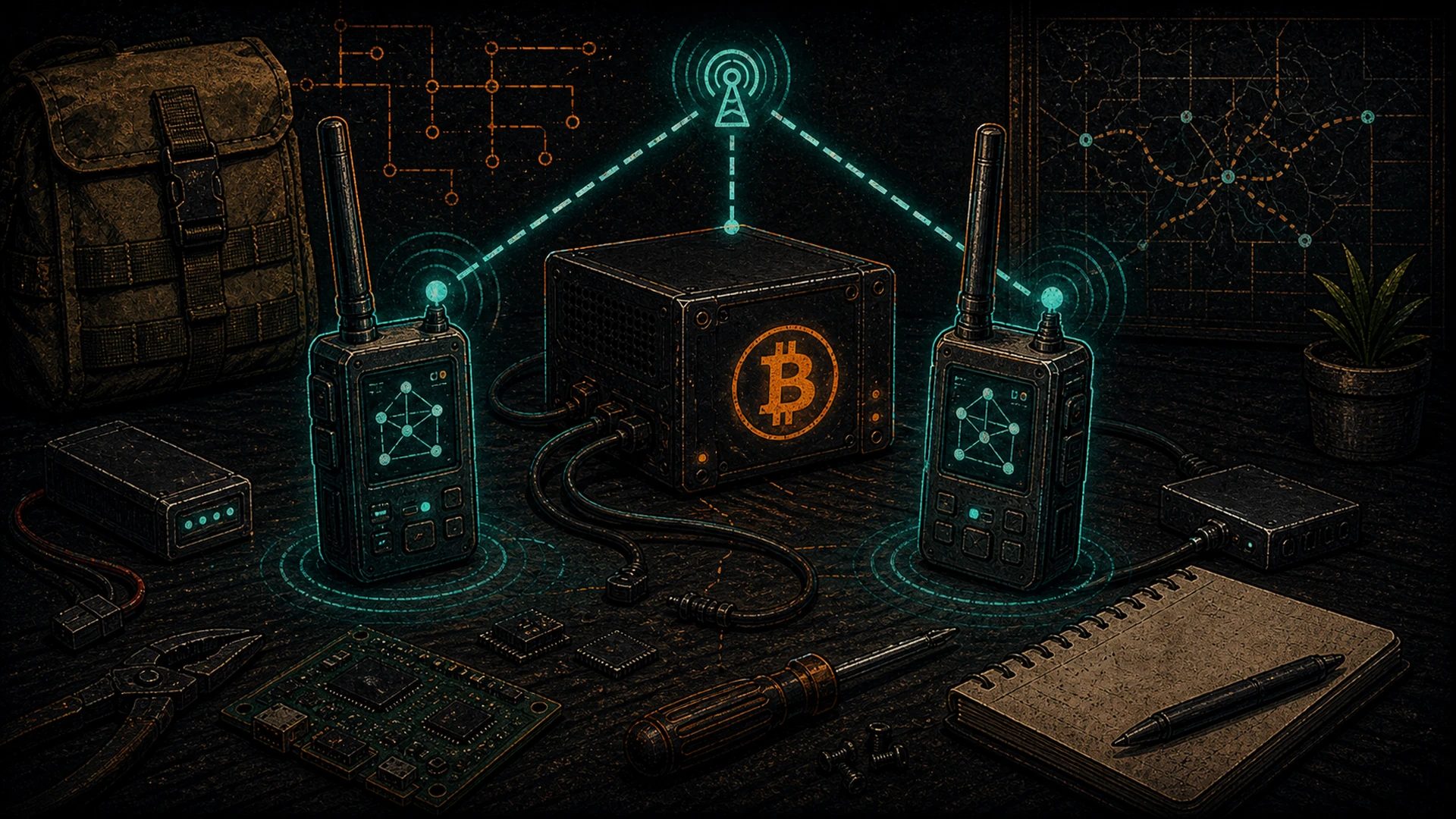
Meshtastic is an open-source project — kicked off by Kevin Hester and carried by a global contributor community — that turns a handful of cheap LoRa radios into a self-healing, decentralized, peer-to-peer mesh network. No cell tower. No ISP. No gateway required. You flash firmware onto a sub-$50 board, pair it with your phone, and you can send encrypted text messages, share GPS positions, and ping nearby nodes across kilometers of terrain. When one node drops, the mesh reroutes around it. When you’re in a valley, a neighbor’s node on a hill relays your message over the ridge for you. The project is MIT-licensed and the firmware is on GitHub.
For Bitcoiners, this is the comms layer of the pleb’s sovereign stack. If you can’t talk to your peers when the internet dies, you can’t coordinate, you can’t confirm that a transaction broadcast, and you can’t call for help. Meshtastic is one more layer decentralized — the answer to what happens when the ISP goes away.
This is the getting-started guide. By the end, you’ll have a working Meshtastic node on your desk, paired to your phone, talking to whatever mesh exists in your region.
Hardware Picks
There are three hardware families worth knowing about. All three are supported by the Meshtastic firmware and all three are produced by vendors who have been contributing back to the ecosystem for years. Credit where it’s due — none of this exists without them.
Heltec LoRa 32 V3 (the default starter board)
Heltec Automation’s LoRa 32 V3 is the workhorse. It’s an ESP32-S3 MCU paired with a Semtech SX1262 LoRa radio, a small OLED screen, a LiPo charging circuit, and a USB-C port. It costs about $25–30, ships with a whip antenna, and is the most commonly recommended board in every Meshtastic getting-started doc on the planet. If you’re buying your first node, buy this one. It’s the board the docs assume.
LILYGO T-Beam (GPS built in)
The LILYGO T-Beam is the board you want if you care about mobile and position tracking. It bundles an ESP32, an SX1262 LoRa radio, a GPS module, and a slot for an 18650 Li-ion cell — all on a single PCB. Put one on your truck dashboard and your position becomes a beacon the mesh can see. Expect to pay $35–50 depending on the variant. T-Beam is also popular for solar relay nodes because the 18650 slot makes battery management clean.
RAK Wireless WisBlock (modular and rugged)
RAK Wireless builds the WisBlock modular platform — a nRF52-based base board into which you snap a LoRa radio module, a GPS module, a sensor module, or any combination thereof. It’s more expensive ($50–100+ depending on modules) but it’s the professional-grade option: lower power draw, industrial enclosures (the WisGate and Meshtastic-branded devices), and a clean path to solar-powered permanent installs. Plebs who want a rooftop relay node that just works and sips power should look at RAK first.
Pick one, order it, and come back. The rest of this guide assumes you have a board in hand and a USB-C cable ready.
Flashing the Firmware
Meshtastic ships an official browser-based flasher at flasher.meshtastic.org. It uses WebSerial and works in Chrome or Edge. The workflow is surgical:
- Plug your board into your computer via USB-C.
- Open
flasher.meshtastic.orgin Chrome. - Select your board model from the dropdown (for example,
heltec-v3). - Pick the firmware release (stick to the latest stable unless you have a reason not to).
- Click Connect, pick the serial port your board enumerated on, and click Flash.
The flasher handles the bootloader dance, erases the flash, and writes the new firmware in about 30–60 seconds. If the connection fails, you may need a USB-C cable that actually carries data (not just power), or CP2102/CH340 drivers on macOS/Windows — which the Meshtastic docs walk you through.
Once the flash completes, the OLED screen wakes up and shows a hostname like Meshtastic_A3B1. That’s your node ID’s last four hex digits. Congrats, you have a node.
First Boot: Channels, PSK, and Region
Meshtastic organizes traffic into channels. The default channel is LongFast, and the firmware ships with a publicly known pre-shared key (PSK) so any two stock nodes can hear each other out of the box. This is great for onboarding, lousy for privacy. The first thing to understand is that the default channel is public-readable. Anything you type on LongFast can be decrypted by any other stock Meshtastic node in range.
For private traffic, create a new channel:
- Give it a name (for example,
pleb-ops). - Let the app generate a strong 256-bit PSK, or paste your own.
- Share the channel URL (a QR code) only with the peers you want on it.
Only nodes that have the matching PSK can decrypt messages on that channel. If someone else’s node receives the packet, it forwards it along the mesh but can’t read the contents. That’s the right mental model: the mesh is public infrastructure; your encryption is what makes it private.
Regional Frequency Bands
LoRa operates on license-free ISM bands, but the exact frequency depends on where you are. Pick wrong and you’re either illegal, deaf, or both. Meshtastic has a region setting you need to set correctly on first boot.
- United States and Canada:
USregion, 902–928 MHz (typically centered around 915 MHz). FCC Part 15 governs. No duty cycle limit, but a max EIRP cap. - European Union and UK:
EU_868region, 863–870 MHz (centered near 868 MHz). ETSI EN 300 220 governs. Strict duty cycle limits (often 1% per hour on sub-bands) — which affects mesh behavior. - Australia and New Zealand:
ANZregion, 915–928 MHz. - Other regions: Meshtastic supports IN, CN, JP, KR, TW, RU, TH, MY, SG, and more. Pick your country’s entry in the Region dropdown and the firmware configures the right frequency plan.
If your board shipped with an antenna tuned for 915 MHz and you’re in Europe on 868 MHz, swap the antenna — a mismatched antenna will transmit, but range will suffer and you’ll heat up the radio. Vendors typically sell 868 and 915 variants; buy the right one for your region.
Pairing With the Phone App
Meshtastic has official apps for Android (on the Play Store and F-Droid) and iOS (App Store). Both apps connect to your node over Bluetooth LE (or Wi-Fi if you enable the node’s Wi-Fi client mode). The pairing flow:
- Open the app.
- Tap the Bluetooth icon and scan for your node (it’ll show up by hostname).
- Confirm the 6-digit pairing code on the OLED.
- The app downloads the node’s config and channel list.
Once paired, your phone becomes the UI: you can send text messages, view the mesh topology, see other nodes’ positions on a map, adjust channel settings, and read signal-strength metrics for every hop. You can pair multiple phones to the same node, and you can pair one phone to multiple nodes if you carry spares.
First Message Test
Ask a friend in range — physically, over LoRa range, which we’ll talk about in a second — to flash a Heltec V3 and join your private channel via QR code. Once both nodes are on the channel:
- Send a text message from your app.
- Watch the node’s OLED: it’ll show TX activity.
- Your friend’s node receives it, forwards the packet to their phone over Bluetooth, and the message shows up in their app.
- An acknowledgment flows back through the mesh, and your app shows the message delivered.
If you’re on your own with no peers, the Meshtastic community runs public nodes you can see on meshtastic.org‘s public map. Flip on LongFast and you may see strangers’ nodes light up in your app — that’s the mesh working. Then flip it back off and commit to your private channel for anything you actually want to keep to yourself.
Antennas and Mounting: Where Range Actually Comes From
Nothing about Meshtastic range comes from the radio’s power. The SX1262 transmits at +22 dBm (about 158 mW) — less than a cell phone. The range comes from LoRa’s chirp-spread-spectrum modulation and from the antenna. Two practical rules the plebs should memorize:
- Height beats power, every time. A Heltec V3 with its stock whip antenna at ground level inside a house will give you 200 meters of range in a suburb. The same Heltec V3 with the same whip on a rooftop or a 10-meter pole will give you 5+ kilometers. Elevation is everything. LoRa is a line-of-sight protocol with some tolerance for foliage and light obstruction — but every meter of elevation buys you Fresnel zone.
- Tune your antenna to your band. A 915 MHz antenna on an 868 MHz radio, or vice versa, is a ~30% range loss even if it still “works.” Buy a proper fiberglass collinear or a tuned whip matched to your region. A $20 tuned antenna beats a $50 wrong antenna, full stop.
Other antenna notes for the plebs who want to push it further: a 5–8 dBi fiberglass collinear on a pole gets you urban range of 3–5 km reliably, and line-of-sight range of 10–20+ km. Directional Yagi antennas — if you’re trying to link two fixed points like your house and a remote Hashcenter — can push well past 30 km with proper alignment. Don’t mount antennas near metal without thinking about the ground plane. And if you’re using a T-Beam or a mobile node, keep the antenna vertical when transmitting.
What to Do Next
You have a node. You’re on the mesh. Now you’re ready for the deeper content:
- Understand the physics under Meshtastic: LoRa protocol explained — spreading factors, bandwidth, regional regulation, and practical range math.
- Use your mesh to sign and broadcast Bitcoin transactions without the internet: Bitcoin over Meshtastic with BTC Mesh.
- Return to the pillar: the pleb’s sovereign stack manifesto.
- Back to the hub: /sovereignty/.
Meshtastic is the kind of project where the second node is the first one that matters — until you have a peer, you’re just testing. Flash a node. Convince a friend. Put an antenna on your roof. That’s one more layer decentralized.
The sovereign stack: own every layer
Sovereignty is layered: Bitcoin for money, a local LLM for intelligence, mesh for connectivity, Nostr for identity, and your own power. Each piece is one more layer no single actor can switch off.