
How D-Central repairs your ASIC miners
Our repair processes

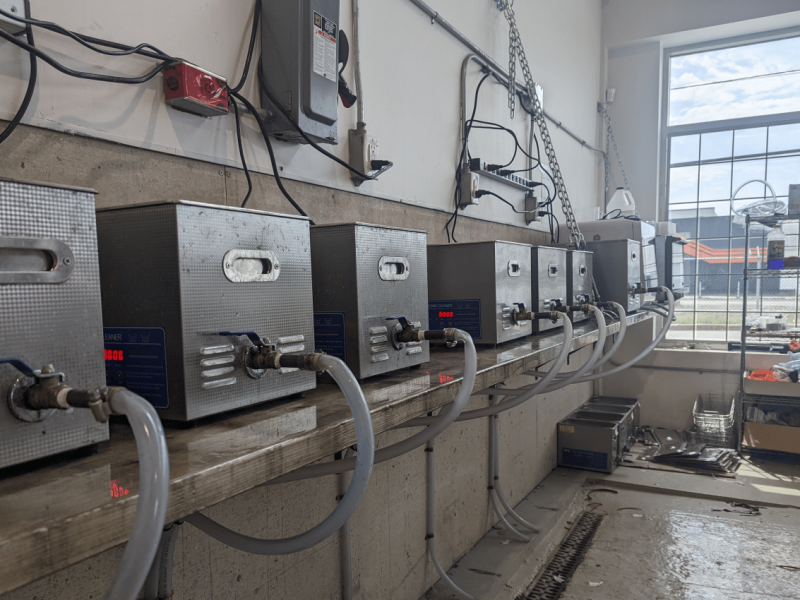
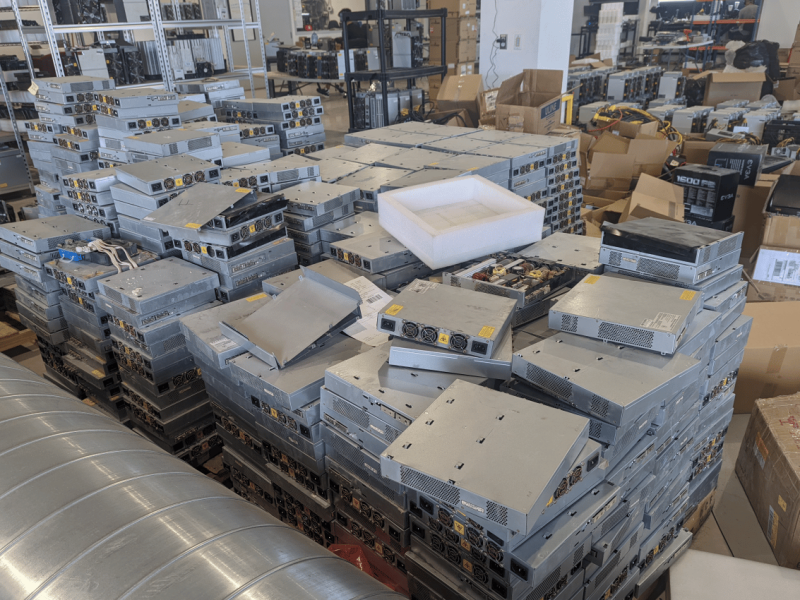
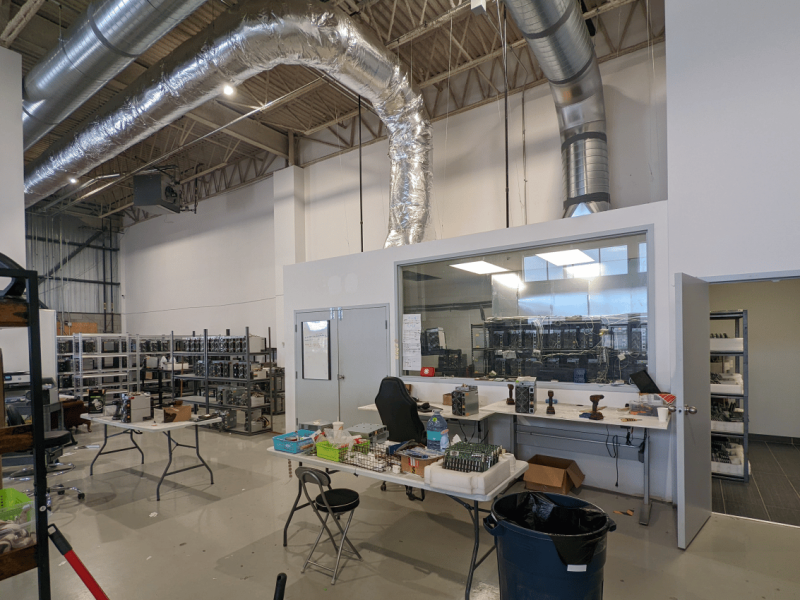
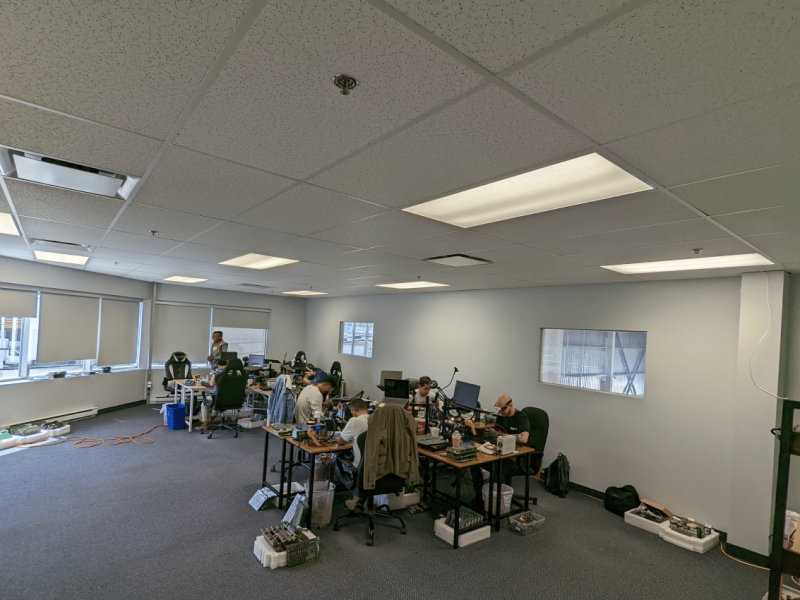
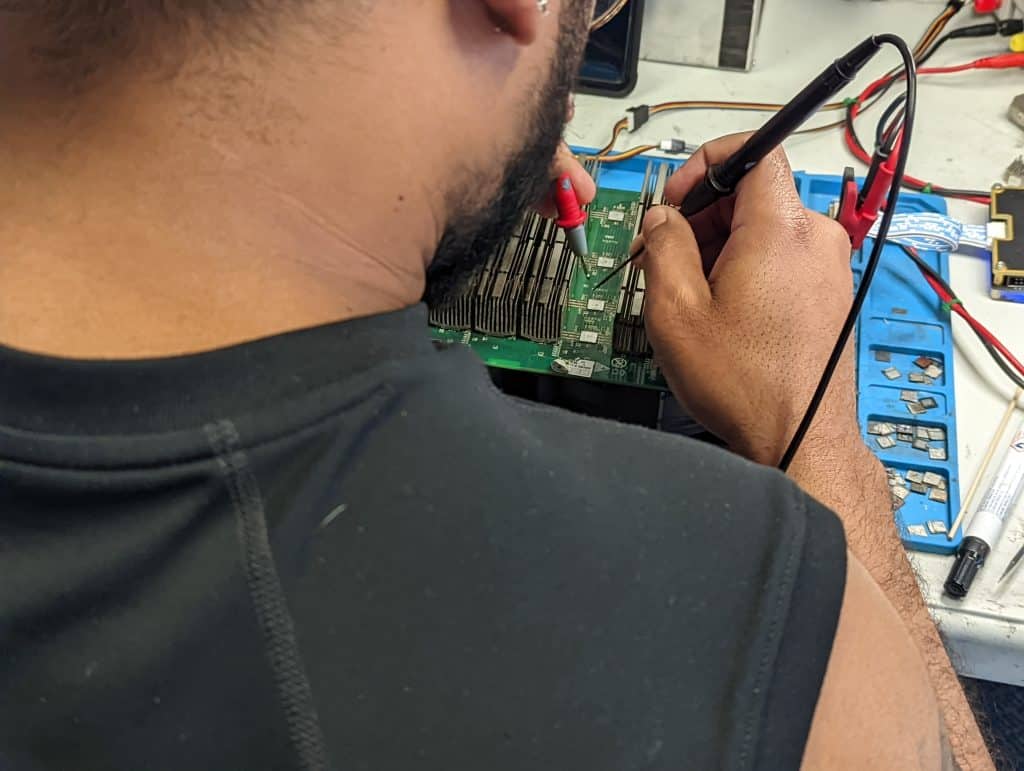
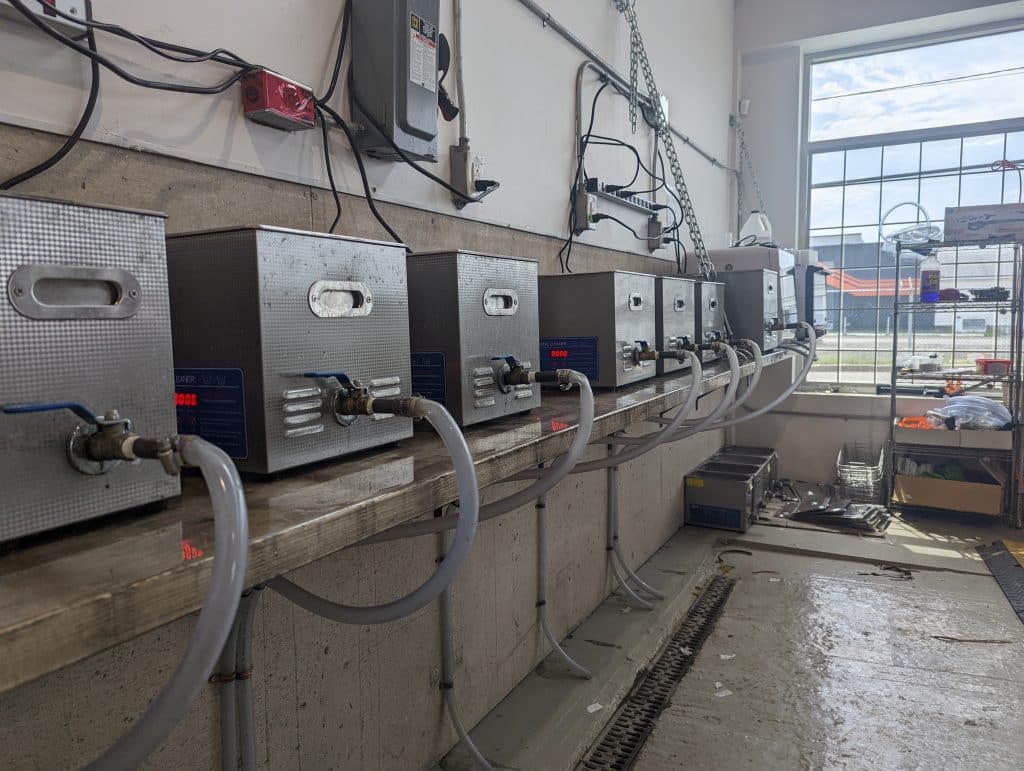
01. ReceptionWe receive your equipment, open a ticket so that you can follow your repairs in real time and we apply several labels to your components to ensure unparalleled follow-up.Get started02. DisassemblyWe disassemble your miners and run every hashboard through an ultrasonic cleaning process.Get started03. DiagnosticWe use state-of-the-art tools dedicated to diagnosing ASIC miners to find any errors.Get started04. RepairsFollowing the diagnosis, D-Central technicians replace the defective chips and components to restore your machine to working order.Get started05. Quality ControlWe test your machines after repair through a quality control process in which we stress the machine.Get started
Previous
Next
Want to learn our processes for your business?
D-Central’s transparency goes beyond walking you through the repair process. We publish free educational content on our YouTube channel, and we offer one-on-one consultations over video, on-site technician support at your facility, and hands-on training at our Laval workshop. We have repaired and refurbished thousands of hashboards since 2016, and we’re happy to share what we’ve learned standing on the shoulders of the technicians who came before us.
Our Expertise
Mining hardware can be complex to operate and maintain. D-Central stands behind every machine that passes through the workshop with a thorough, chip-level ASIC repair service built for miners who run their own hardware.
- Internal Documentation
- Troubleshooting support
- Custom Firmwares
- Training your team
- Outsourcing of technicians

Our trainings
When a miner goes down, it stalls your investment and stops you from stacking sats. D-Central can train your team to diagnose and repair hashboards the same way our technicians do.

Our documents
D-Central maintains its own documentation and troubleshooting references to support your team through any ASIC repair need.

Our outsourcing
D-Central technicians can come to your facility to train your team and handle repairs on-site.
Follow us on YouTube
Learn more about our work
11 Videos
ASIC Repair Livestreams

ASIC Miner Repair LIVE – 001
ASIC Miner Repair LIVE – 002
ASIC Miner Repair LIVE – 003
ASIC Miner Repair LIVE – 004
Hashboard Repair Tutorials
Tin a BM1397 Chip
Install a BM1397 Chip
Flash the EEPROM of your hashboard
Setup your ARC Tester
Use your ARC Tester
Prepare a MT3608 booster module
Install a MT3608 booster module
Our repair processes
Start with the fault evidence
Before replacing parts, record the miner model, firmware version, kernel log, hashboard count, power supply status, fan readings, temperature history, and photos of any burned connector or corrosion. A repair quote is more accurate when the symptom is tied to evidence instead of a generic failure description.
Model-specific checks
Use the model page as a repair intake surface, not a generic sales page. Confirm the exact generation, control board, PSU, fan size, firmware family, known hashboard faults, connector style, and whether compatible parts are still available before shipping or approving bench time.
When to stop DIY repair
Stop and use a bench diagnosis when the miner trips a breaker, smells burned, shows melted power connectors, has repeated hashboard loss, has visible corrosion, or fails again after a basic cable, fan, firmware, or PSU check. These failures can turn a repairable board into a scrap board if it is powered repeatedly.
What D-Central verifies
D-Central evaluates repairability through model generation, parts availability, board condition, likely downtime, replacement cost, and whether the unit still makes sense for your power rate, noise limit, and heat-reuse plan.
Repair quote inputs
For a faster estimate, include the miner serial or model variant, photos of the dashboard and kernel log, how long the failure has been present, recent firmware changes, pool symptoms, room temperature, and any prior parts swapped.
Missing something or not sure what you need? Reach out and D-Central will help. Leave your contact details and we’ll get back to you as soon as possible.
Social
Discord
Twitter
Facebook-f
Youtube
Speak
_1 855_753_9997
ASIC repair process and parts path
Use these next steps when symptoms point beyond basic setup checks: document the fault, estimate repair economics, then match parts and tools to the model before replacing anything.
Find parts by failure
Move from the failure symptom to the right replacement category before browsing the full parts catalog.
Editorial review and limitations
Reviewed by D-Central's mining hardware and ASIC repair editorial team for practical accuracy, buyer risk, repair context, and operational assumptions. Verify current hardware price, stock, network difficulty, BTC price, power rate, shipping, tax, firmware, and device condition before buying, hosting, repairing, or retiring mining hardware.
Last reviewed June 5, 2026. D-Central, Laval, Quebec.