The Bench Is the Stack
There’s a version of this story where a Hashcenter operator buys a fleet of ASICs, sets them up, and never needs a single hand tool. That operator either pays for every failure at full OEM pricing or runs unbelievably lucky hardware. For everyone else, downtime is dollars, and the bench in the back of the shop is where those dollars get recovered — or not.
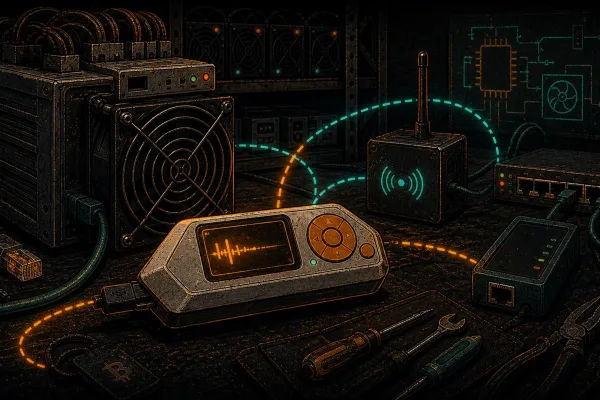
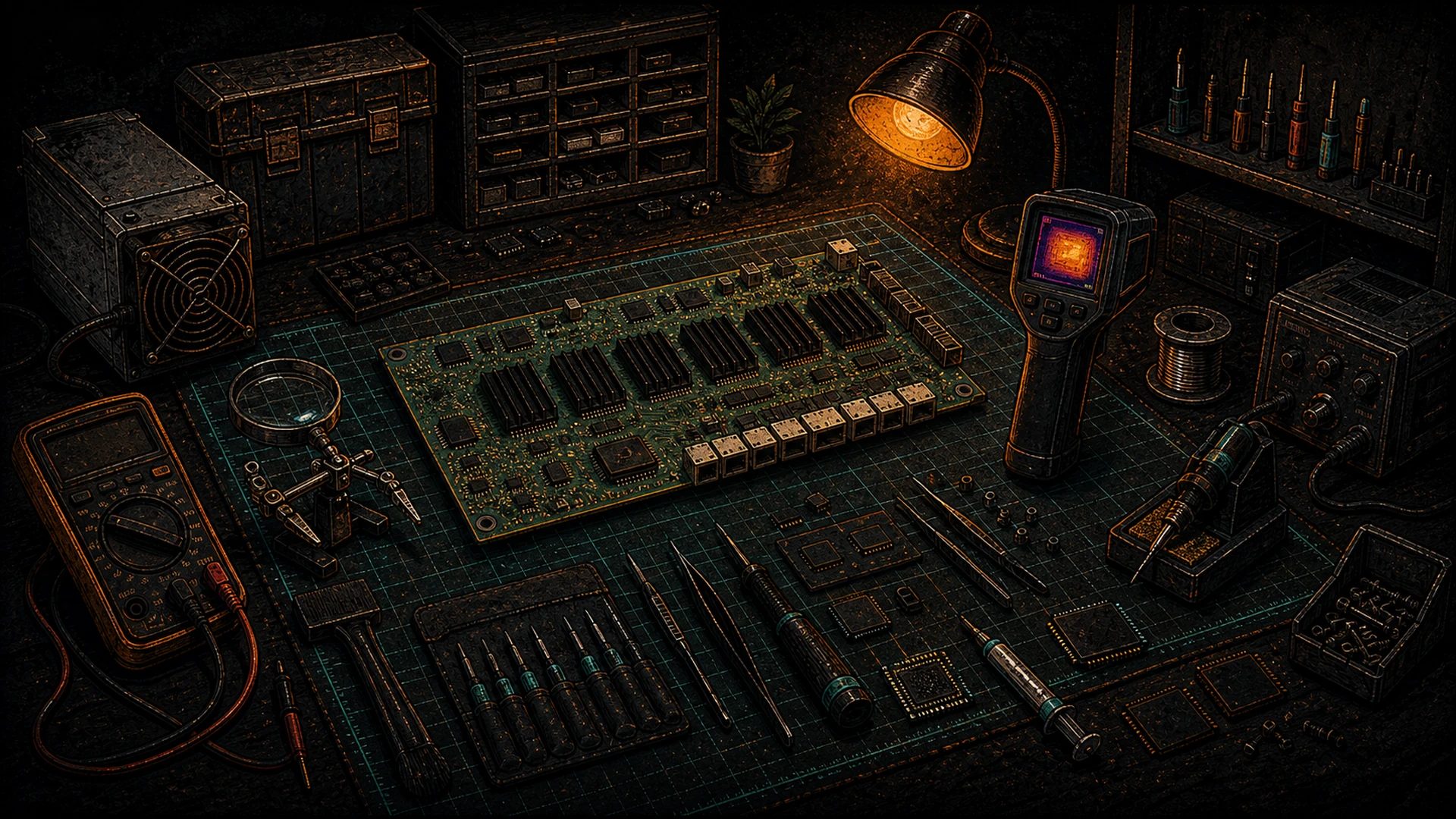
This is a pragmatic buying guide for that bench. Three tiers, from “any miner should have this at home” to “I can reflow a BM1370 onto a salvaged hashboard,” plus a small sovereign-stack section for the pleb side of the same person. No gold-plating, no affiliate-marketing BS, honest on price and what each piece of gear actually does.
Where we call out specific brands or part numbers, it’s because we’ve either used them ourselves or they’ve become the default in the community for a reason. Treat it as a starting point, not gospel.
Tier 1 — Any Miner Operator Should Have These
Budget: ~USD $400–600
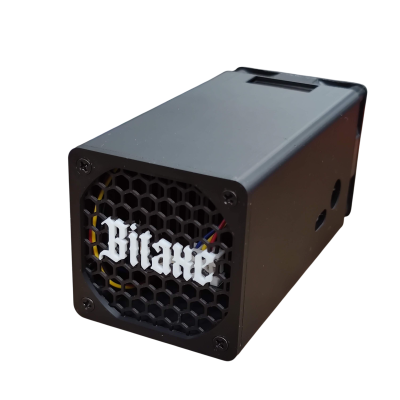
This is the kit that earns back its price the first time a miner acts weird and you want a second opinion before shipping it anywhere. A plebbed-out home miner running a Bitaxe benefits from most of it too.
Multimeter — $25 to $120
Start with a basic Fluke-style DMM that does DC volts, AC volts, continuity, resistance, and current. You don’t need a $400 Fluke 87V on day one; a Fluke 101 at ~$50, a Uni-T UT61E+ at ~$85, or the AstroAI AM33D at $25 will cover 90% of what you do. The jobs are: verifying PSU voltage rails, hunting for shorts on hashboards, checking fan bearing resistance when they’re rattling, and sanity-checking test points on control boards. Auto-ranging saves time; true-RMS matters more than you think if you’re ever poking at AC.
Thermal imager — $200 to $400
Non-negotiable. A thermal image tells you more about a sick ASIC in ten seconds than any other tool. Two honest options:
- FLIR One Pro (iOS/Android phone dongle) — ~$400, 160×120 sensor, mature software ecosystem.
- HTI HT-102 / HT-201 — ~$200, lower resolution but good enough for hot-chip identification on hashboards.
The workflow: pull the fan shrouds, run the miner at low frequency, sweep the board, find the chips running 15–25 °C hotter than their neighbors. Those are the failing domains. Mark them with tape and you’ve already narrowed a two-hour diagnostic to a fifteen-minute one.
USB logic analyzer — $12 to $120
At the $12 tier you get an FX2-based 8-channel analyzer clone from any Asian marketplace. Run sigrok or PulseView on it and you have multi-channel protocol capture for the cost of a burrito. Upgrade to the Kingst LA1010 at ~$70 or the Saleae Logic 8 at $400 when you actually need the sample rate and the nicer UI. For ASIC work, even the cheapest unit is enough to confirm UART activity, I²C traffic between PIC and hashboard, and SPI chatter to the boot NAND.
Flipper Zero — $169
Covered in depth in our Flipper Zero for Bitcoin Miners piece. In this tier it earns its spot as a pocket UART terminal, an NFC duplicator for your own site-access badges, an IR tester for your OEM A/C remotes, and a halfway-decent GPIO toolkit when you don’t want to drag a laptop onto the floor.
USB-to-TTL serial adapter — $5 to $20
You will use this constantly. Buy a proper FTDI FT232RL-based cable (the counterfeit-resistant ones from Adafruit or Sparkfun, ~$15) or a CP2102-based clone for $5. Lines you care about: TX, RX, GND, and sometimes DTR/RTS for auto-reset on ESP32 / Bitaxe boards. Keep one on every workstation and one in the go-bag.
ESD mat + wrist strap — $25 to $60
A $10 “amazon basics” mat is worse than no mat because it gives you false confidence. Spend $40 on a proper dissipative mat from a supplier like Bertech or SCS and clip the wrist strap through a 1 MΩ resistor to earth. A single static discharge into a BM1370 is $20–50 you’ll never recover.
Tier 1 total: ~$500 gets a home miner or a small operator genuinely covered for first-line diagnostics. If you’re not repairing boards — just deciding which ones are alive — this is the whole kit you need.
Tier 2 — The Serious Bench
Budget: ~USD $1,500–2,500 on top of Tier 1
This is what a small shop or a serious home Hashcenter operator owns when they’re doing component-level board bring-up, replacing fans and PSUs, and handling the 80% of repairs that don’t require BGA rework.
Oscilloscope — $430 to $800
The decision most people agonize over. Two honest options at the price point:
- Rigol DHO804 (~$430) — 70 MHz, 4 channels, 12-bit, FFT built-in, genuinely good UI. The current pleb’s choice.
- Siglent SDS1104X-E (~$550) — 100 MHz, 4 channels, 8-bit, larger ecosystem of documentation, still the default “I want a real scope without melting my wallet” pick.
The Rigol has better vertical resolution; the Siglent has better community docs. For ASIC control-board work, either is sufficient. Don’t bother with 1-channel pocket scopes for bench work — you’ll outgrow them the first time you need to correlate two signals.
Hot-air rework station — $80 to $400
For fan connectors, tantalum caps, QFP chips on control boards, and small-outline passives. A Quick 861DW clone at ~$130 is the community default. Upgrade to a JBC JT / Hakko FR-810B only if you’re running a full-time repair shop. Hot air without a decent microscope is a bad time — bundle them.
Microscope — $150 to $400
- AmScope SM-4NTP boom-stand trinocular (~$350–500) — the classic, takes a DSLR or USB camera, 7×–45× zoom.
- USB digital microscope at 50×–1000× (~$80) — fine for quick inspection, bad for actual rework because the focal length is terrible.
Buy the boom-stand. You’ll use it every day. Add a ring light — those chips reflect badly under overheads.
Benchtop PSU with current limit — $150 to $350
A Riden RD6012 with the aftermarket case (~$180) is the budget pick; a Keysight E36313A is the grown-up version (~$1,200). For ASIC work the key feature is precise current limiting — you’re powering up boards you don’t trust not to short, and you want the PSU to trip before $80 of magic smoke escapes. Don’t use a “car battery charger” as a bench supply. We’ve seen the results.
NanoVNA — $70 to $150
If you care about the RF side of your shop — LoRa backhaul, Meshtastic mesh, sub-GHz PDU telemetry — a NanoVNA-H4 at $90 is a ridiculous amount of capability for the money. Tune antennas, confirm SWR, characterize cables. Pair with a tinySA at ~$130 for spectrum work. See our open-source hardware tools directory for the fuller RF context.
Soldering — $150 to $400
If you bought Tier 1, you have soldering irons. If you skipped it, get a Pinecil v2 at $30 for the truck and a Hakko FX-888D or a Miniware TS1C (~$170) for the bench. Good solder (Kester 44, SAC305 if you’re doing lead-free), decent flux (MG Chemicals 8341 or AMTECH NC-559), and you’re set.
Tier 2 total: ~$2,000 gets you a bench that handles the realistic majority of in-house repairs. Fan replacement, PSU swap, control-board diagnosis, cap replacement, connector fixes, peripheral work on Bitaxe / NerdAxe hardware, light RF engineering. This is where most serious Hashcenter operators settle.
Tier 3 — The ASIC Repair Lab
Budget: USD $8,000+ on top of Tier 1 & 2
This is the “I am a professional ASIC repair shop” tier. Component-level BGA rework, hashboard resurrection, and the equipment to do it without turning $200 repairs into $2,000 mistakes.
Professional BGA rework station — $3,000 to $8,000
- Quick 861DW will not do BGA reliably on a 114-chip hashboard. It’s fine for QFPs, not for this.
- JBC BT-2BQA (~$3,500) — the indie shop default.
- PDR IR-E3 or Martin Expert 10.6 (~$7,500+) — the serious boxes.
- Honton R392 / SCOTLE HT-R392 (~$2,500) — Chinese hot-air + preheat combos that do real BGA work for a fraction of JBC pricing. The community has had reasonable success.
You also need a preheater (an IR plate at 120–180 °C, ~$300) and the right nozzle set for your ASIC package (BM1366, BM1370, and so on — each is a slightly different footprint).
Reflow oven — $300 (Puhui T-962) to $3,000 (proper convection)
For small batches and rework on peripheral boards, a Puhui T-962 at ~$300 with the Estefannie firmware mod is fine. For production-grade rework on hashboards with controlled profiles, a proper convection oven (a used DDM Novastar or a new small Vitronics) is worth the $2,500–3,500. Profile the thermal curve against the manufacturer’s recommendation for the solder paste — you’ll cook chips if you freelance.
Programmable DC electronic load — $400 to $1,200
Needed for PSU validation. A Rigol DL3021 (~$850) or a Kunkin KP184 (~$450) lets you pull known currents out of a suspect PSU and confirm voltage regulation under load. Without this, “the PSU probably works” is as far as you can get.
High-end DMM — $400 to $1,800
When a meter is going to tell you whether an ASIC domain is drawing 1.23 A or 1.27 A, you want a Fluke 87V (~$450) at minimum and ideally a bench DMM like a Rigol DM3068 (~$900) or a Keysight 34461A (~$1,400). Six digits of resolution matters for chip-level current profiling.
HackRF One or equivalent SDR — $350
Not strictly required for ASIC repair, but if any part of your operation involves RF telemetry debugging — LoRa, Meshtastic, custom sub-GHz control links — a HackRF earns its spot. Details in the hardware tools directory.
Proper anti-static workbench — $500 to $2,000
At this tier, you’re treating static the way a fab treats contamination. Full dissipative mat, heel straps, ionizer blower, grounded chair, humidity monitor. Spend here; the alternative is burning a $600 part every three months.
Spares inventory
Not a “tool” per se, but the thing that separates a serious shop from a hobbyist is a real spare parts shelf: PSU control boards, fans in every size you run, spare hashboards, ribbon cables, thermal paste (MX-4 in 30g tubs, not the 1g sachets), standoffs, screws, pin headers, 0805/0603 passive kits. Budget another $2,000–5,000 depending on fleet composition.
Tier 3 total: $8,000–20,000 for a fully equipped ASIC repair lab. At this point you’re either a commercial repair shop or an operator with enough miners that the economics make sense. Below roughly 500 machines, you’re probably better off with Tier 2 plus a repair partner.
When to stop and ship it
The honest line: if a hashboard needs BGA-level chip replacement on more than one domain, if it has burn damage you can see from across the room, or if the control board’s Zynq has failed, the economics usually favor sending it out. D-Central’s ASIC Repair service exists exactly for this — we’re not pitching it over your DIY bench, we’re pointing out where DIY stops being efficient. If your Tier 1 + Tier 2 bench can’t handle it in an hour, the Tier 3 tools pay for themselves only at volume you probably don’t have.
Sovereign Extras
The same person who owns the bench above often wants the sovereign Bitcoiner side of the stack built out too. These are cheap compared to the tools above, and they fit the same “own your own hardware” ethic.
SeedSigner DIY (~$80)
A Pi Zero 2 W, a Waveshare 1.3″ LCD, a Pi camera module, and a 3D-printed case gives you an air-gapped, stateless Bitcoin signer for about $80. MIT-licensed firmware, transparent build. Pair with a Foundation Passport and a Trezor in 2-of-3 multisig for a genuinely diversified cold setup. See the full entry in our open-source hardware tools directory.
Raspberry Pi 5 home server (~$150 with NVMe)
Runs Umbrel, Start9, or a vanilla Debian+Bitcoin Core install. Adds a full node, a Lightning node (LND or CLN), and an Electrum server to the shop. Keep it on a separate VLAN from the miner management network.
Meshtastic node (~$40)
A Heltec LoRa V3 or a LILYGO T-Beam with a decent antenna gives you an off-grid comms channel between the shop and your home, or between sites. Our Meshtastic getting-started guide for Bitcoiners walks through the first-boot path. Useful during power outages and carrier failures — exactly when Hashcenter operators need comms most.
Nostr-signing machine
An old air-gapped ThinkPad X220 with Linux Mint, nothing on it except a Nostr key and nak or a similar CLI. $60 on eBay. If you’re posting anything professionally as D-Central, your meme page, or your own personal identity, the private keys don’t belong on your daily driver. This isn’t a product; it’s a discipline.
The Philosophy of the Bench
None of this kit is what makes you good at hardware. The bench is a multiplier; the underlying skill is reading a board and asking the right questions. The tools let you answer those questions faster.
Three principles to close:
- Buy the tool the second time you need it. The first time, you can improvise — a cheap multimeter, a friend’s scope, a Flipper in UART mode instead of a proper serial terminal. The second time, buy the right one.
- Open-source where possible. A Rigol scope is closed hardware, and that’s fine because you’re using it as a measurement instrument. But your firmware stack, your signer, your miner — default to open, for all the reasons we lay out in the open-source hardware tools directory.
- Know where your bench stops. Hashboard chip replacement, Zynq work, severe burn damage — those cross the DIY/pro line. Know where your line is, and when to call our repair team.
A serious Hashcenter doesn’t have the best tools; it has the right tools, used well, by people who know what they’re doing. Build toward that and everything else follows. One more bench. One more layer decentralized.
Further Reading
- Flipper Zero for Bitcoin Miners
- The Open-Source Hardware Tools Directory
- Meshtastic Getting Started for Bitcoiners
- The Pleb’s Sovereign Stack Manifesto
- D-Central ASIC Repair — when DIY stops
- Sovereignty hub