The Dolphin in the Hashcenter
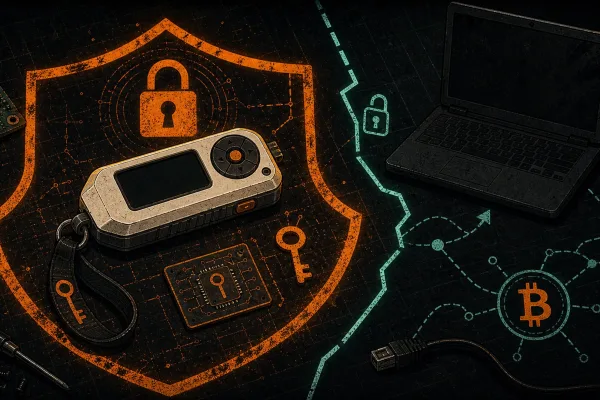
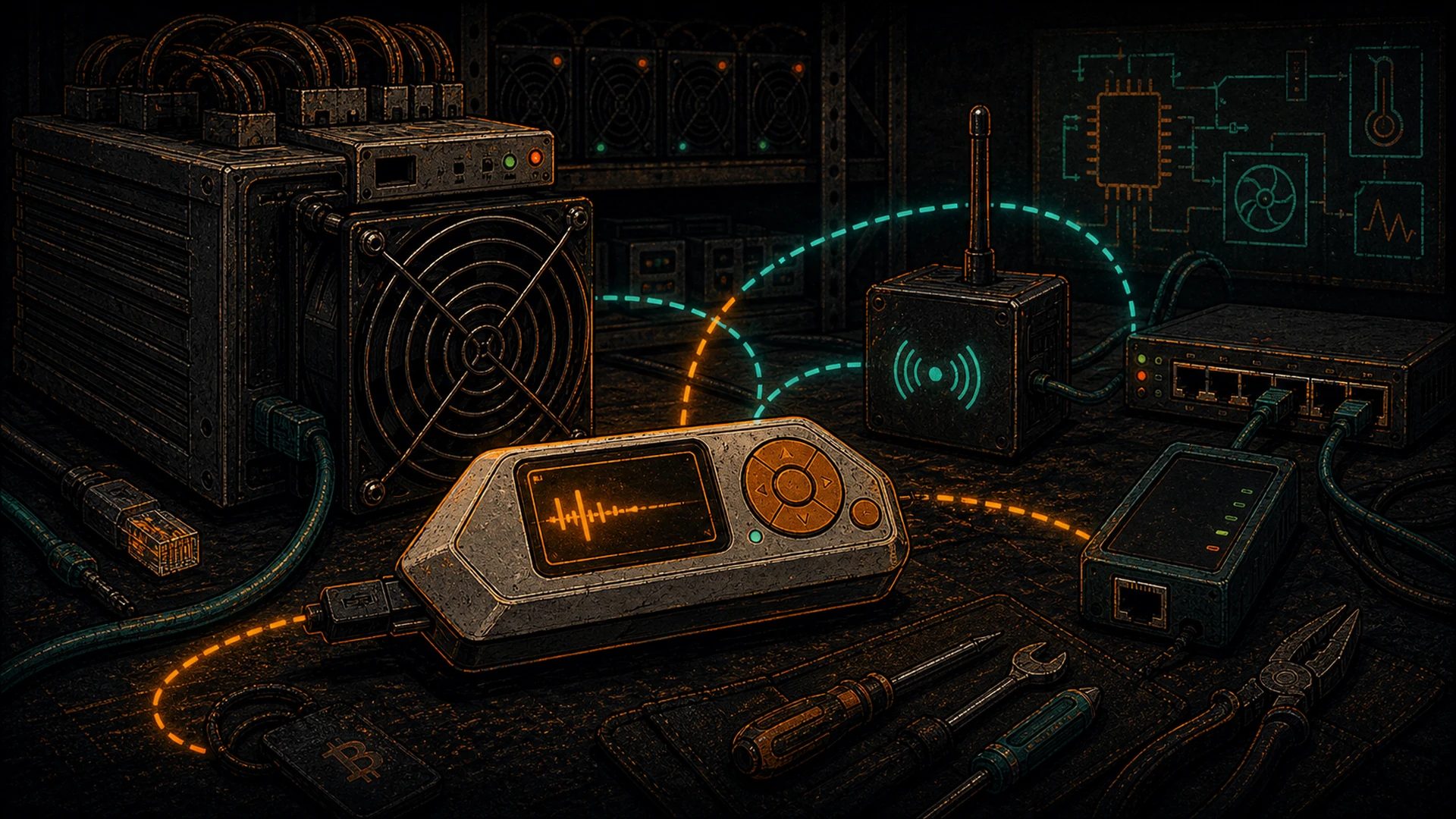
There’s a little orange-and-white device in the back pocket of almost every hardware hacker who walks into a Hashcenter. It looks like a Tamagotchi, it runs firmware you can read on GitHub, and it has quietly become one of the most useful diagnostic tools a sovereign Bitcoiner can keep on the bench.
The Flipper Zero was designed and built by Flipper Devices, who crowd-funded it in 2020 on Kickstarter and turned it into one of the most approachable open-source hardware projects of the decade. The firmware lives at github.com/flipperdevices/flipperzero-firmware — you can read every line, build it yourself, fork it, and flash it. That alone makes it worth a place in your kit.
This is not a piece about breaking into things that don’t belong to you. The Flipper is a diagnostic and development device for the hardware you own — the PDUs in your rack, the badge that opens your own front door, the OEM remotes for your own heat pumps, the GPIO pins on your own ASIC control boards. Treat it like a logic analyzer with a screen and a radio, and you’ll get years of work out of it.
What Is the Flipper Zero, Really?
At the silicon level the Flipper is a dual-MCU design: an STM32WB55 handling the radios and most I/O, and a secure MCU managing the screen and user interface. There’s a monochrome LCD, a five-way button, a USB-C port, a microSD slot, and a pin header along the top that exposes GPIO, UART, SPI, I²C, and power. The hardware is intentionally cheap and replaceable so you don’t mind carrying it into a dusty Hashcenter aisle.
Conceptually, it is a pocket radio lab plus a developer I/O board. That’s it. Everything else is firmware.
The Core Radios
Sub-GHz (300–928 MHz)
The sub-GHz radio is a CC1101 transceiver, the same chip that shows up in countless embedded designs. From a miner’s point of view, the interesting frequencies are in the 433 MHz and 915 MHz ISM bands — that’s where almost every hobby and industrial remote lives. Legitimate use cases in your own facility include:
- Your own PDU remotes. Many rack-mount switched PDUs ship with or accept aftermarket RF remotes. Recording the signals your remote emits gives you a catalog of
on/offpayloads you can replay during maintenance, and it lets you confirm whether a “dead” remote is a transmit failure or a receive-side issue on the PDU. - Your own garage or shop door. If you operate a home Hashcenter out of a garage, the Flipper can record the rolling-code or fixed-code signal your own opener uses, so you can test replacements and diagnose range issues.
- Your own building / rack access relays. Low-power 915 MHz relays are common on DIY access control. Recording your own signals lets you verify RF field strength and decode the protocol during development.
What we will not cover here, and what we strongly discourage: anything involving vehicles, keyless entry, property that is not yours, or regional frequency unlocks. The Flipper is legal and useful; the operator is responsible for using it on systems they own.
13.56 MHz NFC
The NFC subsystem handles ISO 14443 A/B and the MIFARE family. In a Hashcenter this is most useful for duplicating your own site-access badges — the ones that open your own shop door, your own rack cabinet, your own cage. Keeping a cloned spare in the office means you’re not locked out of your own site when you leave the primary at home. Classic MIFARE 1K fobs are trivially duplicated with the stock app; MIFARE DESFire EV1/EV2/EV3 and the more recent SmartMX-based credentials are, correctly, not trivial, and you should not expect the Flipper to bypass them.
125 kHz RFID (LF)
The LF radio reads and emulates the oldest and most common industrial badge formats: EM4100, HID ProxCard II, Indala, and friends. If your Hashcenter still runs a legacy proximity reader for the shop door, the Flipper can duplicate your own card onto a rewritable T5577 blank in a few seconds. The firmware’s LFRFID app is documented in the Flipper docs and handled purely on-device.
Infrared
The IR transceiver is a 940 nm LED plus receiver, tuned for consumer electronics. This one earns its keep fast in a Hashcenter:
- Diagnose whether the IR remote for your own precision-cooling split unit is actually transmitting.
- Capture and replay OEM PSU test-rig remotes.
- Automate A/C setpoints during burn-in testing.
- Build a universal “all off” macro for the miscellaneous AV and cooling gear in your control room.
iButton / 1-Wire
Less common in Bitcoin mining, but if you inherited a building with Dallas iButton access control, the Flipper speaks 1-Wire and can read and emulate DS1990A and similar keys. Again, your own keys, your own doors.
GPIO, USB, Bluetooth
The top header exposes 3.3 V GPIO with UART, SPI, and I²C. The USB-C port presents the Flipper as a composite device (virtual COM + USB HID). The BLE radio lets it pair with your phone for the official companion app. For the Bitcoiner, the GPIO pins are where the real fun starts.
Legitimate Hashcenter Use Cases
1. Duplicate Your Own Site-Access Badge
You’re the operator. You already carry one badge, and the plumber needs to get in tomorrow while you’re on a different site. Rather than driving across town to issue a proper second credential, you can read your existing LF or MIFARE 1K fob and write it to a blank T5577 or Magic Gen 1 card. Obvious caveats: do this only on access control you own, log the duplicate in whatever inventory system you actually use, and retire the copy when the job is done.
2. IR Diagnostics on OEM PSU and HVAC Gear
Hashcenters are full of precision-cooling splits, OEM PSU test benches, and industrial UPS units with IR remotes. When a remote “stops working,” the Flipper is the fastest way to tell whether the problem is the remote (no transmission), the receiver (signal present, no response), or the batteries (weak signal). Point the Flipper at the suspected remote, record, and you have a decisive answer in about ten seconds.
3. Sub-GHz Logging on Your Own Remote PDUs
Industrial switched PDUs from brands like APC, Raritan, and Tripp Lite are usually controlled over Ethernet, but several aftermarket and DIY rigs use 433 MHz or 915 MHz RF for out-of-band power cycling. Recording the payloads your own PDU expects lets you confirm signal strength in a noisy RF environment — Hashcenters are extremely noisy — and helps you plan antenna placement or repeater deployment.
4. ASIC GPIO Jumper and Tamper-Detect Testing
This is where the Flipper graduates from toy to tool. Antminer control boards expose multiple low-voltage test points: UART_TX, UART_RX, GND, reset pins, and tamper-detect headers. With a 3.3 V USB-TTL cable you’d normally need a laptop; with the Flipper’s GPIO app in “USB-UART bridge” mode, you can pocket-test a board on the rack without dragging a workstation down the aisle. For deeper work — JTAG on the Zynq, SPI dumps of the boot NAND, PIC programming — the Flipper’s pins are a starting point, not an end, but they’re enough to sanity-check continuity and voltage rails before you escalate to a real JTAG adapter.
Running Your Own Apps: Dev Mode and the Flipper Lab
One of the best decisions Flipper Devices made was to keep the application ecosystem open. In the firmware’s “Developer Mode” you can sideload FAPs (Flipper Application Packages) from the community-run Flipper Lab catalog. That’s where interesting community work lives — UART terminals, protocol analyzers, game-of-life demos, GPS loggers, Bitcoin-adjacent tools, you name it.
For our purposes, three FAPs are worth installing on day one:
- UART Terminal — a proper on-device serial terminal for poking at ASIC control boards.
- GPIO Pin Control — manual control of the top-header pins for continuity and jumper testing.
- FlipBIP — more on this below; a GPL-3.0 BIP32/39/44 app that turns the Flipper into an experimental offline Bitcoin wallet. We cover it in full in our FlipBIP walk-through.
Everything is signed, readable, and — critically — you are not forced to buy apps from a walled store.
UART and JTAG for ASIC Diagnostics
Every modern Antminer has a UART console somewhere on the control board. Finding TX, RX, and GND is a five-minute job with a multimeter; connecting the Flipper’s GPIO pins (3.3 V logic!) to those points gives you a live boot log while the hashboard tries to come up. You’ll see u-boot banners, kernel messages, bmminer crash traces — the same text you’d pull over SSH, except when SSH is exactly what’s broken.
JTAG is a bigger lift. The Flipper is not a commercial JTAG adapter — you’ll still want a Segger J-Link or a Bus Blaster for real Zynq work — but a few community firmware forks expose basic JTAG pin probing and boundary-scan helpers, which is enough to identify the JTAG header on an unfamiliar board before you commit to wiring up your real adapter. This is groundwork for the kind of open-source ASIC firmware ecosystem we care about at D-Central, including our own contribution.
What the Flipper Zero Isn’t
Set expectations honestly, because misconception is the enemy of good tooling:
- It’s not a full SDR. The sub-GHz radio is narrow-band and protocol-specific. If you want to sweep the 2.4 GHz band, demodulate LTE, or look at anything above 928 MHz, you want a HackRF One or equivalent.
- It’s not a real logic analyzer. The GPIO app is fine for slow protocols and sanity checks, but a $12 USB logic analyzer running sigrok will outperform it on any real trace capture.
- It’s not a hardware wallet for meaningful sats. FlipBIP is excellent for testnet, small burner wallets, and experimentation. Your cold storage belongs on a dedicated signing device.
- It’s not a universal lock-breaker. Modern access control — DESFire EV2/EV3, rolling-code garage openers with AES, PKI-backed building systems — is not in scope for a $169 device. If a vendor claims otherwise, they’re selling you a fantasy.
That’s the correct calibration: excellent in its lane, honest about what’s outside it.
Stock vs Momentum Firmware
The official firmware from Flipper Devices is conservative on purpose — it ships with region locks on sub-GHz frequencies and leaves some features disabled by default. That’s a perfectly reasonable default for a shipping consumer product.
The community has, of course, produced alternative firmware. The one most people settle on is Momentum (github.com/Next-Flip/Momentum-Firmware), a continuation of the earlier Xtreme and RogueMaster lines. Momentum unlocks community apps, improves the launcher, and generally gives you a more developer-oriented experience. Credit where it’s due: these projects exist because a community of volunteers has maintained them for years, and they’ve made the device materially better.
Our position: run stock firmware until you need something it doesn’t do, then move to Momentum. Either way you’re operating within the spirit of the hardware — open, readable, owned by you.
One rule, no exceptions. Whichever firmware you run, the frequencies you transmit on and the credentials you emulate have to be yours. The Flipper will let you do things that are legal on your own property and illegal on someone else’s. That’s not the Flipper’s problem to solve; it’s yours.
Where the Flipper Fits in the Sovereign Stack
The pleb sovereign stack — covered in full in our sovereign stack manifesto — is about owning the hardware between you and the world. Your node. Your signer. Your comms. Your ASICs. Your tools.
The Flipper Zero fits that stack cleanly because it is:
- Owned. It’s a physical object with replaceable parts, an MCU you can read, and firmware you can compile.
- Offline. Everything important runs on-device. No cloud account. No mandatory login.
- Scriptable. FAP development is in C, documented, and local.
- Honest. It does what it says on the tin and no more.
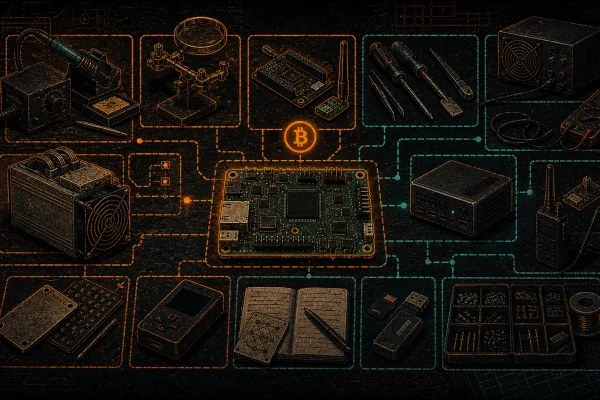
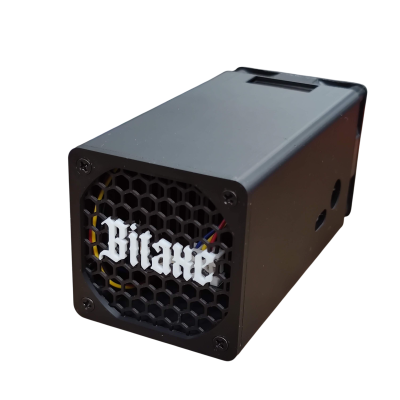
Pair it with the rest of the kit — a HackRF for real RF work, a logic analyzer for digital protocol capture, a Bitaxe for independent hashing, a Meshtastic node for off-grid comms — and you have the beginnings of a serious home lab. See our full open-source hardware tools directory and the hardware hacker starter kit for Hashcenter operators for the broader context.
One more layer decentralized. One more tool you control end-to-end. That’s the whole point.
Further Reading
- Flipper Zero official site
- Flipper Lab — community app catalog
- Flipper Firmware source on GitHub
- FlipBIP: Turn a Flipper Zero Into an Offline Bitcoin Hardware Wallet
- The Open-Source Hardware Tools Directory
- Hardware Hacker Starter Kit for Hashcenter Operators
- Sovereignty hub