A few weeks ago you ran Install Ollama in 10 Minutes, watched Llama 3.1 spit tokens out of your own GPU, and quietly cancelled one more cloud subscription. Same sovereignty play today, different workload: local image generation. The silicon that runs your LLM can also paint.
The tool we’ll use is ComfyUI — the open-source, node-based interface for Stable Diffusion, SDXL, SD 3.5, and FLUX.1. It was built by Comfyanonymous in 2023 and has become the de-facto power-user interface for diffusion models. Automatic1111 had the early lead; ComfyUI won the endgame because its node graph lets you see exactly what your GPU is doing. Credit where it’s due: none of this exists without Stability AI shipping SDXL weights open, Black Forest Labs releasing FLUX.1, and Hugging Face hosting the whole ecosystem for free.
Honest preamble: ComfyUI has a steeper first-time curve than Ollama. Not because the tool is worse — because image-gen is genuinely more complex than chat. You are chaining a model, a text encoder, a VAE, a sampler, a scheduler, and a decoder. Ollama hides that behind one CLI; ComfyUI makes it visible on purpose, so you can modify it. We won’t sugarcoat the first hour. We will get you to a working FLUX.1 image by the end of this post.
This is one more layer decentralized. Your node validates Bitcoin. Your LLM inference runs on your metal. Now your image generation does too. Midjourney and DALL-E are rate-limited subscriptions that log every prompt. ComfyUI is a folder on your disk.
Prereqs
- GPU with 12+ GB VRAM strongly recommended. 8 GB works for SDXL at 768×768 or lower. FLUX.1 wants 16+ GB for the fp8 variants. 24 GB — a used RTX 3090 — puts FLUX.1 dev in your lap comfortably. See the Used RTX 3090 for LLMs post; the same card that dominates local LLMs dominates image-gen pleb territory.
- 50+ GB free disk. SDXL base is ~6 GB. FLUX.1 schnell fp8 is ~12 GB plus text encoders. SD 3.5 Large is ~16 GB. If you start collecting LoRAs and ControlNets you’ll blow past 200 GB fast. Put ComfyUI on a SSD — model loads from NVMe feel different from model loads off a spinning rust drive.
- Python 3.10 or later. Windows plebs don’t have to install this themselves; the portable build bundles Python. Linux plebs install via system Python or conda.
- NVIDIA drivers + CUDA 12.x. AMD works on Linux via ROCm; it’s functional but a rougher road. Apple Silicon works via MPS; slower than CUDA but fine for experimentation.
- A working Ollama install is not required, but most readers here arrived with one. Running ComfyUI and Ollama on the same Hashcenter is fine — we’ll cover VRAM sharing at the end.
Install ComfyUI
Three paths. Pick one.
Path 1 — Windows portable (easiest for most plebs)
Go to the ComfyUI releases page. Download the most recent ComfyUI_windows_portable_nvidia.7z. It’s a fat archive (~2 GB) because it bundles Python, PyTorch, CUDA runtime, and the app itself. Extract with 7-Zip to somewhere with room — C:\ComfyUI_windows_portable\ is the canonical location.
Inside the extracted folder, double-click run_nvidia_gpu.bat. A terminal opens, torch loads, you’ll see a line like To see the GUI go to: http://127.0.0.1:8188. Open that URL in your browser. You’re in.
Path 2 — Linux / manual install
git clone https://github.com/comfyanonymous/ComfyUI.git
cd ComfyUI
python -m venv venv
source venv/bin/activate
pip install torch torchvision torchaudio --index-url https://download.pytorch.org/whl/cu121
pip install -r requirements.txt
python main.py
Same endpoint: http://127.0.0.1:8188. If you want it on the LAN, add --listen 0.0.0.0. Security-conscious pleb warning: ComfyUI has no authentication. If you bind it to the LAN, firewall it.
Path 3 — Docker
Several community images exist (yanwk/comfyui-boot, pytorch/pytorch + manual setup). Workable but not recommended for a first install — you’ll fight GPU passthrough, volume mounts, and permission issues on top of learning the app. Come back to Docker once native works.
Understanding the canvas
Before you hit “Queue Prompt,” spend ninety seconds reading the canvas. This is the part the other GUIs hide from you.
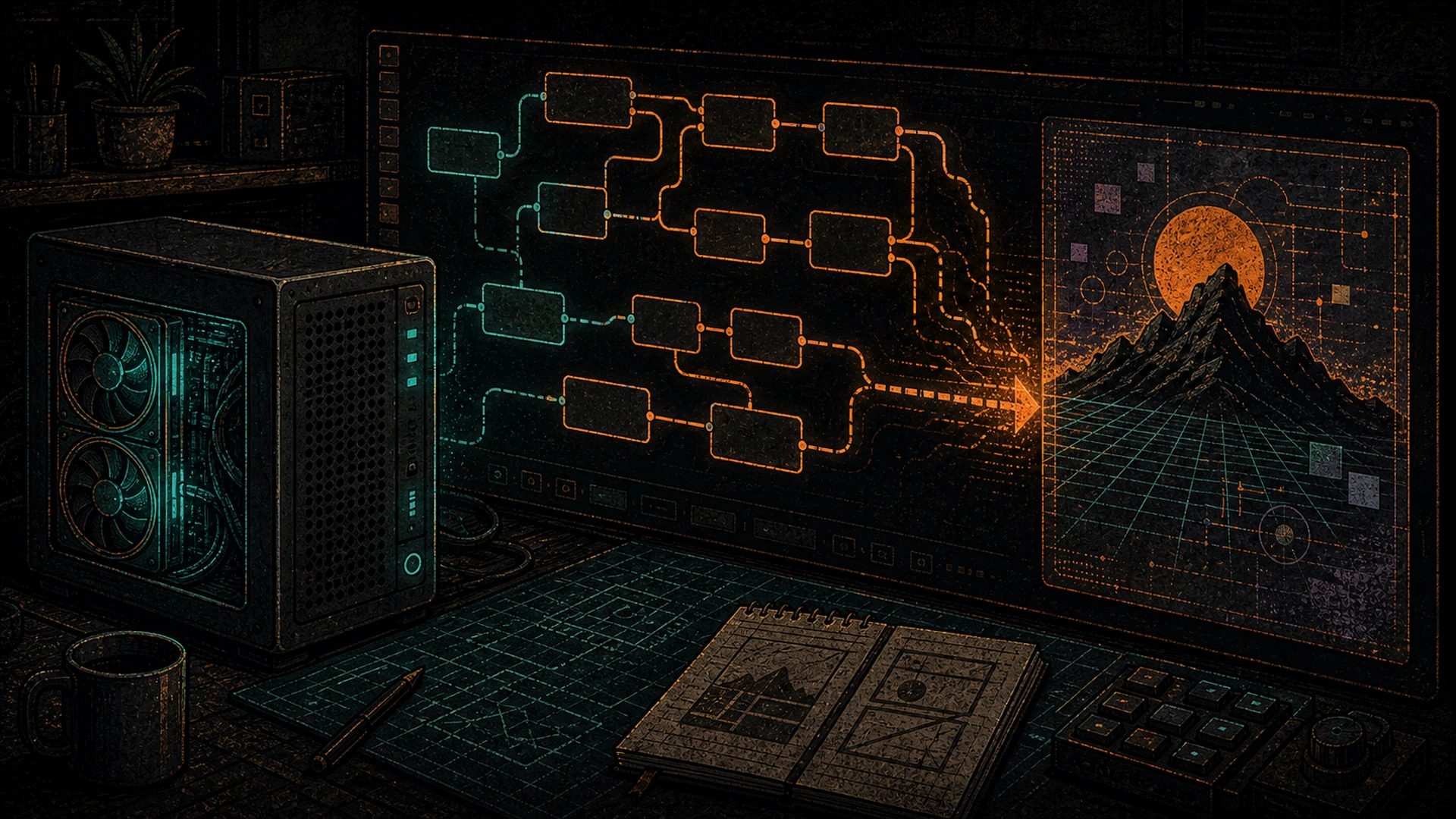
ComfyUI is node-based. Each box is an operation. Boxes are connected by colored wires — the color tells you what kind of data flows through (pink = model, orange = CLIP, yellow = VAE, blue/red = latents or images, brown = text conditioning). When you hit Queue, ComfyUI walks the graph from left to right, runs each node, and passes outputs along the wires to the next node.
The default workflow has six nodes in a line:
- Load Checkpoint — loads the model file (weights) off disk into VRAM
- CLIP Text Encode (Positive) — turns your prompt into tokens the model understands
- CLIP Text Encode (Negative) — same, for things you don’t want in the image
- Empty Latent Image — creates the “blank canvas” in latent space (pleb translation: compressed image space the model actually works in)
- KSampler — the diffusion step. Denoises random noise into your image, guided by the text encodings
- VAE Decode — converts the latent (compressed) image back into normal pixels
- Save Image — writes the PNG to
ComfyUI/output/
Don’t delete the default workflow. Modify it. And when you break it, the “Load Default” button in the right-side menu resets everything.
The Queue panel (top-right) is your run button. “Queue Prompt” runs the current graph once. “Extra options → Batch count” runs it N times.
First image: SDXL
We start with SDXL because it’s the smallest all-rounder. SD 1.5 is older and rougher. SD 3.5 Large is better but chunkier. FLUX.1 is the crown jewel and we’ll get there in the next section. SDXL is the pleb training-wheels model — ~6 GB, two text encoders, runs on anything with 8+ GB VRAM.
Download the model. Go to huggingface.co/stabilityai/stable-diffusion-xl-base-1.0. Under “Files and versions,” grab sd_xl_base_1.0.safetensors (6.94 GB). .safetensors is the standard — don’t download .ckpt files, they can contain arbitrary pickled Python code. Pleb security instinct, same as unsigned firmware.
Drop it in place. Move the file to ComfyUI/models/checkpoints/sd_xl_base_1.0.safetensors. That’s the folder ComfyUI scans at startup.
Refresh. Either restart ComfyUI or click the “Refresh” button at the bottom of the right-side menu.
Select the model. On the default canvas, find the “Load Checkpoint” node. Click the model dropdown. Pick sd_xl_base_1.0.safetensors.
Write a prompt. Click the top “CLIP Text Encode (Positive)” node. Clear the placeholder text. Type:
a pleb's mining shed at golden hour, antminer S21 glowing through a grimy window,
cinematic, 85mm, shallow depth of field, photorealistic
Queue it. Click “Queue Prompt” in the top-right panel. You’ll see a green border crawl through the graph node-by-node as each step runs. 20–60 seconds later, depending on your GPU, an image appears in the “Save Image” node at the bottom.
That’s the full loop. Prompt → latent → denoise → decode → PNG on disk (ComfyUI/output/ComfyUI_00001_.png). Everything from here is refinement.
Step up to FLUX.1
SDXL is 2023 tech. FLUX.1 is the current state of the art for open-weight image generation, released by Black Forest Labs (the team that built the original Stable Diffusion at Stability AI, then left to start BFL). It understands natural language dramatically better than SDXL, handles text-in-images, and has a cleaner hand/anatomy record. If your GPU can run it, run it.
Two flavors:
- FLUX.1 schnell — Apache-2.0 licensed (commercial use allowed). 4-step sampling, fast. The pleb default.
- FLUX.1 dev — non-commercial research license. 20-step sampling, higher fidelity. For personal / research use only; don’t ship products built on it.
Pick the right precision for your VRAM:
- fp16 — full precision. ~23 GB. Needs 32+ GB VRAM comfortably.
- fp8 — half precision. ~12 GB. Fits in 16–24 GB. Pleb sweet spot.
- GGUF quantized — community quants (Q8, Q4). Down to ~6 GB. Covered in our quantization explainer. Same principles as LLM quantization — less precision, smaller file, slight quality hit.
Download the pieces. FLUX.1 is packaged as separate files — model, two text encoders, VAE. Black Forest Labs split them cleanly which means you download once and reuse across workflows. Go to huggingface.co/black-forest-labs/FLUX.1-schnell and grab:
flux1-schnell-fp8.safetensors→ComfyUI/models/unet/ae.safetensors(the VAE) →ComfyUI/models/vae/
Then grab the text encoders from the ComfyUI examples repo or from comfyanonymous/flux_text_encoders on Hugging Face:
t5xxl_fp8_e4m3fn.safetensors→ComfyUI/models/clip/clip_l.safetensors→ComfyUI/models/clip/
T5-XXL is a big text encoder from Google (~5 GB). It’s why FLUX understands natural language so well — SDXL uses much smaller CLIP encoders.
Load the workflow. Don’t build the FLUX graph from scratch on day one. Go to github.com/comfyanonymous/ComfyUI_examples, find the flux folder, and download flux_schnell_example.json (or drag the example PNG into the ComfyUI canvas — ComfyUI embeds workflow metadata in generated PNGs, which means sharing a PNG shares the full graph).
In ComfyUI, click “Load” in the right panel and pick the JSON. The canvas repopulates with the FLUX graph — noticeably more nodes than SDXL. In each “Load” node, pick the files you just downloaded.
Queue. A schnell run at 1024×1024 takes 8–15 seconds on a 3090, 4 steps. Try the same prompt:
a pleb's mining shed at golden hour, antminer S21 glowing through a grimy window,
cinematic, 85mm, shallow depth of field, photorealistic
The result looks notably cleaner than SDXL. Textures are sharper. Light is more physical. Text (if you asked for any) is readable.
Prompt engineering for plebs
Two different models, two different prompt styles. This is the single most common thing newcomers get wrong.
FLUX responds to natural language. Write sentences. Describe what you see the way you’d describe a photograph to a friend:
A pleb in a black hoodie crouched next to a cracked-open Antminer S21, control board in hand, warm tungsten lamp light, basement workshop, photorealistic, shot on 85mm at f/1.4.
SDXL likes structured tag prompts with optional weight emphasis:
(pleb fixing antminer:1.2), warm tungsten lighting, hoodie, basement workshop, photorealistic, 85mm, bokeh, high detail, sharp focus
The (phrase:1.2) syntax boosts that phrase’s weight 20%. (phrase:0.8) deemphasizes it. Don’t overuse — multiple 1.5-weighted terms fight each other and produce noise.
Negative prompts (SDXL-family only; FLUX doesn’t use them) are things to exclude:
blurry, jpeg artifacts, watermark, text, low quality, deformed hands, extra fingers
Steps, CFG, and sampler — the three knobs:
- Steps: how many denoising iterations. SDXL: 20–30. FLUX schnell: 4 (it was distilled to be that fast). FLUX dev: 20. More is not always better; there’s a diminishing-returns curve and you’ll overcook images past the sweet spot.
- CFG (Classifier-Free Guidance): how strictly the sampler follows your prompt. SDXL: 6–8. FLUX schnell: 1 (yes, one — schnell doesn’t use CFG). FLUX dev: 3.5. Too high and images get oversaturated and weird.
- Sampler: the math that does the denoising.
euler,dpmpp_2m,dpmpp_sdeare all fine defaults. Change it after you’ve run a hundred images and know what you want different.
For deeper prompt craft, r/StableDiffusion has years of community-written guides, and the ComfyUI examples repo has workflow JSONs that teach by example.
Custom nodes — ComfyUI Manager
The single plugin worth installing on day one is ComfyUI-Manager, by ltdrdata.
cd ComfyUI/custom_nodes
git clone https://github.com/ltdrdata/ComfyUI-Manager.git
(Windows portable plebs: cd ComfyUI_windows_portable/ComfyUI/custom_nodes then run the same git clone. Install git for Windows first if you don’t have it.)
Restart ComfyUI. A new “Manager” button appears in the right-side menu. Click it. You now have:
- One-click install for hundreds of community nodes (ControlNet, IPAdapter, AnimateDiff, face detailers, upscalers, the lot)
- Missing-nodes scanner — drop someone else’s workflow JSON in, get a list of what you’re missing, install them with one click
- Model downloader — pulls from Hugging Face / Civitai without leaving the GUI
- Update manager for ComfyUI itself and every installed custom node
Pleb security warning: custom nodes are community-written Python that runs with the full privileges of your ComfyUI process. They can read your files, hit the network, and modify anything on disk. The popular ones (ControlNet Aux, IPAdapter Plus, Impact Pack, Efficiency Nodes) are audited by the community and widely used. Obscure nodes with five stars and no GitHub history are not. Same instincts that keep you away from unsigned firmware apply here. Review install.py before installing anything you’ve never heard of.
The Hashcenter angle
Image generation is bursty. Queue a batch, GPU pegs for 30 seconds, then idles. The duty cycle looks a lot like LLM inference — and that’s exactly why your Hashcenter (the machine where the workload runs, not a rented datacenter slot) handles both workloads well. If you’ve already thought through the thermal and sovereignty argument for local LLMs, you’ve already thought it through for local image-gen.
Running ComfyUI and Ollama on the same box is fine. They trade VRAM rather than compete for it. Ollama loads its model on request and offloads after a configurable idle timeout (default 5 minutes). ComfyUI loads checkpoints when you queue a workflow and can be told to keep them resident or unload between runs. Set Ollama’s OLLAMA_KEEP_ALIVE=0 if you want it to unload immediately after each chat, freeing VRAM for a ComfyUI queue. Set ComfyUI’s --cpu-vae flag if you want the VAE decode to stay off the GPU.
For plebs building a dedicated inference machine out of retired mining hardware, the S19 to AI Hashcenter post covers the chassis-to-workload conversion. For the thermal argument — why an always-on inference box is a net-positive in a cold climate — read Heating with Inference. The physics is the same as mining: every watt you pull becomes heat. The byproduct is just a different flavor of useful.
Where next
You now have a working SDXL setup and a working FLUX.1 setup. Directions to explore:
- ControlNet — condition generation on an input image. Pose transfer, depth maps, edge-guided composition. Installs via ComfyUI-Manager in two clicks.
- LoRA — small fine-tune adapters (100 MB – 500 MB) that teach the base model a specific style, character, or subject. Civitai has thousands; load one via the
Load LoRAnode. - Inpainting — regenerate a masked region of an existing image. Fix hands. Replace backgrounds. Comes free with SDXL inpaint models.
- AnimateDiff / video generation — chain diffusion models across frames. Ambitious, slow, VRAM-hungry. Park it for later.
- SD 3.5 Large — Stability AI’s 2024 flagship, released with open weights. Alternative to FLUX for plebs who prefer Stability’s model family.
When something breaks — custom node conflict, CUDA OOM, model refusing to load — the upcoming Self-Hosted AI Troubleshooting post covers the common failure modes.
If you arrived here without the broader context, rewind to the Pleb’s Guide to Self-Hosted AI for the full stack overview, or the Sovereign AI for Bitcoiners Manifesto for the why. If you haven’t yet set up a chat-friendly frontend for Ollama, Open WebUI is the complement to ComfyUI — same philosophy, text side of the house.
You installed ComfyUI. You ran SDXL. You upgraded to FLUX.1. You now have a local image-generation stack that rivals Midjourney and DALL-E for anything that isn’t at the absolute bleeding edge — and for a lot of things that are. Private. Local. Uncensored. No subscription, no rate limit, no prompt log, no Terms of Service update that quietly changes what you’re allowed to make.
The closed image-gen market depends on you not knowing this is possible. Midjourney bills $10–$60/month for something your GPU does for the cost of electricity. DALL-E charges per image. ComfyUI charges nothing because Comfyanonymous, Stability AI, Black Forest Labs, and Hugging Face chose to ship it open. Now you know.
One more layer decentralized. Your weights, your prompts, your pixels. Start with the Manifesto if you want the full argument for why this matters — but really, you already know.