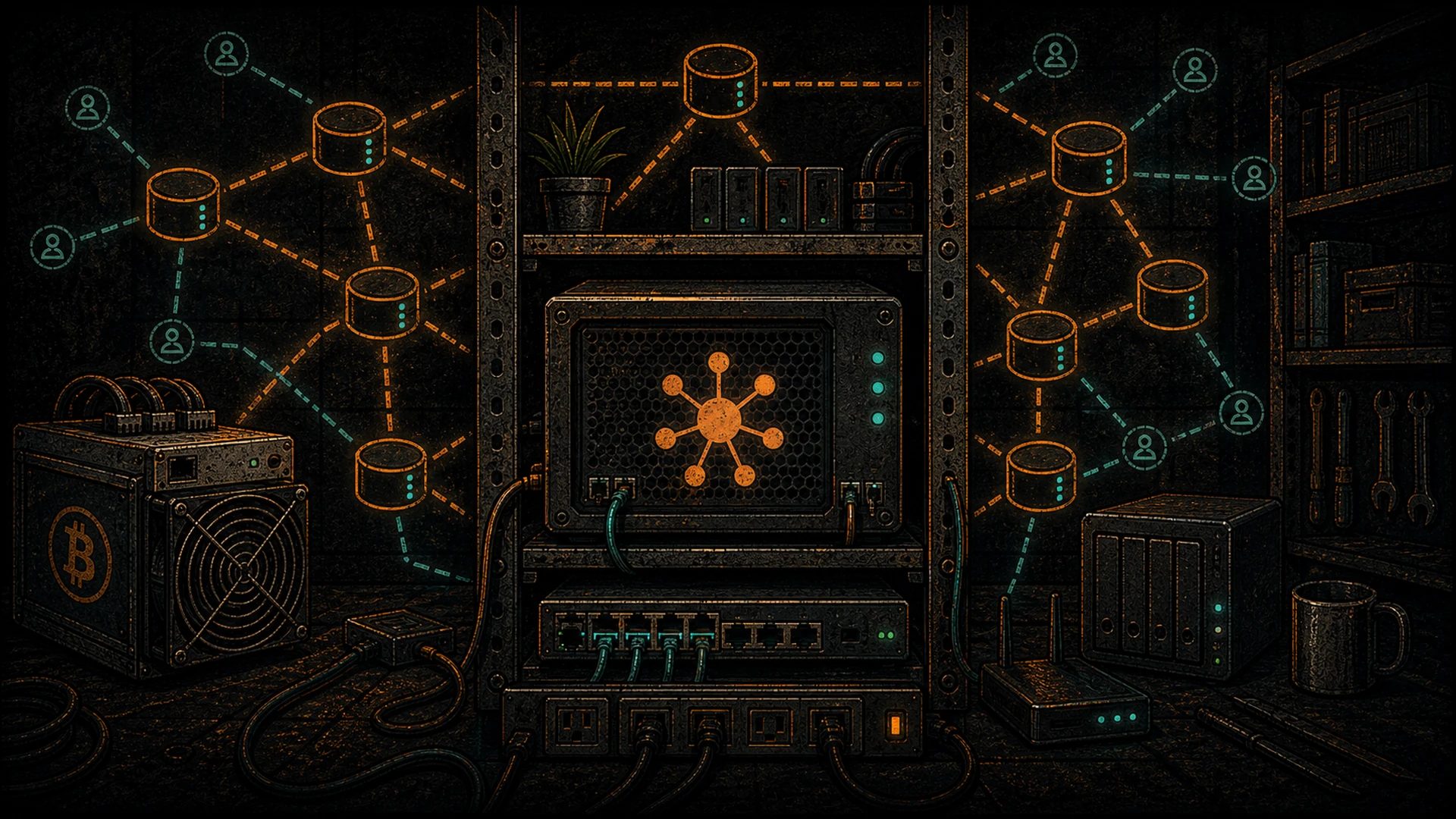
Why self-host a relay
The first Nostr post most people make is signed by their key and sent through a relay someone else runs. That is fine. The network is designed for it — you can swap relays freely, and public relays like relay.damus.io, nos.lol, and relay.primal.net carry most of global Nostr traffic happily.
But there is a reason Bitcoiners end up here. A relay you run is a relay nobody can lean on to silence you. It is the identity-layer equivalent of running your own Bitcoin node: you stop trusting, and you start verifying. Specifically:
- Resilience. If every major public relay dropped your
npubtomorrow, your self-hosted relay still has every event you ever signed. You hand the URL to anyone who wants to follow you and you keep posting. - Censorship resistance. You set the moderation policy. “My house, my rules” is the default state of the internet when you host your own server.
- Feed curation. A personal relay lets you pre-filter the firehose — trusted-npub-only feeds, topic allowlists, or archival copies of writers you care about so their notes survive even if the original relays forget them.
- Bitcoiner aesthetics. The whole point of self-custody is that you are the final authority. Your notes deserve the same treatment as your sats.
Relay software options
Three implementations dominate in production. Pick based on your hardware and your comfort zone.
strfry — by Doug Hoyte (github.com/hoytech/strfry). C++, LMDB-backed, very fast, very compact on disk. strfry is what you run when you want the relay to be the boring, fast part of your stack. It is the most common choice on public paid relays and on Umbrel’s app store. This guide uses strfry for the main walkthrough.
nostr-rs-relay — by Greg Heartsfield (github.com/scsibug/nostr-rs-relay). Rust, SQLite-backed, delightfully simple to deploy. If your target box is a Raspberry Pi or a tiny VPS and you want a single binary to drop in and forget, this is the cleanest path. Well-maintained, well-documented, a favourite of the self-hosting crowd.
nostream — TypeScript, Postgres-backed, richer moderation and paywall hooks. Heavier footprint. Worth considering if you plan to run a paid relay with admin tooling from day one.
All three implement the core NIPs. All three are GPL-or-MIT-style open source. None of them are going anywhere.
Where to run it
You have three honest options, in increasing order of sovereignty and effort.
Umbrel or Start9 app store (easy mode). If you already run an Umbrel Home or a Start9 Server next to your Bitcoin node, a Nostr relay is one-click in either app store. strfry is the default on Umbrel; both platforms handle Tor/Clearnet routing, TLS, and backups for you. If this is your first self-hosted anything, start here and come back for the bare-metal version once you care about the details.
Bare VPS (recommended middle ground). A $5–$10 VPS at Hetzner, OVH, or Netcup gives you a static IPv4, predictable uptime, and no NAT/ISP headaches. This is what the rest of this guide covers. Debian 12 or Ubuntu 24.04 is the easy baseline.
Raspberry Pi 5 at home. Works. Requires opening a port or running behind Cloudflare Tunnel / Tailscale Funnel. Residential ISPs sometimes throttle or block inbound WebSocket traffic — test before committing.
All three pair well with the broader sovereign mining stack — the same box that runs your node and your miner monitor can absolutely run a relay.
Bare VPS walkthrough: strfry on Debian 12
1. Prep the server
Spin up a fresh Debian 12 VPS. SSH in as root (or a sudo user).
apt update && apt upgrade -y
apt install -y git build-essential cmake libssl-dev zlib1g-dev \
    liblmdb-dev libflatbuffers-dev libsecp256k1-dev libzstd-dev \
    caddy ufw
ufw allow 22/tcp
ufw allow 80/tcp
ufw allow 443/tcp
ufw --force enable
That is the whole dependency list. strfry is a small project; compile times are measured in minutes, not hours.
2. Compile strfry
useradd --system --create-home --shell /bin/bash strfry
sudo -u strfry -i
git clone https://github.com/hoytech/strfry.git
cd strfry
git submodule update --init
make setup-golpe
make -j$(nproc)
You now have a strfry binary in the repo root. Copy strfry.conf from the repo as your starting config and edit db, bind, nofiles, and the info block (relay name, description, operator contact, operator npub).
3. systemd unit
As root, drop this at /etc/systemd/system/strfry.service:
[Unit]
Description=strfry relay
After=network.target

[Service]
User=strfry
WorkingDirectory=/home/strfry/strfry
ExecStart=/home/strfry/strfry/strfry relay
Restart=on-failure
LimitNOFILE=65536

[Install]
WantedBy=multi-user.target
Enable and start:
systemctl daemon-reload
systemctl enable --now strfry
systemctl status strfry
strfry is now listening on 127.0.0.1:7777 (or whatever you set in bind).
4. Caddy reverse proxy for WSS + TLS
strfry speaks plain WebSocket. The outside world wants wss:// with a real certificate. Caddy handles both in a three-line config. Edit /etc/caddy/Caddyfile:
relay.example.com {
    reverse_proxy 127.0.0.1:7777
    encode zstd gzip
}
Reload Caddy (systemctl reload caddy). Caddy will pull a Let’s Encrypt cert automatically on first request. You are done. wss://relay.example.com is live.
If you prefer nginx, the reverse-proxy snippet is five lines with proxy_http_version 1.1, Upgrade, and Connection headers — any Nostr relay tutorial has the exact block.
5. Verify
curl -sI https://relay.example.com/ -H 'Accept: application/nostr+json'
wscat -c wss://relay.example.com
The first should return an application/nostr+json NIP-11 document. The second gives you an open WebSocket you can paste a REQ frame into. If both pass, the relay is operational.
NIP-11 — tell the world who you are
NIP-11 is the relay’s identity card. When a client hits your relay with Accept: application/nostr+json, it gets back a JSON document describing operator, supported NIPs, software version, and policies. strfry’s config has this block built in. Fill in:
name— what clients will displaydescription— one sentence, plain Englishpubkey— the operator’snpubhexcontact— email or Nostr URLsupported_nips— leave strfry’s default listsoftwareandversion
Clients use this to route, to label paid relays, and to decide whether to bother trying a given NIP on a given relay. It is the most-read file on your server. Do not skip it.
Moderation: allowlists, blocklists, spam, NIP-42
A public relay with no moderation becomes a spam sink within a week. strfry ships a write policy plugin system precisely for this. The two patterns that cover 95 percent of cases:
Personal relay (allowlist). Only accept events where the author pubkey is in a hard-coded list — typically just you and a handful of friends. Strongest censorship resistance for your own writing. Useless as a general-purpose relay, which is fine.
Community relay (blocklist + WoT). Accept from anyone except known spammers, and optionally require a web-of-trust path from a trusted seed set. strfry’s plugin ecosystem has off-the-shelf scripts for both.
NIP-42 authentication. Requires clients to prove possession of a private key before reading or writing. Useful for paid relays, for private community relays, and for preventing scraping. strfry supports it natively — flip the flag in config.
Start restrictive. Loosen later. It is much easier to open a relay up than to scrub a spam epidemic out of LMDB.
Backups
A strfry relay has two things worth backing up:
- The LMDB event store at the path configured in
db. Snapshot nightly —strfry exportdumps all events as JSONL, which restores on any strfry instance anywhere. - The config file (
strfry.conf) and any moderation plugins.
That is it. No database server, no user table, no secrets other than optional paid-relay API keys. A tar of the data directory is a complete, portable backup. Keep a copy offsite. Restic to Backblaze B2 or a second VPS is the pleb-standard answer.
Pointing your npub at it
Open your Nostr client’s relay settings. Add wss://relay.example.com. Set it to read + write. Publish a note. Watch the relay’s log:
journalctl -u strfry -fYou should see the event arrive, get validated, and get stored. At that moment you are writing to a relay whose uptime, policy, and fate are entirely yours. Every subsequent Nostr client you use can be pointed at the same URL. Your notes live there as long as you do.
If you want belt-and-suspenders, publish to your self-hosted relay plus three or four major public relays. That way your notes propagate, but even if every public relay disappears, your archive does not.
Paid relay economics (optional, future)
Public free relays are a commons, and commons have an economics problem. Paid relays — charging a small flat fee or per-event sat price — solve spam by aligning incentives, and they make it possible for a relay operator to cover hosting costs plus a margin.
The implementation is straightforward. NIP-11 advertises the fee, clients prompt the user, payment is a Lightning invoice (often via LNURL-pay), and the operator’s relay records which pubkeys are paid up. strfry and nostream both support this pattern today.
You do not need to flip this on day one. But if you end up running a relay for a community, paid membership is the honest way to keep the lights on without begging for donations. This is value-for-value plumbing, the same philosophy behind Zaps. Relays are also the transport for Nostr data vending machines (NIP-90) — paid compute jobs that ride the same infrastructure you are standing up here.
Where this fits in the sovereign stack
A self-hosted Nostr relay is the third leg of the pleb’s sovereign stack next to a Bitcoin node and a Lightning channel. Identity, money, settlement — all three running on boxes you control. If you have not yet read the Nostr primer, start there. If you have, keep going — the Pleb’s Sovereign Stack Manifesto frames why this matters, and the Sovereignty hub collects every pillar as we publish them.
A relay is a small program doing a small job. That is precisely why running one is such a big deal.
The sovereign stack: own every layer
Sovereignty is layered: Bitcoin for money, a local LLM for intelligence, mesh for connectivity, Nostr for identity, and your own power. Each piece is one more layer no single actor can switch off.