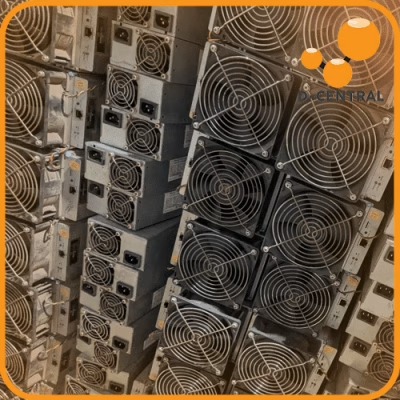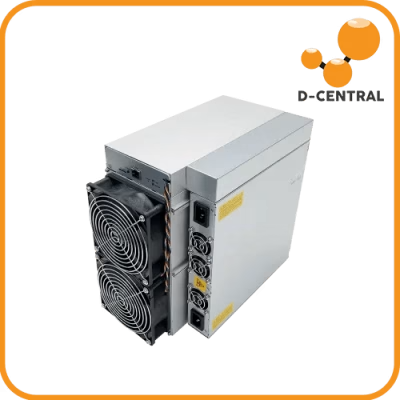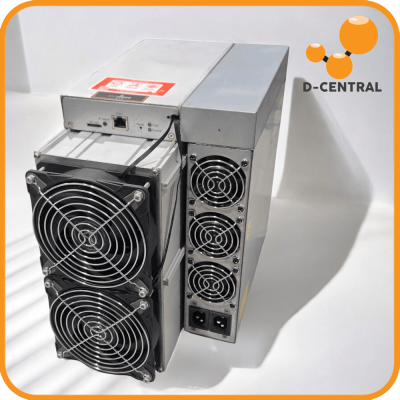
A home mining operation is an unusual target. It is valuable hardware that announces itself — it hums, it pushes warm air, it draws steady power — and it is wired to the internet, holds pool credentials, and sits adjacent to the wallet your block rewards land in. Most home miners secure exactly none of this until something goes wrong: a miner walks out of a garage, a control panel gets accessed over an open network, or a poorly secured wallet gets drained. Security is not paranoia. It is the difference between an operation you own and one that is quietly someone else’s problem to exploit.
This is sovereignty in practice — you cannot run a self-custodial, decentralized operation if you do not control physical and digital access to it. D-Central has helped Canadian home miners build setups that last since 2016, and a real security plan is part of a setup that lasts. Here is how to build one: the physical layer, the digital layer, and the response plan for when something slips through anyway.
Start With a Threat Model, Not a Shopping List
Before buying a single camera or configuring a single firewall rule, ask what you are actually protecting against. Your threats are not a movie heist. They are mundane and specific:
- Opportunistic theft. Someone notices the hardware — through a window, a posted photo, loose talk — and the miner is portable enough to grab.
- Network intrusion. A miner’s web interface reachable from an insecure network, or default credentials never changed, letting someone redirect your hashrate or brick the device.
- Wallet compromise. Phishing, malware, or a poorly stored seed phrase separating you from your mined Bitcoin — the highest-value, lowest-effort target of all.
- Environmental and operational failure. A power event, an overheating fault, or downtime you do not notice for days. Reliability is part of security — an operation that fails silently is not secure.
Weight your effort toward the threats that actually apply to you. A single Bitaxe on a desk in a secure home has a very different threat profile than a rack of full ASICs in a detached garage. Match the plan to the reality.
The Physical Layer: Protecting the Hardware
Out of sight, out of mind
The cheapest, most effective physical security is not being a known target. Do not put miners where they are visible through a window. Be careful what you post — a photo of your setup with identifying detail is reconnaissance you handed out for free. The Bitcoin community shares freely, but a publicly geolocatable rack of hardware is an invitation.
A dedicated, lockable space
Where possible, run the operation in a dedicated room with a solid-core door and a real lock. This does double duty — it secures the hardware, contains the noise, and lets you manage airflow and dust as one controlled environment (see our guide to a dust-free mining environment). For a smaller setup, even a locking cabinet raises the effort required to walk off with your hardware.
Monitoring and alerts
A camera covering the mining space, with motion alerts to your phone, turns “I found out three days later” into “I knew immediately.” Pair it with door/window sensors on the mining room. The goal is not to stop a determined intruder — it is to know the instant something is wrong, while you can still act.
Environmental protection is security too
An operation taken down by a power surge or an overheating fault is just as offline as one taken down by theft. Put the operation behind quality surge protection. Consider a UPS so a brief outage does not mean a hard, ungraceful shutdown of every miner at once. Use environmental monitoring — temperature and humidity sensors — so a thermal problem alerts you before it becomes hardware damage. D-Central’s residential miners help here by design: the Antminer Loki Edition, Slim Edition, and BitChimney all run quiet on standard household power, which makes them easier to house in a controlled, secured, monitored space rather than an exposed corner. Browse power supplies and monitoring tools for the supporting gear.
The Digital Layer: Protecting the Network and the Miner
Segment the mining network
The single highest-value digital measure: do not run your miners on the same flat network as your laptops, phones, and smart-home junk. Put them on a separate VLAN or a dedicated router. If a miner is compromised, segmentation contains the damage. If a device on your home network is compromised, your miners are not automatically exposed. Wire everything with Ethernet while you are at it — more reliable than WiFi and easier to control.
Kill the defaults, lock the interface
Every miner ships with default credentials. Change them immediately — this is the number one way miners get accessed by people who should not have access. The miner’s web/management interface should never be exposed directly to the internet. If you need remote access, do it through a VPN into your home network, not by port-forwarding the miner. Use strong, unique passwords on every account — miner interfaces, pool accounts, your router — and a password manager to keep them straight.
Firewall and access control
A properly configured firewall — at the router, on the mining VLAN — controls what can talk to your miners and what they can talk to. Block inbound access to management ports. Log and review. You do not need enterprise gear; you need the firewall you already have, configured deliberately instead of left at defaults.
Keep firmware current — from trusted sources
Firmware updates patch security issues. Run current firmware, but only from sources you trust — malicious miner firmware that skims rewards or hijacks hashrate is a real thing. For Antminer-class hardware, that means established options: VNish, BraiinsOS+, LuxOS, or D-Central’s own open-source DCENT OS. Open-source firmware has a real security advantage here — you (or the community) can audit what is actually running on your hardware, rather than trusting a closed binary. Download from official channels, never from a random link in a forum post.
Monitor the operation
Set up monitoring that alerts you when a miner drops offline, loses a hashboard, runs hot, or shows hashrate going somewhere unexpected. A miner quietly pointed at someone else’s pool, or quietly throttling, is a problem you want to catch in minutes, not weeks.
The Highest-Value Target: Your Bitcoin
All of the above protects the operation. This protects the reason you run it. Your mined Bitcoin is the most valuable, most portable, most targeted asset in the whole setup — and securing it is a discipline of its own.
- Self-custody in a hardware wallet. Mined Bitcoin should land in a wallet you control, with keys held offline on a hardware device. Not on an exchange, not in a hot wallet connected to the machine that manages your miners.
- Protect the seed phrase like it is the money — because it is. Store your recovery seed offline, physically, ideally in more than one secure location. Never type it into a computer, never photograph it, never store it in the cloud. The seed is the single point of total loss.
- Consider multisig for larger holdings. A multi-signature wallet requires multiple keys to move funds, so a single compromised key is not catastrophic. As your stack grows, the complexity is worth it.
- Enable 2FA everywhere it exists. Pool accounts, exchange accounts (if you use one to sell), email — anywhere a login protects something that touches your Bitcoin. Use an authenticator app or hardware token, not SMS where you can avoid it.
- Assume phishing is constant. The most common way home miners lose Bitcoin is not a hacked miner — it is a person tricked into entering a seed phrase or approving a transaction. Slow down, verify, never act on urgency.
This is the decentralization mission in personal practice: hold your own keys, secure them yourself, depend on no custodian. A mining operation that funnels its rewards into someone else’s custody has given away half the point.
The Response Plan: When Something Slips Through
No plan is perfect. A real security plan includes what you do when it fails:
- Contain. Suspect a network compromise? Disconnect the affected miners from the network immediately. Suspect wallet exposure? Move funds to a fresh wallet with a new seed, from a clean device, now.
- Assess. Determine what was actually reached. Hardware? Network? Credentials? The wallet? Scope tells you how far the response has to go.
- Rotate. Change every credential that could be involved — miner interfaces, pool accounts, router, email. Re-flash miner firmware from a trusted source if you suspect it was tampered with.
- Recover. Restore from known-good backups. Bring miners back online only once you are confident the access path is closed.
- Review. Figure out how it happened and close that specific gap. A breach you learn from is a hardened operation; one you do not is a breach waiting to repeat.
Back this with a real backup discipline ahead of time: wallet backups stored securely offline, miner configuration documented, and a tested recovery process. A backup you have never tested is a guess.
Hardware Choices That Make Security Easier
Some of the security battle is won at the purchase decision — hardware that is easy to house securely, run quietly, and monitor is hardware that is easy to secure:
- Antminer Loki Edition — residential-modded S19/S19j Pro/S19k Pro (42/48/56 TH/s), 110V/240V, silent fans. Quiet enough to live in a locked interior room rather than a vulnerable detached space.
- Antminer Slim Edition — 26-44 TH/s at 860-930W in a compact 3D-printed chassis. Small footprint, fits in a secured cabinet or closet.
- The BitChimney — single-hashboard S19-series, ~21-24 TH/s, ~600-650W, ~40-45 dB, standard 120V outlet. Quiet and self-contained.
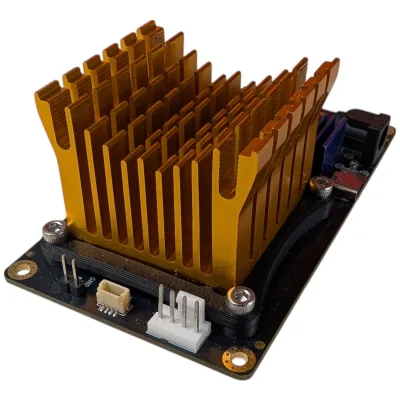
- Bitaxe — the open-source ~15W single-board solo miner. Small and low-power enough to keep entirely out of sight, and its open firmware is auditable.
If hardware does get damaged — in a break-in, a power event, or a tampering incident — D-Central’s ASIC repair service handles board-level recovery across dozens of models, as the Western repair authority. And if your operation has outgrown what you can physically secure at home, D-Central’s mining hosting moves the hardware into a facility built for physical and operational security.
Own Your Operation, End to End
A home mining security plan is not a product you buy — it is a set of deliberate decisions across three layers. Physically: stay off the radar, lock the space, monitor it, protect against power and thermal failure. Digitally: segment the network, kill the defaults, lock the interface, run trusted firmware, monitor everything. And above all: self-custody your Bitcoin, guard the seed phrase like the money it represents, and assume phishing is always trying. Add a response plan for the day something slips through, and you have an operation you actually control.
Build it on hardware that makes it easier. Explore D-Central’s home mining hardware, and read the full How to Mine Bitcoin at Home guide for how security fits into the complete picture.
Frequently Asked Questions
What is the single most important security measure for home mining?
Securing your Bitcoin itself — self-custody in a hardware wallet with the seed phrase stored safely offline. The miners are valuable, but they are replaceable and insurable; mined Bitcoin moved out of your control by a compromised wallet or a phishing attack is gone. On the operational side, the highest-value single measure is segmenting your mining network from your main home network.
Should I expose my miner’s interface to the internet for remote access?
No. A miner’s management interface should never be directly reachable from the internet — that is one of the most common ways miners get accessed by attackers. If you need remote access, connect through a VPN into your home network instead of port-forwarding the miner. And change the default credentials before the miner ever touches your network.
Is open-source mining firmware more secure?
It has a real advantage: open-source firmware can be audited, so you or the community can verify what is actually running on the hardware rather than trusting a closed binary. Established options for Antminer-class hardware include VNish, BraiinsOS+, LuxOS, and D-Central’s own open-source DCENT OS. Whatever you run, install it only from official channels — malicious firmware that skims rewards is a genuine threat.
How do I protect my mining operation from theft?
The cheapest measure is staying off the radar — keep miners out of view from windows, and be careful what you post publicly. Beyond that: a dedicated lockable room or cabinet, a camera with motion alerts to your phone, and door/window sensors on the mining space. The aim is to be a low-effort target that also alerts you immediately if something is wrong.
What should I do if I think my mining operation has been compromised?
Contain it first — disconnect affected miners from the network, and if you suspect wallet exposure, move funds to a fresh wallet with a new seed from a clean device immediately. Then assess what was reached, rotate every credential that could be involved, re-flash firmware from a trusted source if tampering is suspected, restore from known-good backups, and finally review how it happened to close that specific gap.