
ASIC Noise Reduction Guide: Silence Your Bitcoin Miner
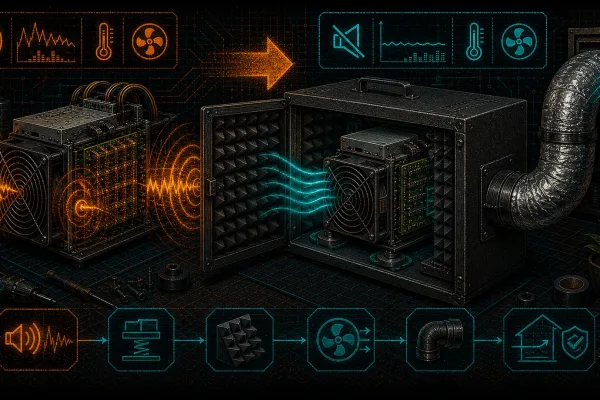
You bought an ASIC miner to stack sats. You plugged it in. And now your family is staging an intervention because your basement sounds like a leaf blower factory running overtime.
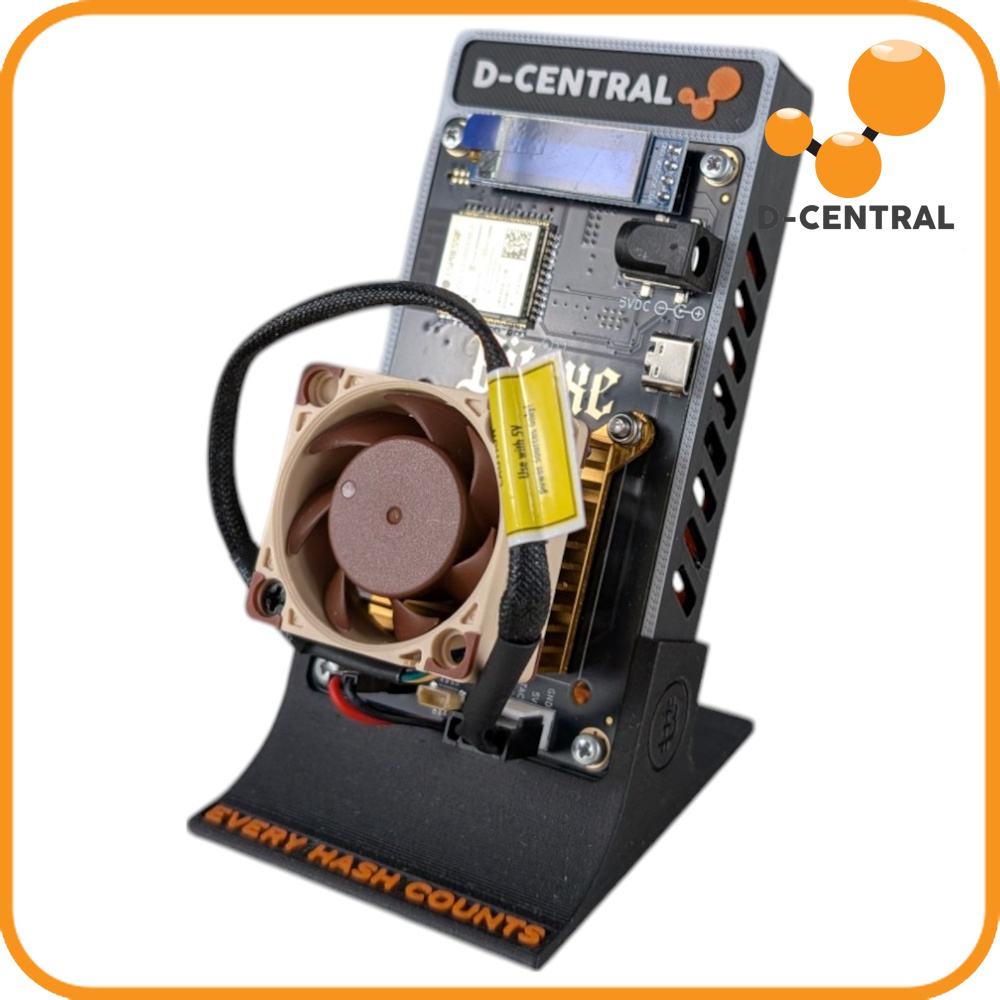
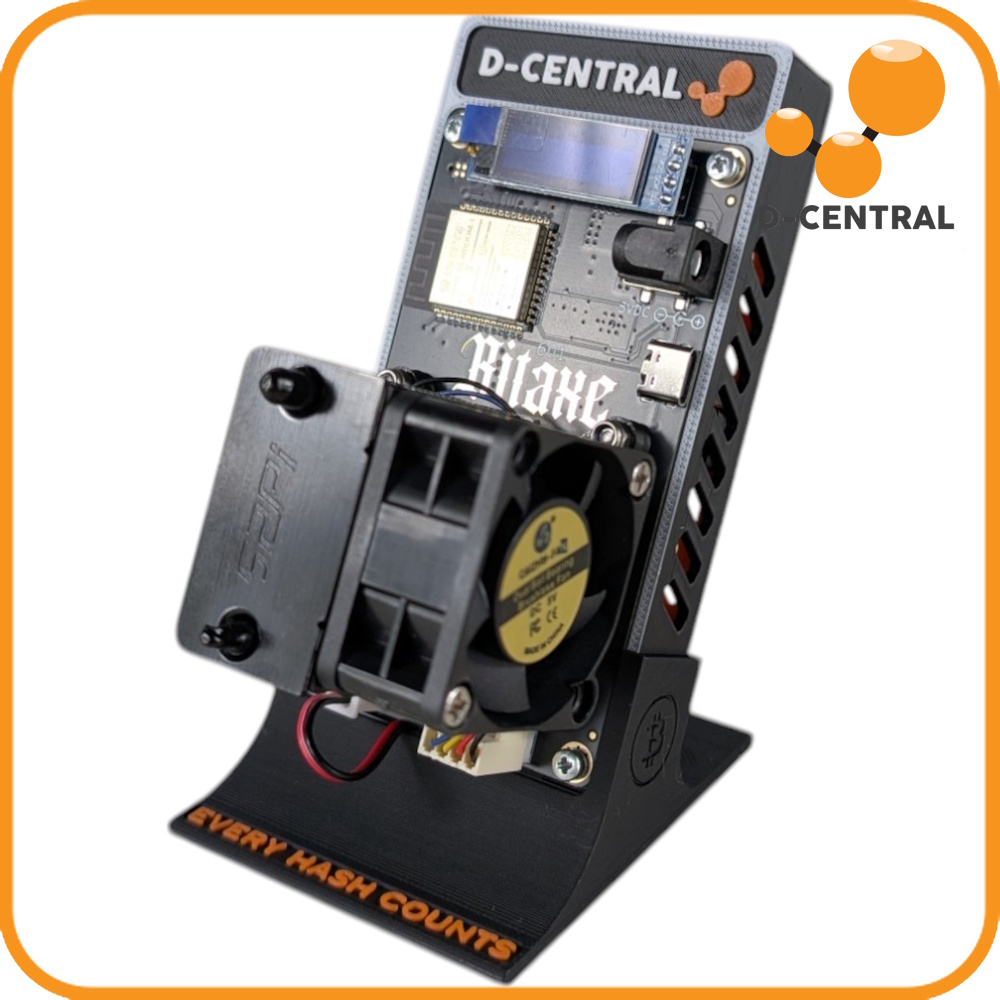
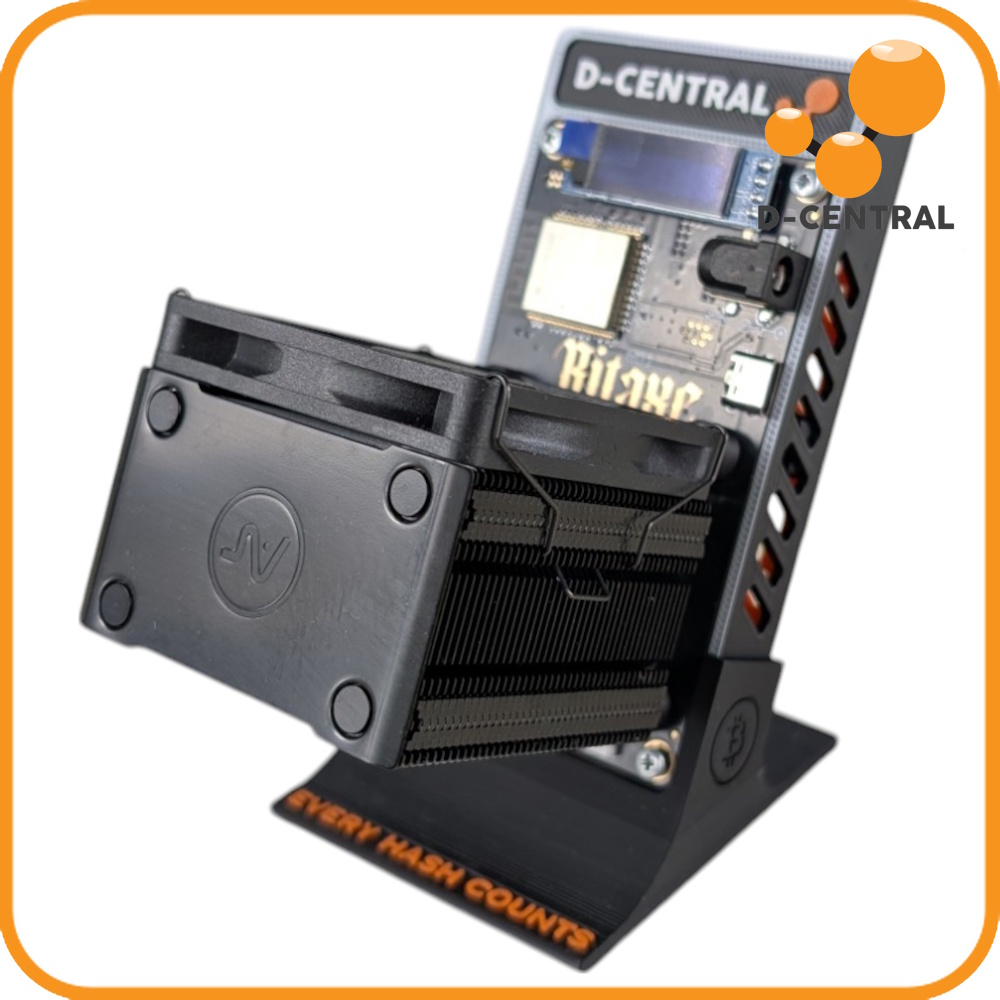
Quick answer
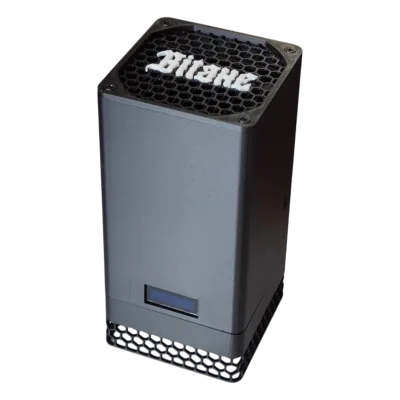
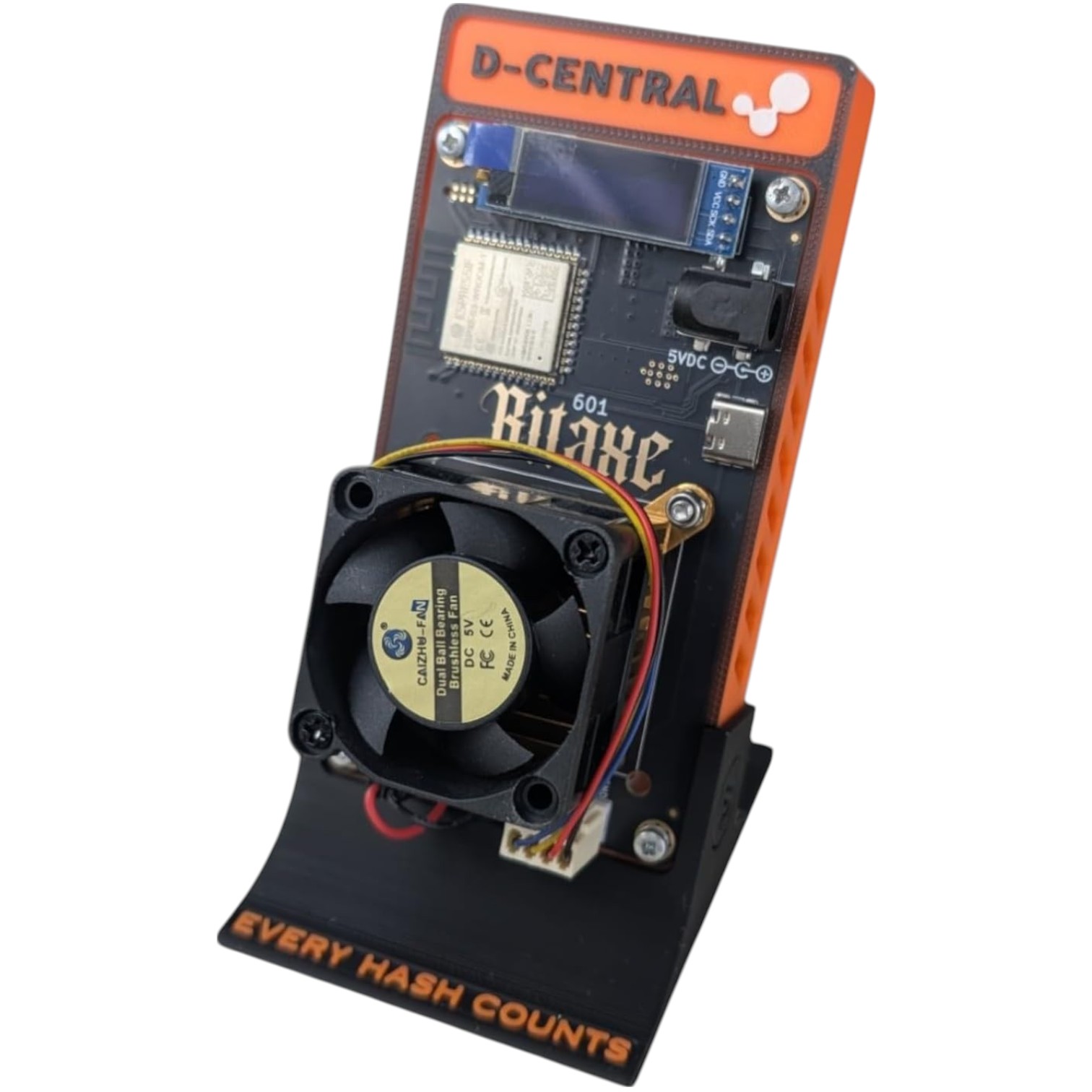
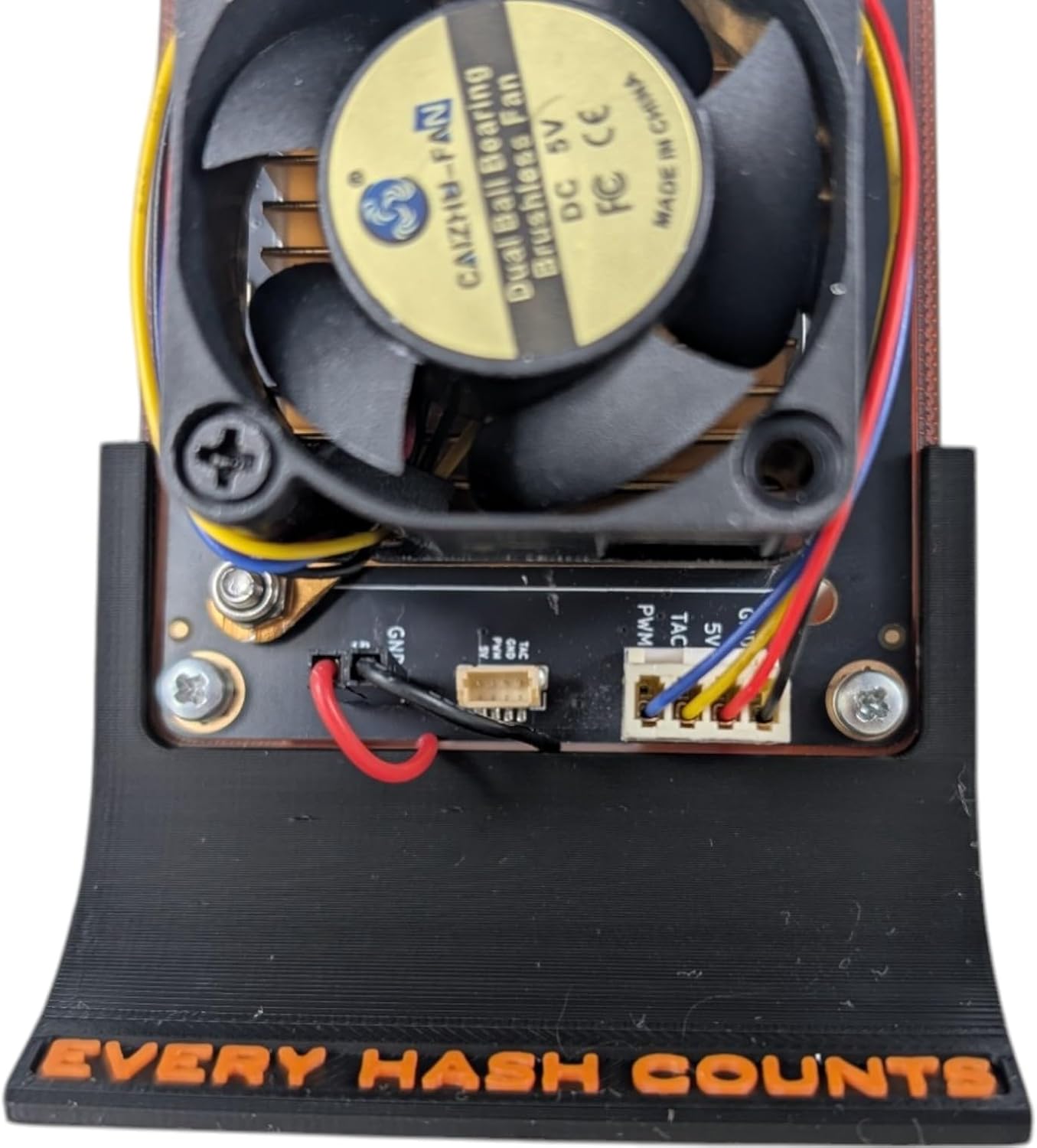
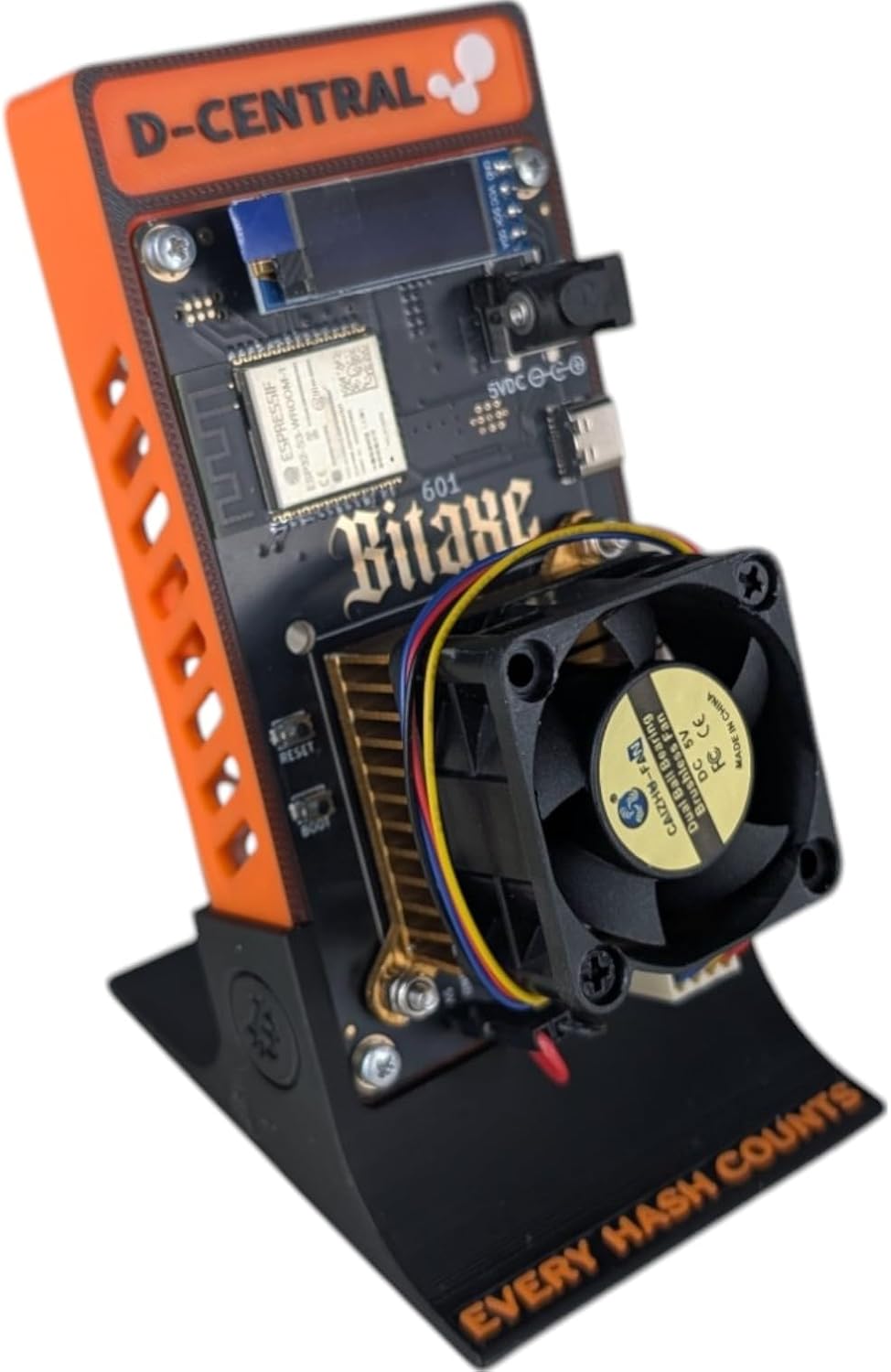
The Bitaxe is a genuine open-source solo Bitcoin miner — configure it as the Supra (BM1368, ~700 GH/s) or the Gamma (5nm BM1370, ~1.2 TH/s), small and quiet enough for any desk. Hand-built and shipped from Montréal, Québec — from $184.99 CAD.
Price range: $184.99 through $224.99 CAD
Hand-built and bench-tested to order — typically ships in about 1–2 weeks.
Priced in Canadian dollars — from about US$135 for buyers comparing US shops. No foreign-exchange fees, and no surprise customs or brokerage at the Canadian border, so the CAD price is what you actually pay. Hand-built and bench-tested in Montreal, QC. (approx. conversion, FX ~1.37, June 2026)
New to this? Skip the configuration.
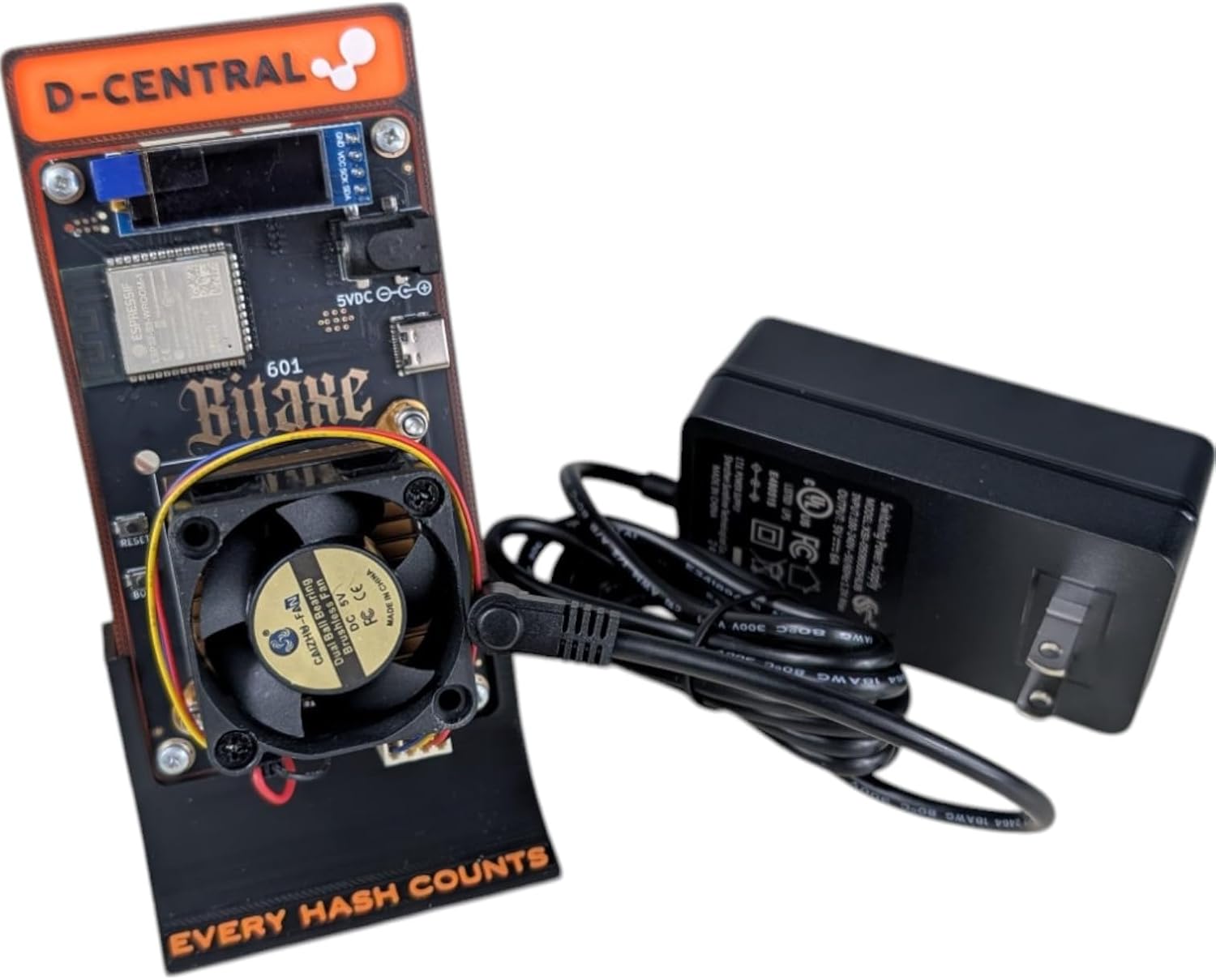
The Bitaxe Starter Build pairs a bench-tested Bitaxe with the case, matched 5V 6A PSU and heatsink we’d pick ourselves — hand-assembled in Montreal, ready to plug in and mine.
Get the Starter Build →The Bitaxe is the world’s first open-source ASIC Bitcoin miner — real SHA-256 hashing power, fully open hardware, solo mining straight out of the box. Built by the community, backed by D-Central since day one.
Choose from the Bitaxe Supra (625-775 GH/s, BM1368) or the Bitaxe Gamma (1.0-1.2 TH/s, BM1370) — both fully assembled with AxeOS, 5V powered, and ready to mine in minutes. Every 10 minutes is another shot at a full Bitcoin block.
Hand-built and bench-tested to order — typically ships in about 1–2 weeks.
What's Included
The Bitaxe and NerdAxe designs are open-source, built by the community — we just build them well and stand behind them. See the full open-source line
2,600+ Bitaxes hand-built in Montreal — mining hardware specialists since 2016.
Bitaxes have mined real solo blocks — see the block-wins tracker.
Add the accessories most Bitaxe builders pair with theirs:
Save 3% when you pay in Bitcoin.
Why Buy From D-Central
Confirm the model, then match cooling, power, case, firmware, and setup guide before tuning.
At stock, running The Bitaxe 24/7 costs about $1.03–$1.75 CAD per month in electricity across Canada.
| Configuration | Chip | Hashrate | Wall power | Efficiency |
|---|---|---|---|---|
| Bitaxe Supra | BM1368 | 625-775 GH/s | ~15W | ~21 J/TH |
| Bitaxe Gamma | BM1370 | 1.0-1.3 TH/s | ~18-21W | ~17 J/TH |
Stock figures from D-Central's own bench — we hand-build and bench-test every Bitaxe in Montreal, QC. Every chip wins the silicon lottery a little differently, so your exact hashrate and draw will vary, and overclocking pushes both higher. Last verified June 2026.
| Province | $/kWh | Per month | Per year |
|---|---|---|---|
| Quebec | $0.0707 | $1.03 | $12.38 |
| Ontario | $0.1200 | $1.75 | $21.02 |
| British Columbia | $0.1187 | $1.73 | $20.80 |
| Alberta | $0.1201 | $1.75 | $21.04 |
The Bitaxe Supra configuration draws less (~15W) and runs for roughly 25% less.
Math: ~20W × 24h × 365d = 175 kWh/year. Multiply by your own rate for an exact figure. Residential rates from D-Central's provincial dataset (June 2026).
This is why a Bitaxe is the one Bitcoin miner most Canadians can actually run at home 24/7. See the full landed-cost breakdown on Buy a Bitaxe in Canada.
| Specification | Bitaxe Supra | Bitaxe Gamma (600 Series) |
|---|---|---|
| ASIC Chip | BM1368 (Bitmain) | BM1370 (Bitmain) |
| Process Node | 5nm (Antminer S21 era) | 5nm (Antminer S21 Pro era) |
| Hashrate (Stock) | 625 – 775 GH/s | 1.0 – 1.2 TH/s |
| Efficiency | ~17 J/TH | ~15 J/TH |
| Power Consumption | ~12W | ~21W |
| Power Input | 5V barrel jack (5V/6A PSU required) | 5V barrel jack (5V/6A PSU required) |
| Connectivity | 2.4 GHz WiFi (802.11 b/g/n) | 2.4 GHz WiFi (802.11 b/g/n) |
| Firmware | AxeOS (pre-installed) | AxeOS (pre-installed) |
| Display | OLED status screen | OLED status screen |
| Noise Level | ~35-40 dB (near-silent) | ~35-40 dB (near-silent) |
| Operating Temperature | 40 – 65°C (safe range) | 40 – 65°C (safe range) |
| Dimensions | 20 x 20 x 10 cm | 20 x 20 x 10 cm |
| Weight | 680g | 680g |
| Monthly Electricity Cost | ~$1.30 CAD (at $0.07/kWh) | ~$2.30 CAD (at $0.07/kWh) |
| License | GPL-3.0 (firmware) / CERN-OHL-S (hardware) | GPL-3.0 (firmware) / CERN-OHL-S (hardware) |
Confirm preparation and dispatch for your selected build before ordering; carrier transit starts after dispatch.
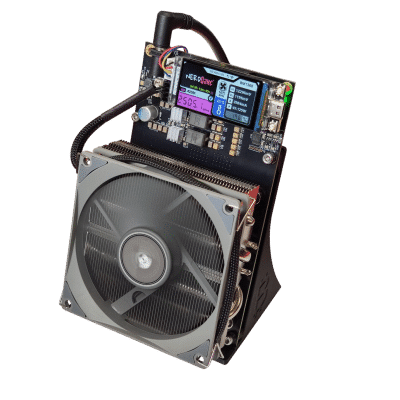
Choose one cooling option for your build in the Cooling selector above: Basic Cooling, Noctua Cooling, Ice Cooler Tower, or Argon THRML. The selected option is included; these are alternative builds.| Cooling Tier | Best For | Details |
|---|---|---|
| Basic Cooling | Stock hashrate, quiet operation | Standard heatsink and fan. |
| Noctua Cooling | Ultra-quiet 24/7 operation | Premium Noctua fan — whisper-quiet with excellent airflow. |
| Ice Cooler Tower | Moderate overclocking | Tower heatsink for maximum heat dissipation. Great thermal headroom. |
| Argon THRML Cooler | Aggressive overclocking | Overclocking-focused cooler. Pushes the Supra to 900+ GH/s. |
| Miner | Price (CAD) | Hashrate | Power | Best For |
|---|---|---|---|---|
| NerdMiner | $49.99 | ~78 kH/s | ~1W (USB) | Education, desk display, entry point |
| NerdNOS | $94.99 | 80–130 GH/s | 7–8W (USB-C) | USB-powered ASIC desk miner |
| NerdAxe | From $169.99 | ~500 GH/s | ~12W | NerdMiner upgrade with real ASIC chip |
| Bitaxe | from $184.99 | 625 GH – 1.2 TH/s | 12–21W | The solo mining standard |
| Modern Minibit | $229.99 | ~2 TH/s | ~21W+ | Pre-overclocked Bitaxe Gamma |
| Bitaxe Hex | From $389.99 | 3+ TH/s | ~90W | 6-chip powerhouse for serious solo mining |
| NerdQAxe | Clearance | 1.7–2.4 TH/s | ~55W | Original quad-chip pioneer (end of life) |
| NerdQAxe+ | From $529.99 | 2.4–2.5 TH/s | 50–55W | Quietest quad-chip miner (<25 dBA) |
| Bitaxe GT | From $299.99 | 2.15 TH/s | 35–43W | Dual-chip Bitaxe, best efficiency (~18 J/TH) |
| NerdQAxe++ | TBD | 6 TH/s | ~100W | Most popular multi-chip miner (Block #920,440 winner) |
| NerdOctaxe Gamma | TBD | 9.6–12 TH/s | 160–200W | Most powerful OSMU miner (8 chips) |
★ New: Read our Complete Bitaxe Setup Guide — covers every model from unboxing to optimized solo mining.
The Bitaxe is open-source hardware created by Skot9000 (Skot Croshere) and given away under the CERN-OHL licence — the world’s first fully open-source Bitcoin ASIC miner. It is stewarded by the Open Source Miners United (OSMU) community. Learn about the project, its models, and where it comes from at bitaxe.org. D-Central builds, tests, repairs, and supports these boards — we didn’t design them, and we’re grateful to the people who did.
| Weight | 680 g |
|---|---|
| Dimensions | 20 × 20 × 10 cm |
| Bitaxe version | Bitaxe Supra (1368), Bitaxe Gamma (1370) |
| Case color | Black, Orange, Red, Green, Blue, Galaxy Black, Galaxy Red, Galaxy Blue, Galaxy Purple, Galaxy Green, Pink, Spiderman, Fossil |
| Cooling | Basic Cooling, Noctua Cooling, Ice Cooler Tower, Argon THRML |
| Power adapter | North America (US) 5V 6A, Europe (EU) 5V 6A |
Unbox your Bitaxe Max (1397), Ultra (1366), or Supra (1368) and ensure all components are present and undamaged.
Components include:
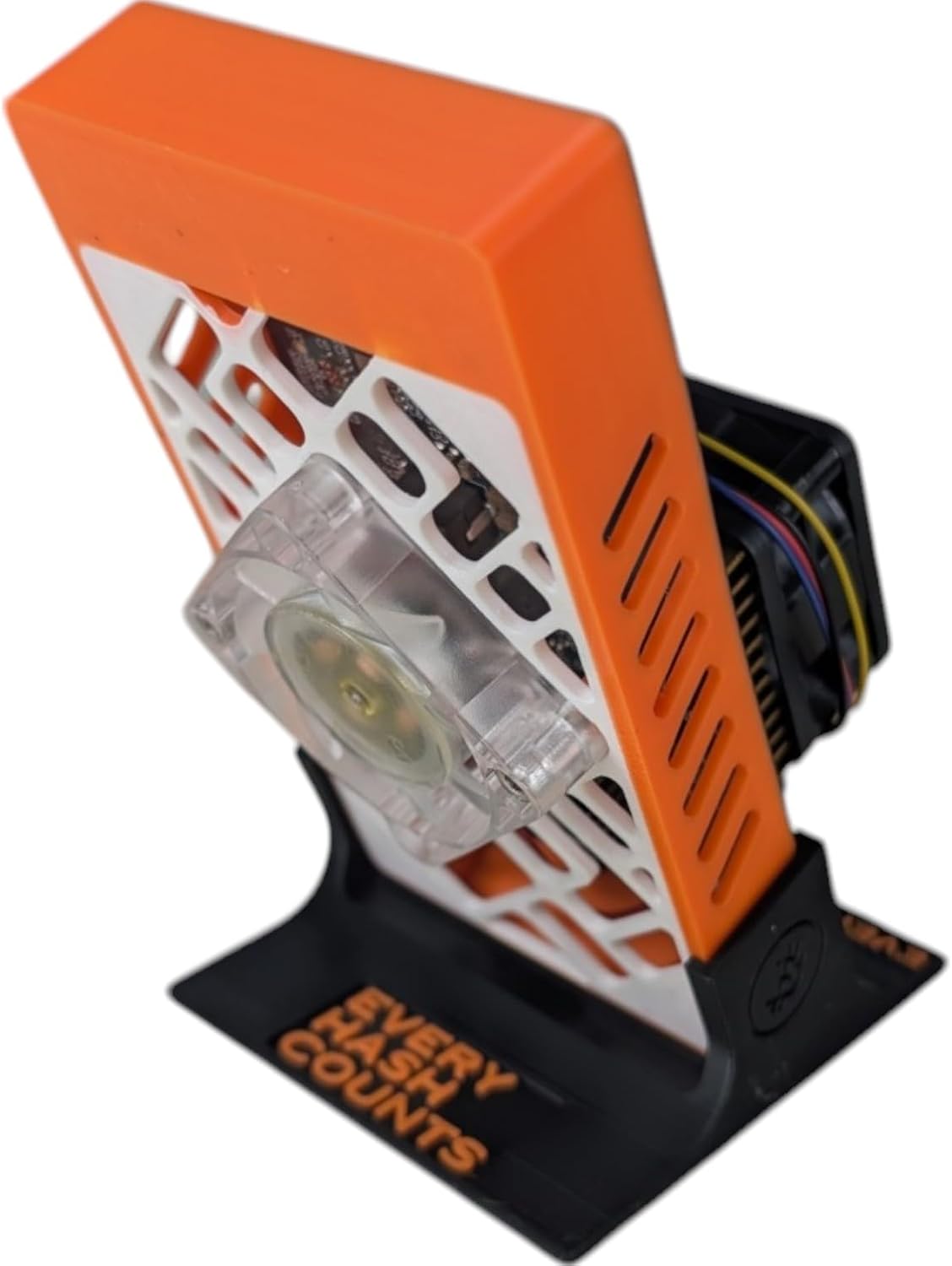
Insert your Bitaxe device into the included beautiful standing case.
Plug the Bitaxe device into the included 5V power supply. Important: Do not use a non-approved power supply, as it will permanently damage the device.
Power on your Bitaxe device. It will attempt to connect to a default network, which it will not find.
Use a WiFi-capable device (such as a phone or laptop) to search for the new WiFi Access Point named Bitaxe_XXXX. Connect to the Bitaxe SSID.
After connecting, you should be automatically prompted or redirected to the AxeOS web portal. If not automatically redirected:
In the AxeOS web portal, click on the ‘Settings’ button. Enter the WiFi SSID and password for your local WiFi network. Note: Bitaxe devices are not compatible with 5GHz WiFi; they only work with 2.4GHz WiFi. Double-check the WiFi SSID and password before entering to prevent manual recovery later.
In the AxeOS web portal: Update the pool URL, port, and user to your preferred mining pool. Recommended pools:
Click Save, then click Restart to apply the changes.
If everything is configured correctly, your Bitaxe device will start mining.
Bitaxe is a fully open-source ASIC Bitcoin miner designed for flexibility and accessibility. It comes in multiple models such as Max, Ultra, and Supra, each incorporating advanced ASIC chips like the BM1397, BM1366, and BM1368. Bitaxe democratizes Bitcoin mining by offering powerful, customizable mining technology to a broader audience.
A Bitaxe generally consumes around 10 to 15 watts, making it an efficient option for small-scale and hobbyist mining operations.
The safe operational temperature range for a Bitaxe is typically between 40°C and 65°C. Exceeding these temperatures can reduce efficiency and potentially damage the hardware.
Bitaxe is one of the top open-source Bitcoin miners due to its customizable hardware and software, ease of use, and robust community support. Other notable open-source miners include Nerdaxe, Qaxe, Flexaxe, and 0axe.
Yes, the Bitaxe is an effective ASIC miner, particularly valued for its customization options and low power consumption. It supports both solo and pool mining, and its open-source nature allows for continuous improvements by the community.
The hashrate of a Bitaxe miner varies by model. The Bitaxe Max offers a hashrate of up to 400 GH/s, the Bitaxe Ultra up to 500 GH/s, and the Bitaxe Supra up to 700 GH/s, depending on the specific configuration and cooling solutions used.
USB mining is generally not highly profitable in today’s competitive Bitcoin mining landscape. Profitability depends on electricity costs, Bitcoin prices, and hardware efficiency. Devices like Bitaxe are more suited for educational purposes and hobbyist mining rather than substantial profit.
The main difference lies in the ASIC chips used. The Bitaxe 1366 uses the BM1366 chip, offering higher efficiency and a hashrate of up to 500 GH/s. The Bitaxe 1397 uses the BM1397 chip, which provides lower performance compared to the BM1366, with a hashrate of up to 400 GH/s. The BM1368, used in the Bitaxe Supra, is the latest chip based on the Antminer S21, achieving hashrates of up to 700 GH/s with exceptional energy efficiency.
Bitcoin lottery mining refers to solo mining, where an individual miner attempts to solve a block and receive the entire block reward (currently 3.125 BTC). This method involves significant risk and high variance, as the chances of solving a block are low. However, successful miners can earn substantial rewards, similar to winning a lottery. This approach is more suitable for miners with significant computational power or those willing to accept high levels of uncertainty.
The Bitaxe Supra (1368) is an open-source Bitcoin ASIC miner designed for serious enthusiasts. It features the powerful BM1368 ASIC chip, delivering up to 700 GH/s with exceptional energy efficiency (17.5J/TH). Its open-source nature allows for unparalleled flexibility and customization, supporting decentralization in Bitcoin mining.
All Bitaxe models (Max, Ultra, and Supra) offer the following cooling options:
Yes, the Bitaxe Supra (1368) is ideal for solo mining. Its open-source design promotes decentralization, allowing miners to operate independently and contribute to the Bitcoin network’s security and resilience. The advanced connectivity options make it easy to join and manage your preferred mining pool.
The Bitaxe Supra (1368) embraces the open-source ethos, with all design files available for modification and improvement by the community. This encourages collaborative development and continuous innovation in Bitcoin mining technologies.
The Bitaxe Supra (1368) is equipped with the BM1368 ASIC chip, known for its extraordinary power efficiency of 17.5J/TH. That efficiency keeps power draw and heat low — ideal for a desk miner running 24/7. As with any single-chip miner, treat solo rewards as lottery odds, not steady income.
As with any advanced mining hardware, initial setups may require some technical adjustments.
The profitability of the Bitaxe Supra (1368) can be a concern due to its single ASIC chip, which means it won’t generate as high a hashrate as larger, multi-chip miners like the S19 XP. This miner is often used more as a “lotto miner” or to stack small amounts of satoshis from mining pools. It’s not typically profitable with electricity prices above $0, but it provides valuable experience and supports decentralized, open-source mining efforts. This miner allows users to learn and engage with Bitcoin mining without significant financial investment.
Lotto mining refers to solo mining with a small hashrate in hopes of finding a block, similar to buying a lottery ticket. While the chances of finding a block are slim, the reward can be significant. The Bitaxe Supra (1368) is ideal for lotto mining because it allows individuals to participate in mining without requiring massive infrastructure or capital investment. By using this device, miners contribute to the decentralization of the network, supporting the Bitcoin ecosystem even if they don’t achieve high profitability. Additionally, the open-source design of the Bitaxe Supra fosters a learning environment where users can gain hands-on experience with Bitcoin mining technology.
The primary goal of the Bitaxe Supra (1368) is not necessarily to make a profit but to offer an accessible entry point into Bitcoin mining. It is ideal for learning, experimentation, and contributing to the decentralization of the Bitcoin network. Additionally, mining with a Bitaxe Supra allows you to acquire “fresh” BTC.
Only logged in customers who have purchased this product may leave a review.
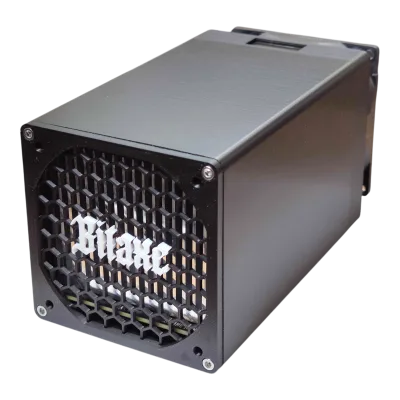
Built to order · 2 weeks
Configure for The Bitaxe HexYou bought an ASIC miner to stack sats. You plugged it in. And now your family is staging an intervention because your basement sounds like a leaf blower factory running overtime.
Application-Specific Integrated Circuit (ASIC) miners are specialized devices designed to mine cryptocurrencies like Bitcoin more efficiently than typical consumer hardware.
In the rapidly evolving world of technology, understanding the nuances and capabilities of different computing hardware is crucial for optimizing performance across a wide range of applications.
Offgrid (verified owner) –
Awesome Bitcoin Miner.
Have it running on my 100 watt Solar Panel and Jackery 240.
Earning about 50 Satoshi a day on Braiins Pool.
Video : https://blurt.blog/bitaxe/@offgridlife/6wwpru-solar-mining-with-the-bitaxe-supra
imnodjproductions (verified owner) –
Great little miners.
Have 3 units in my mini farm: 1 Ultra and 2 Supra’s and plan to buy more.
Amazing little gadgets that together mine at least 1.6TH/s earning about 170 satoshi daily on Braiins pool. Everyone should own at least one.
Doing my part to secure the Bitcoin blockchain.
gui-leblanc (verified owner) –
Got my first two of three and got to say they work great. One I replaced the plastic clips holding the heatsink with tiny nuts and bolts. Replaced the stock fan with 40x40x20mm noctua fans and they run great! I have a hard time getting decent uptime because I keep changing settings, but they ran for 4 days no issue last weekend, hashing away at 1.2Th/s each.
Part of the fun is modding it to make it run better and faster, adding heatsinks, better paste, cooler, fans, power etc.
If you love tinkering, overclocking and miss mining from the old GPU days, this is a nice project to play with.
And there is always that slim chance of finding a BTC block, or BCH if you want to go down that route!