
ASIC Miner Cooling Fans
ASIC miners generate serious heat, and cooling fans are the first line of defense against thermal throttling and hardware damage. D-Central stocks OEM and aftermarket replacement fans for Bitmain Antminer, MicroBT Whatsminer, and other mining hardware — the same fans our repair technicians install during professional servicing.
Fan failure is one of the most common and most preventable causes of miner downtime. When a fan dies or degrades, the miner will either throttle its hashrate to avoid overheating or shut down entirely. Symptoms include:
Abnormally high chip temperatures (above normal operating range)
Fan speed warnings or errors in the miner dashboard
Audible grinding, clicking, or rattling from the fan assembly
One fan spinning noticeably slower than the other
Complete fan stoppage triggering auto-shutdown
Replacing a fan on most ASIC miners takes under 10 minutes with a basic screwdriver. It is one of the easiest maintenance tasks you can do yourself — and one of the most impactful for machine longevity.
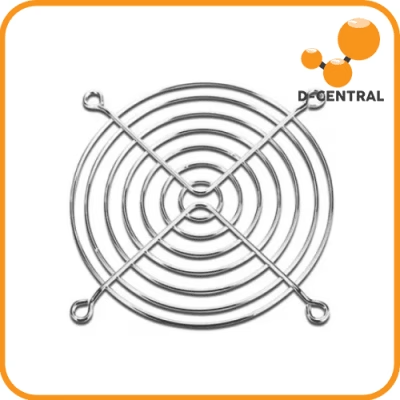
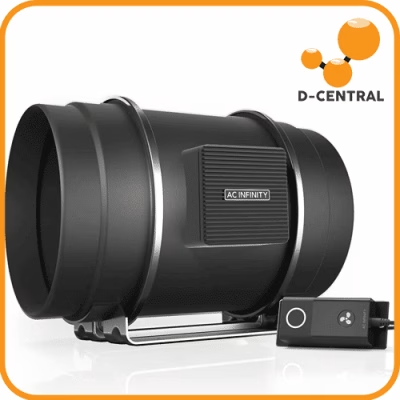
Running miners at home and need to reduce noise? Our Adapters and Shrouds category has duct adapters and shroud solutions that pair with fan replacements for quieter home mining setups. Building a Bitcoin Space Heater? Fan selection is critical for balancing airflow and noise.
All fans tested before shipping. Technical specs (CFM, RPM, connector type, dimensions) listed on each product page. Questions? Contact our team — we match fans to machines every day.
Shop Cooling fans from D-Central. 13 products available with checkout-confirmed shipping, support, and product terms.
-
Mining Hardware Parts
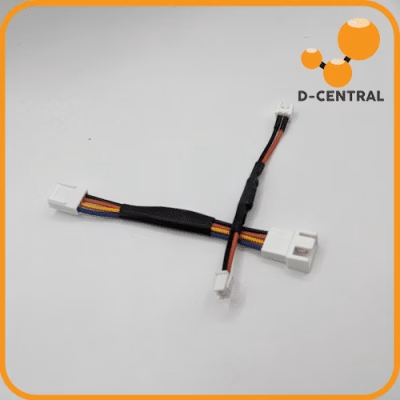
SilentMiner ASIC Fan Speed Reducer Cable
- Type:Fan
Price range: $4.00 through $5.00 CAD -
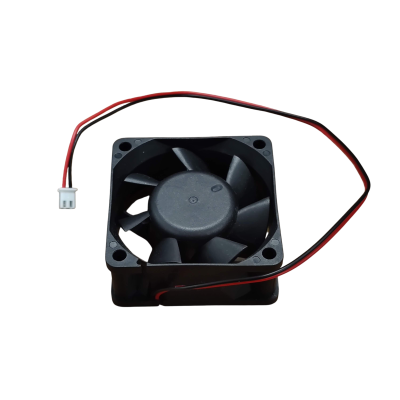 Mining Hardware Parts
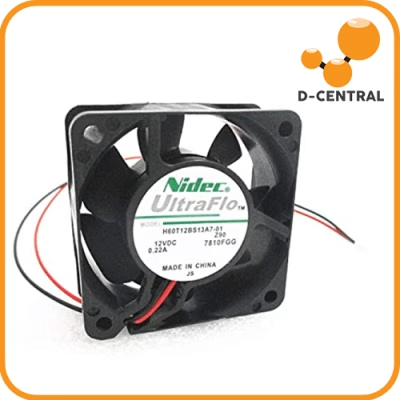
High-Efficiency Quiet Silent Fan DC 12V 60×60×25mm 3000RPM for APW3 APW7 APW12
- Fits:APW3 APW7 APW12
- Type:Fan
$9.90 CAD -
Mining Hardware Parts
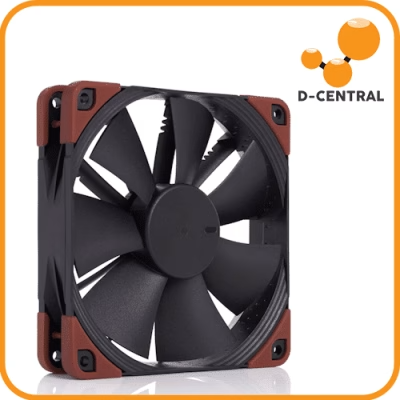
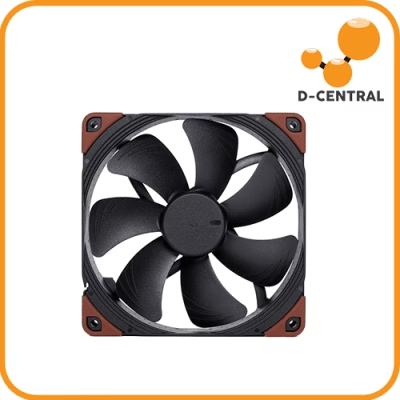
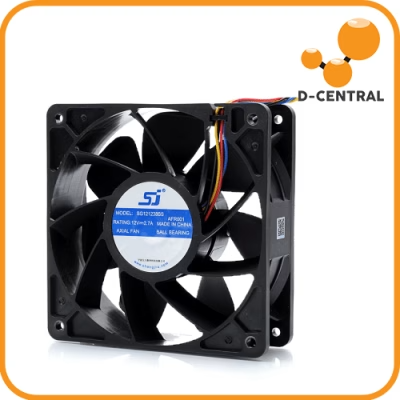
Replacement fan for Antminer 120mm
- Fits:Antminer 120mm
- Type:Fan
- Condition:New or used
Price range: $6.50 through $15.00 CAD
Choose by mining path
Use the hub pages when you need to choose between home mining, hosted ASICs, Bitaxe, repair parts, and heat reuse before opening product detail pages.
Bitcoin mining hardware, Bitaxe miners, ASIC parts, repair supplies, and space-heater builds from D-Central. 450+ products listed. Ships from Montreal, Quebec. Bitcoin accepted.
ASIC miners generate serious heat, and cooling fans are the first line of defense against thermal throttling and hardware damage. D-Central stocks OEM and aftermarket replacement fans for Bitmain Antminer, MicroBT Whatsminer, and other mining hardware — the same fans our repair technicians install during professional servicing.
Fan failure is one of the most common and most preventable causes of miner downtime. When a fan dies or degrades, the miner will either throttle its hashrate to avoid overheating or shut down entirely. Symptoms include:
Abnormally high chip temperatures (above normal operating range)
Fan speed warnings or errors in the miner dashboard
Audible grinding, clicking, or rattling from the fan assembly
One fan spinning noticeably slower than the other
Complete fan stoppage triggering auto-shutdown
Replacing a fan on most ASIC miners takes under 10 minutes with a basic screwdriver. It is one of the easiest maintenance tasks you can do yourself — and one of the most impactful for machine longevity.
Running miners at home and need to reduce noise? Our Adapters and Shrouds category has duct adapters and shroud solutions that pair with fan replacements for quieter home mining setups. Building a Bitcoin Space Heater? Fan selection is critical for balancing airflow and noise.
All fans tested before shipping. Technical specs (CFM, RPM, connector type, dimensions) listed on each product page. Questions? Contact our team — we match fans to machines every day.
Hardware buying guide
Compare power, noise, heat, condition, and support before choosing a miner, heater, or replacement part.
Find parts by failure
Move from the failure symptom to the right replacement category before browsing the full parts catalog.
Products to compare
Shortcuts to active products, compatible parts, and model-specific items that buyers should compare before ordering.