Most home mining setups die from a single bad assumption: that you’ll build it once and be done. You won’t. Bitcoin’s difficulty climbs, hardware gets more efficient, your electricity situation changes, and the rig you bought for a corner of the basement either grows with you or becomes a sunk cost you resent. A modular setup is the answer — not a buzzword, but a deliberate design choice: build it out of independent units so you can add, swap, relocate, and upgrade without tearing the whole thing down. Here’s how to do it properly.
Why Modular Beats Monolithic for Home Mining
A monolithic setup — one big purchase, one fixed layout, one circuit — is rigid by definition. A modular setup treats every miner, every cooling component, and every power circuit as a discrete block you can change in isolation. The payoff is concrete:
- Spread the cost over time. Start with one Bitaxe. Add a second when you’re ready. Layer in a Slim Edition later. You’re never forced into one large outlay, and you learn the craft on cheap hardware before betting real money.
- Swap without downtime cascades. When one unit fails or gets pulled for cleaning, the rest keep hashing. A monolithic rig is all-or-nothing.
- Relocate as life changes. Moving apartments, reclaiming the spare room, shifting miners to a garage for summer — modular units travel; a built-in farm doesn’t.
- Upgrade the bottleneck, not the whole stack. Difficulty up? Add hashrate. Power bill up? Swap one unit for a more efficient one. You target the specific constraint instead of rebuilding.
The Three Constraints That Govern Every Module Decision
Before you buy anything, three numbers cap what your home can actually hold. Get these wrong and modularity won’t save you.
1. Power — Your Real Ceiling
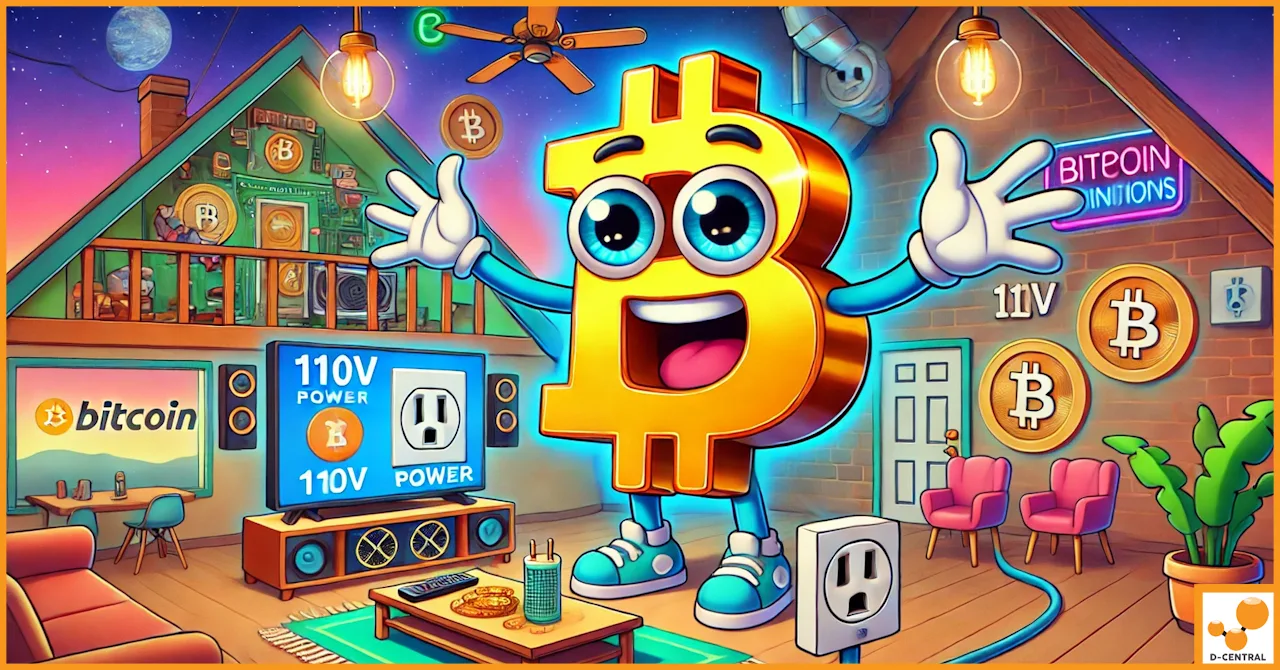
This is the hard limit. Add up the continuous draw of every miner you plan to run and treat 80% of each circuit’s breaker rating as usable continuous capacity. A 15A/120V circuit gives roughly 1,440W of headroom — that comfortably holds one Antminer Slim Edition at 860–930W, or a whole shelf of Bitaxe units, but not two Slim Editions. Plan your modules around circuits, not around floor space. When you outgrow your existing circuits, the next module is an electrician and a dedicated 240V line — budget for it. Model the numbers with D-Central’s Mining Power Cost Calculator before you commit.
2. Heat — Where the Power Goes
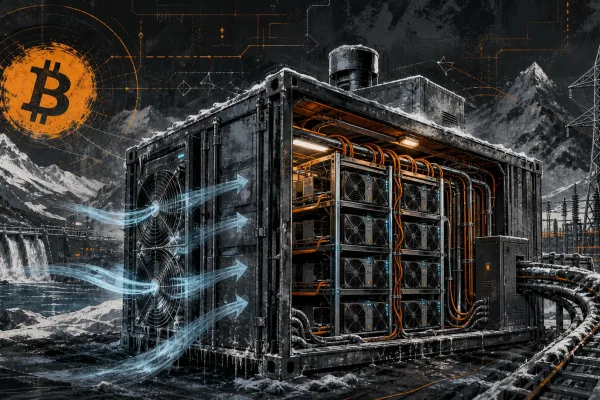
Every watt your miners draw leaves as heat. A modular setup must have a modular cooling plan: as you add hashrate, you add the means to move the heat out. D-Central’s ASIC shrouds and ducting accessories let you channel exhaust from a full ASIC outdoors, into a garage, or — through a Canadian winter — into a room you want heated. Plan the air path before you plan the next miner.
3. Space and Airflow
Measure the area honestly, then leave gaps. Units crammed against each other and a wall create hot pockets that throttle performance. Vertical racking and shelving multiply capacity in a small footprint — but only if air can still circulate around every unit. Leave room to reach each miner for maintenance, and leave room for the unit you haven’t bought yet.
Choosing Modular Hardware: Match the Block to the Job
D-Central stocks a deliberate range, and modular design means picking the right unit for each slot rather than buying one type of everything. Here’s the accurate lineup.
Bitaxe — The Smallest, Most Granular Module
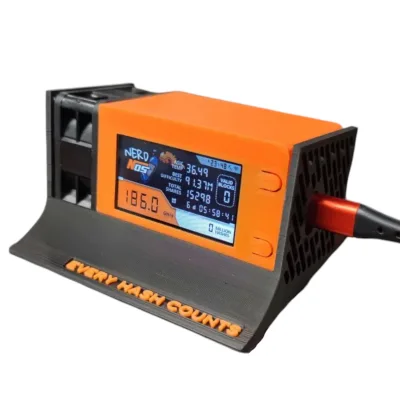
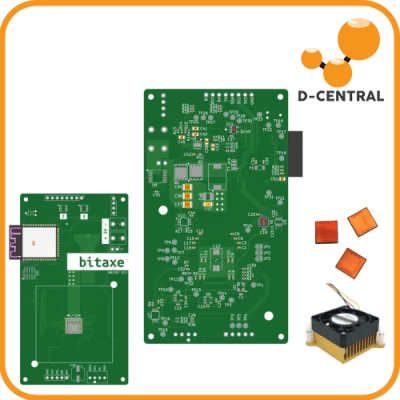
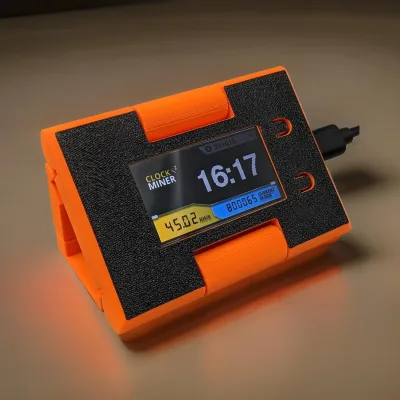
The Bitaxe is an open-source single-board solo miner — one ASIC chip on a board smaller than a paperback, drawing roughly 15–20W. It is the ideal first module and the ideal incremental module: cheap, near-silent, low-heat, and you can add them one at a time. The current single-board lineup runs by generation:
- Bitaxe Supra — BM1368 chip, 625–775 GH/s, 5V powered.
- Bitaxe Gamma — BM1370 chip, 1.0–1.2 TH/s, the current top single-chip board.
- Bitaxe GT (Gamma Turbo) — two BM1370 chips on one 120x60mm board, 2.15 TH/s at 35–43W, powered via a 12V XT30 connector. The most powerful single-board Bitaxe built.
Note: a Bitaxe is a solo miner, not a space heater — at 15–43W it produces negligible heat. Don’t confuse the open-source Bitaxe boards with full-ASIC dual-purpose units; they’re different categories of hardware. The Bitaxe Hub covers every generation, accessory, and setup detail.
Antminer Slim Edition — The Terahash Module
When a module needs to deliver serious throughput, the Antminer Slim Edition is built for it: a single high-performance hashboard in a custom 3D-printed chassis with premium silent fans, running on a standard 120V household circuit. Four variants span 26–44 TH/s at 860–930W. Each unit is hand-assembled and stress-tested 24 hours in D-Central’s Montreal, Quebec workshop. One Slim Edition is a self-contained module — add a second when you’ve got the circuit for it.
Dual-Purpose Heating Modules
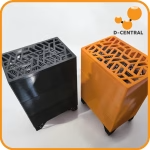
If a module’s job is to heat a room as well as hash, D-Central’s full-ASIC Space Heater Editions (Antminer S9, L3, S17, S19 editions) and the BitChimney are purpose-built residential heating appliances with silent-fan enclosures. These are real heaters built on full ASIC silicon — distinct from the low-wattage Bitaxe boards above.
Laying Out a Modular Setup
Treat the layout itself as modular. Sketch a floor plan and design around independent zones:
- Group units by circuit. Each circuit is a module with a known capacity ceiling. Label which miners are on which breaker so you never overload one by accident.
- Build in cable management from day one. Loose cabling is a tripping hazard, a thermal nuisance, and a barrier to swapping units. Cable trays and labeled runs make every future change painless.
- Leave maintenance access. If you have to disturb three units to pull one for cleaning, the setup isn’t really modular. Every unit should be reachable on its own.
- Reserve space and a circuit for the next module. The whole point is expansion — leave it room.
Expanding Without Rebuilding
A modular setup gives you three clean expansion paths, and you can mix them:
- Add units. The simplest path — drop another Bitaxe on the shelf, add a Slim Edition when a circuit is free. Each addition is independent and reversible.
- Upgrade units. Swap an older Bitaxe board for a Gamma or GT, or replace an aging full ASIC with a more efficient one. You’re upgrading a block, not the system.
- Improve the supporting infrastructure. Better shrouds, quieter inline fans, more circuits, eventually renewable input or battery buffering. The miners stay; the scaffolding around them gets stronger.
Renewable energy and battery integration deserve a mention as future modules — solar input or off-peak battery charging can lower your operating cost over time — but they’re an infrastructure layer you add once the mining modules are stable, not a day-one requirement.
Maintenance Keeps Modules Modular
Modularity only holds if every unit stays healthy and swappable:
- Clean each unit monthly — power off, unplug, blow dust from heatsinks, fans, and PSU intakes. Dust is both a thermal problem and a fire-safety problem.
- Monitor every module independently. A smart plug or tuned firmware like DCENT OS tells you which specific unit is underperforming or drawing abnormally.
- Keep spare parts and fans on hand so a swap is a five-minute job, not a week of downtime.
- Track energy use per circuit so you know your true cost per unit and can decide which module to upgrade next.
The Bottom Line
A modular home mining setup isn’t a fancier rig — it’s a smarter one. You build it out of independent blocks: Bitaxe boards for cheap, silent, granular hashrate; Slim Editions when a module needs terahash; Space Heater Editions when a module needs to warm a room. You govern it with three numbers — power, heat, space — and you leave room for the next block in every dimension. Done right, your operation grows with Bitcoin instead of being obsoleted by it. That’s the Mining Hacker way: don’t buy a finished product, build a system you control and keep hacking on it.
Frequently Asked Questions
What is a modular home mining setup? A mining operation built from independent units — individual miners, cooling components, and power circuits — that you can add, swap, relocate, or upgrade one at a time without rebuilding the whole thing.
What’s the best first module for a beginner? A single Bitaxe. It’s inexpensive, near-silent, draws 15–20W, and teaches you solo mining with almost no risk. Add more units as you gain confidence and free up circuits.
What limits how much I can expand? Power, first and always. Total continuous draw versus the 80%-derated capacity of your circuits is the hard ceiling. Heat removal and physical space come next. Expanding past your existing circuits means an electrician and likely a 240V line.
Is a Bitaxe a space heater? No. A Bitaxe is an open-source single-board solo miner drawing 15–43W with negligible heat output. D-Central’s space heaters are purpose-built full-ASIC units — the Space Heater Editions and BitChimney.