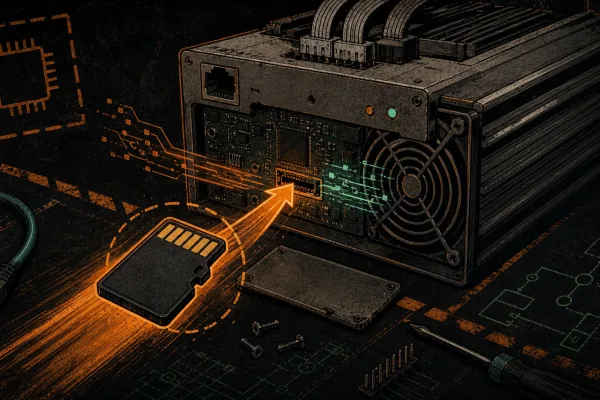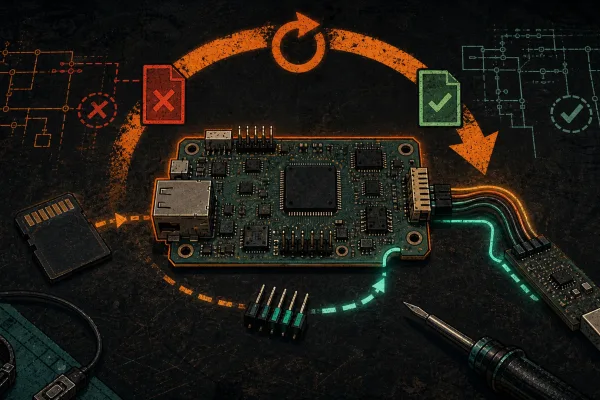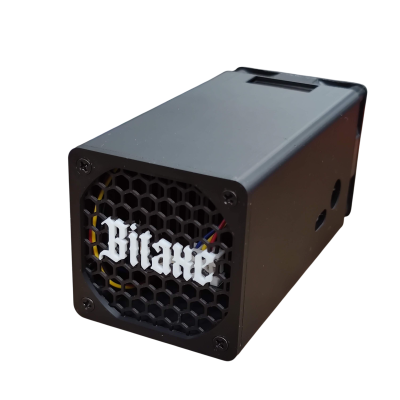
Closed beta. Experimental firmware. DCENT_OS is D-Central’s open-source (GPL-3.0) Antminer firmware, in active closed beta on the Antminer S9 family only. There are no public image downloads yet, and flashing custom firmware can brick your miner and void the manufacturer warranty. This guide assumes you have already read the rollback & UART recovery guide, installed the beta image per the S9 SD-card install guide, and reached the DCENT_OS web interface. Here we get an S9 doing something genuinely useful in 2026: throwing off heat you can actually use, quietly, at a temperature you choose.
Why Heat Mode exists
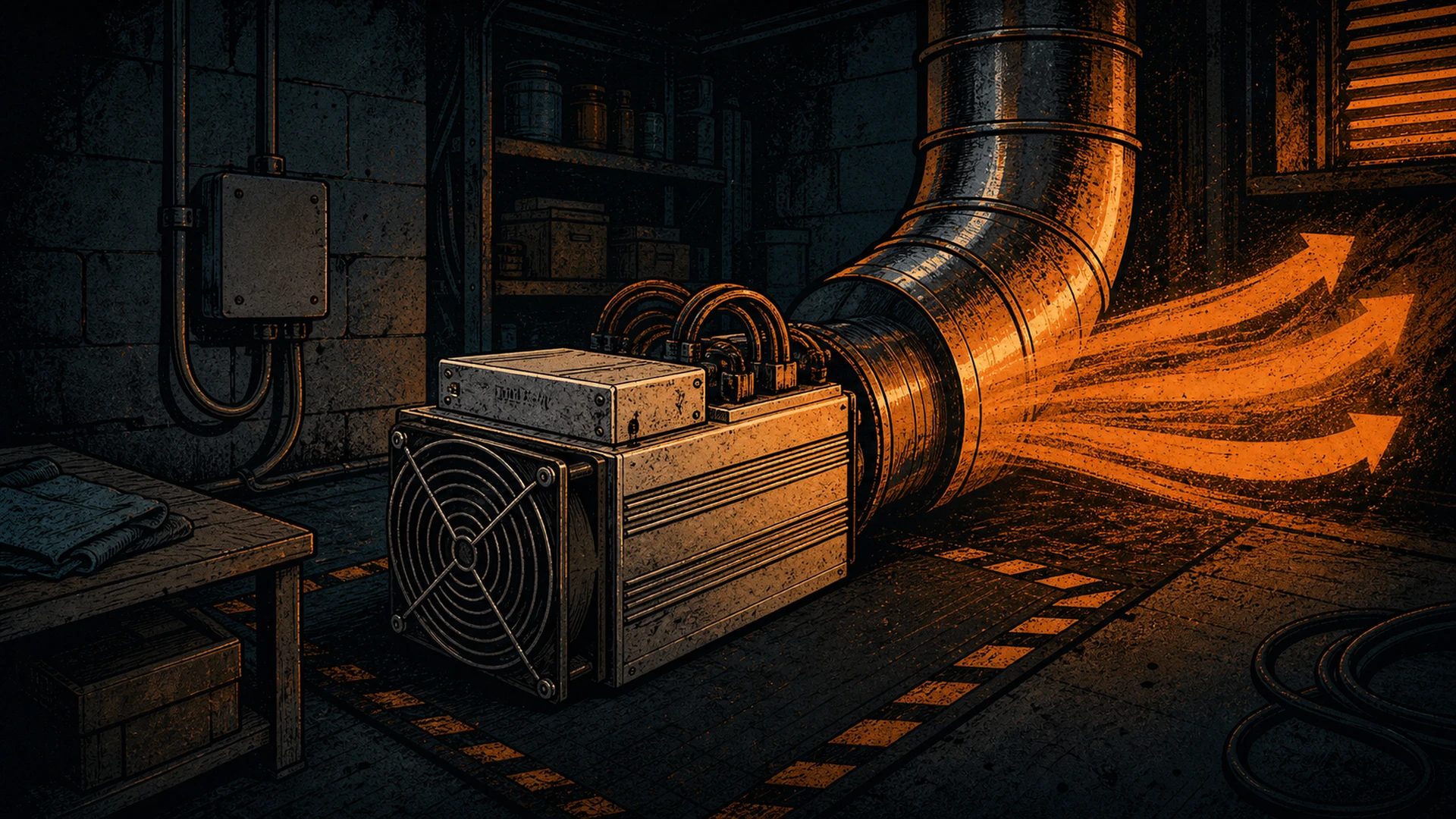
An Antminer S9 is, thermodynamically, a space heater that happens to earn sats. Every watt it draws becomes heat — that is not waste, that is the product, if you point it at a room that needs warming. The S9’s BM1387 chips run at roughly 75 GH/s each at about 98 J/TH stock. That inefficiency is terrible for a hashprice-chasing farm and perfect for a heater: the S9 turns nearly all of its input power into usable warmth, and the hashing is a bonus on top of the heat you were going to pay for anyway.
Basic Heat mode flips the firmware’s priorities. Instead of “hit a hashrate, accept the heat and noise,” Heat Mode is “hit a target temperature, stay quiet, and hash with whatever headroom is left.” It is the mode to start with if your S9 lives in a workshop, a garage, a grow space, or any room you would otherwise heat with electricity.
Before first boot in Heat Mode
- Airflow and placement. An S9 in Heat Mode still moves real air. Put it where the warm exhaust goes somewhere useful and the intake gets clean, unobstructed air. Do not box it in.
- Power headroom. Even de-tuned for heat, the S9 needs a PSU sized for it. The stock pairing is the APW3/APW3++ (1600 W at 220 V, 1200 W at 110 V) or APW7 (1800 W at 220 V). Heat Mode usually runs below stock power, but size for the peak, not the average.
- A recovery plan. You read the recovery guide first, right? Heat Mode is the gentlest mode, but it is still beta firmware. Keep the SD-out, J3-open rollback in your back pocket.
First-boot setup in Heat Mode
- Open the DCENT_OS web UI at the miner’s IP and set a password if you have not already.
- Select Basic Heat mode. The interface reorganizes around temperature and noise rather than raw hashrate.
- Set your target temperature. This is the heart of Heat Mode: you tell the firmware the warmth you want, and it modulates the miner to hold it. Aim for the room comfort you actually want, not the maximum the chips can take. The autotuner does the rest — it trades hashrate for thermal stability automatically.
- Set a noise ceiling if your build supports it. Fan speed is the loudest thing about an S9. Heat Mode lets you cap fan RPM so the machine stays liveable; the trade is that capping fans lowers how hard it can safely push, which is usually fine when heat — not hashrate — is the goal.
- Point it at a pool. Even in Heat Mode you are still mining, so enter your pool URL, worker, and password (solo or pooled, your call). The sats are gravy on the heat.
- Let it settle and watch the dashboard. Confirm the board temperature stabilizes near your target and the hardware-error rate sits well under 0.5%. A healthy S9 in Heat Mode is a boring dashboard — steady temp, steady shares, quiet fans. That is the goal.
The hardware reality of “tuning for heat”
Heat Mode is the autotuner aimed at a thermal target instead of a hashrate target, and it obeys the same hardware rules as every other mode. Two are worth knowing:
- Voltage is per domain, not per chip. On the S9, multiple chips share a single DC-DC converter, so the firmware adjusts voltage one whole domain at a time — never one chip in isolation. Frequency can be set per chip; voltage cannot. This is physics, not a software limit.
- Nothing is preset. The autotuner does not load a magic table of heat numbers. It measures your chips at runtime — every eight-year-old S9 board lost the silicon lottery a little differently — and derives the frequency/voltage that holds your target temperature on your specific hardware.
This is the same family of ideas Braiins, VNish, and LuxOS pioneered for efficiency tuning — DCENT_OS stands on those shoulders. The difference we care about is that the loop is open, the dev-fee target is 0% by default, and you can read exactly what your miner is doing to your chips.
Running an S9 as a heater, responsibly
If you are leaning into the space-heater use case, our broader writing on Bitcoin mining heat recovery and home mining with HVAC covers ducting, placement, and getting the warm air where you want it. A few safety basics that apply to any electric heat source: keep it away from combustibles, give it dedicated circuit headroom, and do not run it unattended in a space without a smoke detector. An S9 is a serious electrical load — treat it like the 1–1.4 kW heater it is.
Frequently asked questions
What is Basic Heat mode in DCENT_OS?
It is the mode that prioritizes a target temperature and low noise over raw hashrate. You set the warmth you want; the firmware modulates the miner to hold it and hashes with the remaining headroom. It is the recommended starting mode for anyone running an S9 to heat a space.
Does Heat Mode still earn Bitcoin?
Yes. You still point the miner at a pool and submit shares — the hashing continues, just tuned around heat and quiet instead of maximum hashrate. The heat is the primary product; the sats are a bonus on power you were spending on warmth anyway.
Is the S9 a good heater?
Thermodynamically, yes — nearly all of its input power becomes usable heat, and at ~98 J/TH stock the S9 is far better as a heater than as a 2026 hashprice machine. That is exactly why it is a sensible Heat-Mode platform: you were going to pay for the heat anyway.
Can I run Heat Mode on an S19 or S21?
Not yet. DCENT_OS is closed beta on the S9 family only; the S19 and S21 families are in active development with no public image. The current status is always on the beta-status page.
How do I undo it if something feels wrong?
Power off, pull the SD card, set jumper J3 back to open, and power on — the miner boots stock. Full details in the rollback & UART recovery guide.
Next steps
If you would rather chase efficiency than heat, the S9 overclocking walkthrough and the quiet low-noise S9 tuning guide cover Standard Mine and the tuning loop in depth. New to the install? Start at the S9 SD-card install guide and read the beta safety & warranty guide before you flash.
Want in? DCENT_OS is in closed beta on the Antminer S9 today — experimental, GPL-3.0, public beta planned for summer 2026 (an estimate). Join the waitlist to get on the S9 testing list. The waitlist is not a pre-order.