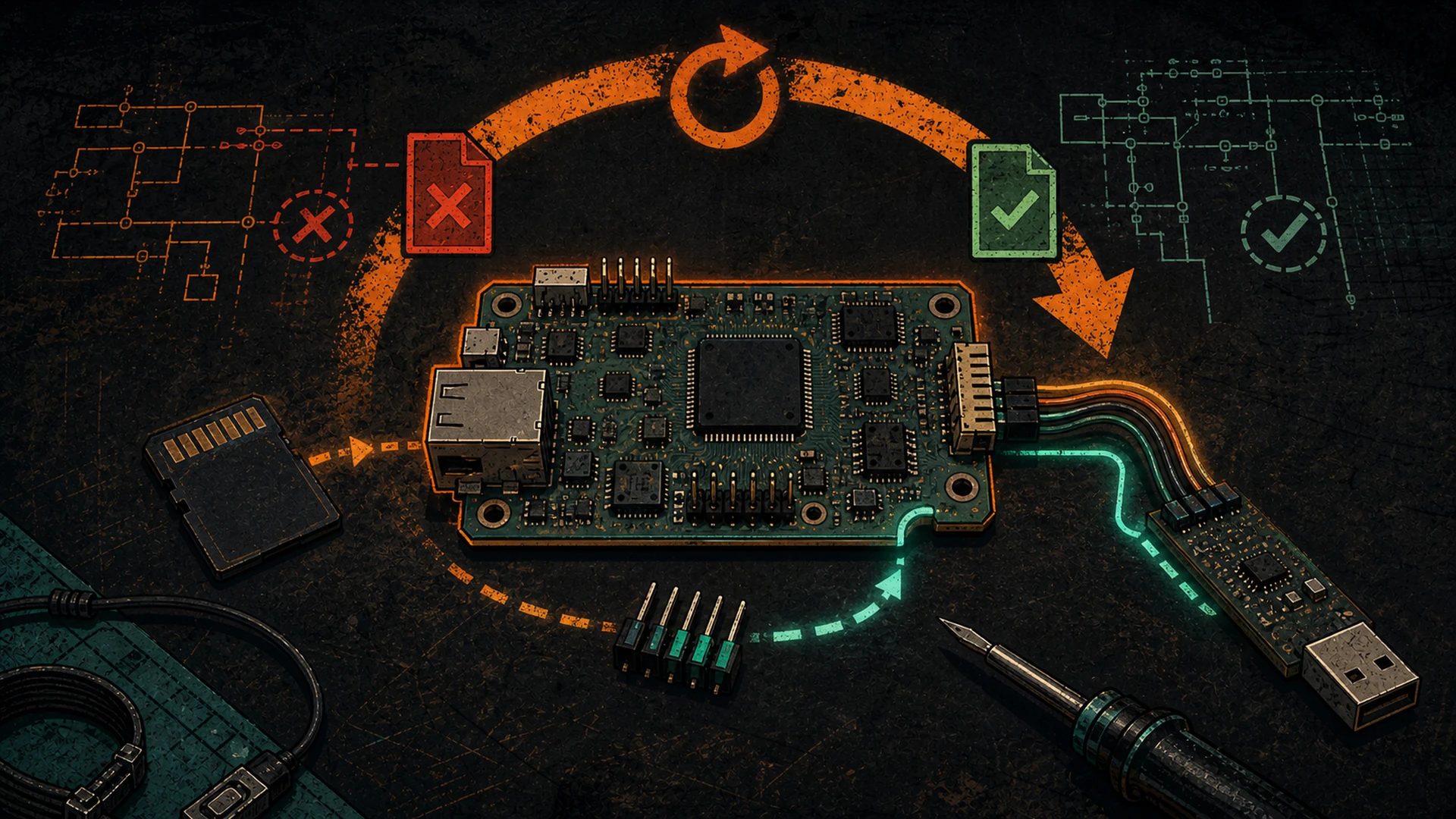
Every DCENT_OS trial lane is designed so the way out exists before the way in. This page gives the exit steps for each lane, the serial-console parameters we can verify on the Zynq control boards today, and a straight reading guide for the boot log — with anything not yet bench-witnessed marked as a gap instead of guessed.
The reversibility model: which exit belongs to which trial
| Trial lane | What it changes | The exit |
|---|---|---|
| Tier 1 — Bitaxe / ESP devices | ESP32 flash, fully rewritable over USB | Reflash stock ESP-Miner over USB at any time — “the flash is fully rewritable over USB; nothing is permanent” |
Tier 2 — /tmp runtime trial on an Antminer |
RAM only; no persistent writes | Reboot — “/tmp is RAM — the incumbent firmware boots untouched” |
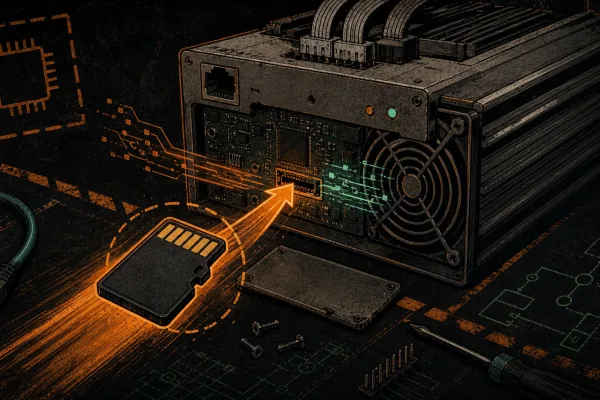
| S9 SD-boot trial | Boots from the card; NAND is never written | Power off, remove the card, power on — “Pulling the SD card returns the unit to its previous NAND firmware” |
| Tier 3 — persistent NAND install | Writes flash | Guarded and gated; the documented lanes — including the Toolbox revert-to-stock path and its honest proof-pending status — are on Uninstall DCENT_OS |
Sources: DCENT_OS repo TESTING.md (tier ladder; Tier 1 and Tier 2 undo lines quoted verbatim); DCENT_OS_Antminer/docs/INSTALL/S9_XILINX.md (“Preferred path #1: SD-boot try”, exit line quoted verbatim). All fetched 2026-08-13.
The golden rule — “always keep a known-good recovery path (SD card, stock/BraiinsOS slot, or a full NAND backup) before writing anything persistent to a miner.”
Source: DCENT_OS repo TESTING.md, “Golden rule” — quoted verbatim.
SD trial rollback on the S9 — the three-step exit
The S9 SD trial is “SD-boot only — not ‘SD install to NAND.'” The image runs from the card; the NAND firmware underneath is never modified. That is what makes the exit this short:
- Power the miner off.
- Remove the SD card and undo the boot-select you set on the way in — JP4 jumper back to its original position, or remove the
uEnv.txtoverride. - Power on. The previous NAND firmware boots, exactly as you left it — the trial never wrote to NAND.
“Keep stock recovery media nearby before any live test” — that is a repo requirement, not a suggestion.
Source: DCENT_OS_Antminer/docs/INSTALL/S9_XILINX.md — “Preferred path #1” steps 3–5; “Leave the SD card inserted for the entire trial”; “Pulling the SD card returns the unit to its previous NAND firmware. Keep stock recovery media nearby before any live test.” All quoted verbatim.
Jumper designators vary by board revision. The repo’s S9 runbook names JP4; our hardware reference documents the SD/NAND boot select as J3 on C55/C71-family Zynq boards (“J3 open: Boot from NAND; J3 short: Boot from SD”). Read the silkscreen on your board — do not assume the designator.
Sources: S9_XILINX.md (JP4); Bible ANTMINER_ARCHITECTURE.md § “Boot Modes (via J3 jumper)”.
The serial console: what is verified on the Zynq boards
These parameters come from live probes of running units and from the boot arguments the stock and DCENT_OS kernels actually pass — not from forum folklore.
| Fact | Value | Evidence |
|---|---|---|
| Console device | ttyPS0 — the Zynq PS UART |
S9 stock kernel boots with console=ttyPS0,115200; S19j Pro (Zynq) console is ttyPS0, xuartps driver at 0xE0000000 |
| Baud rate | 115200 (Linux default framing 8N1 applies when unspecified) | Same boot arguments, both models; also observed live as getty 115200 ttyPS0 on an S17 running VNish |
| Login shell over serial | Yes, on both sides of a trial: stock S9 runs getty ttyPS0; DCENT_OS runs busybox getty ttyPS0 |
Process supervision trees of both firmwares |
| Bootloader | U-Boot 2014.07 on S9 stock — interrupt autoboot at the countdown (standard U-Boot behavior) to reach the prompt | S9 stock boot flow |
Sources: Bible system-orchestration-bible.md §1 Family A (S9: console=ttyPS0,115200, U-Boot 2014.07) and §2 service graphs (getty on ttyPS0, stock and DCENT_OS); research/s19/S19J_PRO_BOOT_CHAIN_FIRMWARE.md UART table (ttyPS0 / 0xE0000000 / xuartps / 115200 / “Console (Zynq PS UART)”); research/s17/S17_VNISH_LIVE_PROBE.md (getty 115200 ttyPS0).
Once your adapter is wired and enumerated (typically /dev/ttyUSB0 or /dev/ttyACM0 on Linux), attach with either:
screen /dev/ttyUSB0 115200
# or
picocom -b 115200 /dev/ttyUSB0
The 115200 value is the evidenced console baud above; screen/picocom invocation is standard tool usage.
Reading the boot log
What a healthy S9 boot looks like
| Time | What you see |
|---|---|
| T+0.05 s | FSBL output — first-stage boot loader from BOOT.bin |
| T+0.4 s | U-Boot 2014.07 banner, environment read, boot decision |
| T+0.7 s | Linux kernel boot (console=ttyPS0,115200), root filesystem mounts |
| T+1.5–5 s | Init and services: dropbear (SSH), lighttpd (web UI), then the miner process |
| T+8–12 s | Miner enumerates the hashboard chains |
| T+15–20 s | First accepted work on the pool |
Source: Bible system-orchestration-bible.md §1 Family A (Bitmain S9 stock boot flow). Boot-chain stages (BootROM → FSBL → FPGA bitstream → U-Boot → kernel → ramdisk): Bible ANTMINER_ARCHITECTURE.md § “Boot Process (Zynq)”.
What corruption looks like — and what each symptom actually means
| Console symptom | What failed | Recovery reality |
|---|---|---|
| Total silence at power-on | FSBL / BOOT.bin corruption |
Beyond the console’s reach — JTAG / factory-level work. This is a bench job, not a home fix. |
| Boots the wrong slot, environment errors | U-Boot environment corrupt | On A/B-slot units, at the U-Boot prompt: setenv firmware 1; saveenv; reset |
Kernel panic - not syncing |
Corrupt kernel image | Boot the recovery slot via an environment switch |
VFS: Cannot open root device |
Corrupt root filesystem | Boot the recovery slot; SD recovery path |
Source: Bible system-orchestration-bible.md §6 “Failure modes per phase” — symptoms and recoveries quoted from the matrix.
Scope note: the A/B slot-flip recoveries apply to A/B-layout firmware (BraiinsOS-style and DCENT_OS am2 images). Stock S9 firmware uses a different NAND layout. For the full picture of which partition does what and how corruption propagates, read Antminer NAND flash boot chain: corruption symptoms and recovery.
One hard-won rule about writing the U-Boot environment
On the S19j Pro XIL board’s weak-ECC NAND, our 16-attempt persistent-flash campaign proved that the environment must be written with fw_setenv (libubootenv, U-Boot’s own redundant-copy atomic protocol) — never with raw flash_erase + nandwrite, which opens a zero-valid-copy window and bricked the environment twice before we fixed the method. We found the durable primitive by studying how BraiinsOS survives unattended power cycles on the exact same board, and we credit them for it. The same campaign’s standing safety rule: have a serial or SD console available before the first post-flash power-cycle — it is the operator’s residual safety net on these boards.
Source: Bible BIBLE_2026_05_17_DCENTOS_XIL_PERSISTENT_FW_SETENV.md §2–§5 (weak-ECC wall, fw_setenv fix, BraiinsOS teardown) and §6.5 (serial/SD console residual safety net).
When the console will not save you: hashboard and PSU faults
If the boot log runs clean to a login prompt and the web UI answers, the control board is doing its job — a serial console cannot fix what fails after that. Two downstream failure classes look dramatic but are not boot-chain problems: a missed PIC heartbeat cuts hashboard voltage and kills a chain within 30–60 seconds, and a missed PSU watchdog ping drops power to all chains at once while the control board stays up. Both present as a healthy boot followed by dead or zero-hashrate chains.
Source: Bible system-orchestration-bible.md §3 (watchdog layers, PSU latches OUT1 off while the control-board rail stays up) and §6 (“Mining → cold” rows).
Diagnose those on their own pages: 0 ASIC / found 0 asic troubleshooting, missing hashboard, and the red-light guide. Start from the symptom, not the soldering iron.
Escalation: when to hand it to the bench
Silent-at-power-on boards (FSBL-level damage), boards that need JTAG work, and anything you are not equipped to measure belong on a bench. That is our trade: D-Central ASIC repair takes the board from here, and if it is cheaper to swap than to fix, replacement control boards are in stock. Identify your exact board first with the control-board reference — the board type decides the entire recovery path.

When your miner retires: one more layer decentralized
Open-source firmware extends a miner's useful life. When a model retires from profitable mining, the power, cooling, and connectivity you built around it can still serve the distributed-compute layer — heat reuse, mesh comms, or freeing infrastructure for sovereign AI.