Closed beta. Experimental firmware. Read this before you do anything. DCENT_OS is D-Central’s open-source (GPL-3.0) Antminer firmware, and right now it is in active closed beta on the Antminer S9 family only. There are no public image downloads yet. Flashing custom firmware can brick your miner, cause downtime, and void the manufacturer warranty. Nothing here is production-ready — this guide exists so that when you are accepted into the closed beta and an S9 SD-card image is in your hands, you know exactly what you are doing and exactly how to undo it. If your miner is not an S9, this guide does not apply to your hardware yet. Check the live beta-status page before you assume anything.
This is the install half of the story. The recovery half — how to get back to stock and how to rescue a failed flash over UART — lives in its own guide, and you should read it first: Roll Back to Stock & Recover a Failed DCENT_OS Flash (SD + UART). The cardinal rule of beta firmware: never flash a board you cannot recover.
Why the S9 is the first board
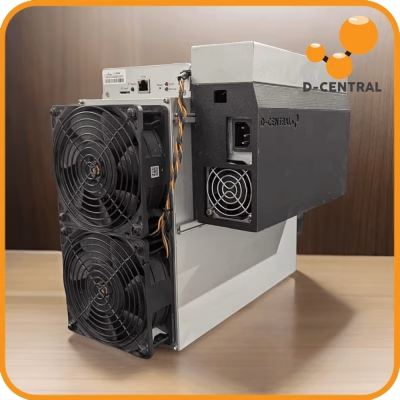
The Antminer S9 is the most documented, most hackable, most replaceable industrial miner ever made. Released in 2016, it is everywhere — basements, garages, small shops — because it is cheap, repairable, and refuses to die. Its control board is a Xilinx Zynq 7010 system-on-chip: a dual ARM Cortex-A9 running at 667 MHz paired with an Artix-7 FPGA fabric. Critically for us, that Zynq SoC can boot from an SD card instead of its internal flash, which means an SD-card install is non-destructive to the on-board firmware: pull the card and the miner boots stock again.
That recoverability is the entire reason the S9 is the beta’s first target. You can experiment on a machine you can afford to experiment with, learn the tooling, and carry that knowledge to your serious hardware as the staged rollout reaches the S19 and S21 families. We say it plainly: DCENT_OS is not going to make an eight-year-old S9 out-mine an S21. What it does is put open, runtime-calculated tuning logic on the most accessible hardware there is — one more layer decentralized.
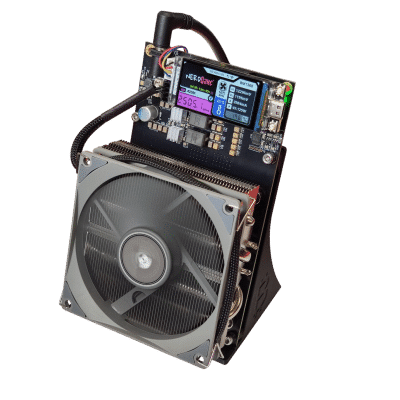
DCENT_OS stands on real prior work: the CGMiner/BMMiner lineage, Braiins’ open-source firmware and Stratum V2 protocol work, Luxor’s tooling, and the open-ASIC community around the Bitaxe. We are one more layer of a stack other people started, and we do not claim to beat the firmwares that came before us.
What you need before you start
- An Antminer S9 (or S9i / S9j) you can afford to take offline and, ideally, recover. The S9 family is the only DCENT_OS target with a beta image.
- A microSD card, 8 GB or larger, class 10 or better. A cheap card is fine; a flaky card is not — SD corruption is the single most common cause of “it won’t boot” panic. Use a known-good card.
- An SD-card writer on a separate computer, plus imaging software (balenaEtcher, Raspberry Pi Imager, or
ddon Linux/macOS). Do not “copy” the image file onto the card — you write the raw image to the whole card. - The DCENT_OS S9 beta image — available only to accepted closed-beta testers. When you are on the list, you receive the image plus its checksum. Always verify the checksum before you write. A truncated download is a guaranteed bad flash.
- A way to read your miner’s IP — your router’s client list, or a network scanner. The S9 takes a DHCP address on first boot.
- A working PSU sized for the S9. The stock pairing is the Bitmain APW3/APW3++ (1600 W at 220 V, 1200 W at 110 V) or the APW7 (1800 W at 220 V). A marginal or failing PSU will make a perfectly good flash look like a brick. Rule out power first.
Step 1 — Verify the image, then write the SD card
- Check the checksum. Run the SHA-256 (or the checksum we publish with the image) and confirm it matches byte-for-byte. If it does not match, delete the file and download again. Do not flash an unverified image.
- Write the raw image to the whole card. In balenaEtcher: select the image, select the microSD card, flash, and let it verify. With
dd, write to the disk device (e.g./dev/sdX), not a partition (/dev/sdX1) — and triple-check the device name, becauseddwill happily overwrite the wrong disk. Let the write fully complete and sync before you remove the card. - Eject cleanly. Do not yank the card mid-write. A half-written card is the SD equivalent of a brick — recoverable (just re-image it), but it will waste your time.
Step 2 — Set the S9 to boot from SD
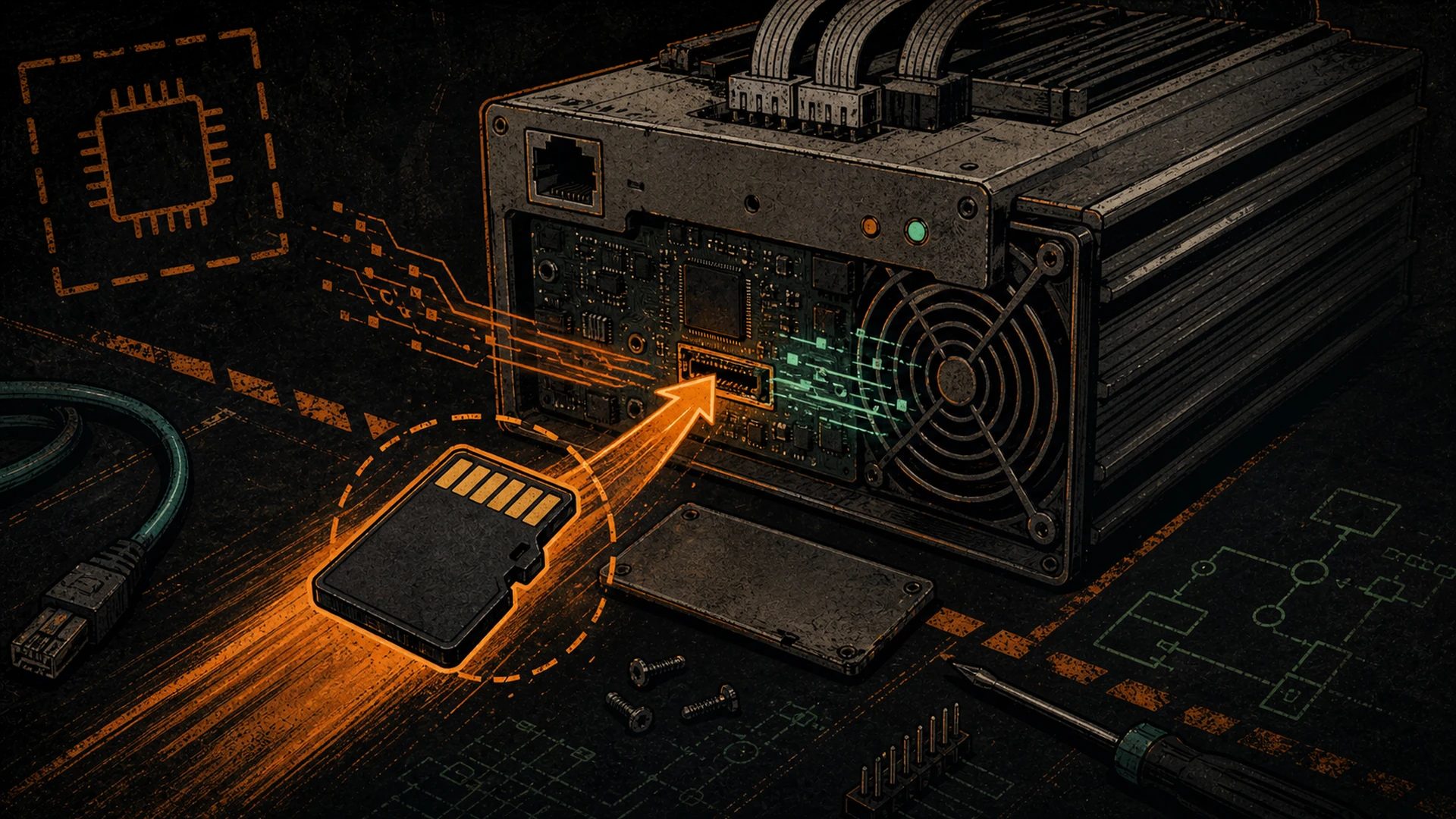
Here is the hardware fact that makes the S9 install safe: the Zynq SoC chooses its boot source from a jumper. On the S9 control board, jumper J3 selects boot mode.
- J3 open (default) — the miner boots from its internal NAND flash: stock firmware.
- J3 shorted — the miner boots from the SD card: this is the firmware install/recovery path.
- Power off the miner and unplug it. Give the PSU a moment to discharge.
- Open the case enough to reach the control board. The SD slot and the J3 jumper are on the control board, not the hash boards.
- Insert the freshly written microSD card.
- Short the J3 jumper so the board boots from SD. Exact silkscreen labels vary across S9 control-board revisions (XIL, BB, CV, AML); the closed-beta image ships with a board-specific note telling you which jumper and which position to use for your revision.
This is the part that makes an SD install reversible: you are not erasing the stock firmware in NAND. You are telling the SoC to ignore NAND and run DCENT_OS off the card instead. Remove the card, set J3 back to open, and the miner is stock again. That is your built-in undo button — respect it.
Step 3 — First boot
- With the card in and J3 set to SD, reconnect the PSU and power the miner on. Watch the control-board LEDs — first boot off a fresh card is slower than a normal boot, so give it a couple of minutes before you decide something is wrong.
- Find the miner’s IP on your network (router client list or a network scanner). DCENT_OS takes a DHCP address on first boot, the same way stock does.
- Open that IP in a browser. You should reach the DCENT_OS interface. If you do not, the recovery guide’s checklist tells you whether it is the card, the jumper, the PSU, or the network.
- Set a password immediately. Closed-beta firmware on a default password on a network you do not fully trust is a bad combination.
Step 4 — Pick a mode, point it at a pool
DCENT_OS is mode-first. In closed beta on the S9 you choose one of three postures:
- Basic Heat — temperature and noise come first; for running an S9 as a space heater. Start here if your goal is warmth, not maximum hashrate.
- Standard Mine — the familiar miner controls: pool, worker, frequency target.
- Advanced Hack — low-level controls for users who accept beta risk and want to see exactly what the firmware is doing to their chips.
- Choose your mode.
- Enter your pool URL, worker name, and (if your pool needs one) password. Solo or pooled — your call.
- Let the miner connect and start submitting shares. On the S9, the BM1387 chip delivers roughly 75 GH/s stock at about 98 J/TH — brutal by 2026 standards, which is exactly why tuning matters so much on this machine.
- Watch the hardware-error rate. A healthy board sits well under 0.5% HW errors. If it spikes, that is your signal to back off — the autotuner does this for you, but knowing the threshold helps you read the dashboard. For the tuning workflow itself, a dedicated closed-beta S9 overclocking walkthrough is in the works and will publish as the beta matures (it is not live yet).
One hardware honesty note while you tune: on the S9, voltage is set per voltage domain, not per chip. Multiple chips share a single DC-DC converter, so when firmware “lowers the voltage” it lowers it for a whole domain at once. Frequency can be addressed per chip; voltage cannot. Any tool promising “per-chip voltage” on an S9 is describing something the board physically cannot do. DCENT_OS respects that boundary because that is how the hardware is wired.
If something goes wrong
Most “it bricked” moments on an SD install are not bricks at all — they are a bad card, a wrong jumper position, a marginal PSU, or impatience on a slow first boot. Because you booted from SD and left NAND untouched, your fastest fix is almost always: power off, pull the card, set J3 back to open, power on, confirm the miner boots stock. From there, re-image the card and try again.
If the miner genuinely will not respond — no web UI, no boot off the card — do not panic and do not start pulling hash boards. Go to the recovery guide: Roll Back to Stock & Recover a Failed DCENT_OS Flash (SD + UART). It walks the full decision tree, including UART serial recovery for the rare case where the board needs to be talked to directly. And if a board is throwing errors no firmware can fix, that is hardware, not software — our ASIC repair bench handles dead domains and failed chips.
Frequently asked questions
Can I install DCENT_OS on my S9 right now?
DCENT_OS is in active closed beta on the Antminer S9 family, and there are no public image downloads yet. This guide is here so accepted testers know the exact procedure, and so everyone can judge for themselves whether the closed beta is for them before joining. Public beta is planned for summer 2026 — an estimate, not a guarantee. Join the waitlist below to get on the S9 testing list. The waitlist is not a pre-order.
Will an SD-card install erase my stock firmware?
No. Booting from SD (J3 shorted) leaves the stock firmware in the on-board NAND untouched. Remove the card and set J3 back to open and the miner boots stock again. That is the whole reason the SD path is the safe way to run beta firmware on an S9.
What about the S19 or S21?
Those families are in active development, not shipping. There is no DCENT_OS image for them yet, so do not try to flash one. They are planned to follow the S9 one validated control board at a time. The honest, always-current status is on the beta-status page.
Does flashing void my warranty?
Flashing third-party firmware can void the manufacturer warranty, and bricking risk is real. Treat any miner you flash as out of warranty for firmware-related issues. This is covered in full in the beta safety & warranty guide — read it before you join.
Where do I get help during the beta?
The live channel is our community Discord (build notes, tester chat, and the people who actually wrote the code): join the D-Central Discord. You can also watch github.com/DCentralTech/DCENT_OS for commits and releases. We collect waitlist emails and reach out once — when your slot opens. We do not send newsletters.
Next steps
Read the recovery guide before you flash anything: Rollback & UART recovery. When you are ready to tune, the undervolting guide goes deeper; a dedicated S9-on-DCENT_OS overclocking walkthrough is in the works and will publish as the beta matures (it is not live yet). For the broader generic flashing background, our SD-card firmware flashing & recovery guide covers ASIC SD imaging in general. And if you want to run open firmware on a Bitaxe instead of an Antminer, DCENT_axe flashes straight from your browser with the web flasher — a separate tool from these Antminer SD images.
Want in? DCENT_OS is in closed beta on the Antminer S9 today. Join the waitlist to get early access, help us harden the firmware on real hardware, and be first in line as S19 and S21 support lands.
Space Heater Edition" width="80" height="80" loading="lazy" style="width:80px;height:80px;object-fit:contain;border-radius:6px;background:#1A1A1A;flex-shrink:0;">
When your miner retires: one more layer decentralized
Open-source firmware extends a miner's useful life. When a model retires from profitable mining, the power, cooling, and connectivity you built around it can still serve the distributed-compute layer — heat reuse, mesh comms, or freeing infrastructure for sovereign AI.