Quick answer
The Meshtastic MQTT module bridges a local LoRa mesh to the internet by letting an internet-connected node forward mesh packets to an MQTT broker over IP, linking distant meshes and enabling remote telemetry. The default public broker can expose node IDs and position, so privacy-minded operators self-host.
The Meshtastic MQTT module bridges a local LoRa mesh to the wider internet by letting an internet-connected node act as a gateway that forwards mesh packets to an MQTT broker over IP. This links physically separate meshes, feeds online maps, and enables remote telemetry — but the default public broker can expose node identifiers, gateway metadata, and position to anyone listening, so privacy-conscious operators should self-host a private broker and reduce position precision rather than uplink everything to mqtt.meshtastic.org.
Meshtastic is built on top of LoRa, a long-range, low-bandwidth radio that works with no internet, no cell towers, and no carrier. That independence is the whole point — it is why mesh networking and Bitcoin share a common sovereignty thesis. The MQTT module is where that off-grid mesh deliberately reaches back onto the internet, and understanding exactly what crosses that bridge is essential before you flip it on. This guide explains what the module does, how the bridge is wired, the configuration that matters, and the trade-offs the official documentation is explicit about. If you have not yet set up a radio, start with our Meshtastic getting-started guide first.
What the MQTT module actually does
By itself, a LoRa mesh is an island. Two Meshtastic meshes in different cities cannot hear each other — radio range is the hard limit. The MQTT module solves that by giving the mesh an optional on-ramp to the internet. According to the official Meshtastic documentation, the module “enables devices connected to the internet via WiFi or ethernet to forward mesh packets to an MQTT server,” bridging local mesh users with internet-connected systems.
In practice that unlocks three things. First, it links distant meshes: packets uplinked from one mesh can be downlinked into another, so two regions tied to the same broker behave like one logical network. Second, it feeds maps and dashboards — nodes can publish position and telemetry reports that online mapping services display. Third, it enables remote monitoring: you can watch a remote site’s node info, sensor telemetry, and message traffic from anywhere, without standing next to the radio. MQTT (Message Queuing Telemetry Transport) is a lightweight publish/subscribe protocol built for exactly this kind of low-overhead machine-to-machine messaging, which is why Meshtastic adopted it as the bridge.
How the bridge works
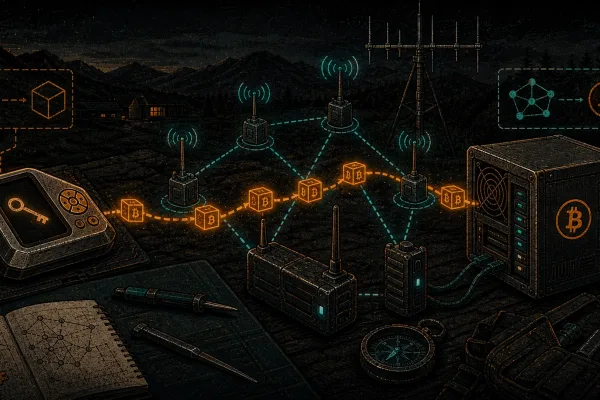
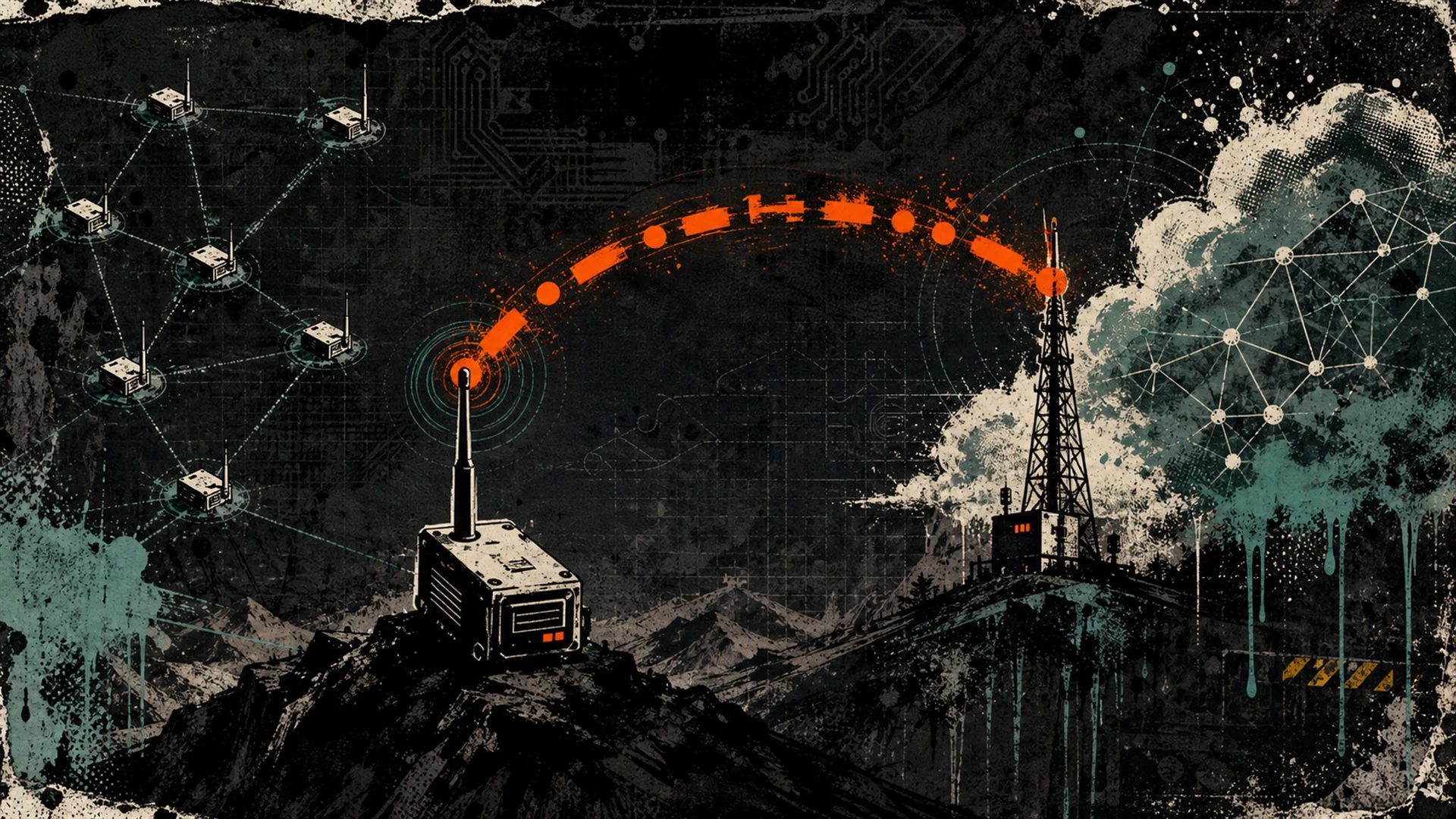
The bridge needs one or more nodes that have internet access — over WiFi, ethernet, or by proxying through a phone’s connection. Those nodes become gateways. A gateway subscribes and publishes to an MQTT broker on behalf of the rest of the mesh, which may have no internet at all. The off-grid radios keep talking LoRa to the gateway; the gateway translates between LoRa and IP.
Crucially, the module does not blindly forward everything. The documentation states that “one or more channels must also be enabled as uplink and/or downlink for packets to be transmitted from and/or to your mesh.” This is a per-channel decision, controlled by two switches on each channel:
- Uplink enabled — “If enabled, messages from the mesh will be sent to the public internet through any node’s configured gateway.” Default: off.
- Downlink enabled — “If enabled, messages captured from a public internet gateway will be forwarded to the local mesh.” Default: off.
So you choose direction per channel. A channel can be uplink-only (the mesh reports outward but accepts nothing back), downlink-only, both, or neither. This granularity is your first and most important privacy control: a channel with both switches off never touches MQTT, no matter what the gateway is doing.
Root topic, and JSON versus protobuf
Uplinked packets are published under a root topic, which defaults to msh/REGION. The full topic for an encrypted protobuf packet looks like msh/REGION/2/e/CHANNELNAME/USERID. The documentation notes that “firmware versions prior to 2.3.0 will publish to a topic with /c/ in the place of /e/.” The packet body on the /2/e/ path is a raw protobuf MeshPacket, and if channel encryption is in effect the payload stays encrypted on the broker.
Meshtastic could historically publish a decoded JSON representation on a topic like msh/US/2/json/CHANNELNAME/USERID, covering packet types such as text messages, telemetry, node info, and position. JSON is convenient for scripts, dashboards, and integrations because it is human-readable — but that readability is the catch: JSON output is unencrypted. (JSON is also not supported on nRF52-class hardware.) As of mid-2026 this path is deprecated upstream: the protobuf definition marks json_enabled as deprecated and notes that JSON packet support on MQTT was removed and the field is ignored, so current firmware no longer honours the switch — while older firmware in the field still publishes on /2/json/, which is why the format remains documented here. Choosing a custom root topic lets you isolate your traffic into its own namespace on a shared broker, which matters once you self-host with access-control lists.
Configuration basics
The module’s settings can be reached from the Meshtastic apps or CLI. The fields that matter most are summarized below.
| Setting | What it controls | Privacy note |
|---|---|---|
| Enabled | Turns the MQTT module on for this node. | Off by default; nothing bridges until you enable it. |
| Server Address | Broker endpoint; defaults to mqtt.meshtastic.org. | Point this at your own broker to keep traffic private. |
| Username / Password | Broker authentication credentials. | The public broker uses shared, publicly documented credentials. |
| Encryption Enabled | Whether the protobuf payload sent to the broker is encrypted. | If off, payloads go to the broker in the clear. |
| JSON Enabled | Publishes a decoded JSON copy of packets. Deprecated upstream — the json_enabled field is ignored by current firmware; only older firmware still publishes JSON. | JSON output is always unencrypted; not available on nRF52. |
| TLS Enabled | Wraps the broker connection in TLS. | Protects the link in transit, not the data at rest on the broker. |
| Root Topic | Namespace prefix for your published topics. | Used with broker ACLs to isolate networks. |
| Proxy to Client Enabled | Routes MQTT through the connected phone/app instead of the node’s own WiFi. | Useful when the node itself has no IP uplink. |
| Map Reporting Enabled | Periodically sends an unencrypted map report (firmware 2.3.2+). | Always unencrypted by design; controlled position precision applies. |
Two more knobs live on the channel, not the module. The position precision setting (position_precision) controls how granular shared location is, from 0 (no location data sent at all) up to full precision. And each channel carries its own pre-shared key (PSK) for AES encryption. These two settings — direction switches plus position precision and PSK — are where your real privacy posture is decided.
The default public broker versus self-hosting
Out of the box, Meshtastic points at the community broker mqtt.meshtastic.org. It is the path of least resistance and a great way to see the module work. The official documentation is candid about its costs, though. It warns that “the default channel (LongFast) on the public server usually has a lot of traffic. Your device may get overloaded and may no longer function properly anymore” — a real, practical failure mode, not a hypothetical.
Self-hosting your own broker sidesteps both the traffic problem and the exposure problem. Meshtastic documents using Mosquitto, a widely deployed open-source MQTT broker, which you can run on a Raspberry Pi, a small VPS, or a home server. The quickstart in the docs shows the minimal config — a listener on port 1883 — but for anything beyond a test bench you should require a username and password, enable TLS, and use broker ACLs scoped to your root topic so only your nodes can publish and subscribe. Our step-by-step private Mosquitto broker guide walks through that exact build — the locked-down mosquitto.conf, users, ACLs scoped to your root topic, and the matching node settings. A private broker means your mesh metadata never lands in a shared community pool, and it pairs naturally with the broader self-hosting mindset behind running your own Nostr relay or other personal infrastructure.
The trade-offs you need to understand
This is the part to read twice. MQTT is a deliberate hole punched in your mesh’s isolation, and the documentation is explicit about what leaks.
First, encryption is not automatic on the bridge. The docs warn: “All messages are sent to the MQTT broker unencrypted if this option is not enabled, even when your uplink channels have encryption keys set.” In other words, a strong channel PSK protects your packets over the air, but it does not guarantee they stay encrypted once a gateway republishes them to MQTT — that depends on the module’s own Encryption Enabled setting, and JSON output (where older firmware still emits it) is unencrypted regardless.
Second, metadata leaks even when payloads are encrypted. The topic string itself — msh/REGION/2/e/CHANNELNAME/USERID — discloses your region, channel name, and the gateway node’s user ID to anyone who can read the broker. On the public broker, that is effectively the public. An observer who cannot decrypt your messages can still see that a particular node exists, which channel it is on, roughly where (by region), and when it is active. Channel-payload encryption protects message contents; it does not hide that the conversation is happening.
Third, position and map reporting are intentionally public-facing. Map Reporting sends an unencrypted report containing node identifiers, position, hardware model, firmware version, LoRa configuration, and a local peer count, on a minimum one-hour interval, so that online maps can display it. The mitigations are built in: the public MQTT server filters out the most precise positions, and you control position_precision per channel — set it to 0 to share no location at all, or to a coarse value to share only an approximate area. If location privacy matters, lower precision before you uplink, not after.
None of this is a flaw in Meshtastic — it is the honest cost of bridging an off-grid network to the global internet, and the project gives you the switches to manage it. The takeaway is simply: uplink only the channels you mean to, prefer a private broker, keep Encryption Enabled on, treat JSON as legacy (deprecated upstream and ignored by current firmware — older firmware still publishes it, unencrypted), and dial position precision down. For users who want internet-independent linking of distant sites without a public broker in the middle, the Reticulum stack and other approaches in our mesh networking protocols comparison are worth weighing. The MQTT module and these alternatives all sit inside the same broader digital sovereignty toolkit.
What stays private, what leaks
| Element | On default public broker | On self-hosted private broker (TLS + ACL) |
|---|---|---|
| Channel message payload (protobuf, Encryption Enabled on) | Encrypted at rest, but present in a public pool | Encrypted and confined to your broker |
| JSON-decoded payload (older firmware — deprecated upstream) | Public and readable | Readable only by your authenticated clients |
| Topic metadata (region, channel name, gateway ID) | Visible to anyone reading the broker | Visible only inside your network |
| Map / position report | Published for public maps; precise positions filtered | Stays on your broker; you choose recipients |
| Connection (TLS) | Available; protects transit only | You enforce it end to end |
The Bitcoiner angle
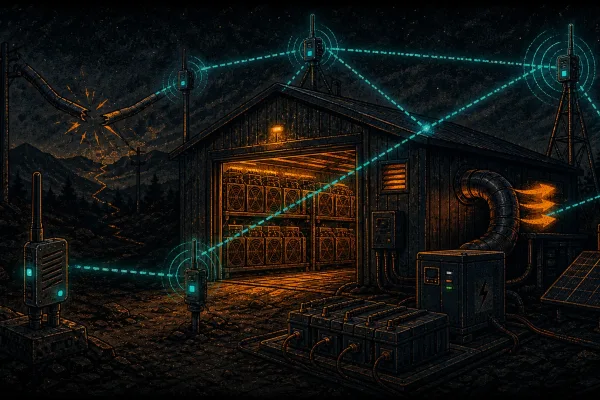
For a sovereign operator, the MQTT module is less about chatting on the public map and more about coordination when connectivity is scarce. Picture a remote mining shed, a home node, and a backup site, none of which has reliable internet except one location. Run a gateway at the connected site, point every node at a private broker you control, and you have selective, internet-independent linking: the off-grid sites speak LoRa to the gateway, and the gateway carries only the channels you choose onto IP.
That is genuinely useful for low-bandwidth telemetry. Meshtastic telemetry packets can carry sensor and environmental data, so a remote site can report temperature, power state, or a simple heartbeat over the mesh, and the MQTT bridge surfaces it on a dashboard at the one location with a connection. It is the same architectural instinct that drives Bitcoiners to run their own infrastructure end to end — your own node, your own relay, your own broker — rather than renting trust from a third party. If you publish openly, our open data hub shows the kind of structured, queryable output this telemetry can become, and the relay-bridging pattern rhymes with how Nostr relays stitch otherwise-isolated clients together. Keep the broker private, keep position precision low for any site whose location you would rather not advertise, and you get the reach of the internet without surrendering the sovereignty that made the mesh worth building.
Frequently asked questions
Does enabling MQTT mean my LoRa mesh now needs the internet?
No. The mesh keeps working entirely over LoRa with no internet. MQTT only adds an optional bridge through one or more gateway nodes that happen to have internet. If the gateway loses its connection, the local mesh carries on as before — only the internet bridge pauses.
If my channel has a strong encryption key, is my MQTT traffic safe on the public broker?
Not necessarily. A channel PSK protects packets over the air, but the documentation warns that messages reach the broker unencrypted unless the module’s Encryption Enabled option is on, and JSON output — which older firmware still publishes despite the upstream deprecation — is always unencrypted. Even with payload encryption on, the topic metadata — region, channel name, and gateway ID — is still visible to anyone reading the broker.
Should I use the default public broker or run my own?
The public broker (mqtt.meshtastic.org) is fine for testing and for participating in community maps, but the docs note its default LongFast channel can overload a device, and your metadata sits in a shared pool. For privacy and reliability, self-host a Mosquitto broker with authentication, TLS, and ACLs scoped to your own root topic.
How do I keep my location private while still using MQTT?
Use the per-channel position_precision setting. Set it to 0 to share no location at all, or to a coarse value to share only an approximate area. The public MQTT server already filters out the most precise positions, but on your own broker you set the policy. Also leave Map Reporting off if you do not want periodic, unencrypted position reports published.
What is the difference between uplink and downlink on a channel?
Uplink enabled sends messages from your mesh out to the broker; downlink enabled brings messages from the broker into your mesh. They are independent per-channel switches, so you can make a channel report-only, receive-only, bidirectional, or fully isolated from MQTT.
Can two distant meshes talk to each other through MQTT?
Yes. If both meshes share a channel and a broker, and the connecting channels have uplink and downlink enabled appropriately, packets uplinked from one mesh are downlinked into the other. That is the core mechanism for linking geographically separate sites into one logical network over the internet.