You can mine Bitcoin quietly at home, but the loudest part of an Antminer S9 isn’t the chips — it’s the two screaming fans Bitmain bolted on to push heat off boards running flat-out at the factory clock. Chase silence at the hardware level alone (quieter fans, foam boxes, ducting) and you fight the symptom. The real lever is the firmware: drop the clock, drop the heat, and the fans no longer have to roar. This guide walks through a practical recipe for a low-noise S9 built around firmware-side tuning in DCENT_OS — fan-curve control plus a sensible underclock — backed up with the physical noise control that actually matters. The honest payoff: done right, underclocking makes an S9 both quieter and more efficient at the same time.
DCENT_OS is D-Central Technologies’ GPL-3.0 open-source Bitcoin mining firmware for Bitmain Antminer ASIC miners. All 13 registry models meet AVAILABILITY: RELEASED. MATURITY: EXPERIMENTAL. The current verified-prebuilt ledger lists exact Antminer S9 / am1-s9 Zynq/Xilinx and Antminer S19j Pro / am2-s19j Zynq/Xilinx lanes; that binary scope does not change model availability. Installation and recovery evidence remain model-specific, and Experimental is not recommended for irreplaceable production fleets. Check the exact evidence ledger.
Why an underclocked S9 is the right candidate for quiet home mining
The S9 family runs on the BM1387 ASIC — roughly 75 GH/s per chip at about 98 J/TH, with 63 chips per board across three boards and 21 voltage domains per board. By 2026 standards that efficiency is ancient (an S21 is around 17.5 J/TH), which is exactly why the S9 is cheap, abundant, and a perfect throwaway test bench. It is also why people put up with the noise: the machine is essentially free to acquire, so the only real cost is the racket and the power bill.
Here’s the physics that makes quiet mining possible. The two 12,000-RPM-class fans on an S9 ramp their speed to whatever the firmware demands to keep chip temperatures in a safe band. Run the chips hot and hard at stock frequency and the fans sit near maximum — that’s the jet-engine sound. Lower the operating frequency and voltage and you cut heat output at the source. Less heat to remove means the firmware can let the fans idle far lower, and fan noise scales steeply with RPM. You don’t make the S9 quiet by muzzling the fans; you make it quiet by giving them less work.
The bonus is efficiency. Underclocking an old SHA-256 miner moves it down its power curve, where each terahash costs fewer joules. We’ve measured this clearly on newer hardware in the same lineage: an S19, for example, can be pulled from its stock ~95 TH at 3,250 W (about 34 J/TH) down to roughly 67 TH at 1,630 W — about 24 J/TH, a ~29% efficiency improvement. The same shape of curve applies to the S9: a gentle underclock buys you quieter operation and better J/TH together. You lose raw hashrate, but for a home machine that’s heating a room and earning a trickle of sats, that’s the right trade.
How DCENT_OS handles S9 tuning (and what it doesn’t do)
It helps to know how S9-class firmware actually applies tuning, because the S9 is older than the named-profile era. On the BM1368/BM1370 generation, firmware ships dropdown “profiles” mapping a watt target to a hashrate. The S9 predates that. On S9 firmware, frequency and voltage are set directly — you choose a clock (say 550 MHz instead of the stock ~650 MHz) and a voltage level, and the firmware applies it. There is no preset table baked in; the values you set are the values that run. DCENT_OS follows the same direct-control model on the S9, exposing frequency, voltage, and fan behaviour rather than pretending there’s a magic preset.
Two accuracy points worth getting right, because the internet gets them wrong constantly:
- Voltage on the S9 is per-domain, not per-chip. Each board has 21 voltage domains, and a group of chips shares each DC-DC step. When you lower voltage, you’re nudging domains, not individual ASICs.
- Tuning is applied at runtime, not pre-baked. Good firmware reads chip temperatures and adjusts — for instance, S9 firmware traditionally includes autodownscale steps (roughly 4%, 8%, 12% frequency cuts) that kick in on thermal throttle. The numbers you target are a starting point the firmware works around, not a frozen preset.
The S9 runs on the Xilinx Zynq 7010 control board — dual Cortex-A9 at 667 MHz with an Artix-7 FPGA — which is why it’s such a well-understood platform for open firmware. That maturity is part of why DCENT_OS started here.
The quiet-S9 recipe: a step-by-step config
This is the workflow we use on beta units. Treat the numbers as a conservative starting point and tune to your own thermals and ear.
- Start from a clean firmware base. Flash DCENT_OS to a known-good S9. If you’re new to flashing Antminer firmware, our plain-English custom firmware guide covers the concepts and the recovery safety net before you touch the device.
- Underclock first, before you touch fans. Drop frequency to roughly 80–85% of stock as a first pass. On a 13.5 TH S9 this typically lands you in the 9–11 TH range while cutting wall power meaningfully. Lower heat is what unlocks low fan speed — so do this step first.
- Trim voltage to match the lower clock. A lower frequency doesn’t need full stock voltage. Step the domain voltage down gradually and watch for hardware errors / rejected shares. Back off one step the moment errors climb. This is where most of your extra efficiency and silence comes from.
- Set a fan curve, not a fixed fan speed. Cap the maximum RPM so the firmware can’t spin to its full howl, but keep enough headroom that chips stay in a safe temperature band (target the boards comfortably under their thermal limit). A flat low-RPM cap with autodownscale enabled is safer than forcing a single silent speed and hoping.
- Soak-test for 24–48 hours. Quiet that throttles or crashes isn’t quiet — it’s a paperweight. Confirm stable hashrate, low hardware-error rate, and steady temperatures before you call it done.
Indicative tuning targets for a 13.5 TH S9
These illustrate the trade, not a guaranteed result — every S9 is a different age and condition. Power figures are approximate at the wall.
| Mode | Approx. clock | Approx. hashrate | Relative noise | Efficiency direction |
|---|---|---|---|---|
| Stock (factory) | ~650 MHz | ~13.5 TH | Loud (fans near max) | Baseline (~98 J/TH chip class) |
| Light underclock | ~600 MHz | ~11–12 TH | Noticeably quieter | Improved J/TH |
| Quiet home mode | ~525–560 MHz | ~9–10 TH | Living-space tolerable | Best J/TH of the three |
The honest tradeoff: you are trading terahash for silence and efficiency. There is no firmware setting that makes a stock-clocked S9 silent — airflow physics won’t allow it. Quiet comes from running the machine slower and cooler.
Physical noise control that still matters
Firmware does the heavy lifting, but a few physical moves compound the win — without choking airflow, which is the cardinal sin of DIY mining enclosures:
- Decouple the machine from hard surfaces. Rubber feet or a foam mat kill the buzz that a metal shelf amplifies.
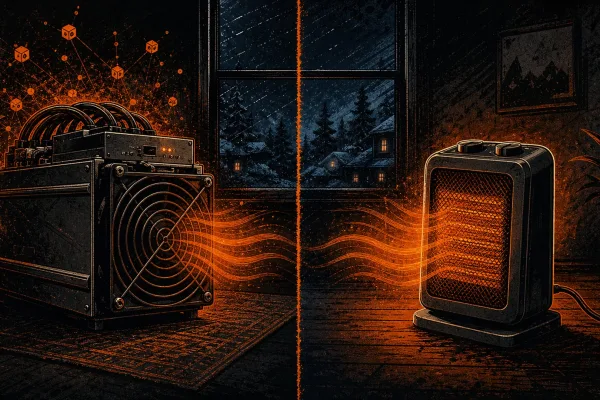
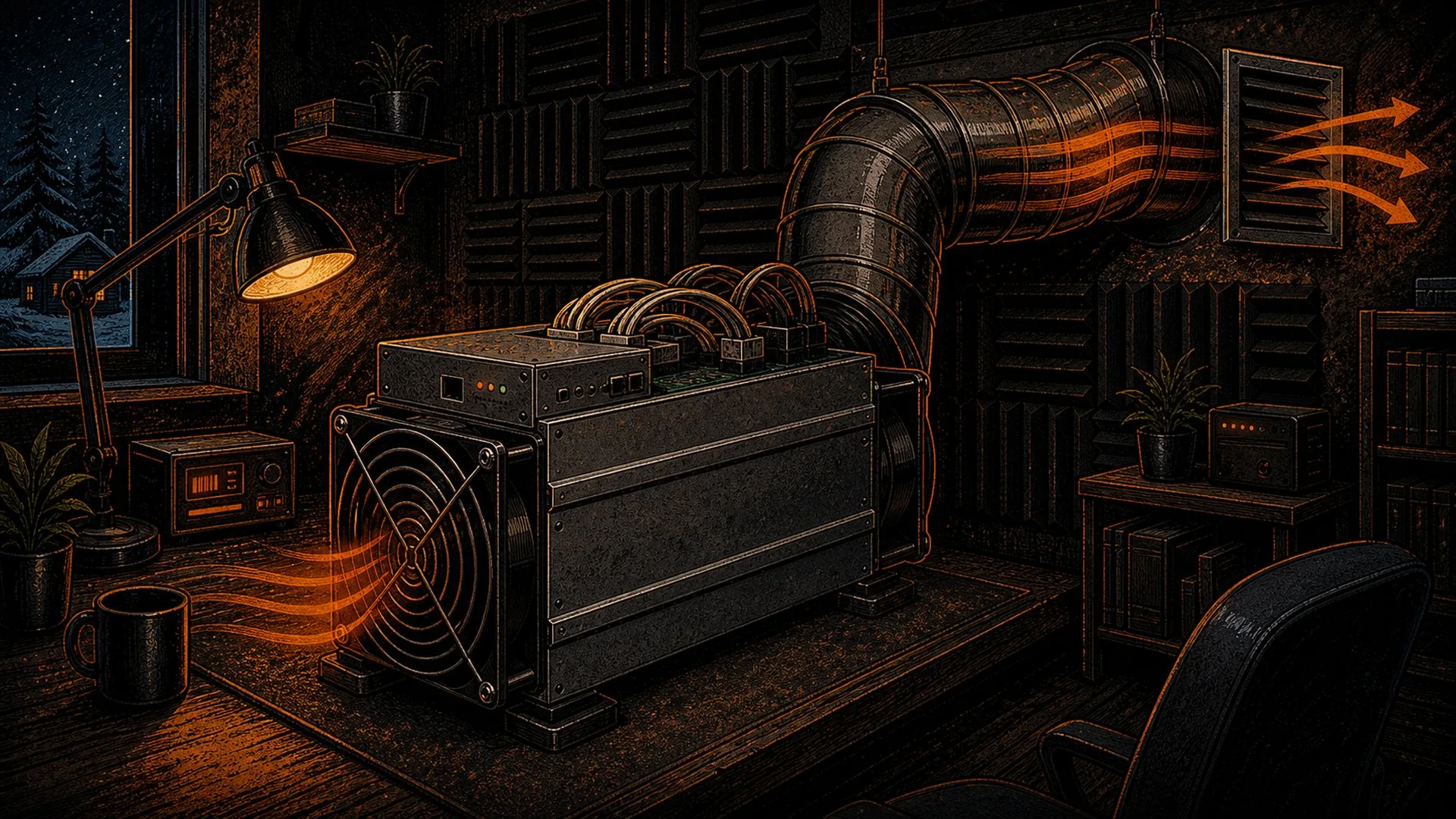
- Duct the exhaust, don’t seal the intake. Sending hot air out through insulated ducting (the basis of mining-as-heat setups) keeps noise down without starving the fans. Never build a closed box that restricts intake — a throttled, overheating S9 will ramp its fans right back up.
- Consider quieter fans only after underclocking. A swap to better-bearing fans helps, but it’s a refinement on top of a low heat load, not a substitute for it.
- Mind the room. A closet or utility space with a closed door does more for perceived noise than most enclosures, as long as ventilation is adequate.
If you want a deeper hardware-side complement to this firmware recipe, our broader treatment of choosing the right home miner covers which machines are genuinely living-space friendly when you don’t want to tune at all.
When silence isn’t worth the squeeze
A worn S9 with degraded boards or a tired PSU may never run quiet and stable at once — if hardware errors spike the moment you trim voltage, the chips or power supply are the problem, not your config. That’s a repair question, not a tuning one, and our ASIC repair service can tell you whether a board is salvageable. With S9-class hardware so cheap right now — see our take on the hardware price crash as a pleb buying window — it’s often smarter to source a cleaner unit than to nurse a dying one into silence.
Frequently asked questions
Does underclocking an S9 actually make it quieter?
Yes, indirectly. Underclocking lowers heat output, and lower heat lets the firmware run the fans at a much lower RPM. Since fan noise rises sharply with speed, a cooler-running S9 is dramatically quieter — and as a bonus it’s more efficient in J/TH.
Can I just turn the fans down without underclocking?
No — that’s the fast way to overheat. At stock frequency the chips need that airflow. If you cap fan speed without cutting heat, the S9 hits its thermal limit and either throttles (autodownscale kicks in) or spins the fans back up. Always underclock first, then set a fan ceiling.
Will a quiet S9 still earn anything?
A quiet, underclocked S9 produces less hashrate — expect roughly 9–11 TH instead of ~13.5 TH — so it earns proportionally fewer sats. For most home miners the point isn’t profit; it’s heat, sovereignty, and running your own node-adjacent hardware. The improved efficiency softens the power-cost side of that equation.
Is DCENT_OS the only firmware that can do this?
The takeaway
Quiet home mining on an S9 isn’t a foam-box trick — it’s a firmware decision. Underclock to cut heat, trim per-domain voltage to claw back efficiency, cap the fan curve, then soak-test. The result is a machine you can run in a living space that also happens to mine more efficiently than it did at the factory clock. It’s a small, concrete example of owning your hardware down to the operating point — one more layer decentralized.
If you want to run this recipe on real firmware as it matures, join the DCENT_OS beta waitlist. The S9 is where it starts; S19 and S21 support are coming next.