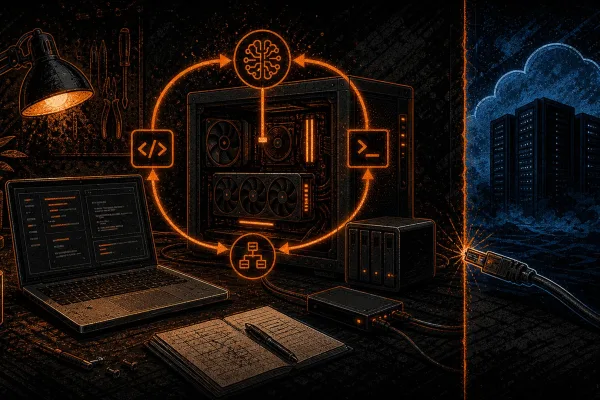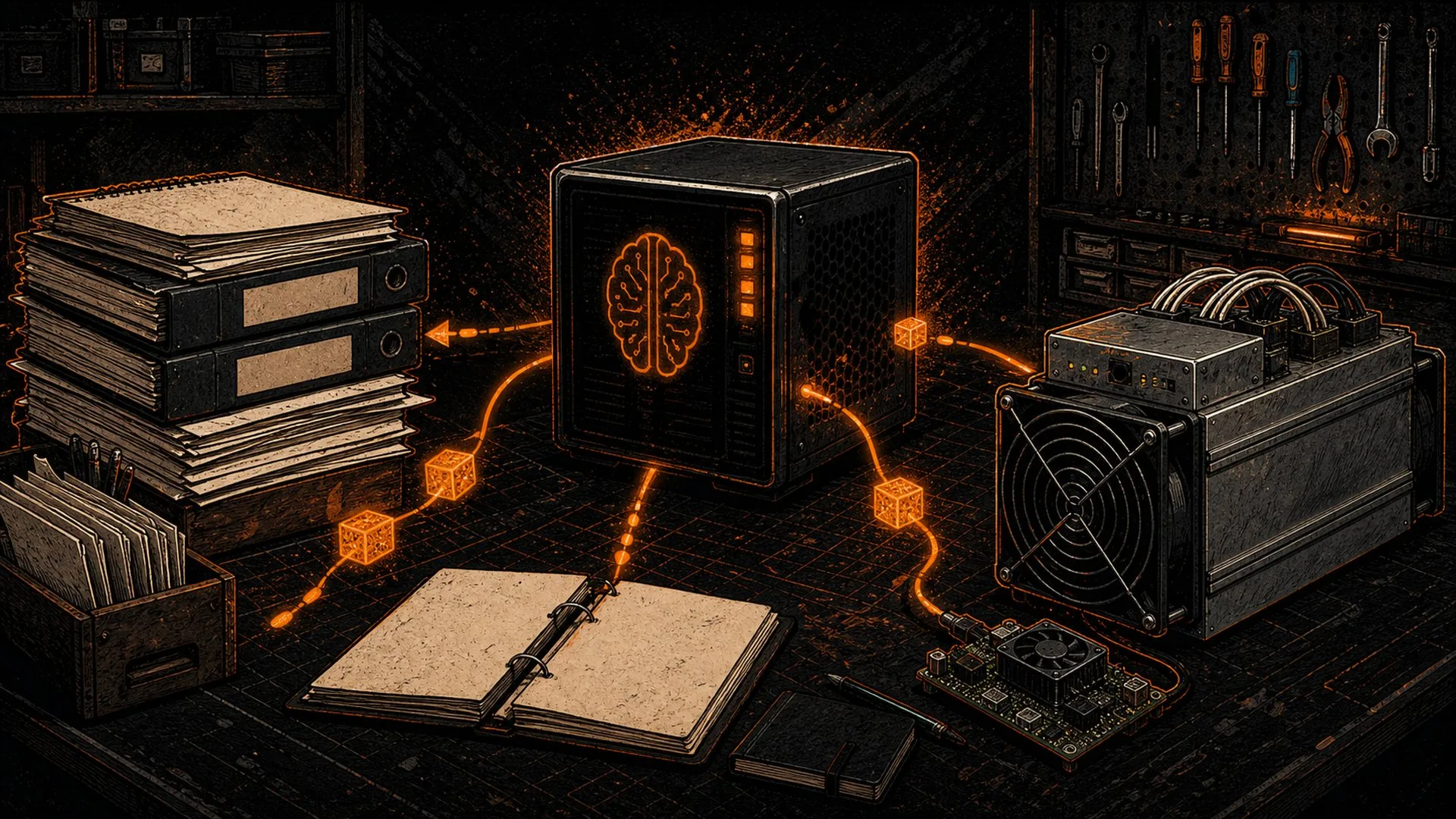
Every Bitcoiner who has ever stared at a blinking ERROR_TEMP_TOO_HIGH on a hashboard at 2 a.m. knows the drill: tab over to a search engine, wade through forum threads, and hope someone with the same firmware version already solved it. The problem is that the answer lives across a dozen PDFs, a pile of manufacturer manuals, and a few hundred error-code pages — none of it searchable in one place, all of it leaking your queries to whatever cloud service you typed them into. A self-hosted RAG setup fixes both problems at once. You point a local AI at your own corpus of miner documentation and ask plain-English questions, and it answers from your documents — fully offline, no account, no telemetry, no monthly bill.
This guide walks through a practical local RAG setup built entirely on hardware you control: local embeddings, a local vector database, and a local model served by Ollama. The worked example is the kind of corpus a mining household already accumulates — manufacturer manuals, firmware change-logs, and error-code references. By the end you will be able to chat with your documents offline, and you will understand exactly what each moving part does so you can swap any piece for the tool you prefer. This is the document-knowledge companion to running an offline LLM at all; if you have not yet installed a local model, start with our 10-minute Ollama install guide and come back.
What “RAG” actually means (in plain English)
RAG stands for retrieval-augmented generation. Strip the jargon and it is a two-step trick. First, retrieval: when you ask a question, the system searches your documents for the few passages most relevant to it. Second, generation: it hands those passages to a language model along with your question and says, in effect, “answer this using only the text below.” The model writes a fluent reply, but the facts come from your files rather than from whatever the model memorised during training.
That distinction matters enormously for mining work. A general-purpose model has no idea which PSU fault code maps to which board on your specific firmware build. It will happily invent something plausible — the dreaded hallucination. RAG grounds the answer in the actual manual text, so the model stops guessing and starts quoting. It also means you can update the knowledge instantly: drop a new firmware release-note into the folder, re-index, and the assistant knows it. No retraining, no GPU farm, no waiting.
Crucially, none of this requires sending your documents anywhere. The whole pipeline — turning text into searchable vectors, storing them, and running the model that reads them — happens on your own machine. That is the sovereignty payoff: your knowledge base stays as private as your seed phrase. It is the same own-your-data principle that runs through everything in our sovereignty hub.
The four parts of a local RAG pipeline
A self-hosted RAG stack is just four components wired together. Understand these and you can build it with whatever tools you like.
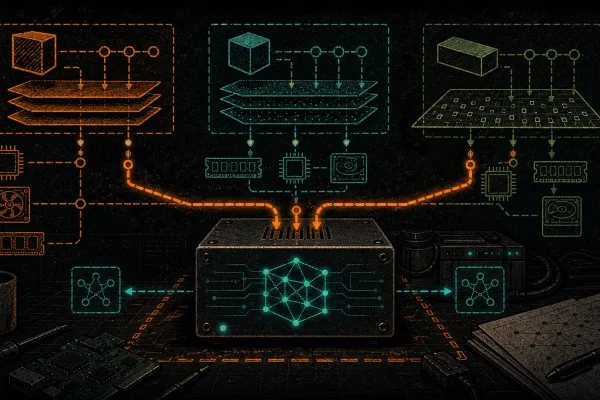
- The loader/chunker — reads your PDFs, manuals, and text files and slices them into bite-sized passages (typically 300–800 words each). Models can only “see” a limited window of text at once, so you feed them chunks, not whole books.
- The embedding model — converts each chunk into a vector, a long list of numbers that captures its meaning. Two passages about overheating boards land near each other in this number-space even if they use different words. This is the part that makes search understand meaning, not just keywords.
- The vector database — stores those vectors and finds the closest matches to your question in milliseconds. This is your local “vector database,” and it can be a single file on disk.
- The language model — the local LLM, served by Ollama, that reads the retrieved chunks and writes the answer.
The first three build the searchable index once, ahead of time. The fourth runs every time you ask a question. Keeping that mental model clear is what makes the whole thing easy to debug later.
Choosing your local pieces
You have real choices at each layer, and all of them can run on a modest desktop with a single consumer GPU — or even CPU-only if you are patient. Here is a sane default stack and the trade-offs.
| Layer | Sane default | Why | Lighter / heavier option |
|---|---|---|---|
| Embeddings (local) | nomic-embed-text via Ollama | Runs locally through the same Ollama you already use; small and fast | all-MiniLM (lighter) / mxbai-embed-large (heavier, better recall) |
| Vector store (local) | Chroma (single-file, SQLite-backed) | Zero server to run; lives in one folder you can back up | FAISS flat file (lighter) / Qdrant (heavier, multi-user) |
| Generation model | An 8B-class instruct model in Ollama | Fits in ~6–8 GB VRAM at Q4 quantization; good enough to summarise retrieved text | 3B model (CPU-friendly) / 14B+ (better reasoning, more VRAM) |
| Orchestration | A ~60-line Python script, or Open WebUI’s built-in document feature | Full control vs. zero-code GUI | — |
If the model itself is the part you are unsure about, our breakdown of GGUF and Q4/Q8/fp16 quantization explains why a Q4 8B model is the home-lab sweet spot, and our runner comparison covers why Ollama is the easiest backbone for this kind of project.
Building it: the worked dataset
The reason this guide uses miner docs is that D-Central already maintains exactly the kind of corpus RAG was built for: a structured library of 650+ documented Antminer error codes, manufacturer manuals, and firmware notes spanning the whole Bitmain and competitor lineup. That is a perfect first dataset because it is text-dense, full of model numbers and fault strings, and genuinely annoying to search by hand. You can assemble your own version from the manuals that came with your hardware plus saved release-notes — the same files you would otherwise lose in a downloads folder.
Step 1 — gather and clean
Drop every relevant PDF, manual, and .txt into one folder. Strip out anything that is pure boilerplate (legal disclaimers, repeated headers) so the index stays focused. Garbage in the corpus becomes garbage in the answers.
Step 2 — chunk and embed
Run each document through the loader to split it into overlapping chunks, then send each chunk to the embedding model. A small overlap (say 10–15%) between consecutive chunks prevents an answer from being cut in half at a chunk boundary. Each chunk’s vector goes into Chroma along with a note of which document and page it came from — that metadata is what lets the assistant cite its source.
Step 3 — wire up retrieval and generation
For a question, embed the query with the same embedding model, ask Chroma for the top three to five closest chunks, and stuff them into a prompt template: a short system instruction (“answer only from the context below; if it is not there, say so”), the retrieved chunks, and the user’s question. Send that to your Ollama model and stream the reply.
Step 4 — make it answer honestly
The single most important line in the whole build is the instruction telling the model to refuse when the documents do not contain the answer. Without it, RAG still hallucinates on the gaps. With it, your assistant says “that fault code is not in the loaded manuals” — which is exactly what a sovereign tool should do instead of bluffing.
Why offline RAG beats a cloud chatbot for mining work
It is fair to ask why bother, when a cloud assistant already answers questions. Three reasons stand out for this audience.
Privacy. Your maintenance history, your firmware versions, your facility quirks — none of it should be training data for a third party. A local pipeline keeps the entire corpus and every query on your own disk. This is the same logic behind running your own node instead of trusting a block explorer.
Accuracy on your hardware. A cloud model answers from a generic internet average. Your RAG answers from the exact manual for the exact board revision you own. When a wrong answer means a fried hashboard, that specificity is worth building for. Pair it with our offline LLM that reads your miner logs and you have a closed-loop diagnostic assistant that never phones home.
Resilience. When the ISP drops or the API you depend on changes its pricing overnight, your offline assistant keeps working. The plebs who self-host are the ones still online when the convenient option goes dark. The broader case for owning the whole stack — not just the model — is laid out in Own Your Compute.
A note on accuracy and humility
RAG narrows hallucination dramatically, but it does not eliminate it. The model can still misread a table or stitch two unrelated chunks together. Treat the output as a fast first draft from a very well-read intern, not as gospel — verify any fix against the actual manual page it cites before you act on a live miner. The whole point of keeping the source metadata is that you can check. And like every tool in the open-source AI space, this pipeline stands on the shoulders of the embedding-model researchers, the vector-database authors, and the local-runner community who made any of it possible on home hardware.
From a personal index to a sovereign stack
DCENT_OS is D-Central Technologies’ GPL-3.0 open-source Bitcoin mining firmware for selected Bitmain Antminer ASIC miners. Guarded artifacts exist only for exact S9 XIL and S19j Pro XIL lanes; install evidence is incomplete and neither is production-ready. Check the exact evidence ledger.
Frequently asked questions
Do I need a powerful GPU to run a local RAG?
No. The retrieval half (embeddings plus the vector database) is light enough to run on CPU. The generation half is the demanding part, and an 8B-class model at Q4 quantization fits comfortably in roughly 6–8 GB of VRAM. A 3B model will run on CPU alone if you can tolerate slower responses, so even a modest desktop is enough to get started.
How is this different from just pasting a manual into a chatbot?
Pasting works for one short document, but you hit context limits fast and you re-paste every session. RAG indexes your entire library once, then retrieves only the few passages relevant to each question — so you can query hundreds of manuals at once, the assistant cites its source, and nothing leaves your machine.
Can the assistant stay current as firmware changes?
Yes, and cheaply. Because the knowledge lives in the vector index rather than inside the model’s weights, you never retrain anything. Drop a new release-note into the corpus folder, re-run the chunk-and-embed step, and the assistant immediately knows the update.
Is my data really private with this setup?
If every component is local — local embeddings, a local vector store, and an Ollama model — then yes, no document or query ever leaves your hardware. The only way to leak data is to deliberately swap in a cloud embedding or generation API, which defeats the purpose.
Build it, then build on it
DCENT_OS is D-Central Technologies’ GPL-3.0 open-source Bitcoin mining firmware for selected Bitmain Antminer ASIC miners. Guarded artifacts exist only for exact S9 XIL and S19j Pro XIL lanes; install evidence is incomplete and neither is production-ready. Check the exact evidence ledger.