Can You Run AI Without the Internet? What an Offline LLM Still Needs
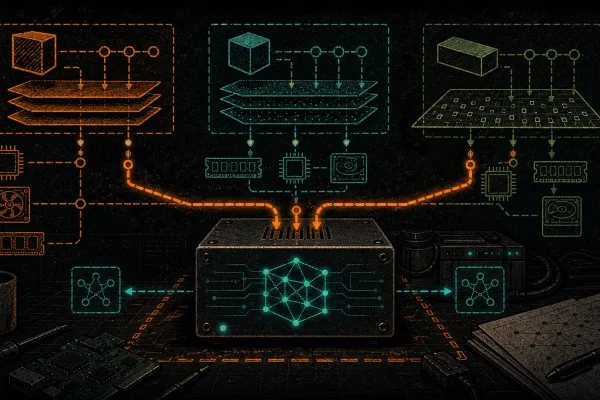
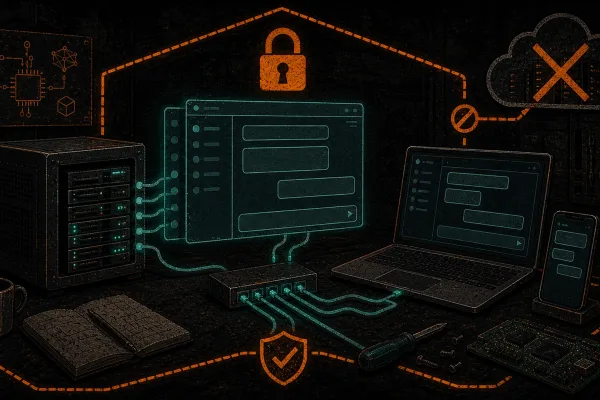
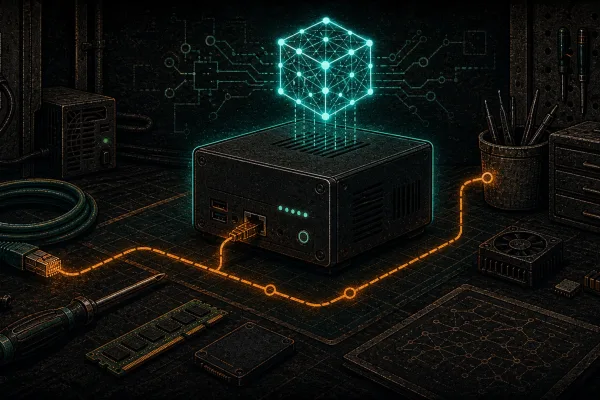
Local AI / published August 18, 2026 Can You Run AI Without the Internet? What an Offline LLM Still Needs Yes: downloaded model weights and…
Installation and operation guides for Ollama, LMStudio, ComfyUI, Open WebUI, and more.
Local AI / published August 18, 2026 Can You Run AI Without the Internet? What an Offline LLM Still Needs Yes: downloaded model weights and…
LLM customization / published August 17, 2026 RAG vs Fine-Tuning: Two Different Ways to Customize an LLM RAG supplies selected information when a request is…
AI operations / published August 15, 2026 What Is AI Inference? Training, Fine-Tuning and Model Serving Explained Inference is the moment a trained AI model…
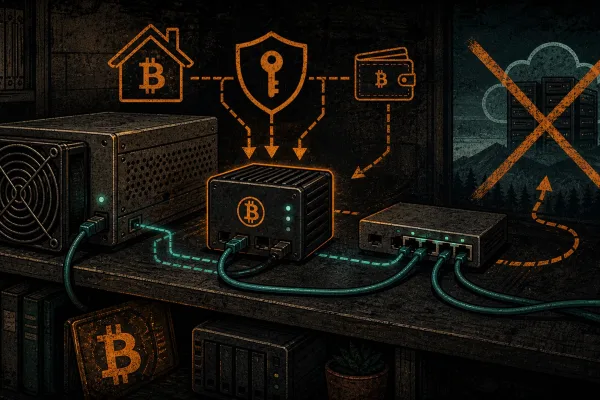
NixOS for sovereign Bitcoiners: a declarative, reproducible node plus local AI, Tor and a Nostr relay in one config, with atomic rollbacks.
Claude Code and Codex are cloud agents. Here’s what it really takes to run an equivalent local coding agent fully offline on open weights, and when to do it.
Build a fully offline self-hosted RAG: local embeddings, a local vector database, and Ollama, so a local AI answers from your own miner docs. No cloud.
How much VRAM to run local AI? Size any LLM with params x quant + context, see tokens/sec by GPU tier, and buy the right card. A pleb’s sovereign-stack guide.
DeepSeek’s DualPath (arXiv 2602.21548) is a datacenter serving system that breaks the KV-cache storage bottleneck in agentic AI. What it is, and why it matters.
Should you run AI locally or in the cloud? A plain-English comparison of cost, privacy, control and capability, including where the cloud still wins.
Lost a cloud AI model overnight? Here is how to run a capable LLM locally: hardware, model picks, and air-gapped setup, step by step, honestly.
There is a question hiding inside every “autonomous AI agent” demo that nobody on stage wants to answer: when your agent needs to buy something…
Gate an MCP tool behind an L402 paywall so any AI agent that calls it pays sats per invocation — no accounts, no API keys, no middleman. The reference shape, what you can sell, and the honest limits.
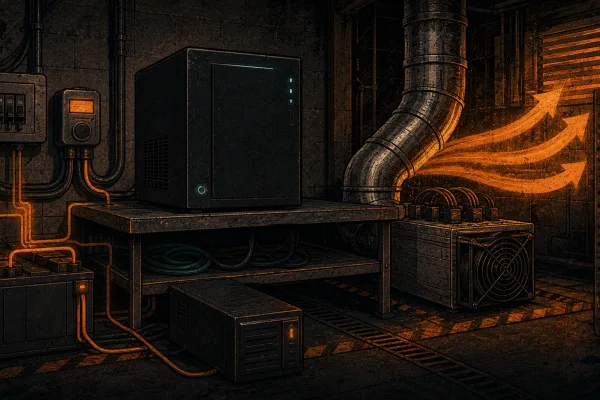
Every Ollama guide stops at “ollama run.” The real sovereignty question is the power, cooling, and heat under a box that runs 24/7 — the exact thing Bitcoin miners already understand.
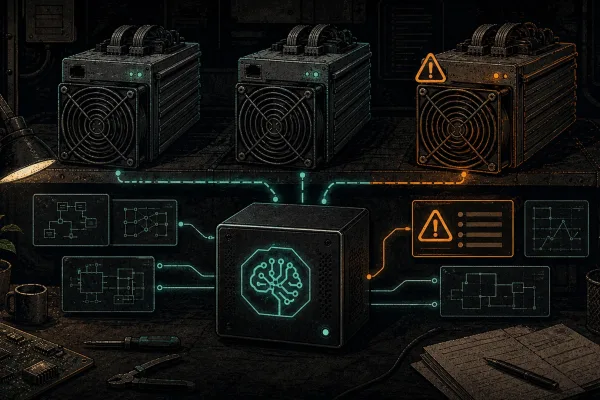
Run a local LLM on your own host box to read your miner logs, explain cryptic errors in plain language, and babysit your rigs overnight. It runs on your hardware next to the ASIC, never on the miner, grounded in D-Central error-code data, and it never phones home.
Coding agents like Claude Code call hosted models by default — they do not run Claude offline. The honest air-gapped path: point an open agent harness (Codex) at a local open-weight model via Ollama. Here is what really runs offline, the hardware you need, and the honest capability gap.
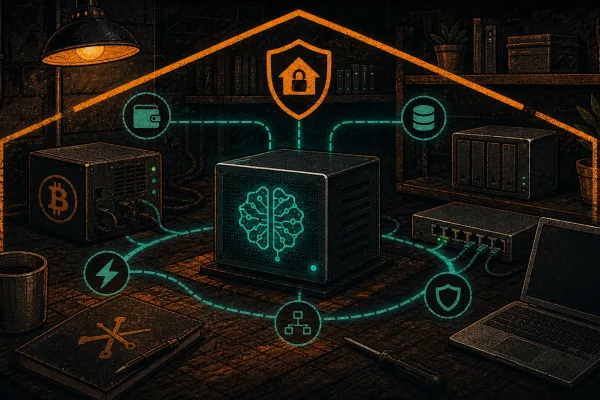
You already run a node on hardware you own. That same sovereign box can host an open agent (Hermes, by Nous Research) instead of renting a VPS. Own your compute the way you own your keys – honestly, with the trade-offs spelled out.
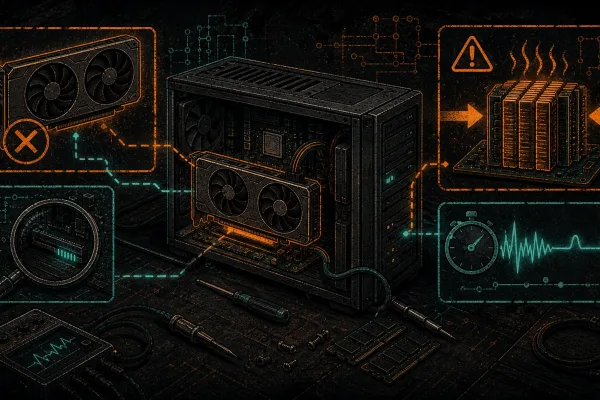
Self-hosted AI breaks. So does firmware. Troubleshooting is a skill plebs already have — this post just translates the common AI failure modes (GPU not detected, OOM on load, slow tokens, service won’t start) into the vocabulary you already use.
Self-hosted AI isn’t as easy as opening ChatGPT — but for plebs who already run nodes and miners, the learning curve is half what it looks like. Here’s the whole picture before you install anything.
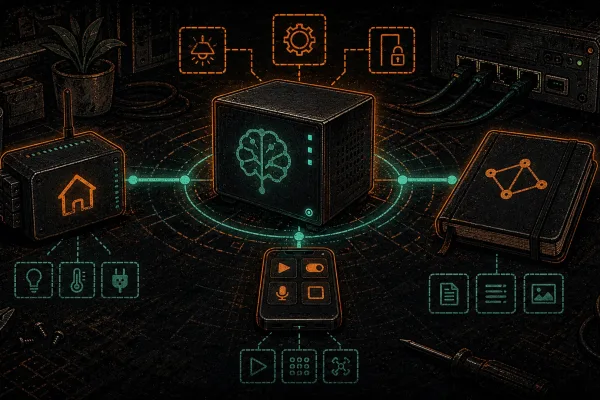
ChatGPT is worth its monthly fee because it powers your tools. Your local Ollama speaks the same OpenAI API. Here’s how to wire Home Assistant voice, Obsidian notes, VS Code Continue, and iPhone Shortcuts to your Hashcenter — no subscriptions, no cloud.
Three excellent open-source runners. Three different plebs. llama.cpp is the foundation Gerganov built. Ollama wraps it for daemon simplicity. LM Studio wraps it in a polished GUI. Here’s the 15-minute decision guide.
The terminal is fine for testing, unusable for daily driving. Open WebUI is the ChatGPT-style interface that plugs into your local Ollama — multi-user, RAG, web search, reachable from anywhere over Tailscale. One Docker command; your Hashcenter becomes your private ChatGPT.
You installed Ollama and got local chat. Time for local image generation. ComfyUI runs SDXL, SD 3.5, and FLUX.1 on hardware you already own — the Midjourney/DALL-E subscription you can cancel. Here’s the pleb on-ramp.
Ten minutes, three commands, one evening. By the end you’ll have Llama 3.1 or Gemma 3 running locally on your own hardware. No subscription, no API key, no prompts leaving the LAN.
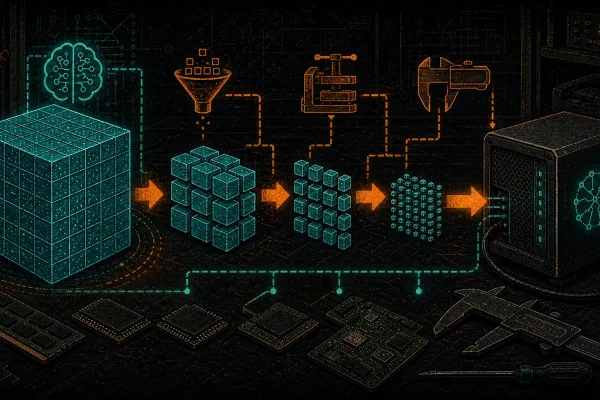
Quantization is lossy compression for LLMs — same idea as JPEG for photos. It’s the reason a used 3090 runs 70B models and an 8 GB laptop runs Phi-3.5. Here’s what the Q4_K_M and GGUF suffixes actually mean, and which quant to pick for your rig.
Last reviewed April 16, 2026.